Most people reach for a resume tool at a very ordinary moment. A promising vacancy is open in one tab, an old resume is open in another, and the deadline suddenly feels close. The candidate knows the experience is there. Turning it into a focused application is the tiring part.
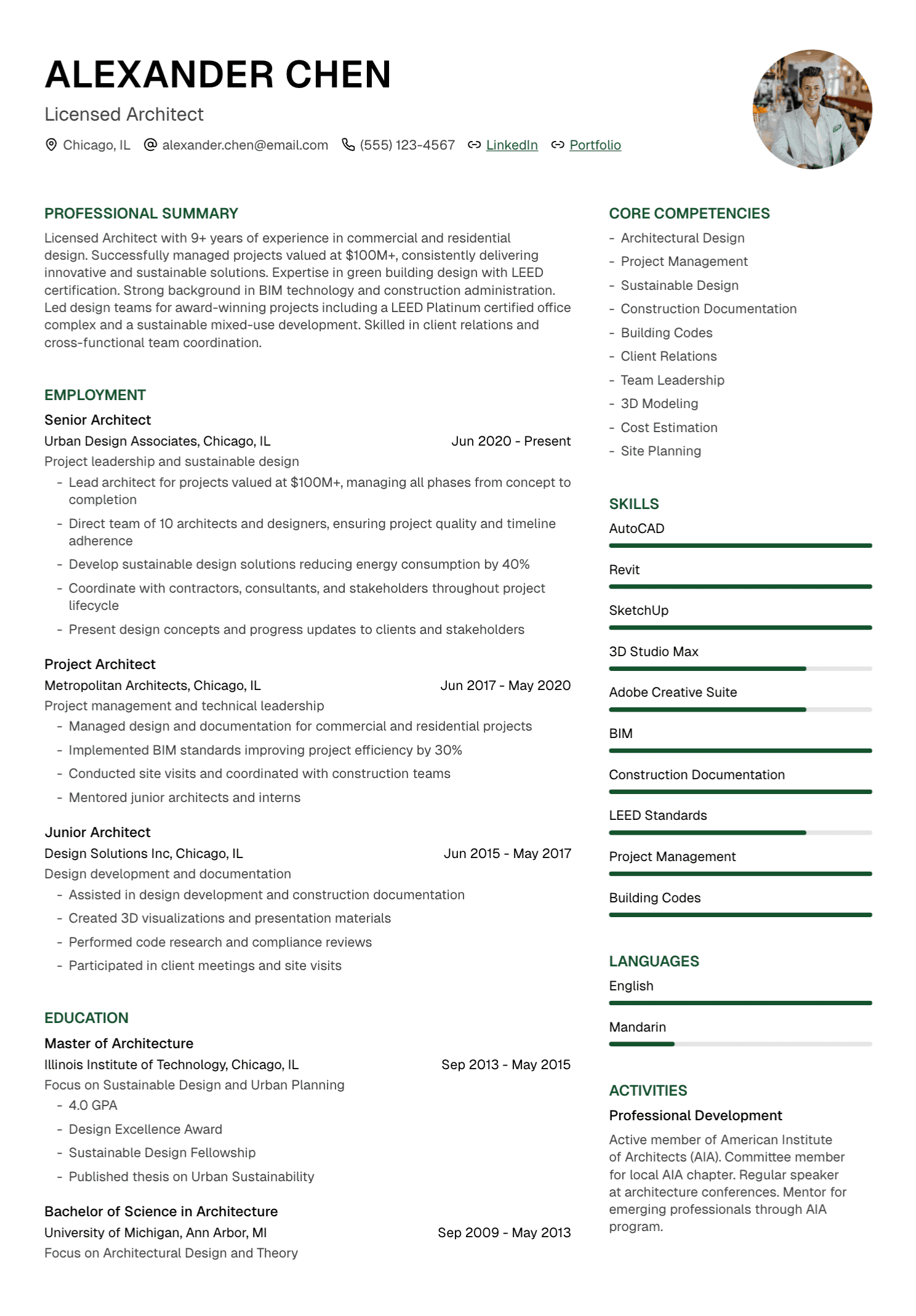
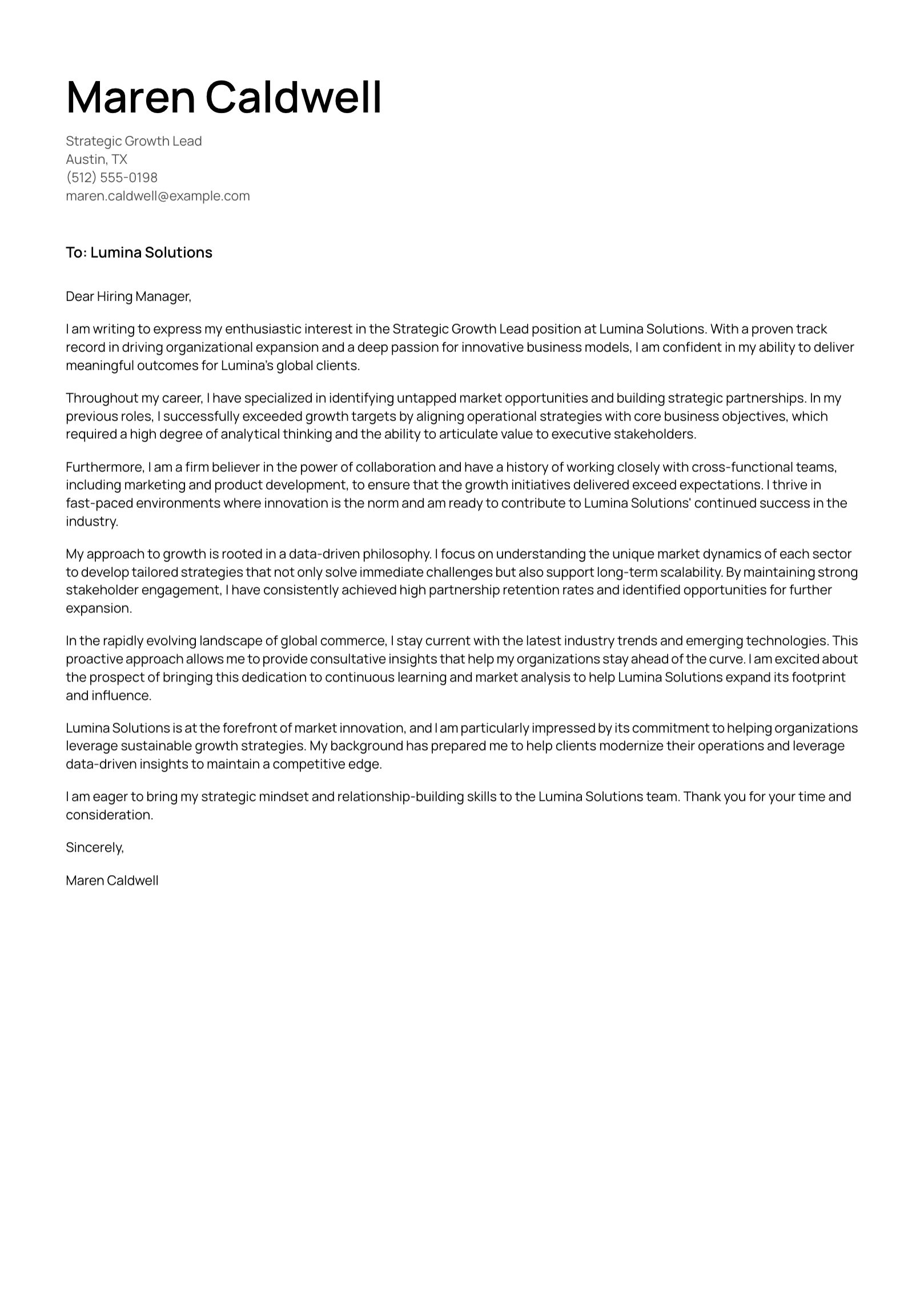
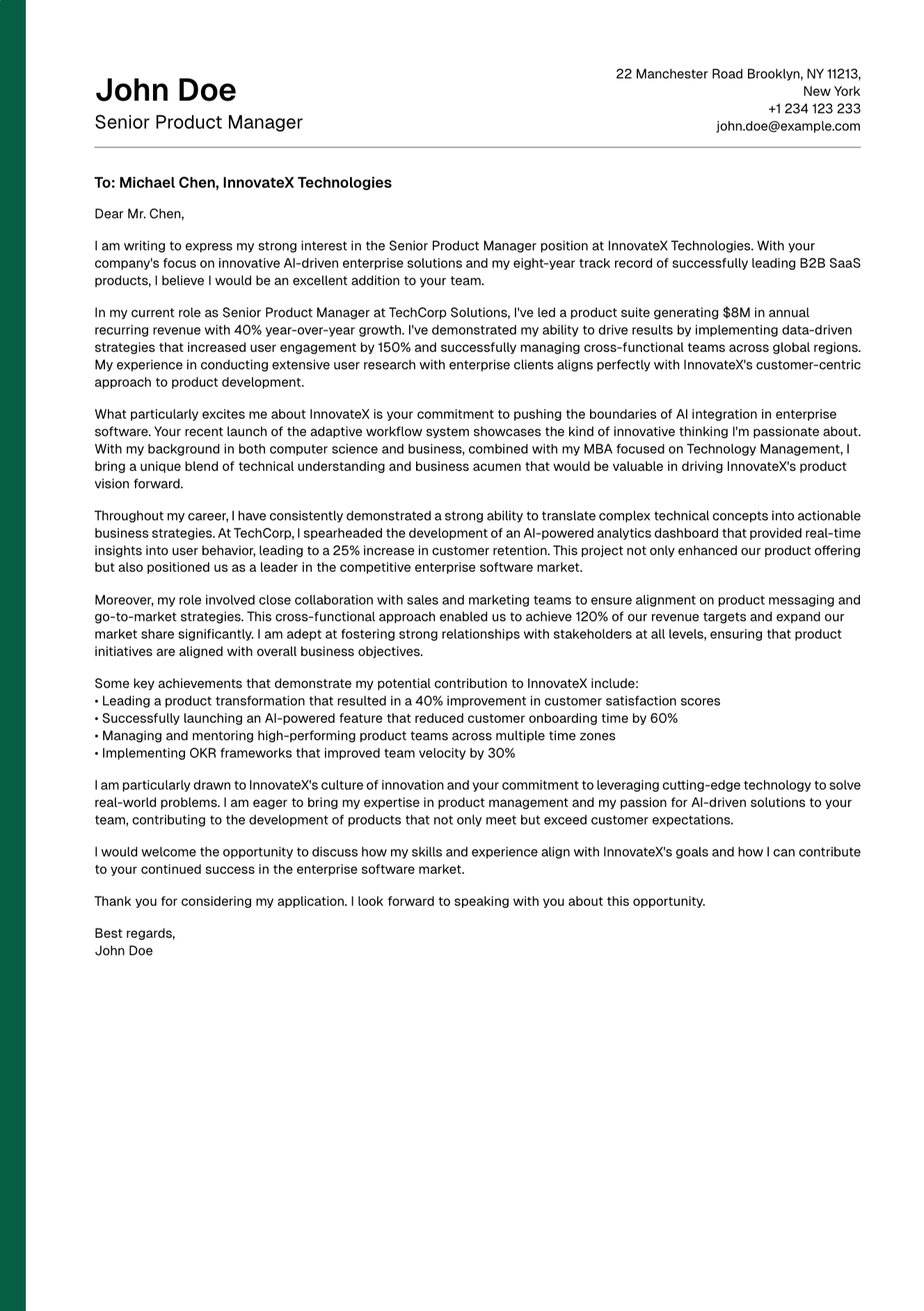
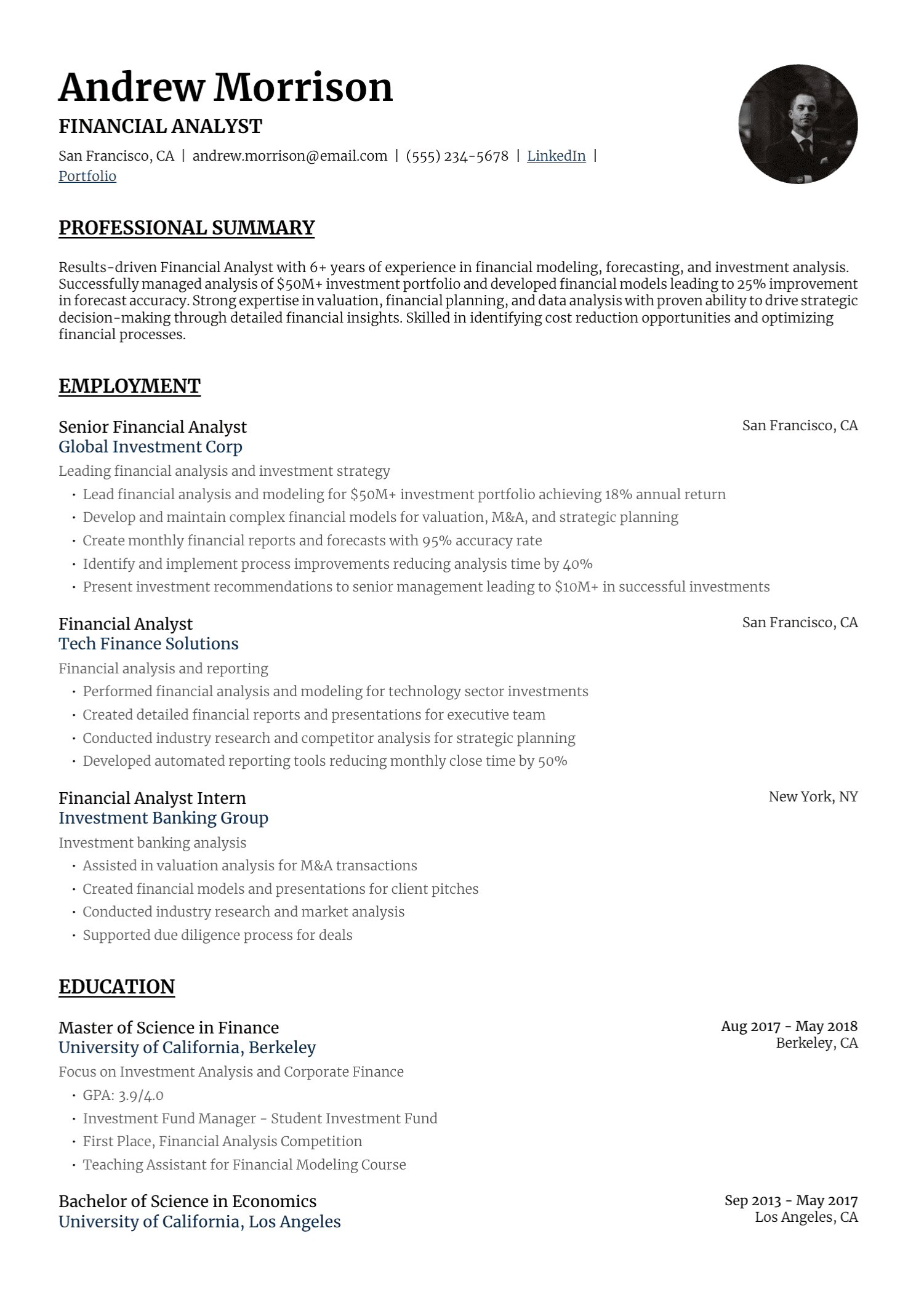
UseResume brings that work into one place. You can upload or create a resume, add a job description, review tailored language, choose a template, export a PDF, and prepare a cover letter. AI supports the drafting process. You remain the editor and the source of truth.
What UseResume Is Designed to Help With
A strong application usually begins with a broad career record and ends with a selective document. The job description tells you which parts of your experience deserve priority. UseResume helps connect those two stages.
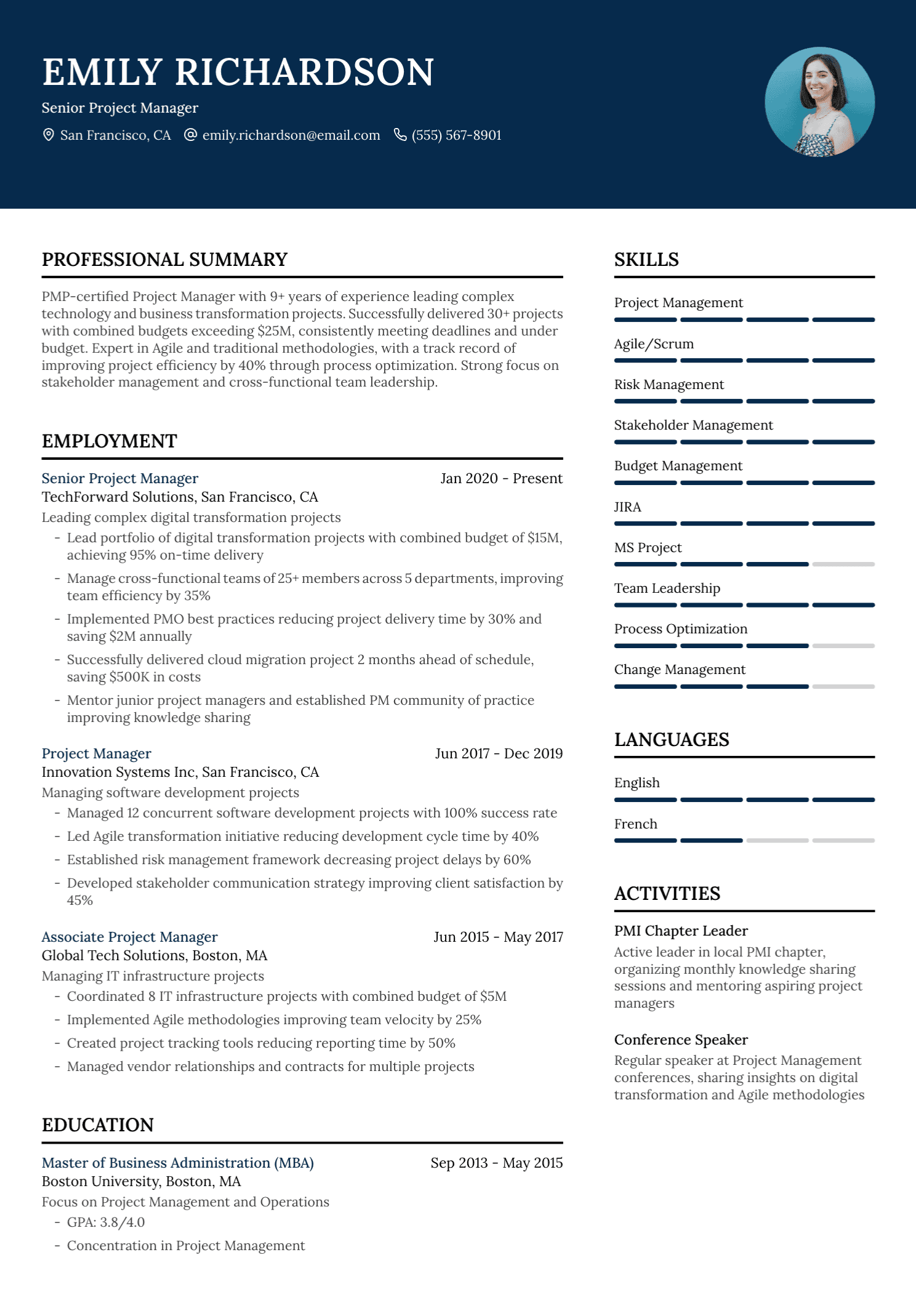
For a project-management role, the tailored resume may bring delivery, stakeholder, budget, and risk experience forward. A marketing application may emphasize campaign strategy, audience growth, analytics, and revenue contribution. The underlying career facts stay the same. Their order and level of detail change with the role.
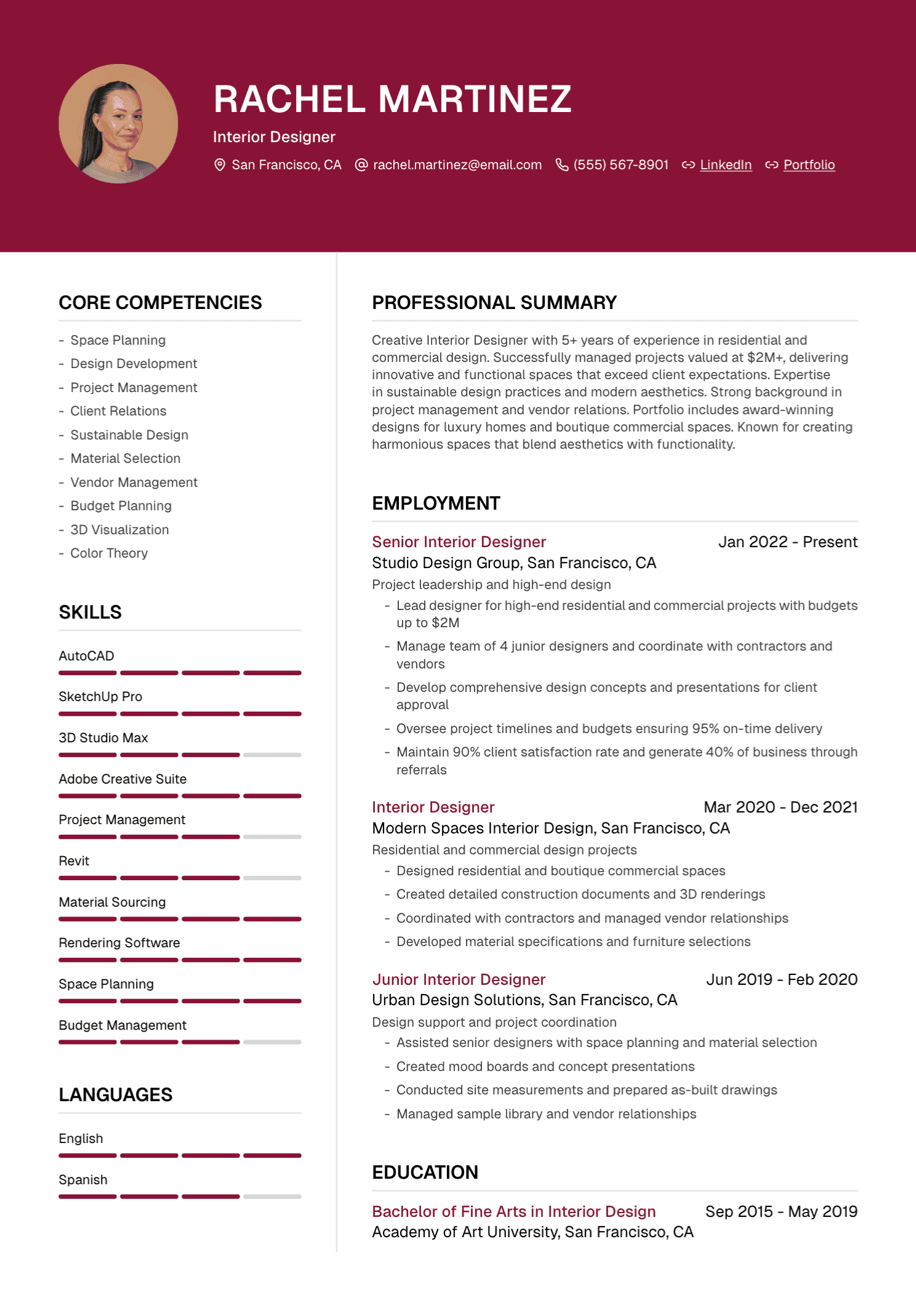
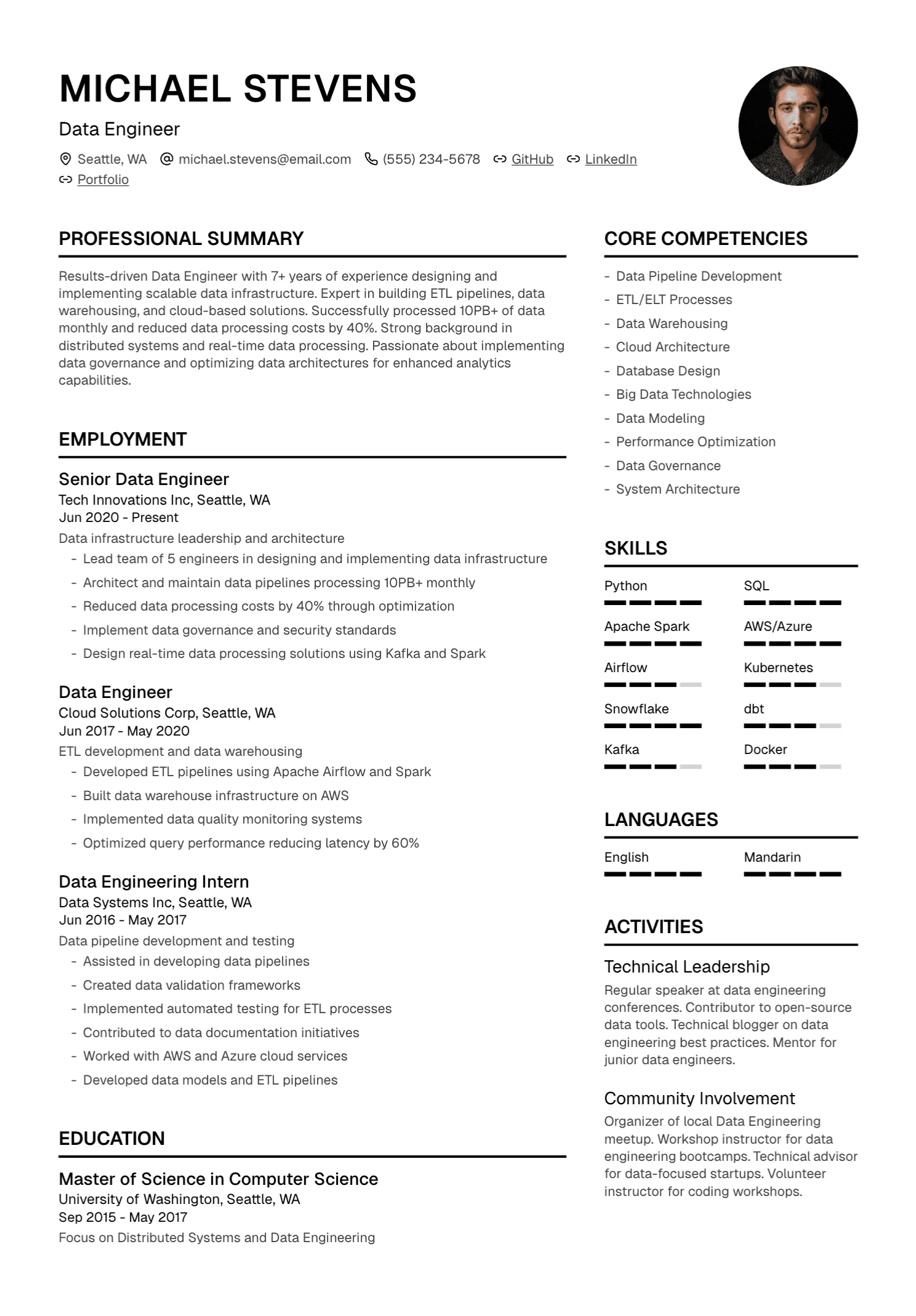
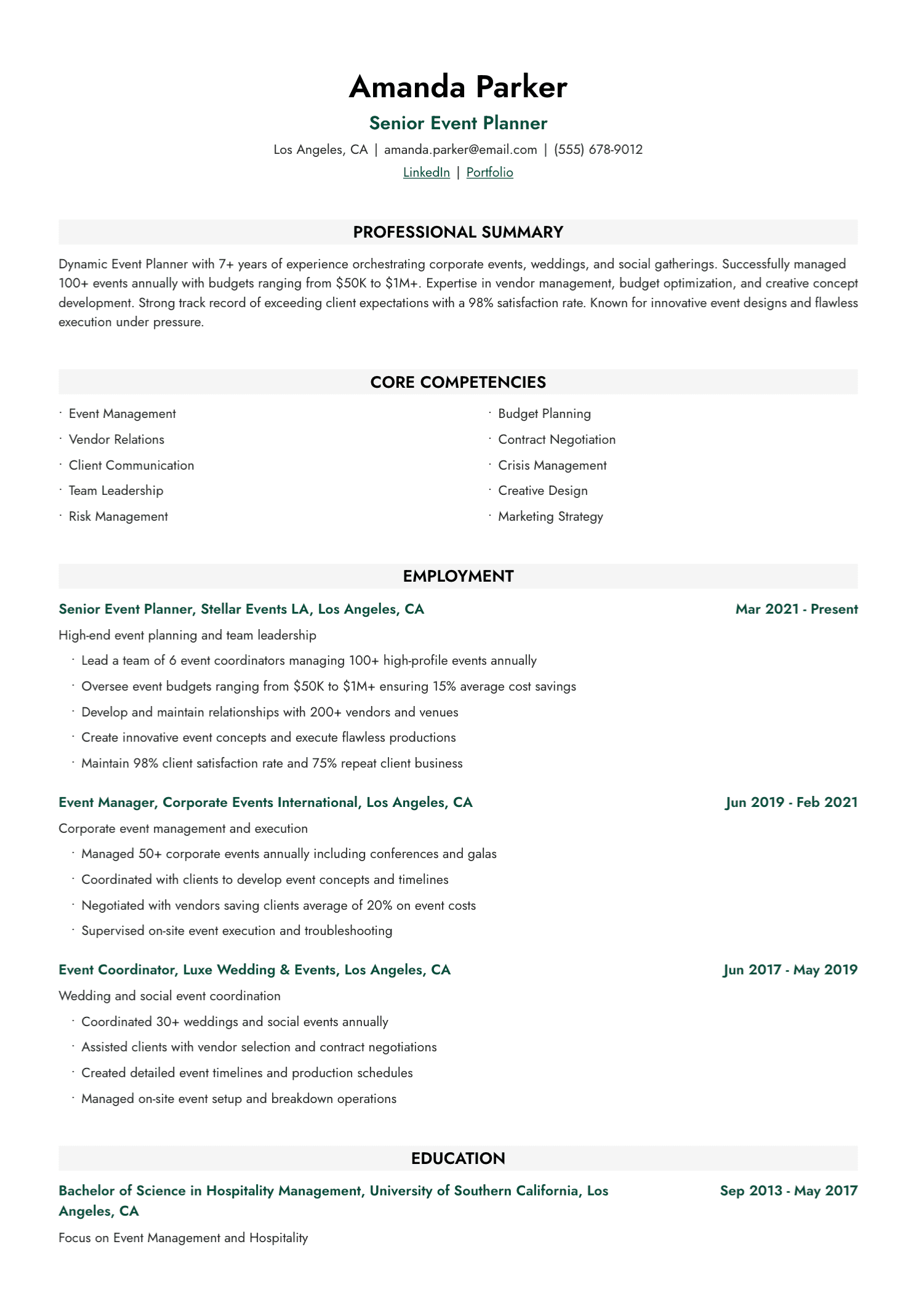
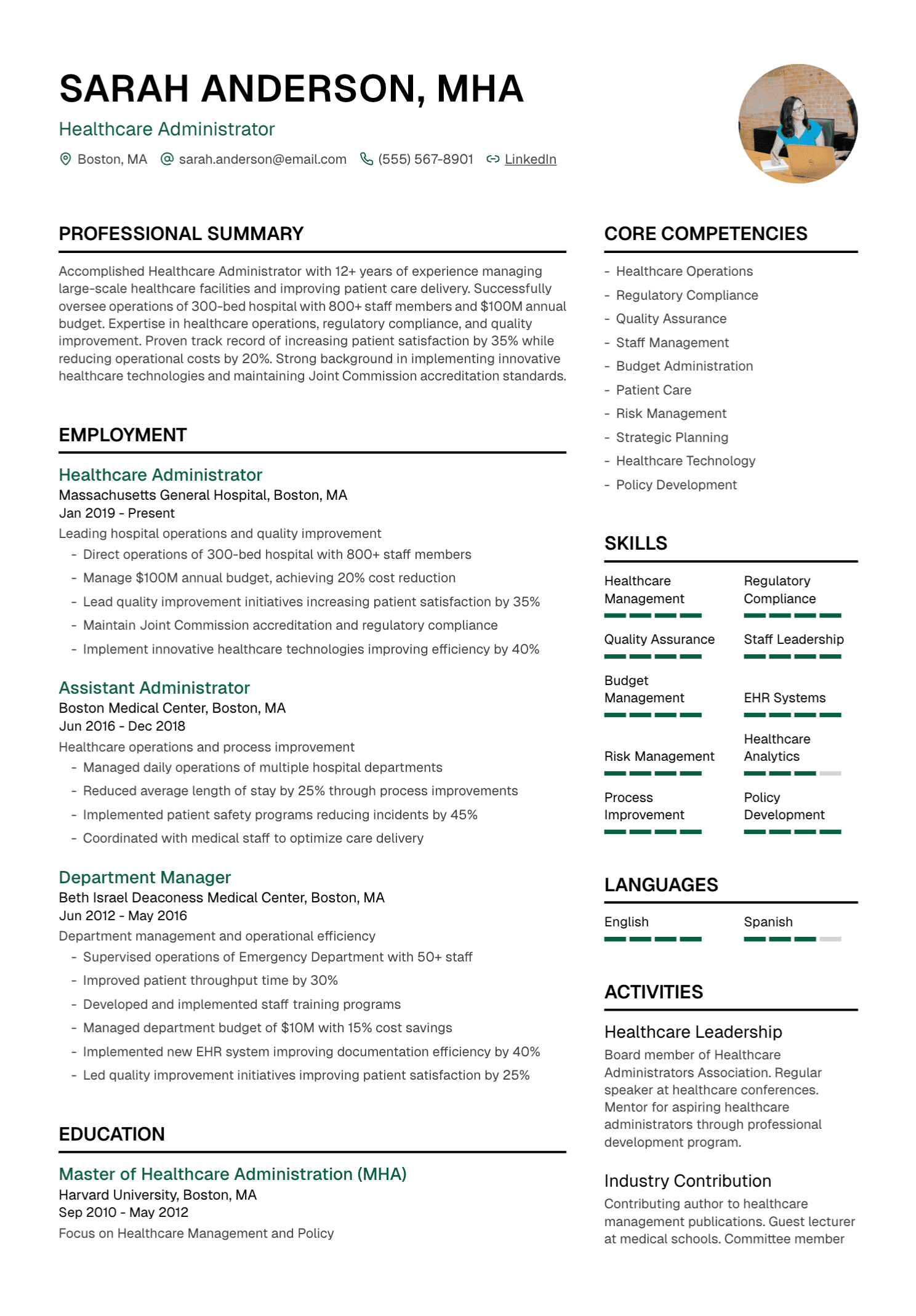
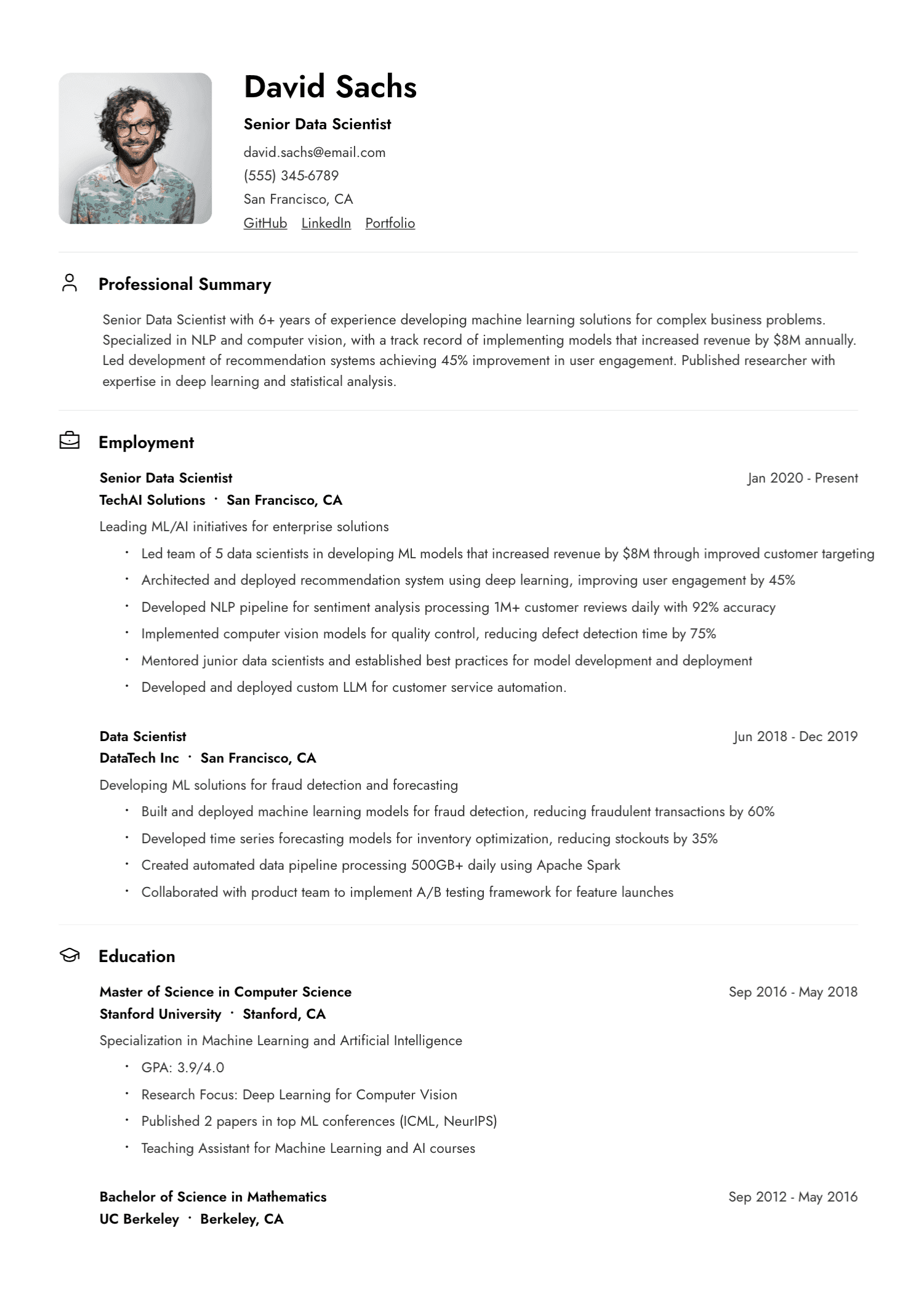
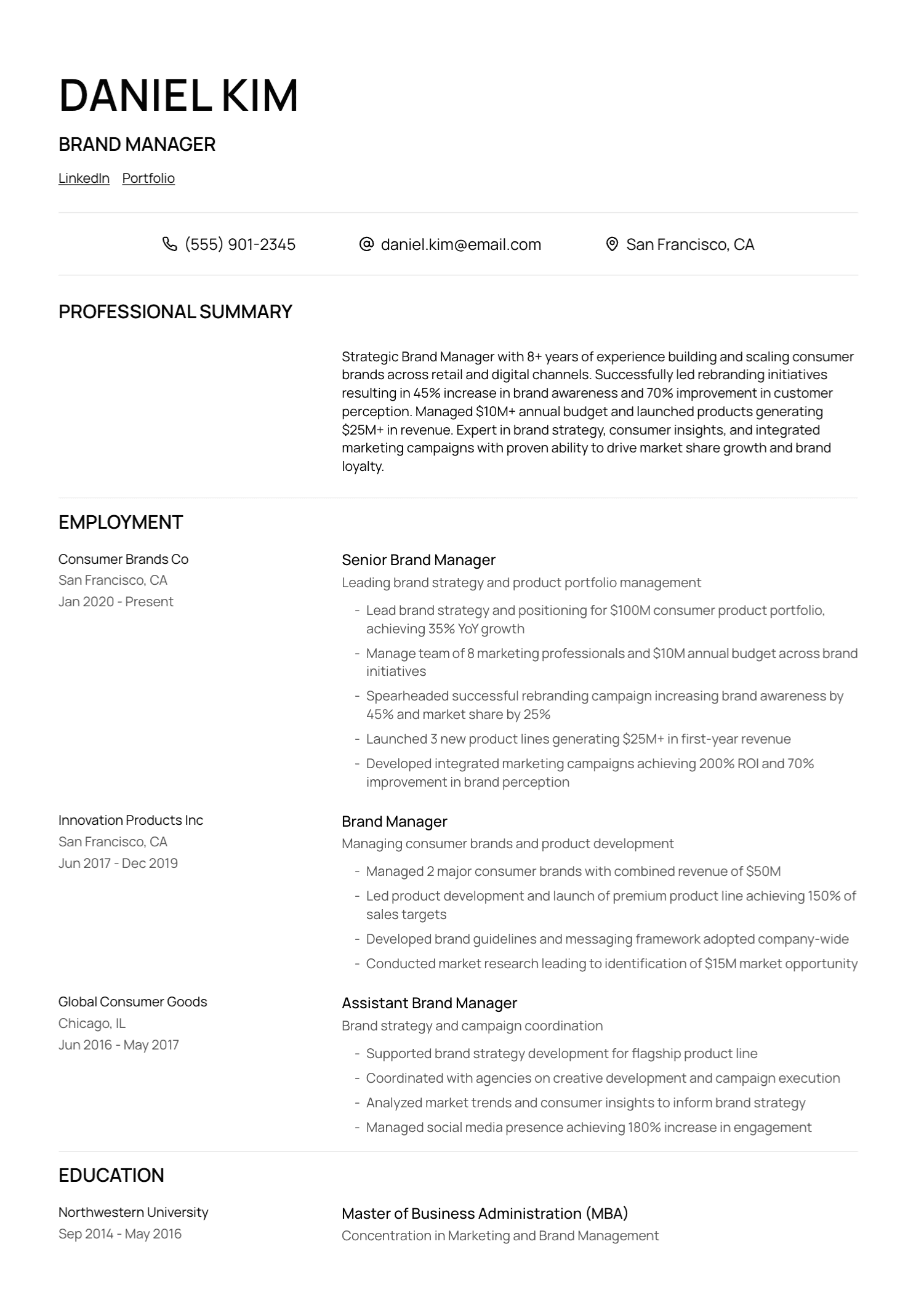
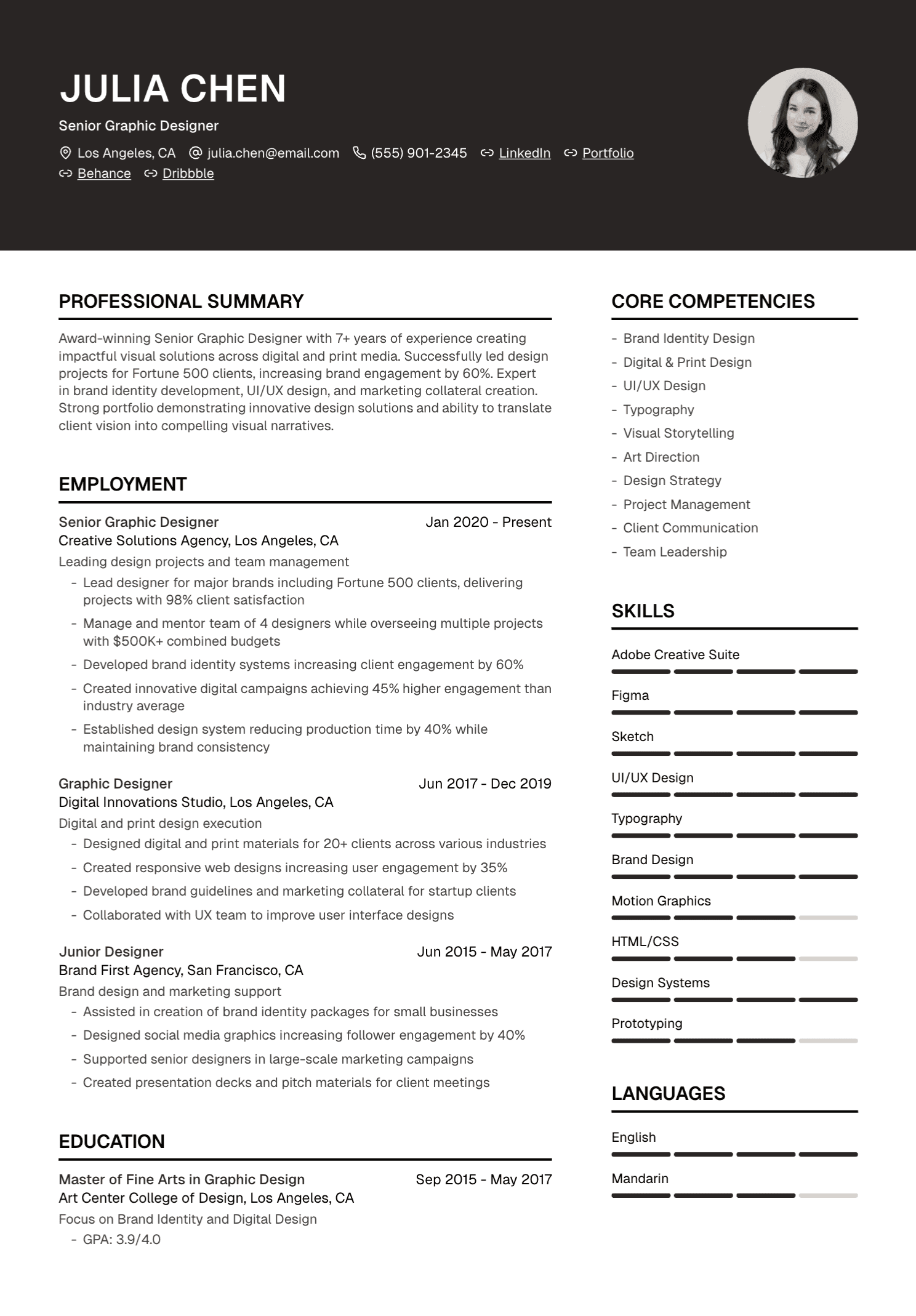
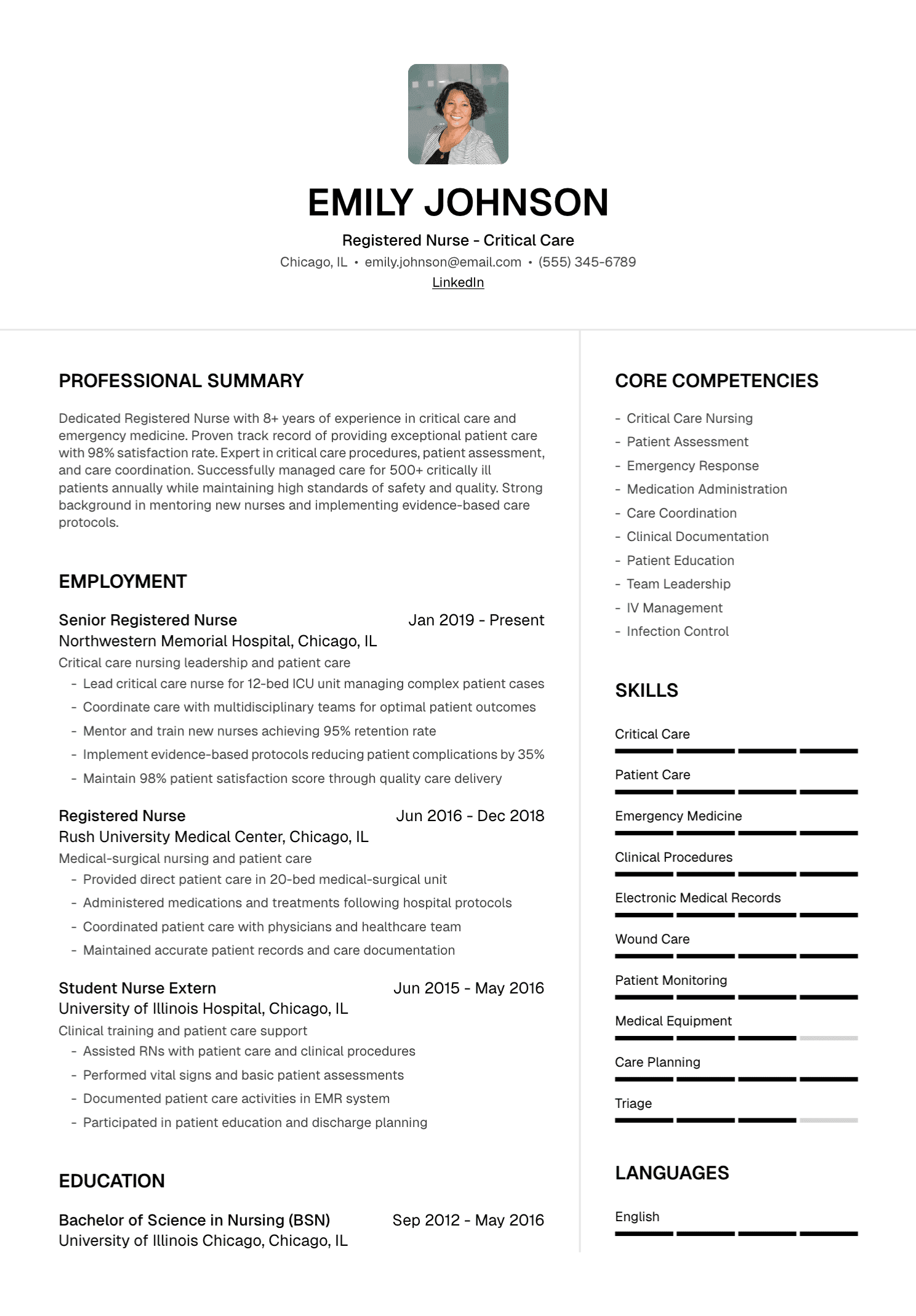
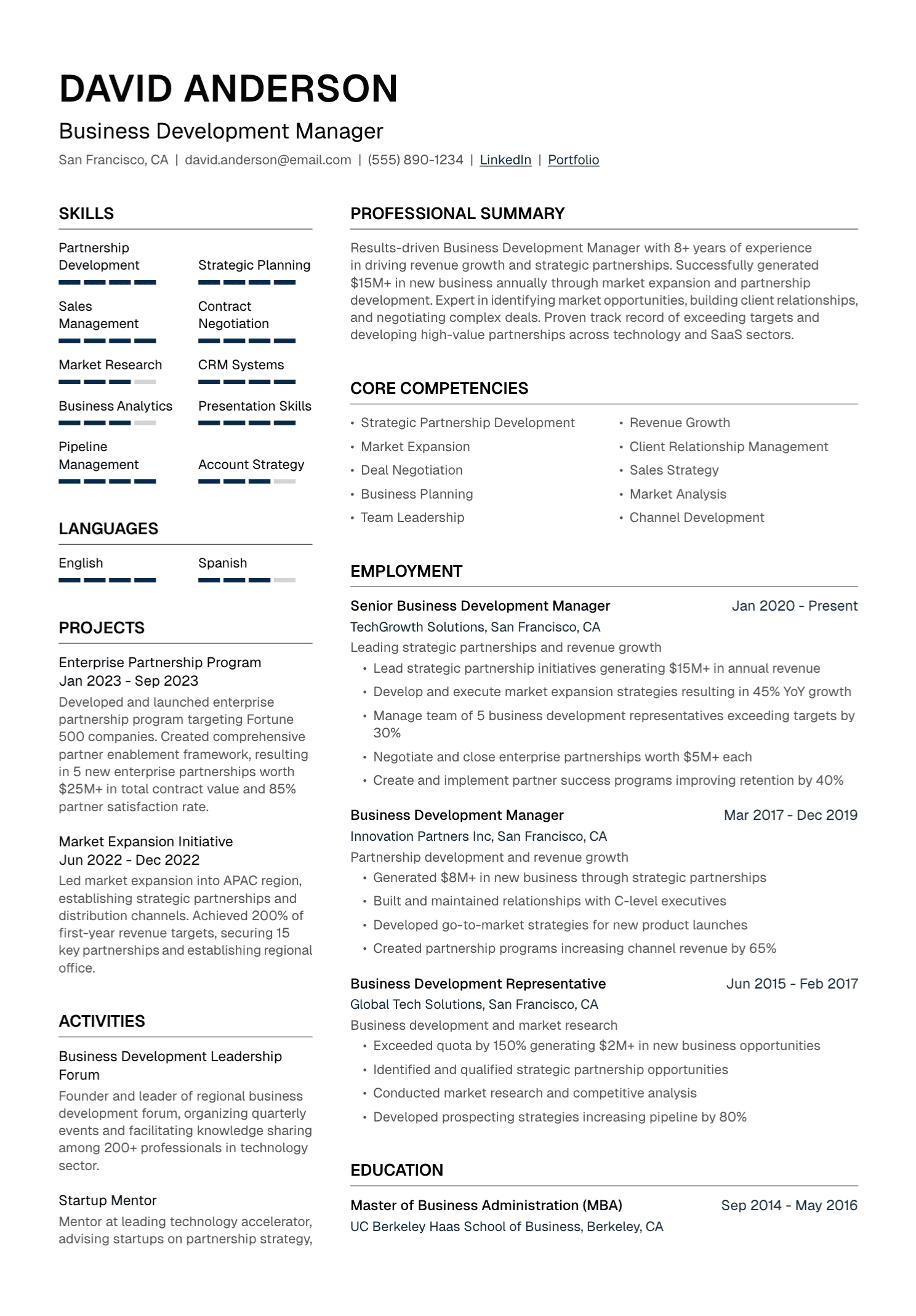
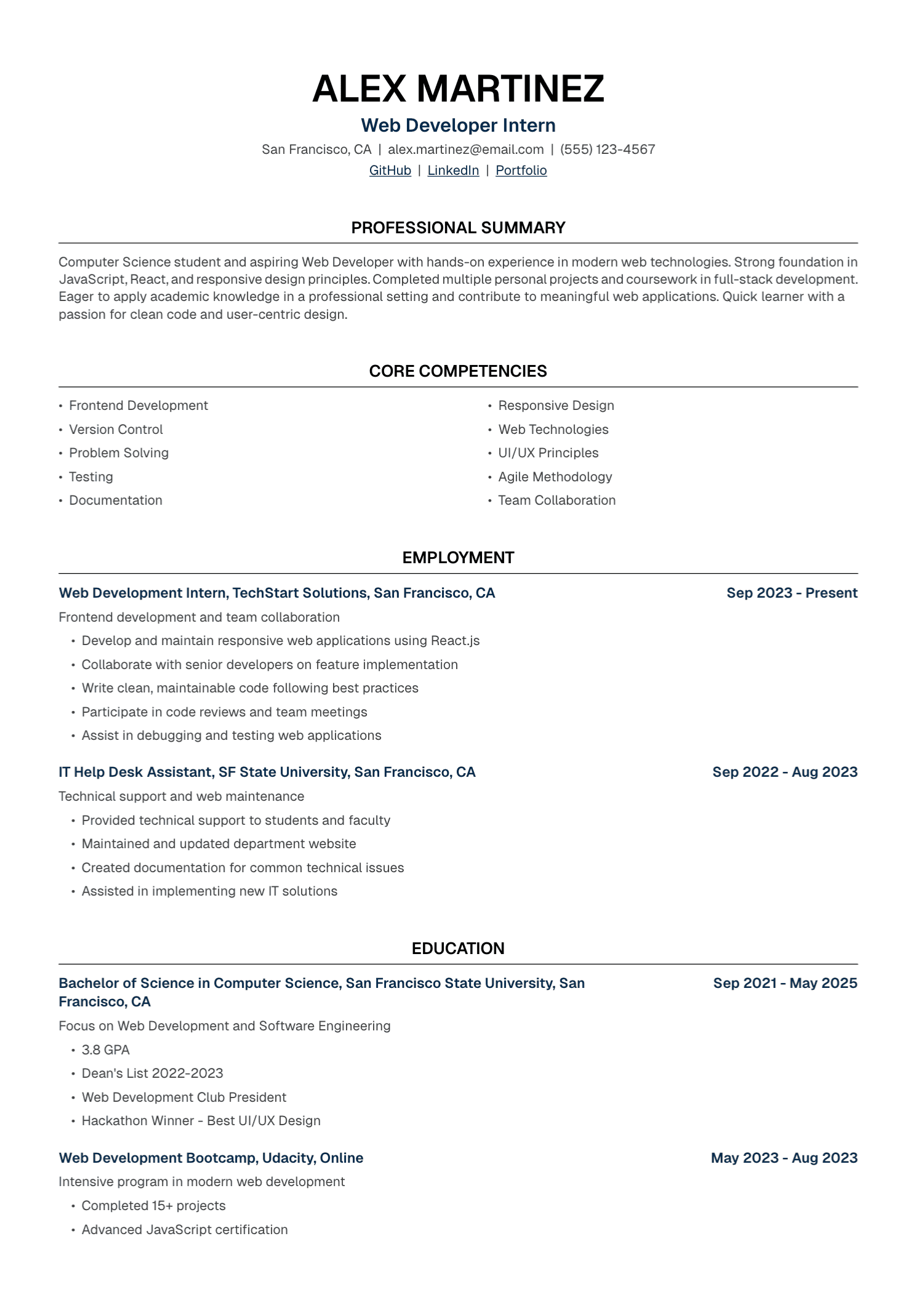
The platform also keeps the content and presentation connected. Once the wording feels right, you can place it in a resume template and review the finished PDF without rebuilding the document elsewhere.
Begin With a Detailed Base Resume
I encourage candidates to make their base resume generous. Include the projects, results, tools, responsibilities, and older achievements that may become useful for a future role. This version is your working record, so length matters far less than completeness.
Before tailoring, check official titles, employment dates, education, certifications, and contact details. Add context that an old resume may have lost: team size, customer type, budget scope, reporting audience, project scale, and verified outcomes.
This preparation gives the AI stronger material. It also reduces the temptation to accept polished language simply because it sounds impressive.
A Practical UseResume Workflow
1. Upload or create your resume
Start with your current document or enter the information directly. Review imported text carefully. PDF extraction can occasionally disrupt bullets, dates, or line order.
2. Add the target job description
Read the posting yourself first. Identify the required experience, repeated themes, named tools, and responsibilities that appear central to the role.
3. Generate a tailored draft
Use the tailoring workflow to create a version focused on that vacancy. Think of this as an editorial first pass. It should help you select, organize, and clarify evidence already present in your background.
4. Edit every section
Read each sentence aloud. Confirm every metric, title, tool, scope statement, and result. Replace generic phrasing with language you would comfortably use in an interview.
5. Choose a template and export
Review the complete document before downloading the PDF. Check page breaks, headings, dates, links, and contact information. Open the exported file once more before attaching it to an application.
The Review Stage Matters Most
AI can produce a sentence that sounds entirely plausible and remains entirely unsupported. A source line such as “helped with client accounts” may become “managed a portfolio of enterprise clients and increased retention.” The new version introduces ownership, client scale, and a result. Each addition requires evidence.
Sometimes the issue is subtler. The draft may elevate “supported” to “led,” turn occasional work into a core responsibility, or add software associated with the profession. These changes can slip past a tired reader because they fit the context.
My rule is simple: pause at every claim you could be asked to explain. If the evidence exists, make the sentence more specific. If the evidence is missing, restore the accurate version.
Writing a Cover Letter From the Same Evidence
A useful cover letter adds interpretation. It explains why this role makes sense, connects two or three relevant examples to the employer's needs, and gives the reader a sense of the person behind the resume.
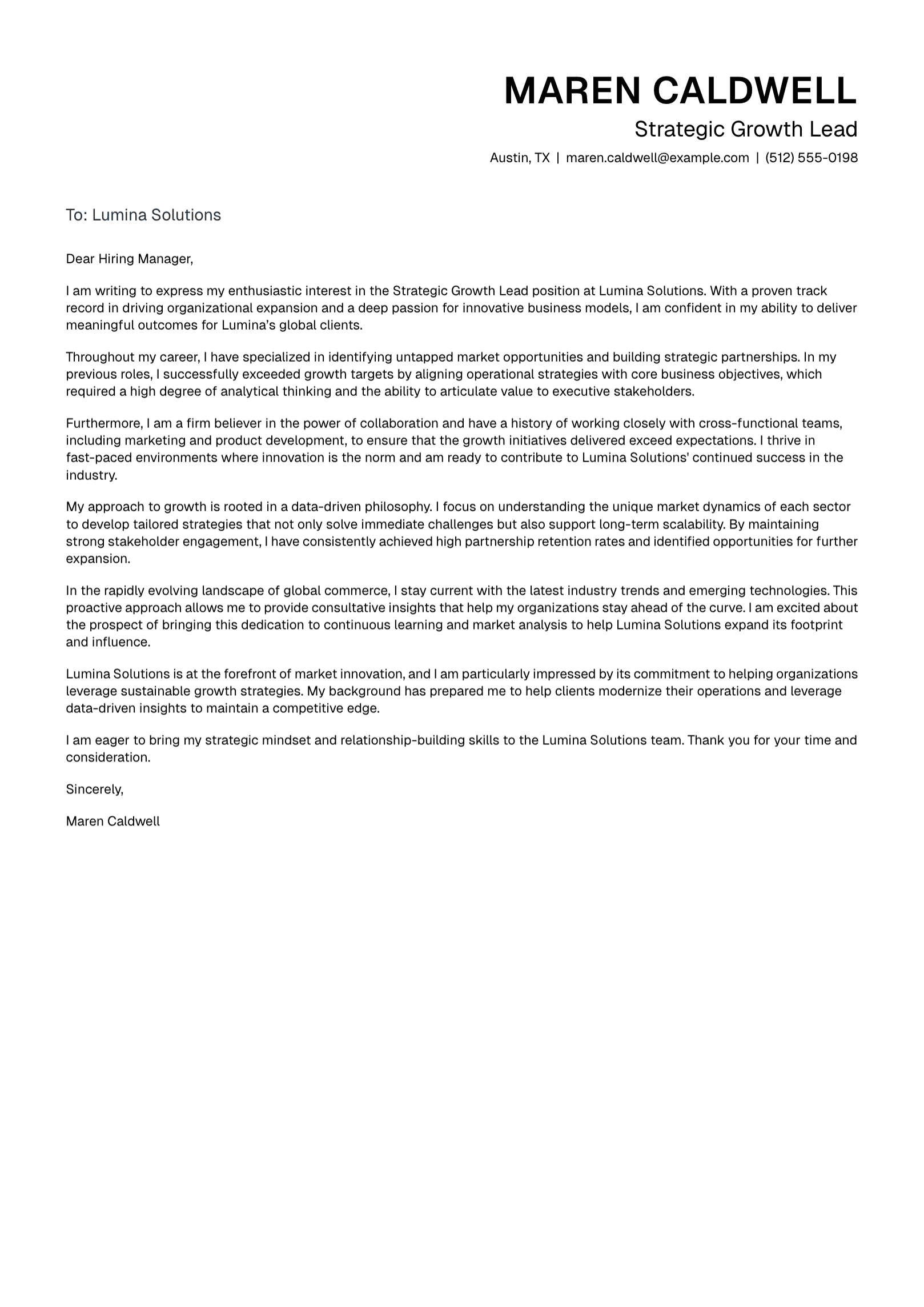
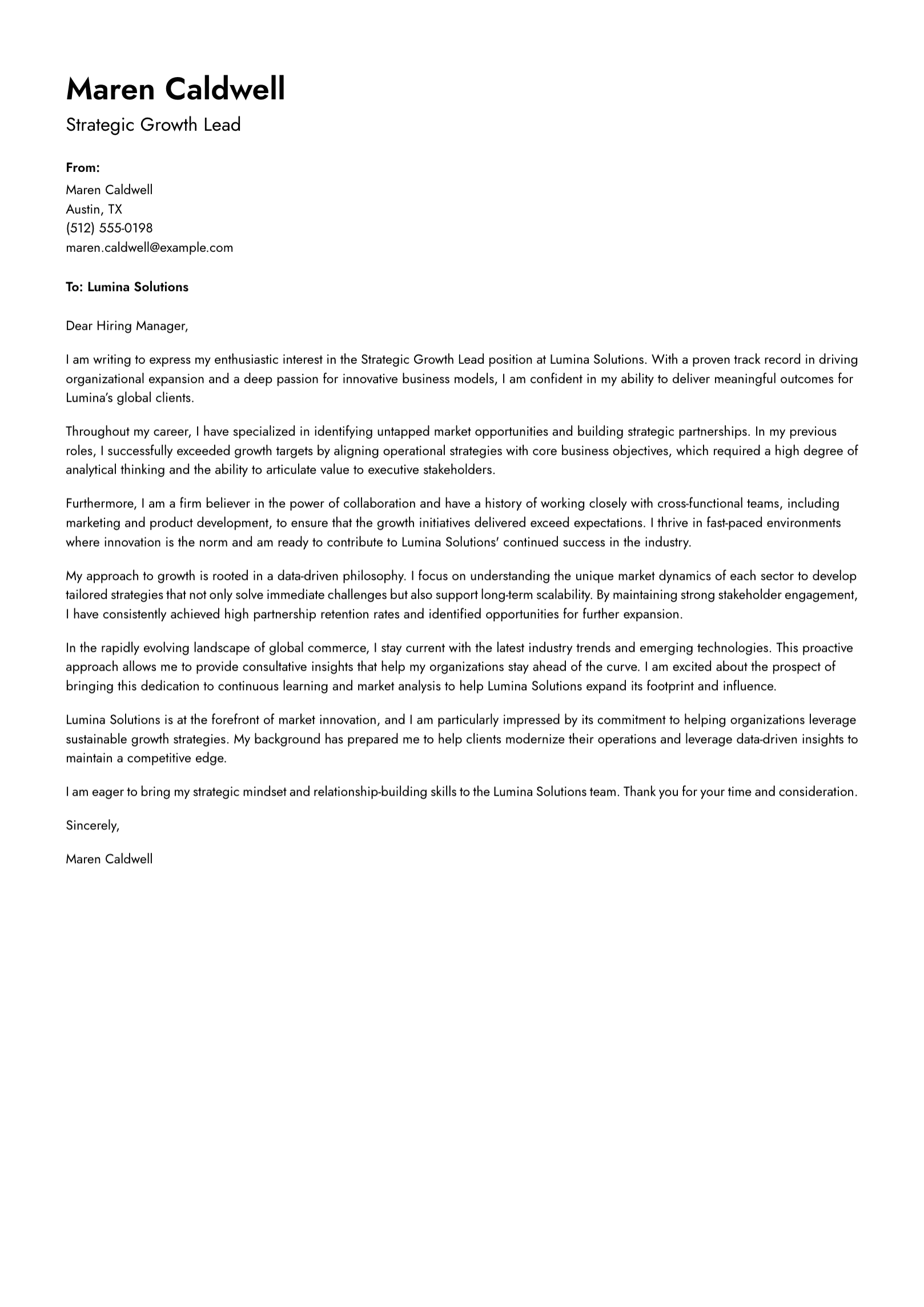
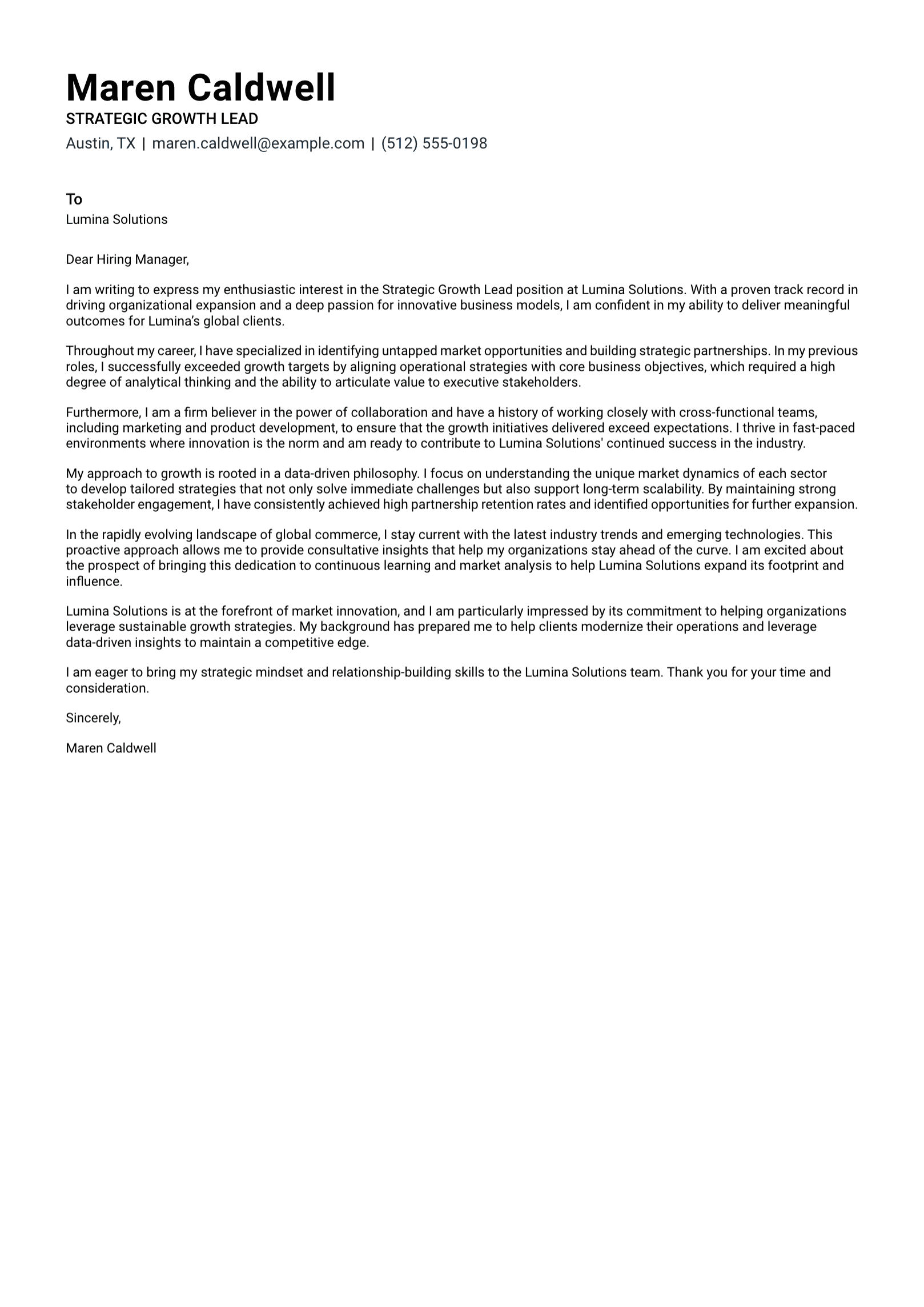
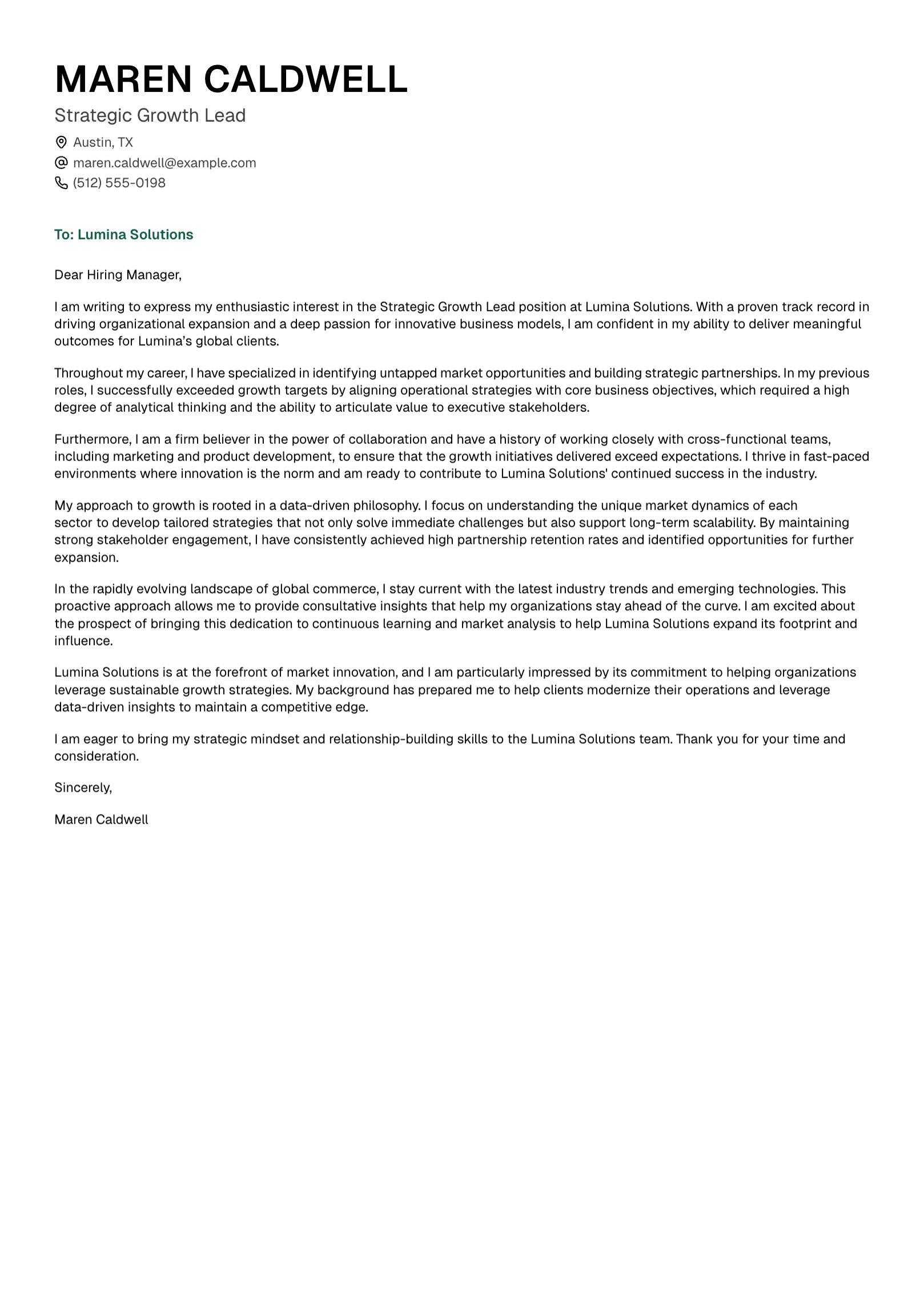
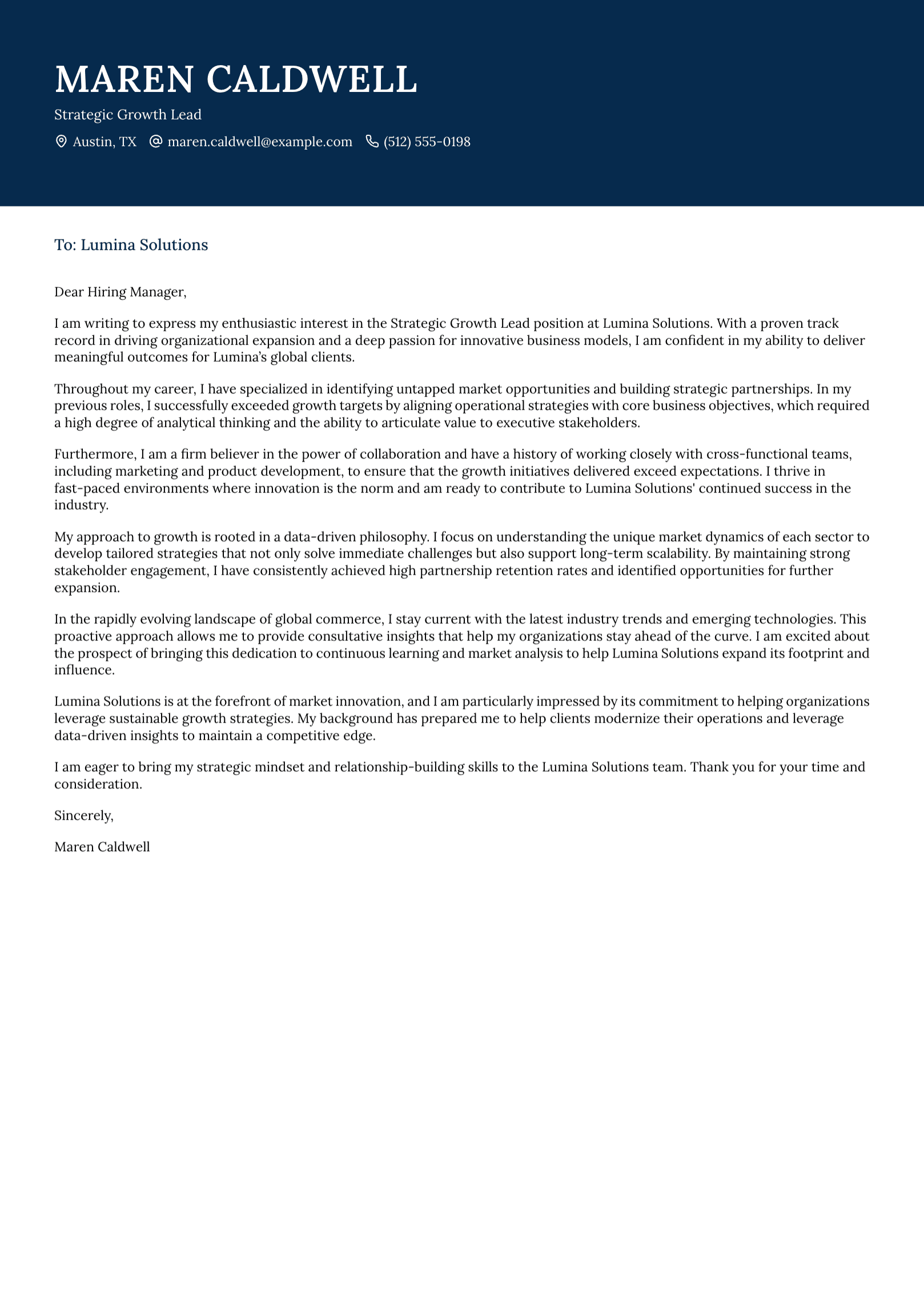
UseResume can create a cover-letter draft from your application material. Give the draft the same careful review as the resume. Remove broad praise that could describe any company. Add a genuine reason for your interest and choose examples that reveal judgment, motivation, or growth.
The opening should sound like you. The middle should make a clear case. The ending should feel calm and professional. A page is usually plenty.
What “ATS-Friendly” Should Mean
Applicant tracking systems vary by employer and vendor. A responsible resume platform can support readable structure, clear headings, selectable text, consistent dates, and relevant terminology. It cannot promise an interview or guarantee success across every hiring system.
When you review the final resume, use familiar section names such as Experience, Education, and Skills. Keep essential information in the main document flow. Make sure the text remains readable when copied into a plain document. Those checks are concrete and useful.
Tailoring Without Losing Your Voice
Many candidates feel uneasy when a polished draft suddenly sounds like a stranger. That reaction is worth trusting. Your resume can be professional and still carry your natural vocabulary, priorities, and rhythm.
Read the profile aloud first. If you would hesitate to say it to a recruiter, rewrite it. Then review the bullets for inflated verbs, vague superlatives, and corporate filler. Clear language usually sounds more senior because it shows control.
For example, “spearheaded transformational cross-functional initiatives” leaves the work hidden. “Led the finance and operations teams through a three-month billing-system migration” gives the reader something real to understand.
Keep Separate Versions With Clear Names
Save one tailored resume for each serious application. A simple filename such as Firstname-Lastname-Resume-Company.pdf prevents last-minute confusion. Keep the job description with the final document, especially when postings disappear before an interview.
Update the base resume whenever you complete a major project, gain a certification, expand your responsibilities, or receive a meaningful result. Capturing those details while they are fresh makes the next application much easier.
The Limits of a Resume Platform
UseResume can reduce repeated editing, help you focus a resume, support cover-letter drafting, and keep formatting consistent. The platform has no control over hiring budgets, internal candidates, recruiter preferences, interview performance, or final decisions.
That boundary matters. A resume tool should help you present your experience clearly and honestly. The strongest outcome is a document that earns your confidence because you can stand behind every line.
Ready to Build Your Next Application?
Create your account, prepare a detailed base resume, and turn it into a focused application you can edit in your own voice.
Continue with our guide to AI resume bullet points or learn how to tailor your resume to a job description.