AI Resume Builder.Tailored to Every Job.
Build a new resume or improve an existing one. An AI assistant writes your bullets, tailors content to each job description, and keeps formatting ATS-friendly so your resume reads well to both scanners and recruiters.

Tailor your resume to a job description
Personal Details
Professional Summary
AI-tailored opening paragraph
Experience
Work history, roles, and achievements
Lead portfolio of digital transformation projects with combined budget of $15M.
Manage cross-functional teams of 25+ members across 5 departments.
Implemented PMO best practices reducing project delivery time by 30%.
Education
Schools, degrees, and academic details
Skills
Keywords matched to the role
Certifications
Professional certifications, licenses, and accreditations
Project Management Professional (PMP)
Project Management Institute · Jan 2020 - Present
Certified Scrum Master (CSM)
Scrum Alliance · Jun 2021 - Jun 2025
Languages
Languages you speak and your proficiency level
English
Fluent
French
Intermediate
Projects
Personal, professional, or academic projects
Enterprise Digital Transformation
Led company-wide initiative impacting 5,000+ employees.
Activities
Volunteering, interests, and extracurricular achievements
PMI Chapter Leader
Organizes monthly knowledge sharing sessions and mentors aspiring project managers.
References
People who can vouch for your qualifications and work
David Chen
Director of PMO, TechForward Solutions · david.chen@email.com

ATS-Friendly
Clean structure and standard headings that applicant tracking systems parse reliably.
Job Matching
Paste a job description. AI surfaces keywords and rewrites bullets to match the role.
AI Writing Partner
Rewrite summaries, strengthen bullets, and fix tone without leaving the editor.
Create and optimize your resumes with AI
Whether you start from a blank page or improve the resume you already have, UseResume runs both workflows inside the same editor.
Starting from square one?
Use AI to speed up your resume writing. Go from a blank document to a fully tailored resume in minutes. UseResume drafts thoughtful, customized content based on your career history and the job you are after.
How to create new resumes with AI
- Write a strong summary: Get an attention-grabbing resume summary that highlights your unique value as a candidate, drafted in seconds.
- Generate impactful bullets: Turn basic job duties into metric-driven resume bullets that show concrete impact with numbers and results.
- Identify your top skills: Surface the most relevant skills for the target role and feature them prominently on your resume.
- Optimize your wording: Refine your language with the right action verbs and industry-specific terminology to sound more professional.
- Integrate the right keywords: Weave in keywords from the job description so your resume is ATS-friendly without sounding artificial.
Professional Summary
Product manager with 6+ years scaling SaaS tools. Led teams of 12 to ship analytics pipelines that drove
Experience
QueuedSkills
Everything you need to build a job-winning resume
A structured editor with job-description tailoring, ATS scoring, bullet rewriting, templates, and matching cover letters, all in one workflow.
Quickly create and edit resumes
Upload your current resume, import from LinkedIn, or start from scratch. A structured editor lets you pick which experiences to feature on each version, reorder sections with drag-and-drop, and see the document update as you type.
Build your first tailored draft in minutes.
Analyze your resume for instant improvements
Every resume gets a real-time score across 37 signals covering ATS readability, section completeness, bullet impact, action language, role clarity, formatting, and grammar. Each category comes with specific recommendations, not vague suggestions.
Category-by-category breakdown included.
Resume score
87 / 100
Strong. Review 3 flagged items to push above 90.
Match your resume to any role
Paste the job description and UseResume identifies the top skills, keywords, and experiences the employer is scanning for. The AI then weaves them into your resume naturally, so the content speaks the employer's language without keyword-stuffing.
See matched and missing keywords at a glance.
Job description match
Targeting
Senior Product Manager, SaaS Growth
Matched on your resume (6)
Keywords to add (3)
Designed to be parsed, formatted to stand out
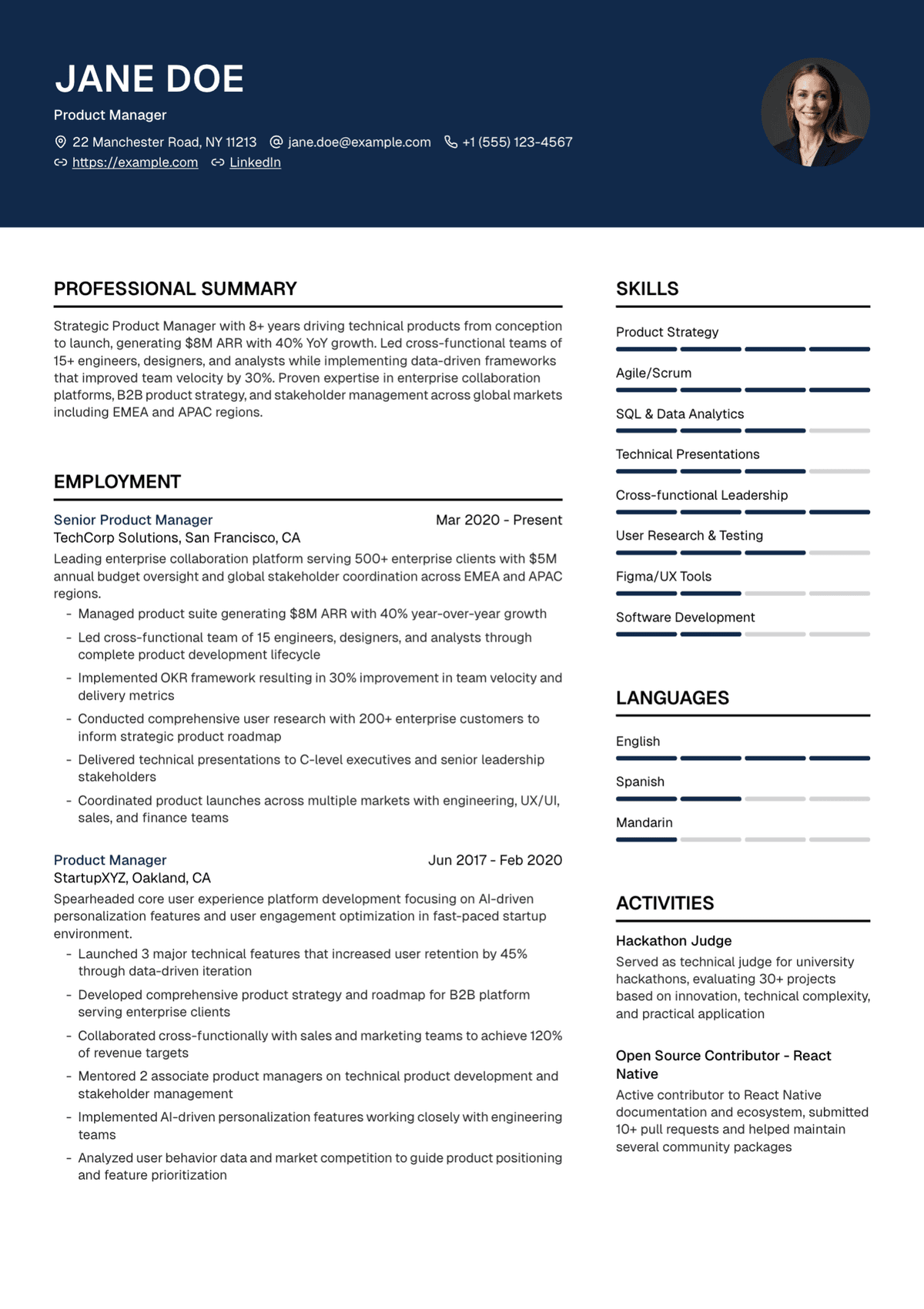
Choose from professionally designed, ATS-ready resume templates. Customize fonts, colors, layout, and section order to reflect your personal brand without breaking ATS parsing with text boxes, tables, or graphics that screeners cannot read.
Every template parses cleanly.
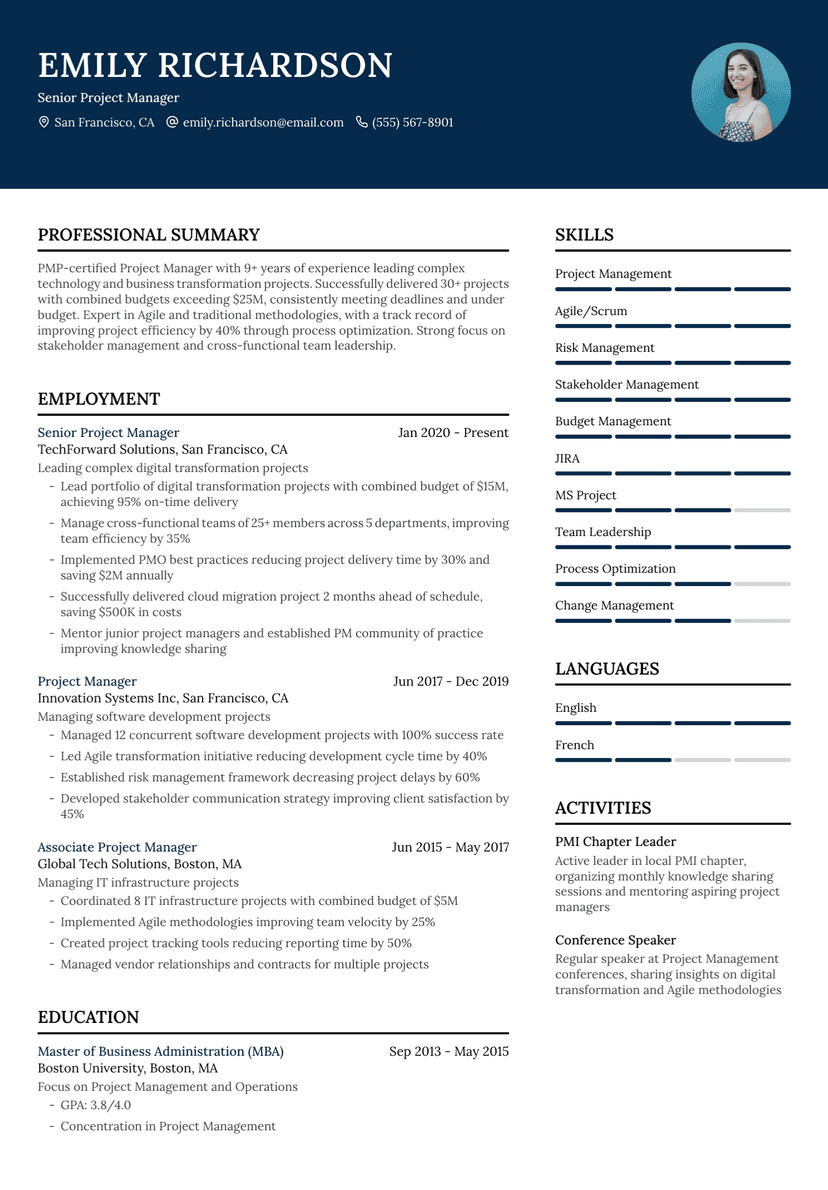
Zenith
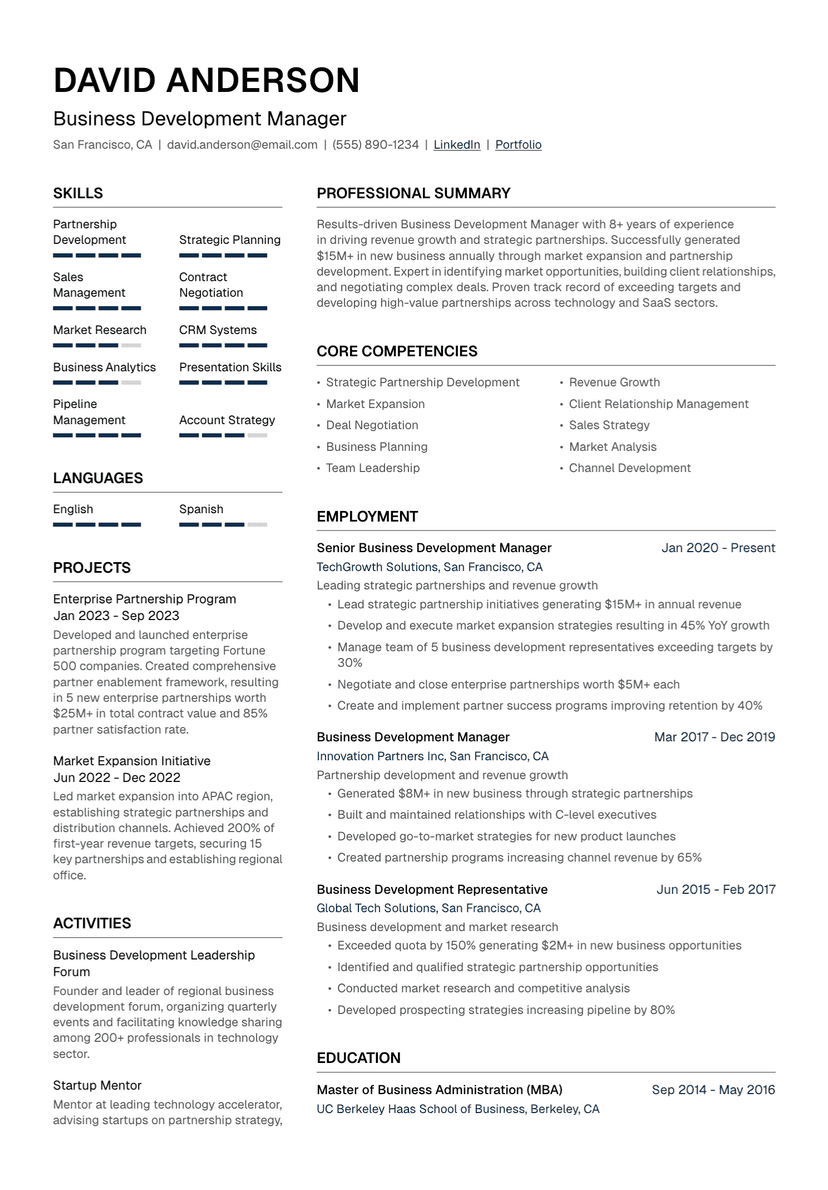
Atlas
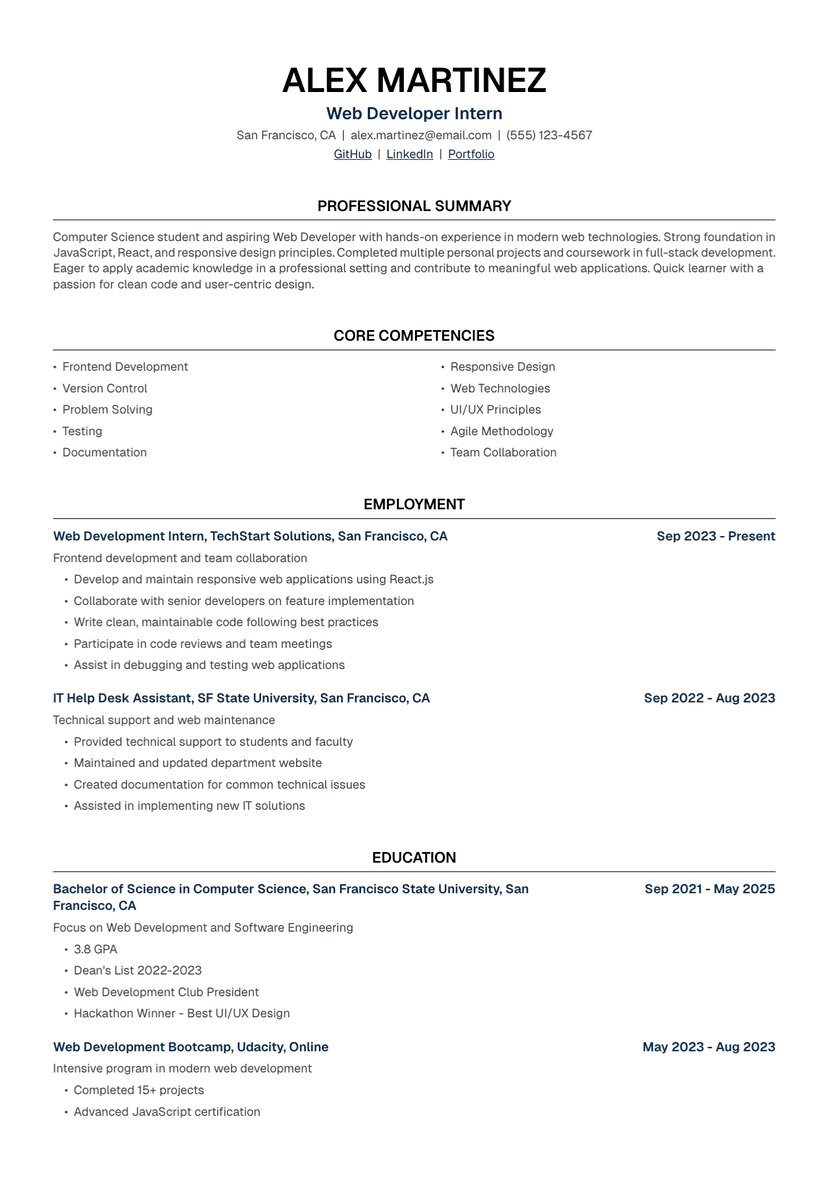
Meridian
Write bullets that actually get read
The writer turns vague responsibilities into metric-focused achievement bullets, drafts professional summaries from your career history, and identifies the most relevant skills for each role. Keep what works, edit what you like, skip what you do not.
Weak responsibilities become strong achievements.
Responsible for managing social media presence and growing audience engagement across multiple channels.
Grew Instagram following by 47% in 6 months by launching weekly reels and a UGC campaign that drove a 3x lift in saved posts.
One application, consistent voice
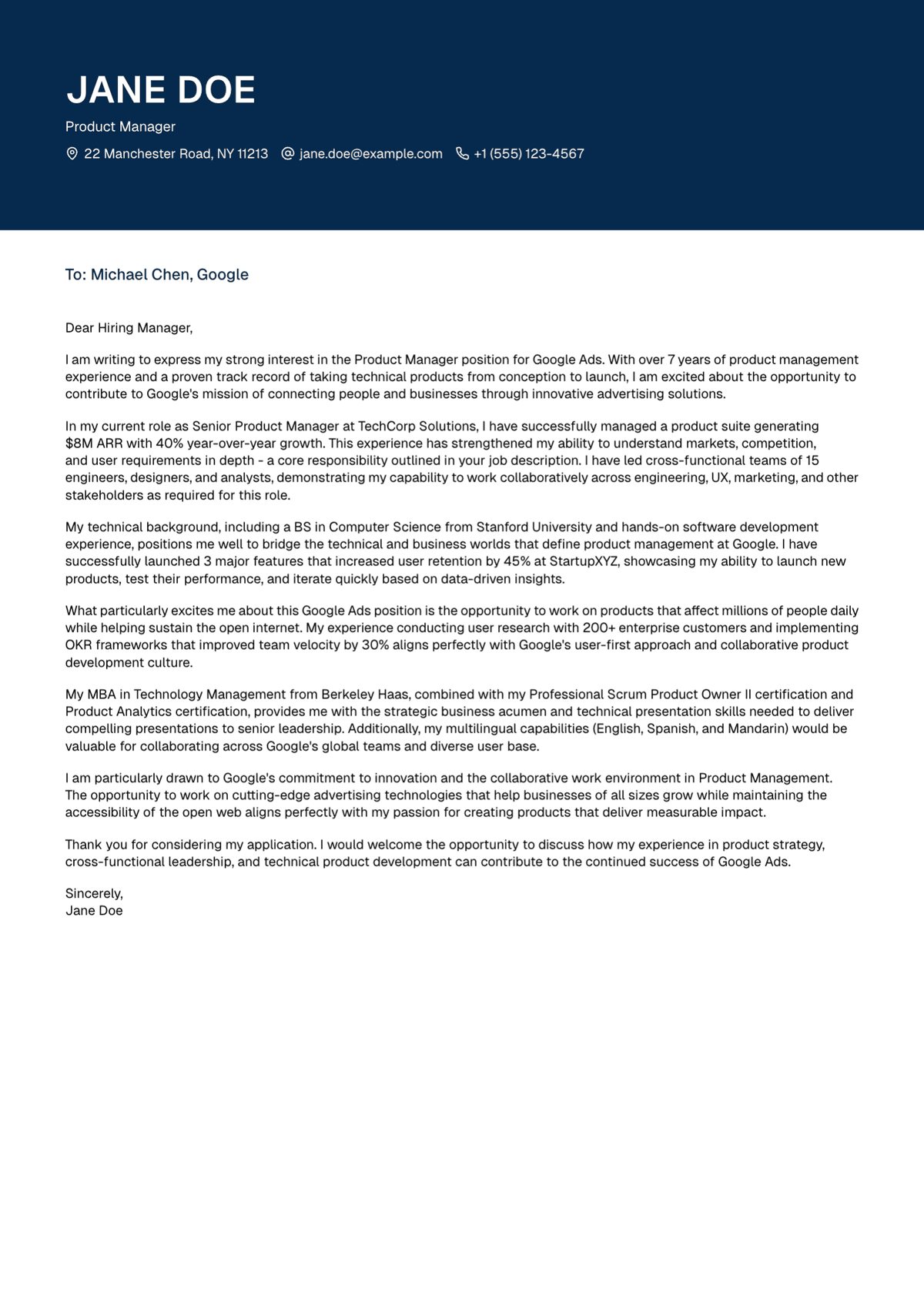
Generate a cover letter tailored to the same job description you used for the resume. It pulls from the experience you have already written up, so the application reads as one coherent story instead of two disconnected documents.
Pulls from the resume you just built.
Why use a resume builder instead of ChatGPT
ChatGPT can write words. A resume builder gives you the templates, the editor, and the AI trained specifically on what makes resumes work.
| Capability |  | Generic AI chat |
|---|---|---|
| ATS-friendly templates tested by real applicants | ||
| Resume-specific editor with live preview | ||
| Section-aware auto-formatting | ||
| Saved versions for different roles | ||
| AI trained on resume best practices | ||
| Keyword alignment with job descriptions |
Start with a clean resume template
Choose a layout that fits the role, then let AI help with the content inside it.


Resume builders tailored to your role
Each landing page is shaped around what hiring managers in that field actually scan for.
For Software Engineers
Stack-first resumes with measurable shipped work. Tailored to backend, frontend, infra, or platform roles.
For Developers
For frontend, backend, full-stack, and mobile developers. Lead with shipped work, not job titles.
For Pharmacists
Surface licensure, clinical work, and patient-care outcomes for retail, hospital, or ambulatory roles.
For Nurses
RN-ready resumes with credentials, specialty competencies, and HIPAA-safe outcome metrics.
For Graphic Designers
Pair your portfolio with a clean, ATS-readable resume that surfaces measurable design impact.
Prefer a specific AI model?
Landing pages for people who already use Claude or Grok and want a resume-shaped editor instead of a generic chat tab.
Resume examples for your role
480+ resume examples tailored to specific roles, industries, and experience levels.
More resume tools
The AI resume builder connects to the rest of UseResume: check an existing resume, browse templates, tailor to jobs, and write matching cover letters.
Resume keyword generator
Pull keywords from any job description.
Resume checker
Score your current resume across 37 signals.
Resume templates
Browse ATS-friendly layouts for different roles.
Harvard resume template
Use the clean classic format as a starting point.
Resume tailoring tool
Tailor a resume to a specific job description.
Resume bullet point generator
Rewrite vague responsibilities into stronger resume bullets.
AI cover letter builder
Create a matching cover letter for the same role.
Resume examples
Compare real examples before editing your own draft.
AI Resume Builder FAQs
How the AI resume builder works: importing, tailoring, keywords, ATS readability, formats, safety, and more.
What is an AI resume builder?
An AI resume builder combines a structured resume editor with AI that can generate content, score formatting, and match your resume to a target job description. Unlike writing a resume in Word or Google Docs, an AI builder helps you produce tailored drafts quickly and catches structural issues that applicant tracking systems would flag.
How does an AI resume builder work?
You import an existing resume or start from scratch, add the job description you are targeting, and the AI generates or rewrites summaries, bullet points, and skills to align with the role. You review the output inline, keep what works, edit what you like, and skip what you do not. When the resume is ready, you choose a template and export a PDF.
Can I upload my existing resume?
Yes. Upload your current resume in PDF or DOCX format and UseResume parses your experience into editable sections so you can start improving it immediately. You can also import your profile from LinkedIn.
What if I am starting from scratch?
Starting from a blank page is fine. Answer the editor's guided prompts about your experience, and the AI drafts each section for you: summary, bullet points, skills, and projects. You get a working first draft without staring at an empty document.
Can it tailor my resume to a job description?
Yes. Paste the job description and UseResume identifies the top skills, keywords, and experiences the employer is looking for, then rewrites bullets and adjusts phrasing to reflect the role without keyword-stuffing.
How does the AI help with keyword optimization?
Paste a job description and UseResume highlights the keywords the role emphasizes. It then surfaces missing keywords on your resume and suggests where to place them naturally. You see which skills are matched and which are gaps, so you can decide what to add.
Will my resume be readable by ATS systems?
UseResume templates are built so standard ATS parsers can read them reliably: clean section headings, no hidden text, no tables or text boxes that break parsing. The AI also aligns your content with keywords from the job description so a human reviewer sees the right signals.
Are the templates ATS-friendly?
Every template uses a clean structure, standard headings, and formatting that applicant tracking systems can parse without errors. You can customize fonts, colors, layout, and section order without breaking the underlying structure.
Can I edit the AI output?
Yes. Every AI suggestion stays editable. Rewrite, remove, reorder, or regenerate sections until the resume sounds like you, not a template. The AI is a starting point, not the final word.
What if my AI-generated resume feels generic?
Regenerate the sections that sound off, rewrite bullets manually, or give the AI assistant more context about the role and your unique contributions. The more specific your input, the more specific the output. Every suggestion is editable.
Can ChatGPT generate a resume?
ChatGPT can write words, but it does not handle the rest of the workflow: a structured resume editor, ATS-friendly templates, PDF export, job-description keyword matching, and saved versions for different roles. Many job seekers brainstorm in ChatGPT and finish the resume in a dedicated builder.
Can employers detect AI-written resumes?
Hiring managers care about accuracy, relevance, and clarity, not whether a tool helped you write faster. The content still has to be yours. Review every AI suggestion so the resume accurately describes your real experience and sounds like you.
Should I customize my resume for each job?
Yes. A generic resume tends to score lower in ATS keyword matching and gives hiring managers less reason to keep reading. Tailoring takes minutes in UseResume: paste the job description, accept or edit the AI's suggestions, export.
Can I create multiple resumes for different jobs?
Yes. Save as many resume versions as you want. Build a master resume with your full experience, then duplicate it and tailor each copy to a specific job. Every version stays in your account for future edits.
How does the resume score work?
The UseResume Resume Checker scores your resume across 37 signals covering ATS readability, section completeness, bullet impact, action language, role clarity, formatting, repetition, and grammar. You get an overall score plus a category breakdown so you know exactly where to improve.
Can the AI help with cover letters too?
Yes. Generate a cover letter tailored to the same job description you used for the resume. The cover letter pulls from the resume you just built so the application reads as one coherent story instead of two disconnected documents.
What file format should I download my resume in?
PDF is the default. It preserves formatting across every device and is universally accepted by ATS systems and hiring managers. Use DOCX only if the application specifically asks for it.
How fast can I create a resume?
If you already have a resume, you can import it and produce a job-tailored first draft in a few minutes. Most of the remaining time goes into reviewing the AI's work so the final resume reads accurately.
Can I update my resume as my career progresses?
Yes. Keep your master resume in UseResume and add new experiences as they happen. Any time you apply for a new role, duplicate the master, tailor it to the job description, and export a fresh PDF.
Does UseResume offer industry-specific templates?
UseResume templates work across industries. For roles that value polish and hierarchy (finance, consulting, operations, legal), pick a classic layout. For creative roles (design, marketing, media), pick a more visually expressive template while keeping ATS parsing intact.
Is my resume information safe?
Your resume contains sensitive personal information and UseResume treats it that way. You control your data, can delete it anytime, and UseResume does not sell personal information to third parties.
What makes UseResume different from other AI resume builders?
UseResume is built around resume-specific editing, not a blank chat box. Every AI suggestion lands inside the right section and stays editable. Job-description tailoring, ATS readability scoring, matching cover letters, and unlimited versions are all part of the same workflow, not separate tools.
Build your next resume with AI
Import your resume, tailor it to the role, and review every AI suggestion before exporting the final document.
Build your first tailored draft in the editor.