A Resume Can Be Strong and Still Need a Careful Edit
You finish tailoring a resume, read it twice, and feel ready to send it. The next morning, you spot an old company name in the profile or a date that shifted during formatting. That sinking feeling is familiar to almost every serious job seeker.
Resume mistakes rarely come from carelessness. They appear when someone has looked at the same document for too long, made several versions in one evening, or tried to compress years of work into two pages under pressure.
I approach the final review as a separate stage of the application. Writing asks whether the content is persuasive. Editing asks whether it is accurate, clear, consistent, and ready for another person to read quickly.
1. The Resume Has No Clear Target
A recruiter should understand your professional direction near the top of the page. A broad profile filled with phrases such as “results-driven professional” gives very little help. The reader still has to work out which role fits you and why.
Name the field or function, establish your level, and introduce two or three relevant strengths. A customer-success leader might lead with enterprise account growth, renewals, and team management. A data analyst might foreground SQL, reporting automation, and stakeholder decision support.
The target should also shape the order of your evidence. Relevant work deserves the most attention, even when another achievement feels personally impressive.
2. The Experience Section Reads Like a Job Description
Responsibilities provide context. They rarely show how well you performed the work.
“Responsible for monthly reporting” leaves the reader with basic duties. “Prepared monthly revenue reporting for the leadership team and reduced consolidation time by four hours” shows audience, scope, and outcome. Every added detail must come from your records or honest recollection.
Review each recent role and look for a few moments of contribution: a process you improved, a problem you solved, a project you delivered, a customer you retained, a team you supported, or a responsibility that grew. Those details give the resume its substance.
3. Stronger Wording Has Changed the Facts
This problem often enters during a well-intentioned rewrite. “Supported a system rollout” becomes “led a company-wide transformation.” “Worked with senior clients” becomes “managed an enterprise portfolio.” The second version sounds more impressive and describes different work.
Check verbs first. Led, owned, created, managed, advised, and supported each signal a distinct level of responsibility. Then check scope, metrics, tools, and results. A reader may ask about any of them in an interview.
Your real level of contribution can still sound strong. Precision carries authority.
4. Tailoring Has Turned Into Copying
The job description is a guide to relevance. It is a poor source of career facts.
Suppose the employer wants experience with budget forecasting. If you have that experience, bring the strongest example forward and use the familiar term. If your background covers cost tracking and invoice reconciliation, describe those capabilities accurately. Adding forecasting would create a false match.
A useful tailoring method pairs each priority requirement with evidence from your resume or notes. Requirements with clear evidence belong in the tailored version. Gaps remain gaps, and that is perfectly normal. Very few candidates meet every line of a posting.
5. Dates, Titles, and Tenses Disagree
Small inconsistencies make a document feel unfinished. One role uses “Sept. 2023,” another uses “09/2023,” and a third uses “September 2023.” A promotion appears in the profile yet disappears from the employment history. A former role switches between present and past tense.
Choose one date style and use it throughout. Preserve official job titles, or label a clarifying title honestly when the internal version would confuse an outside reader. Use present tense for current responsibilities and past tense for completed work.
Also compare the final resume with your application form and public professional profile. The major facts should align.
6. The Layout Makes Reading Harder
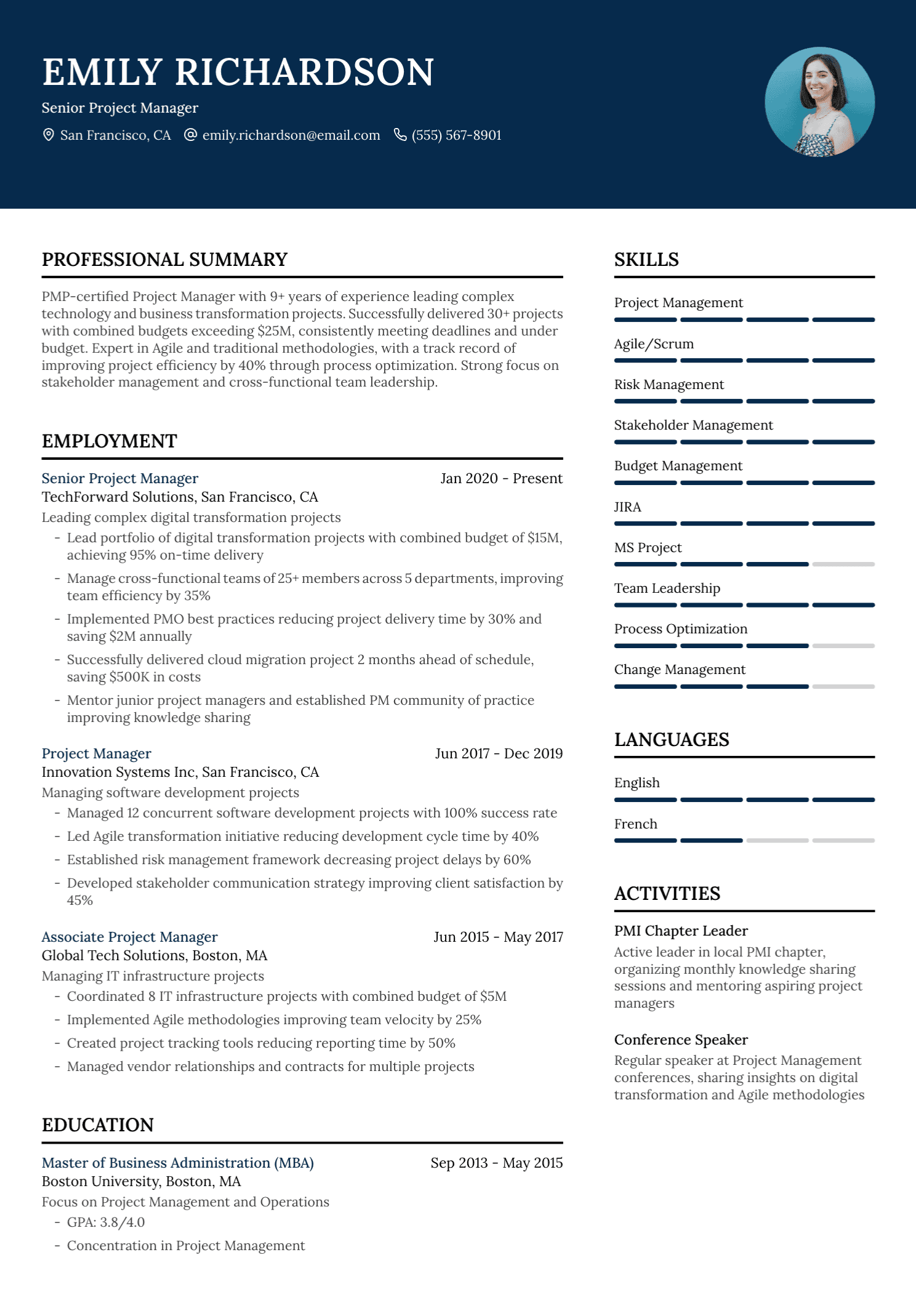
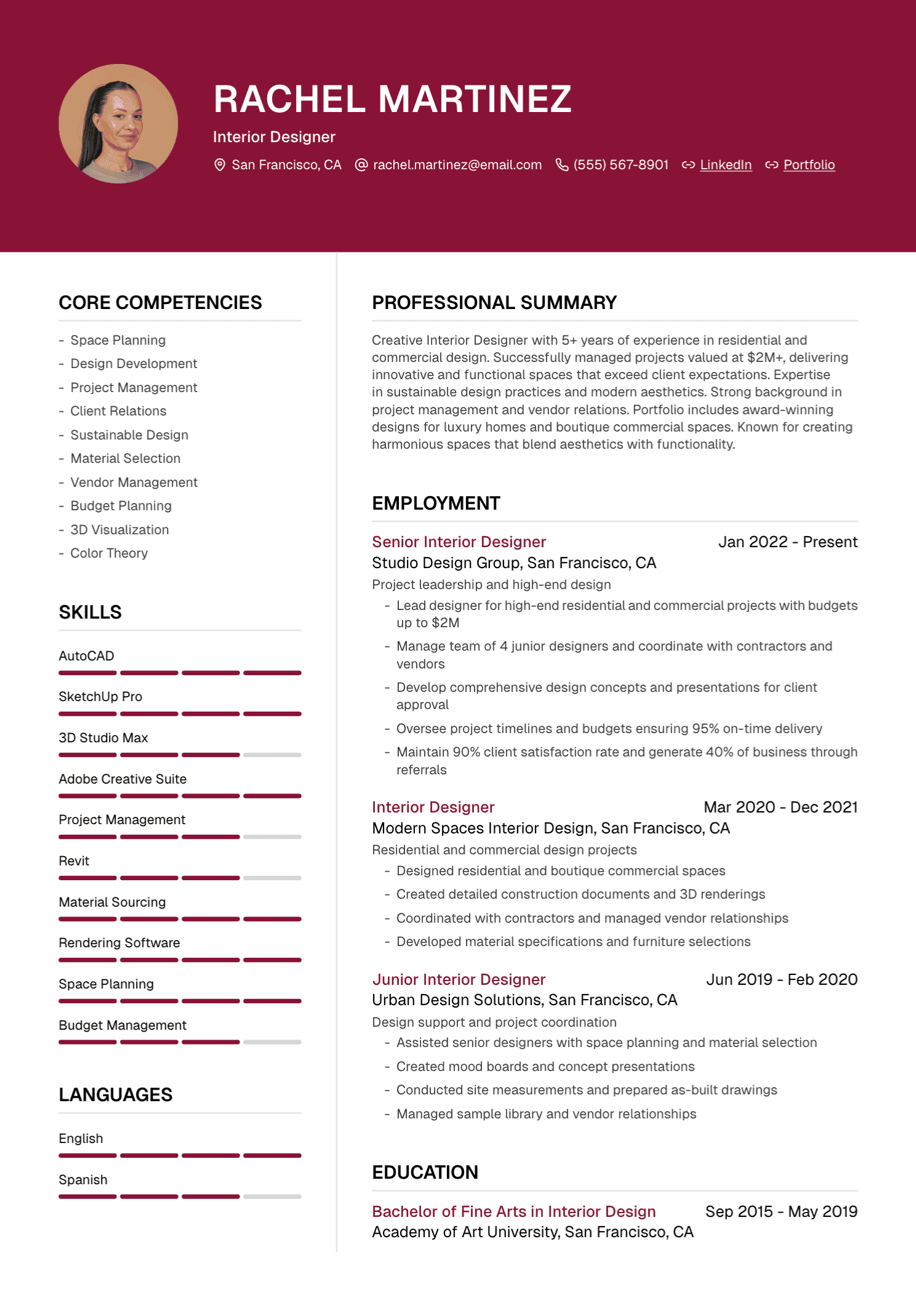
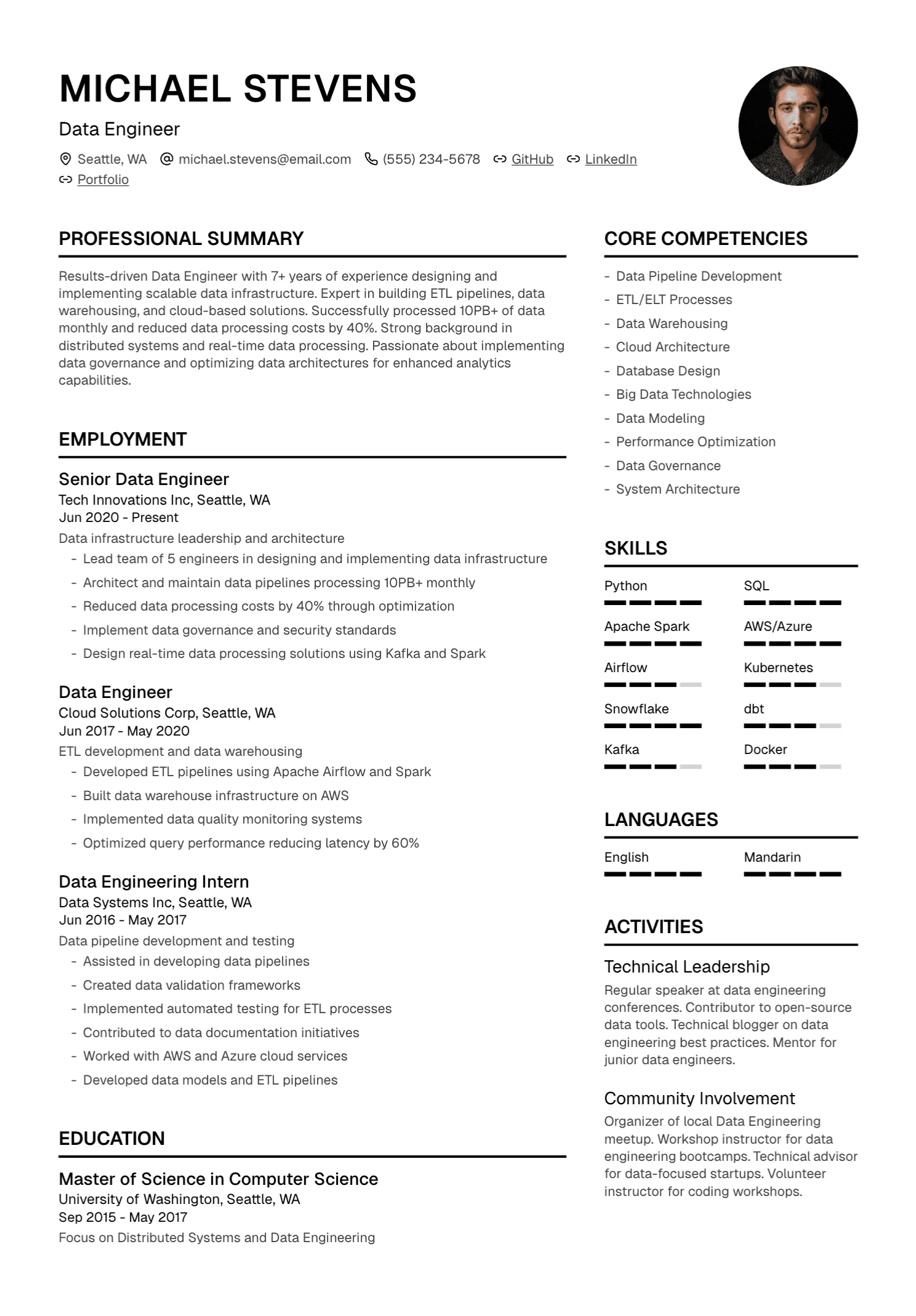
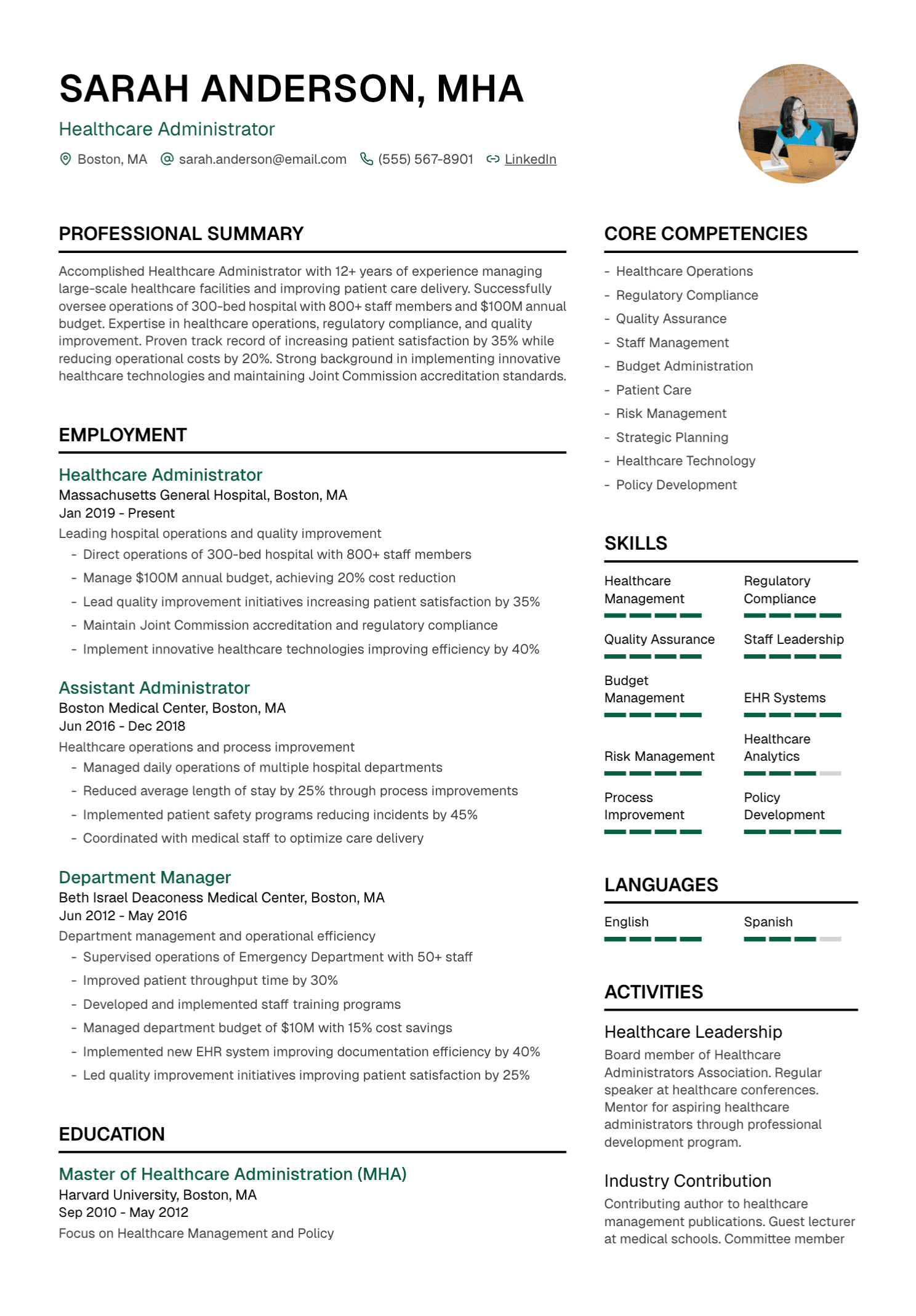
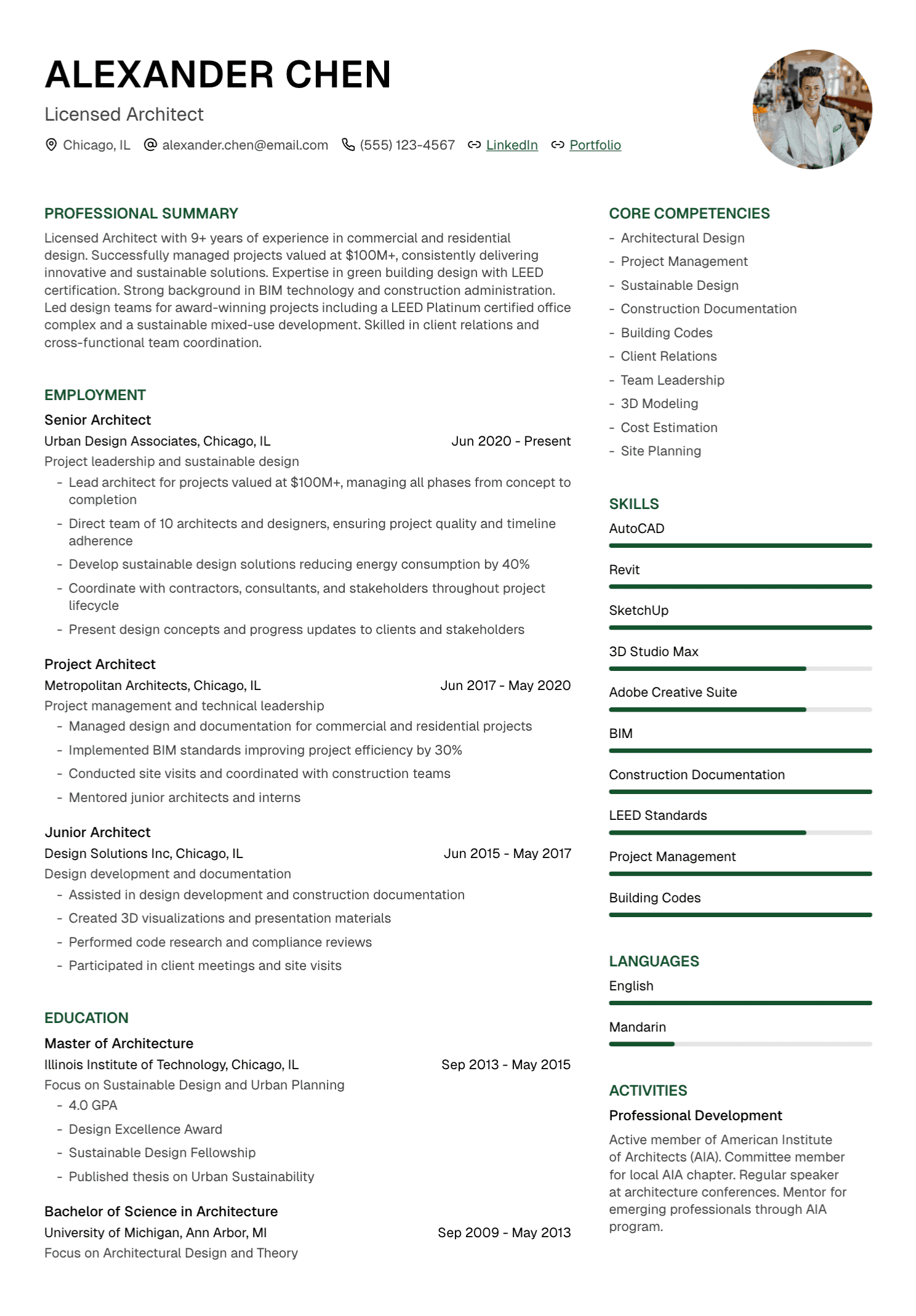
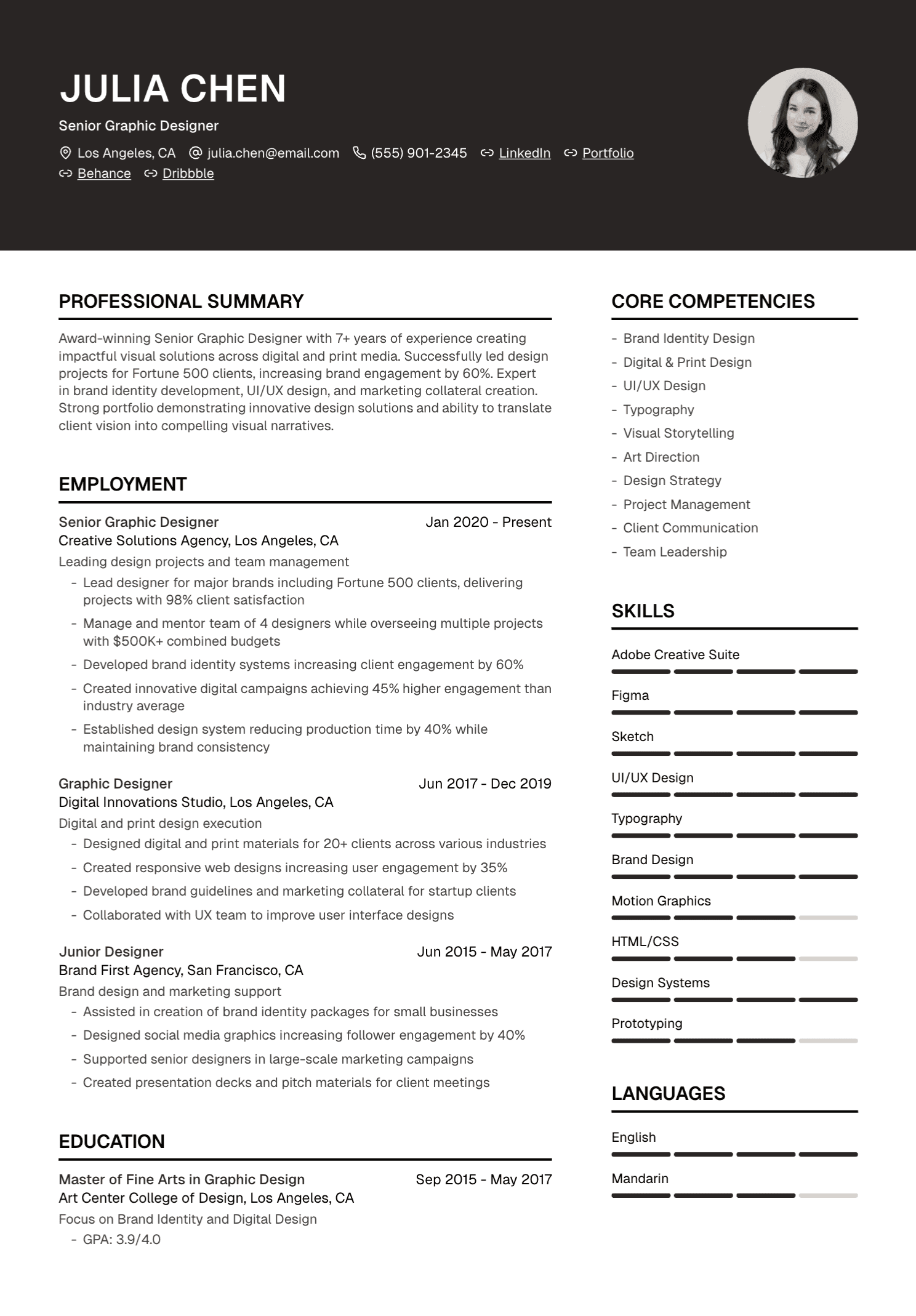
Design should give the content structure. Crowded margins, tiny type, decorative skill charts, and inconsistent spacing make scanning harder. An elaborate layout may also produce an unexpected reading order when software extracts the text.
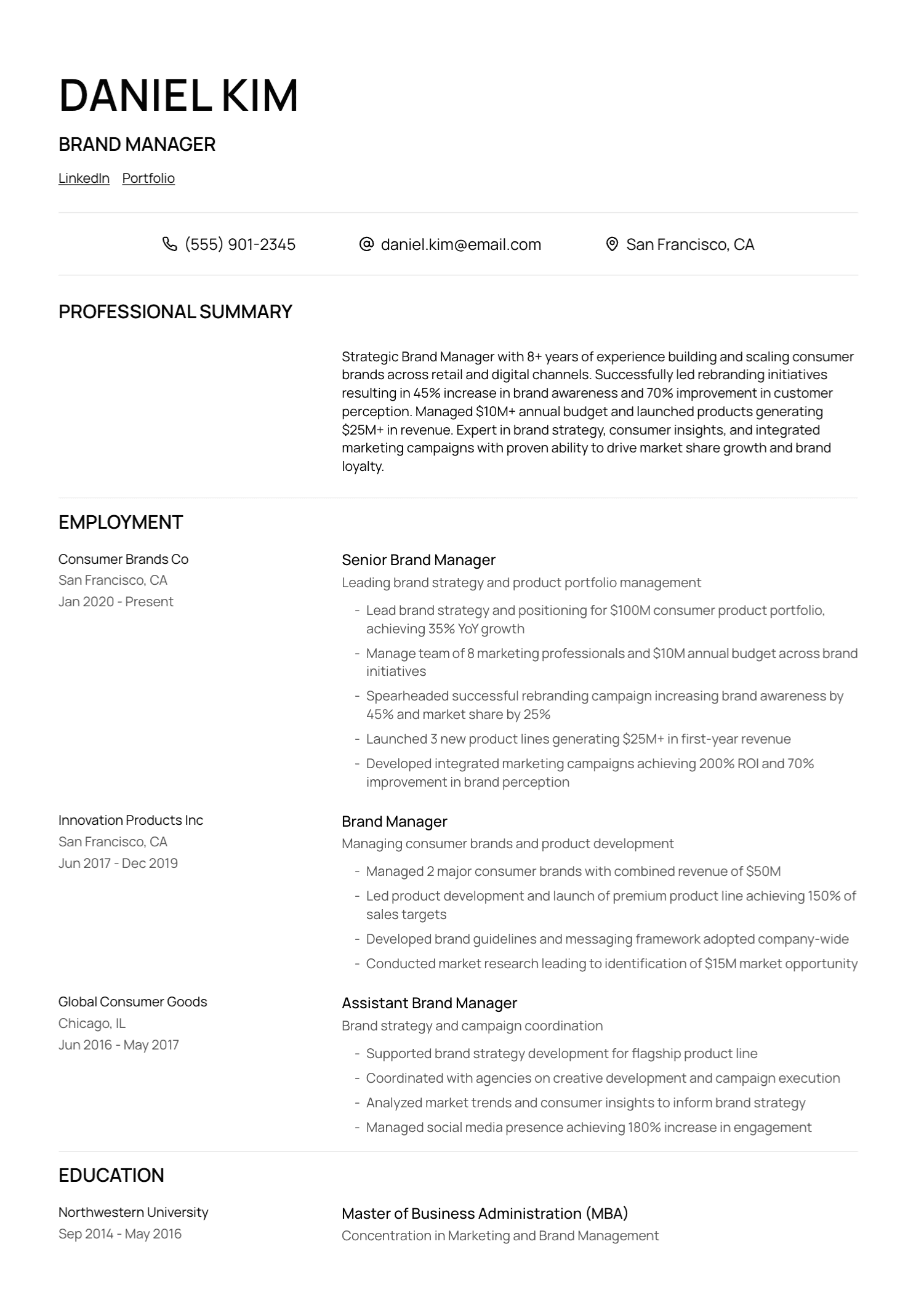
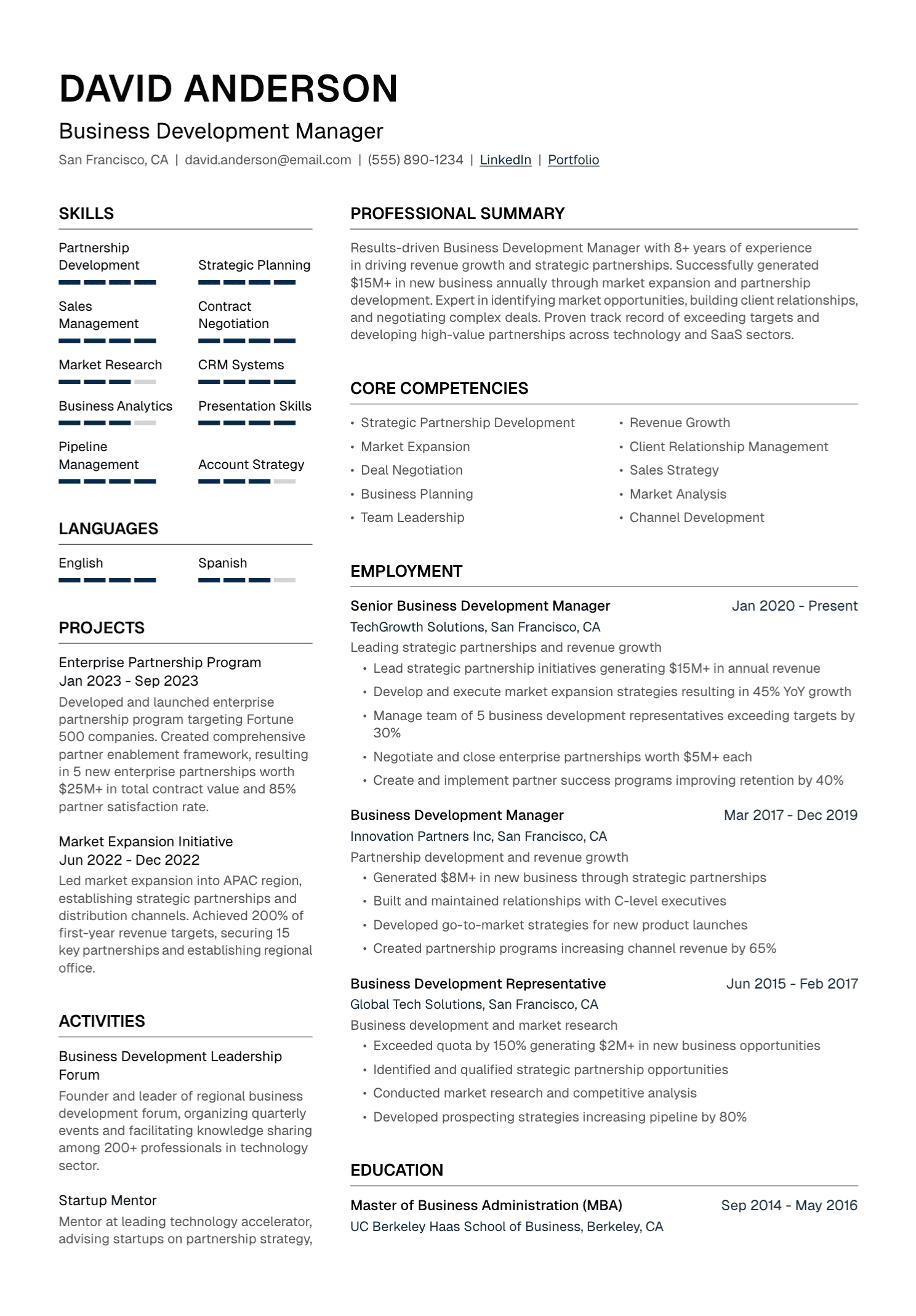
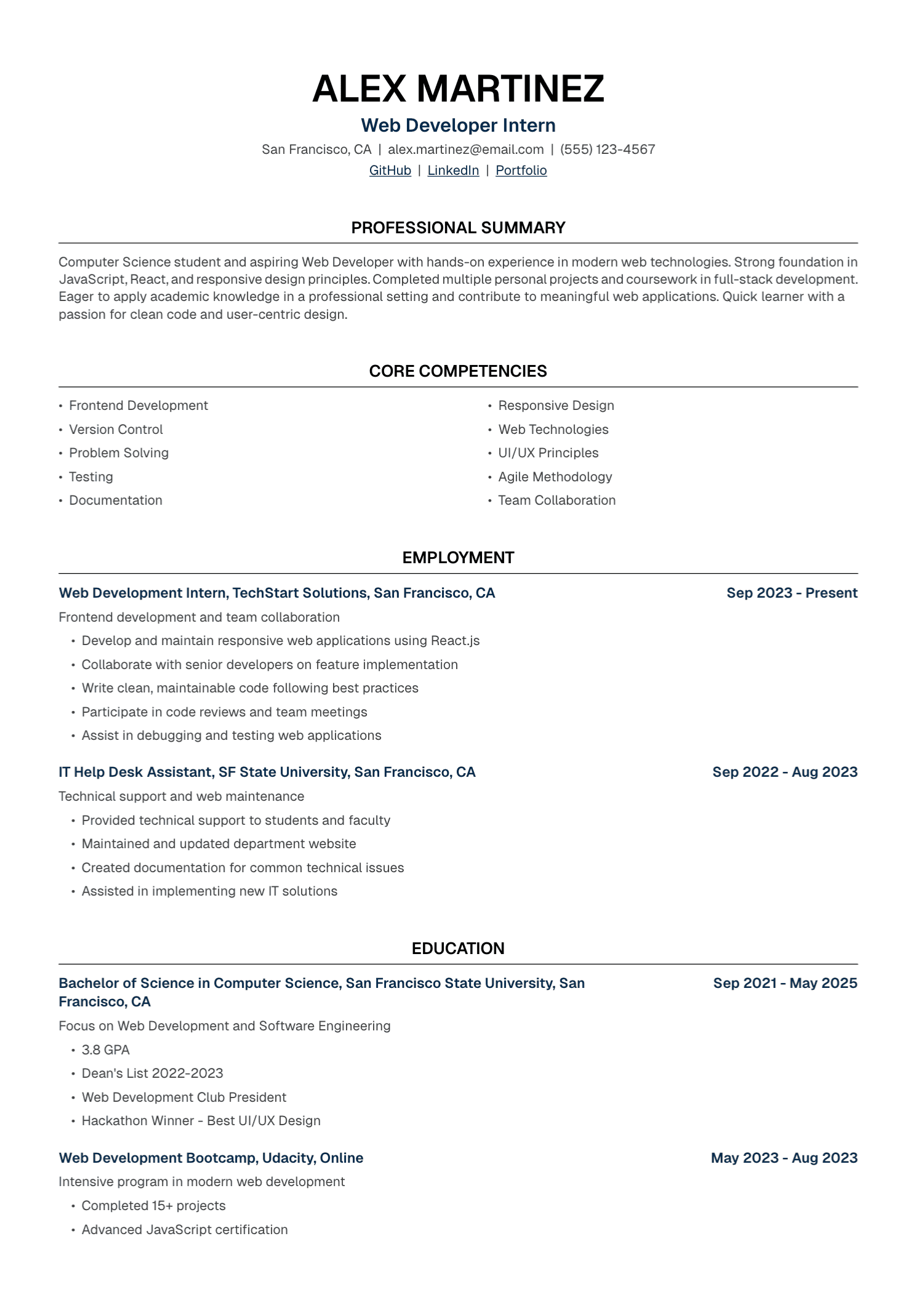
Use clear section headings, visible hierarchy, consistent spacing, and a comfortable font size. Keep essential career information in the main document flow. Open the finished PDF on a computer and a phone, then copy its text into a plain document to inspect the order.
Applicant tracking systems differ across employers. Absolute claims about one “ATS-proof” format deserve skepticism. A clean, text-based document with familiar headings is a sensible choice for most online applications.
7. The Resume Includes the Wrong Personal Information
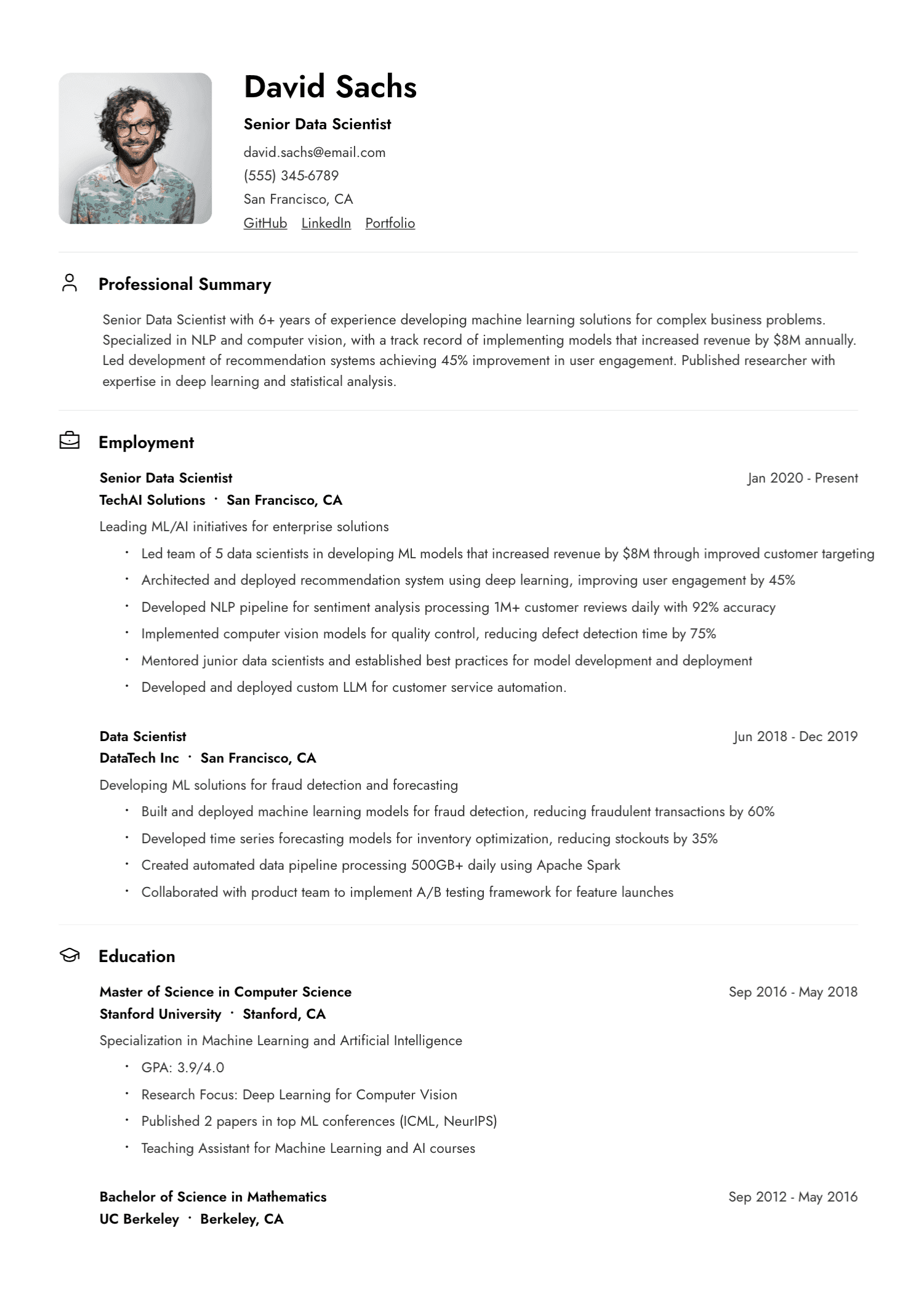
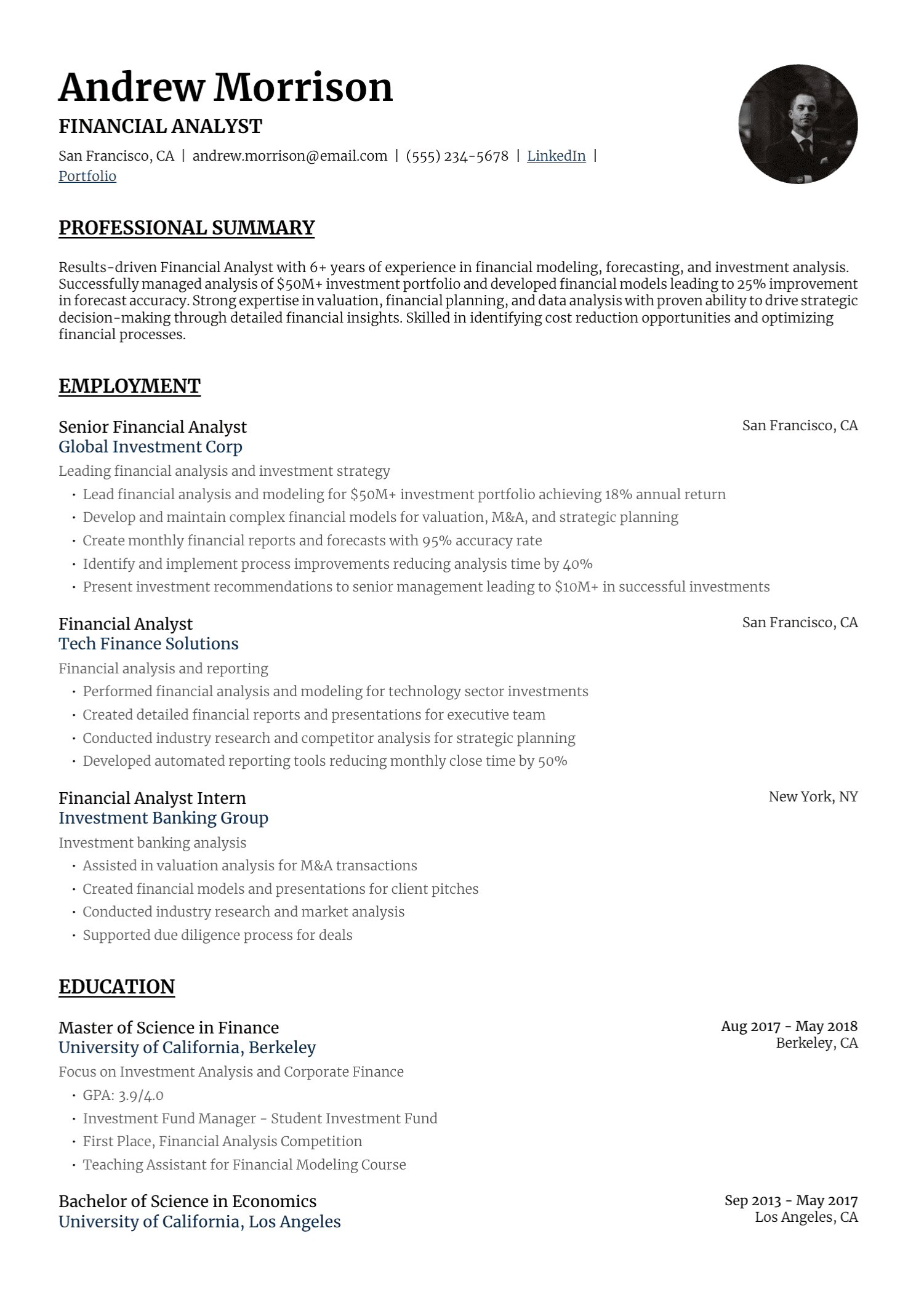
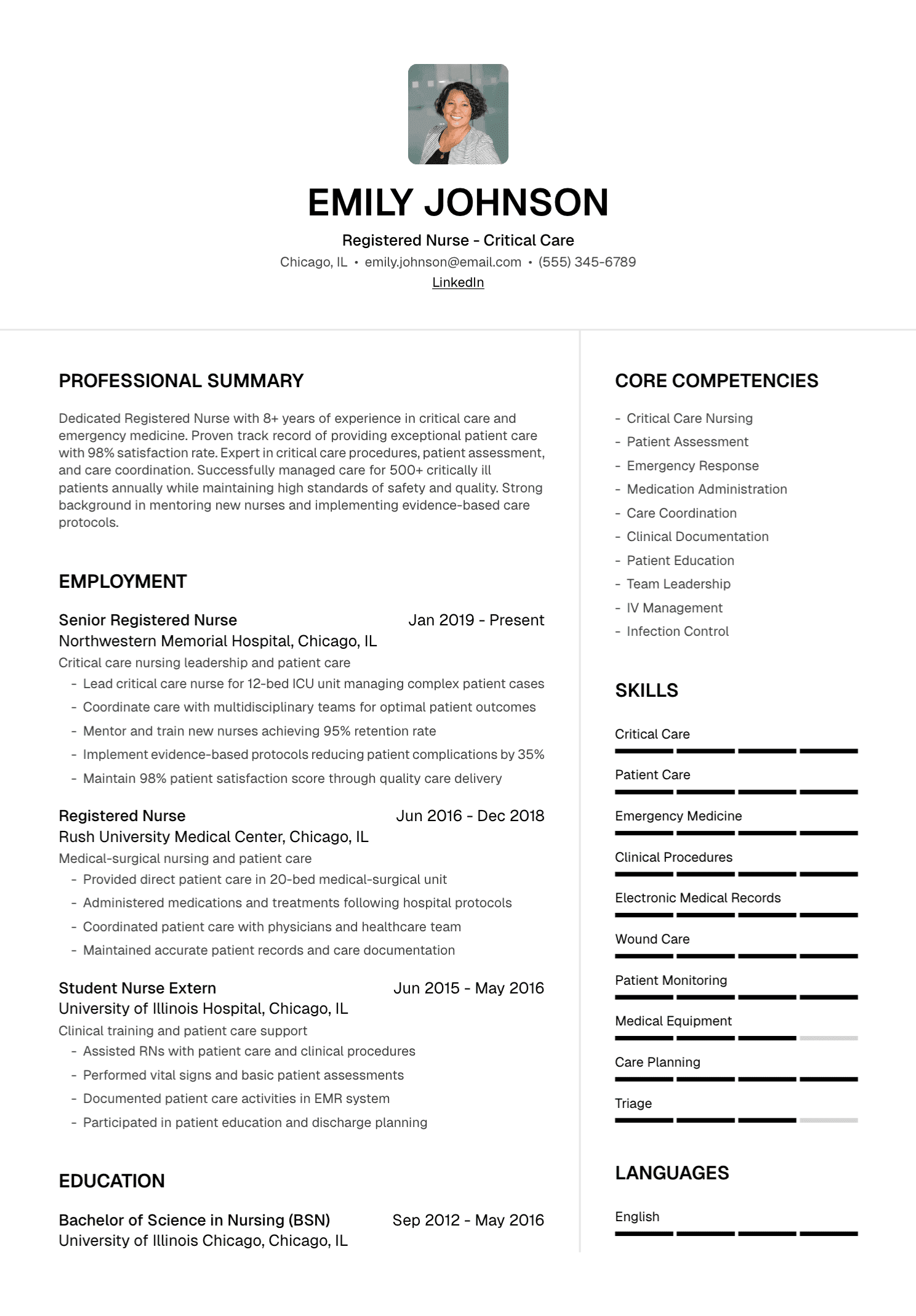
Resume conventions vary by country. A photograph, date of birth, nationality, or full street address may be expected in one market and discouraged in another. Research the location where the role is based and follow the employer's instructions.
Protect sensitive identifiers. Government identification numbers, banking details, and unrelated personal information have no place in an ordinary resume. For contact details, a city and region are often enough unless the application asks for more.
Check links as carefully as the text. A portfolio should open, a LinkedIn URL should lead to the correct profile, and the email address should be current.
8. Older Material Is Taking Over the Page
Experience from early in your career can remain useful when it supports the target role. Its space should reflect its relevance. A detailed position from fifteen years ago may crowd out recent leadership, modern systems, or stronger results.
Condense older roles gradually. Keep important achievements, remove routine detail, and preserve a clear chronology. Education can also become shorter as professional experience grows, unless the qualification remains central to the role.
The same principle applies to skills. Retain older technology when the employer still uses it or when it helps explain your expertise. Give current, relevant capabilities greater prominence.
9. An Employment Gap Has Been “Fixed” With Ambiguous Dates
Using years alone can simplify a long career history. Using them to conceal a short gap often creates more uncertainty once an application form asks for months.
Keep the dates accurate. You can add a brief entry for caregiving, study, relocation, health recovery, travel, independent projects, or another substantial period when the context helps. You decide how much personal information to share.
There is no need to apologize for a life event. A simple, factual label followed by relevant activity is enough.
10. The Final AI Draft Went Straight to the Employer
AI is useful for reorganizing material, identifying repetition, and drafting clearer sentences. It can also invent a metric, upgrade a title, add a familiar industry tool, or smooth away the candidate's personality.
Treat generated text as editorial material. Compare it with the source resume and supporting notes. Read it aloud. Replace phrases that feel foreign in your mouth. A polished sentence still needs your approval.
A Four-Pass Proofreading Method
Trying to catch every problem in one reading is exhausting. Separate the review into four passes:
- Content pass: Check relevance, clarity, repetition, and the strength of each example.
- Fact pass: Verify names, titles, dates, metrics, certifications, tools, and links.
- Language pass: Review spelling, punctuation, verb tense, capitalization, and terminology.
- Presentation pass: Inspect spacing, alignment, page breaks, headings, filename, and the exported PDF.
Change the viewing conditions for the final pass. Print the document, zoom in, read it on another device, or ask a trusted person to review it. Fresh eyes catch what familiarity hides.
Check the Application Around the Resume
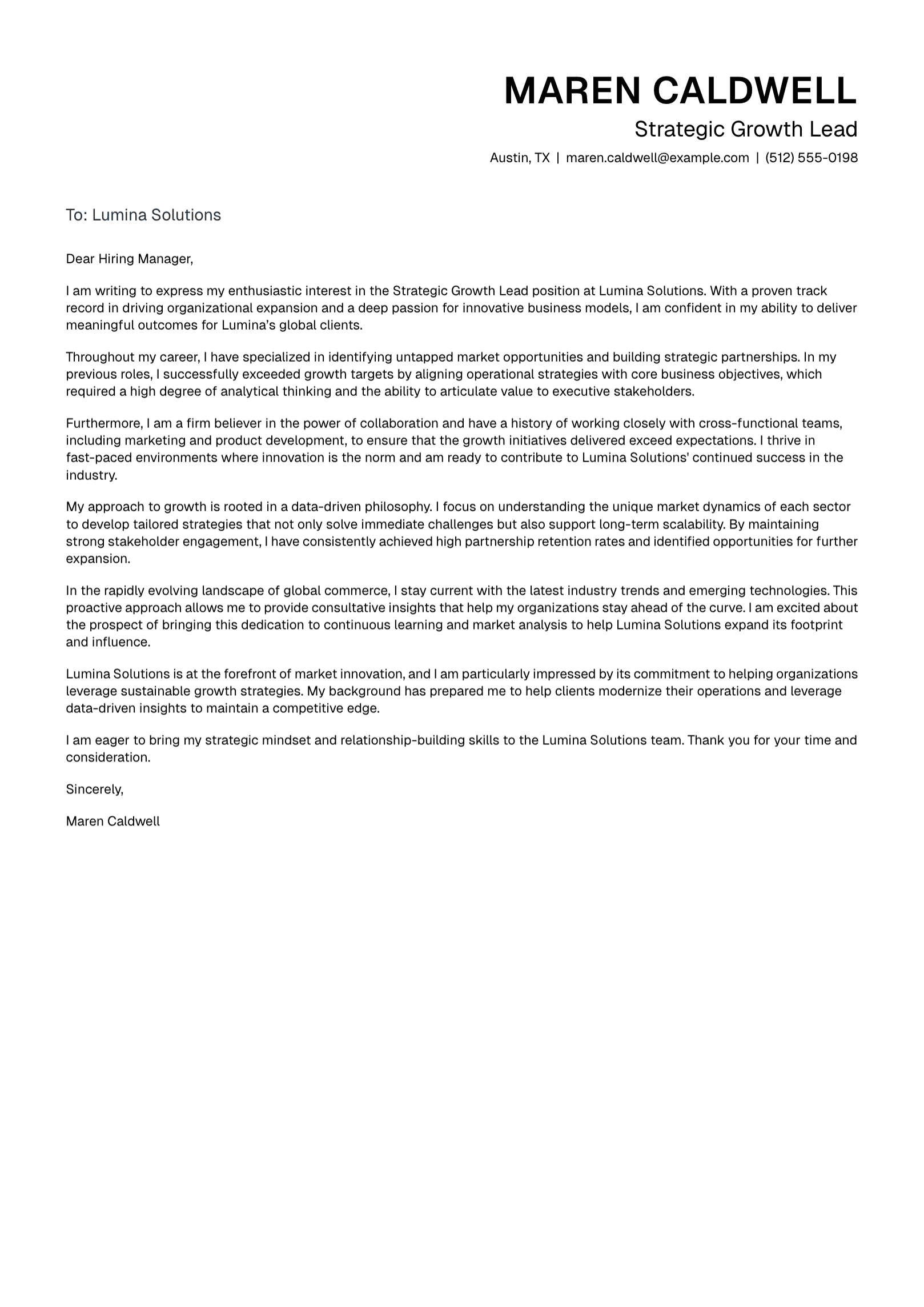
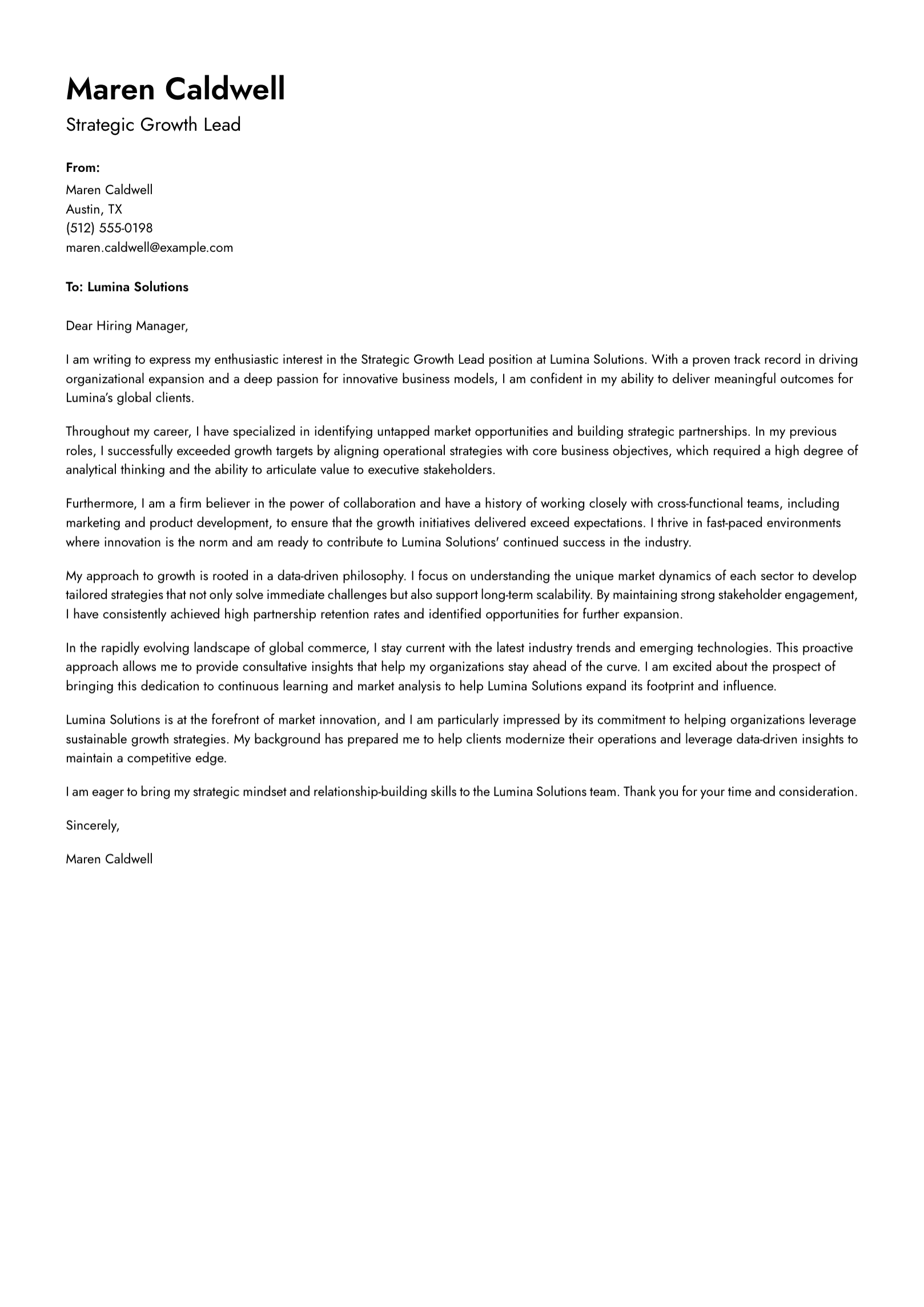
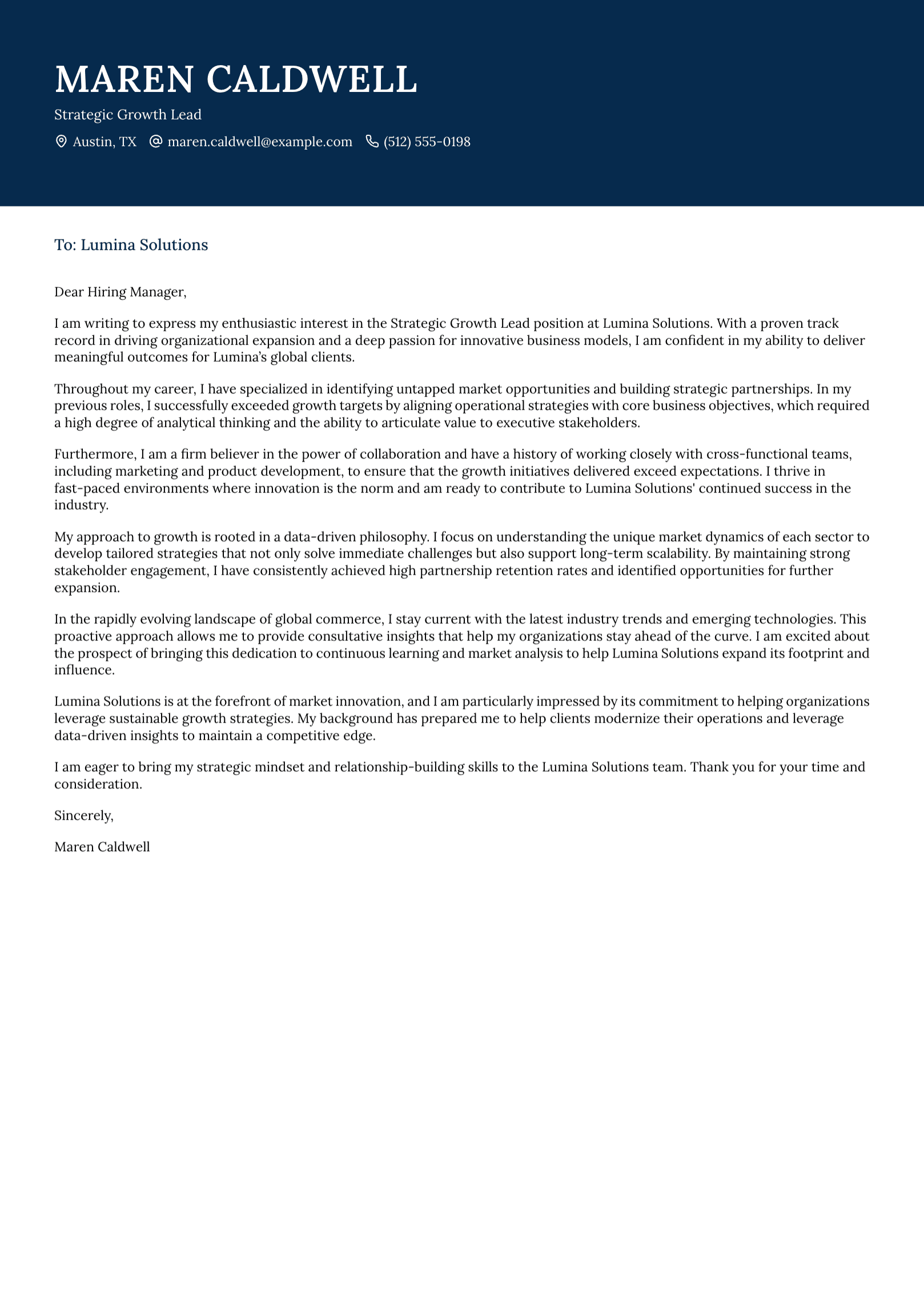
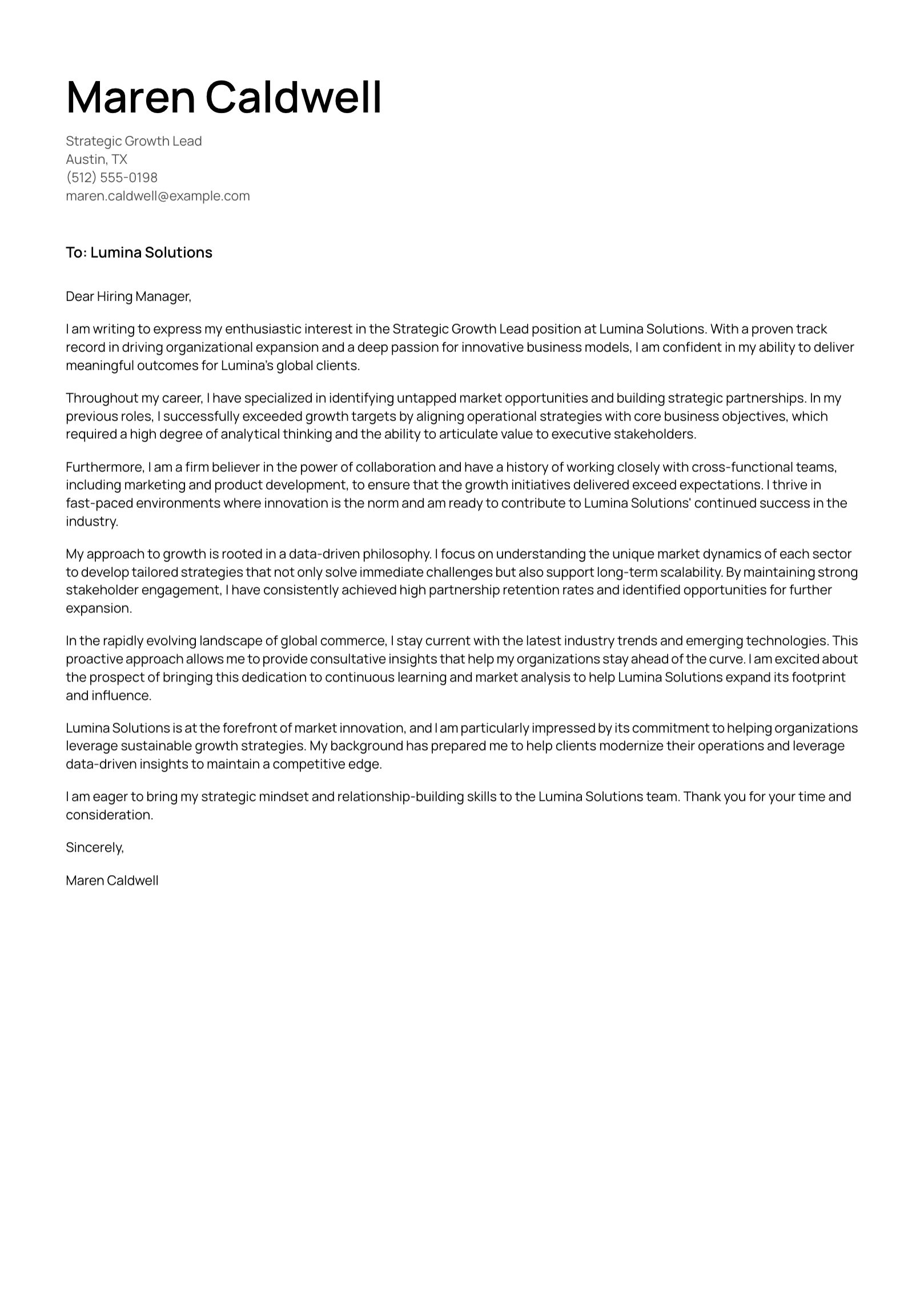
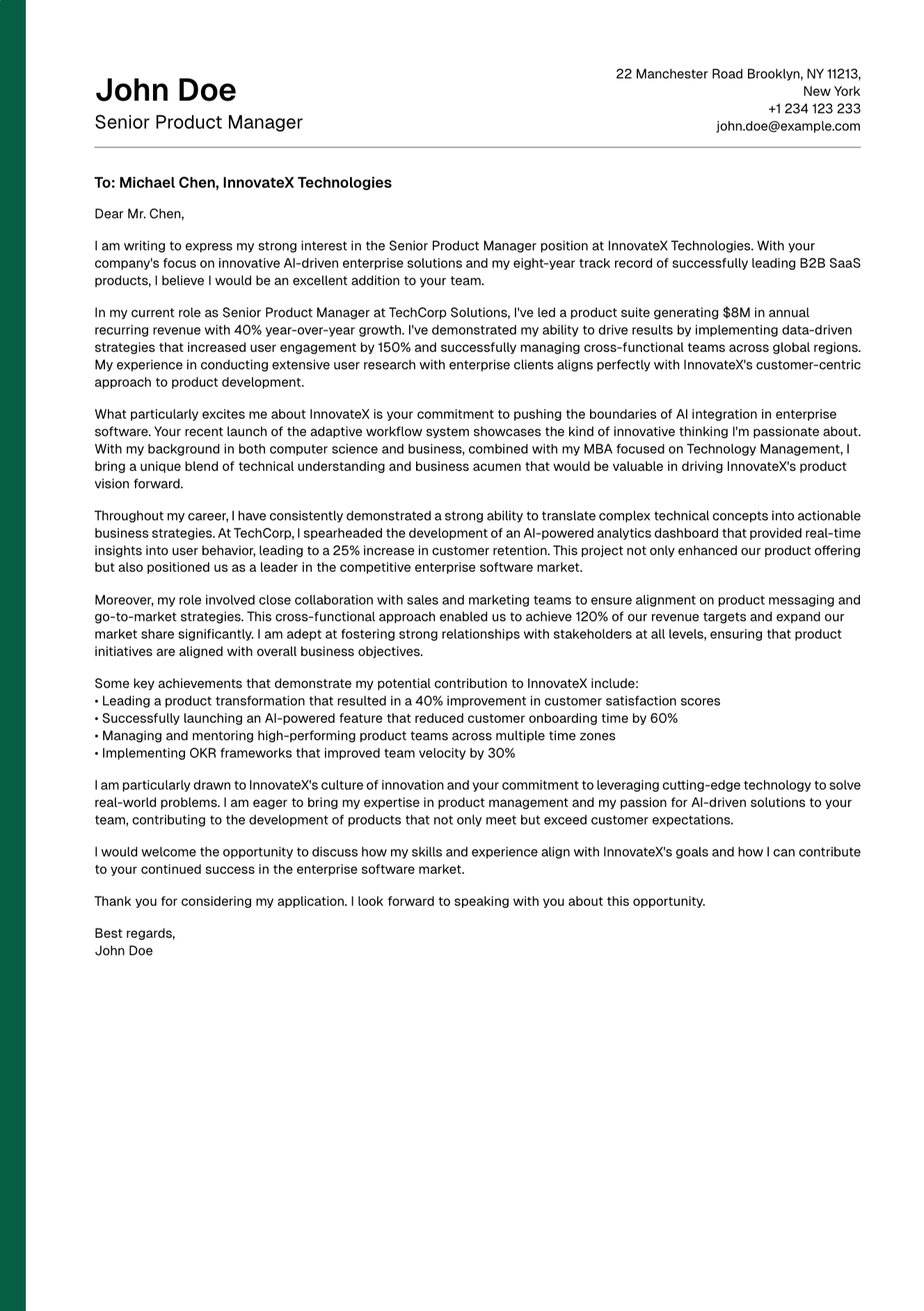
The resume can be correct while the submission still contains an avoidable mismatch. Confirm the employer name and role title in the cover letter. Make sure the uploaded file is the intended version. Review any answers copied from earlier applications.
Save files with clear names and keep the vacancy beside them. A simple folder for each company prevents a surprising number of mistakes.
How UseResume Fits Into the Review
UseResume lets you upload or create a resume, tailor it to a job description, edit the content, choose a template, and export a PDF. It also supports cover-letter creation.
The platform can reduce repeated formatting work and give you a focused draft to review. Accuracy remains your responsibility. Check every generated claim against your experience and inspect the exported document before submission.
Give the Resume One Calm Final Reading
A resume never needs to sound superhuman. It needs to make your experience easy to understand and easy to trust.
When you finish the technical checks, read the document once for the person behind it. Does it reflect the work you care about? Does it sound like a capable professional you recognize? If the answer is yes, send it with confidence.
Create your account and build a tailored resume you can review line by line.
Continue with our guide to tailoring a resume to a job description and our advice on how far back a resume should go.