Format Should Make the Evidence Easier to Find
A resume format is the order in which you present your professional information. It determines what the reader sees first, how quickly she can understand your timeline, and where your strongest evidence receives attention.
Most candidates need less reinvention than they expect. A clear reverse-chronological experience section works well across many roles because recruiters can connect achievements with employers, titles, and dates. A skills-first hybrid can help when the target role requires a particular technical or functional profile. A pure functional resume has narrower uses and deserves care.
Choose the structure after you understand the role and your evidence. A beautiful format cannot rescue vague content, and a simple format can carry an excellent career story very well.
Want a clean starting point? Browse the resume templates, review the Classic Harvard resume template, or create a targeted draft with the AI resume builder.
The Three Formats at a Glance
| Format | What appears first | Main strength | Main risk | Often suits |
|---|---|---|---|---|
| Reverse-chronological | Recent work history | Clear context and career progression | Earlier relevant work may receive less attention | Most candidates with recent, relevant experience |
| Functional | Skill groups and selected achievements | Brings capabilities forward | Separates achievements from employers and dates | A limited set of portfolio, project, or highly specialized situations |
| Hybrid | Focused skills or highlights, followed by full chronology | Gives priority skills early while preserving context | Repetition and crowding | Career changers, technical specialists, and candidates with broad relevant experience |
These are starting structures. You can adjust section order without changing the integrity of the work history.
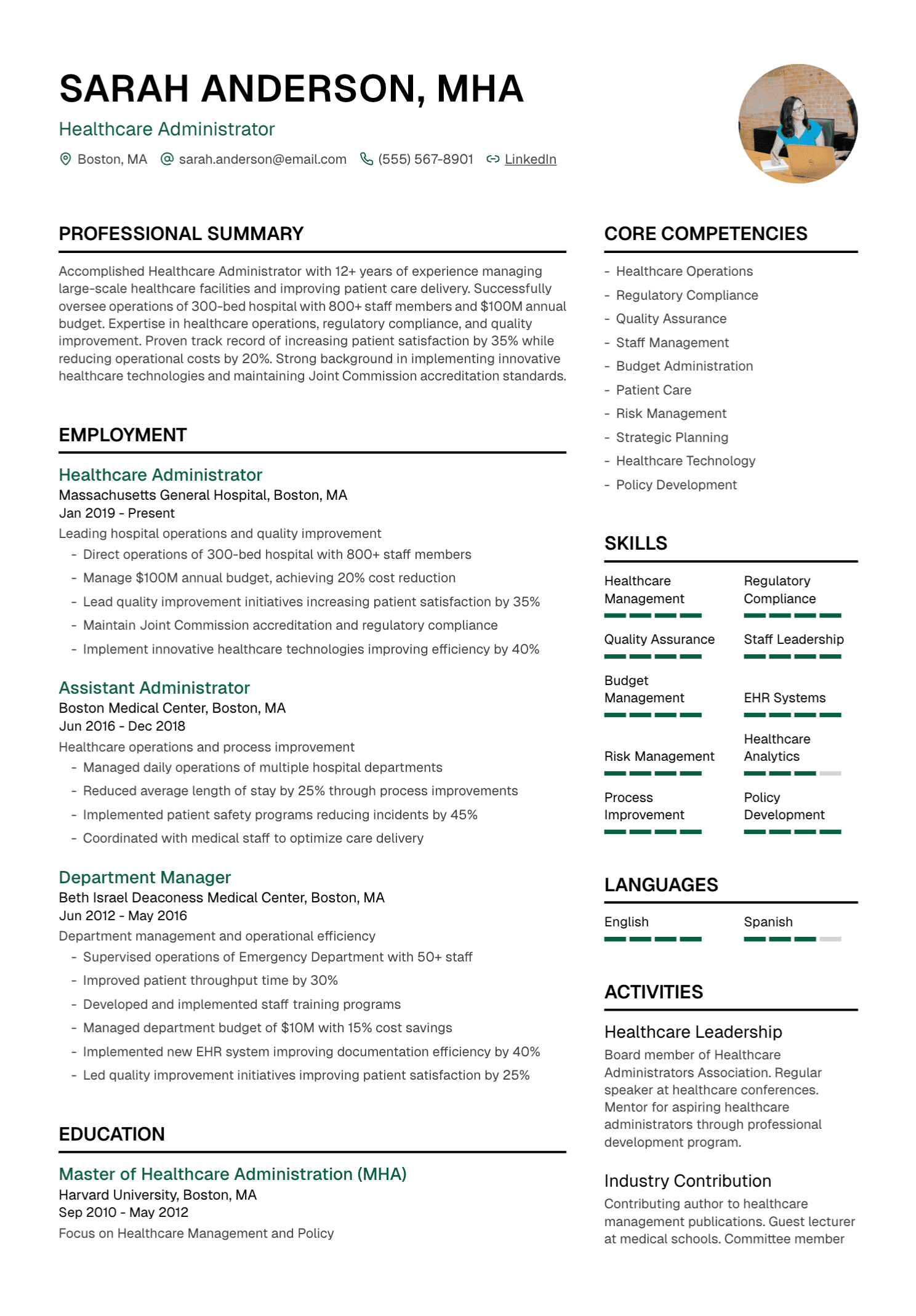
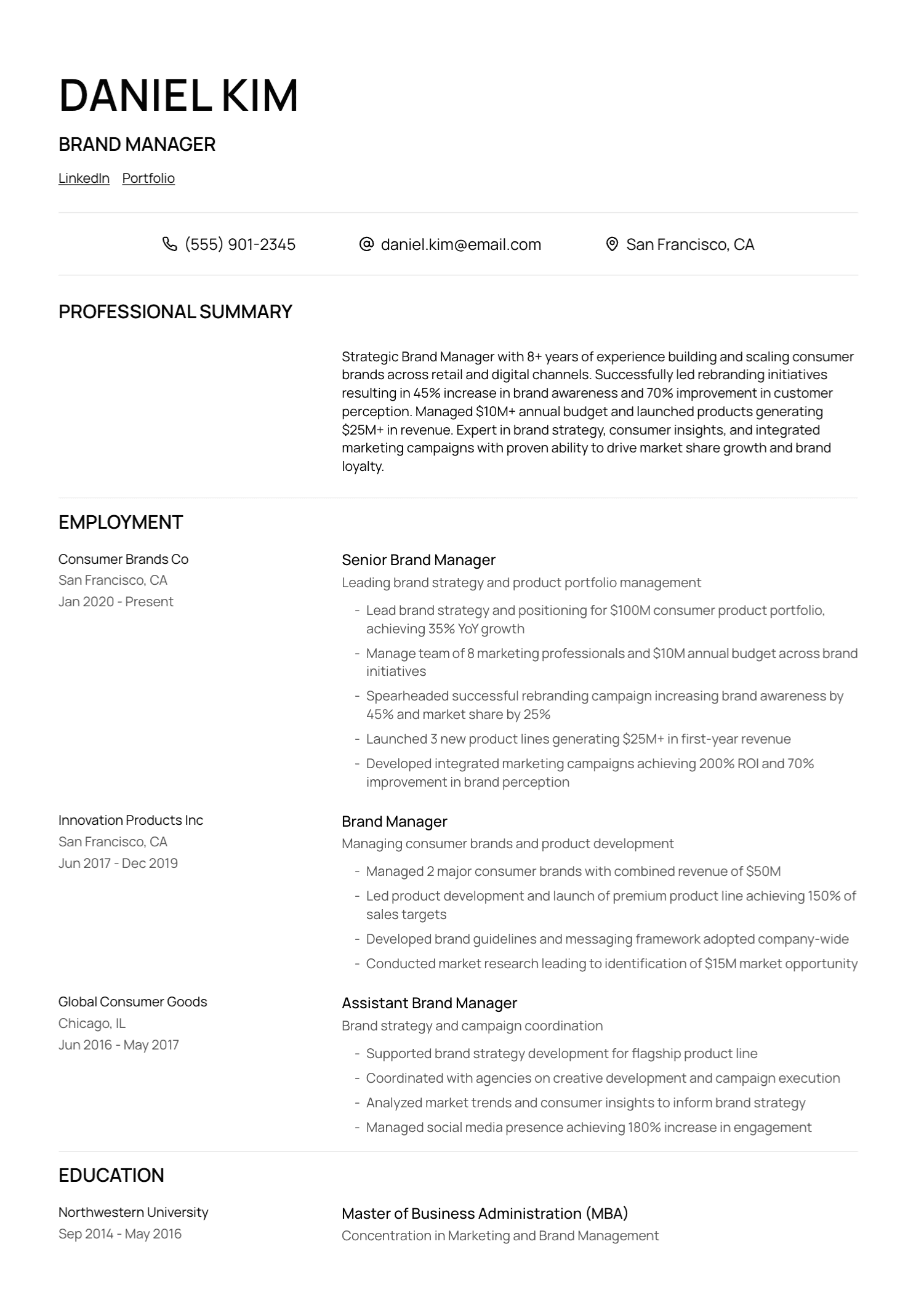
Reverse-Chronological Resume
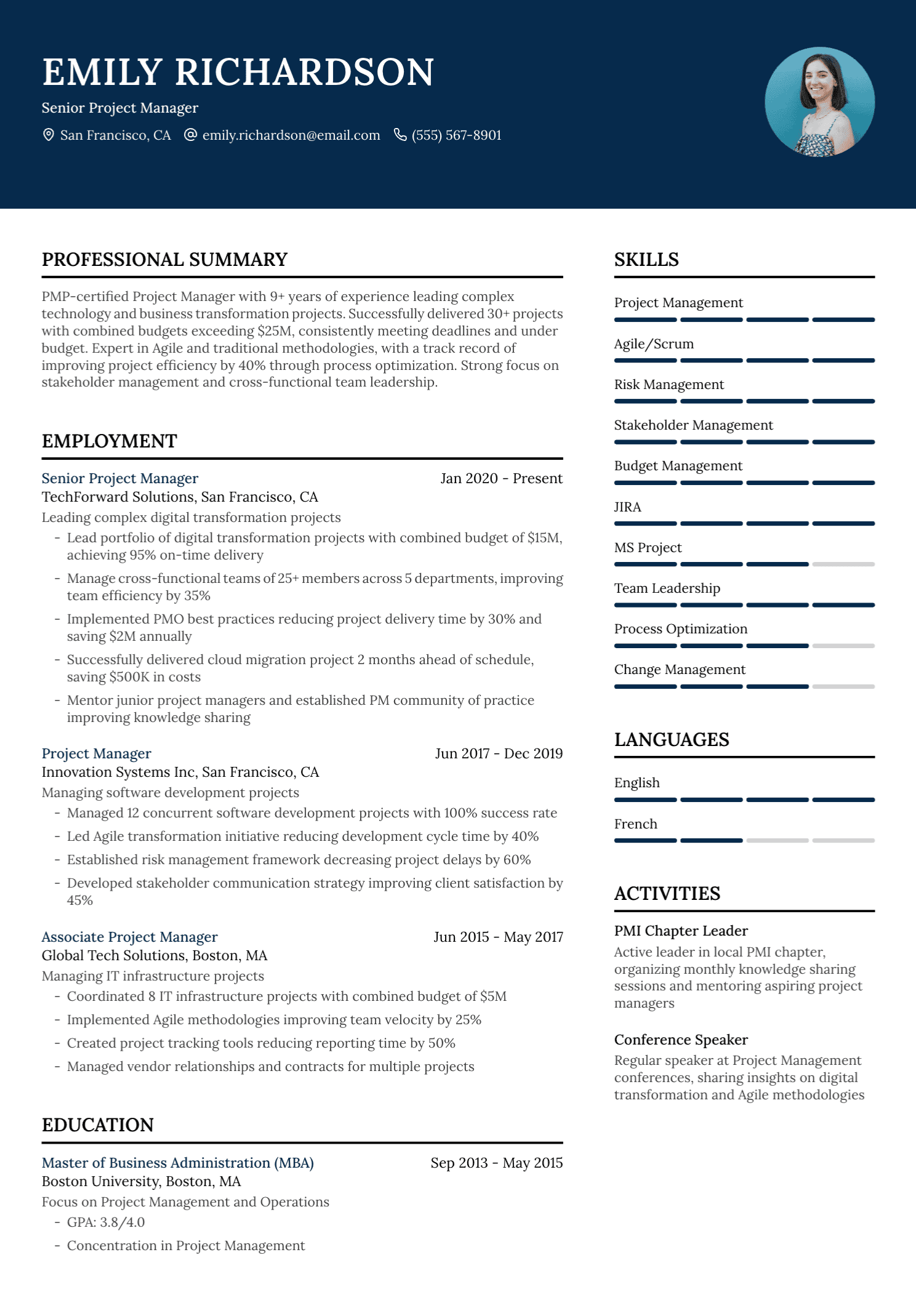
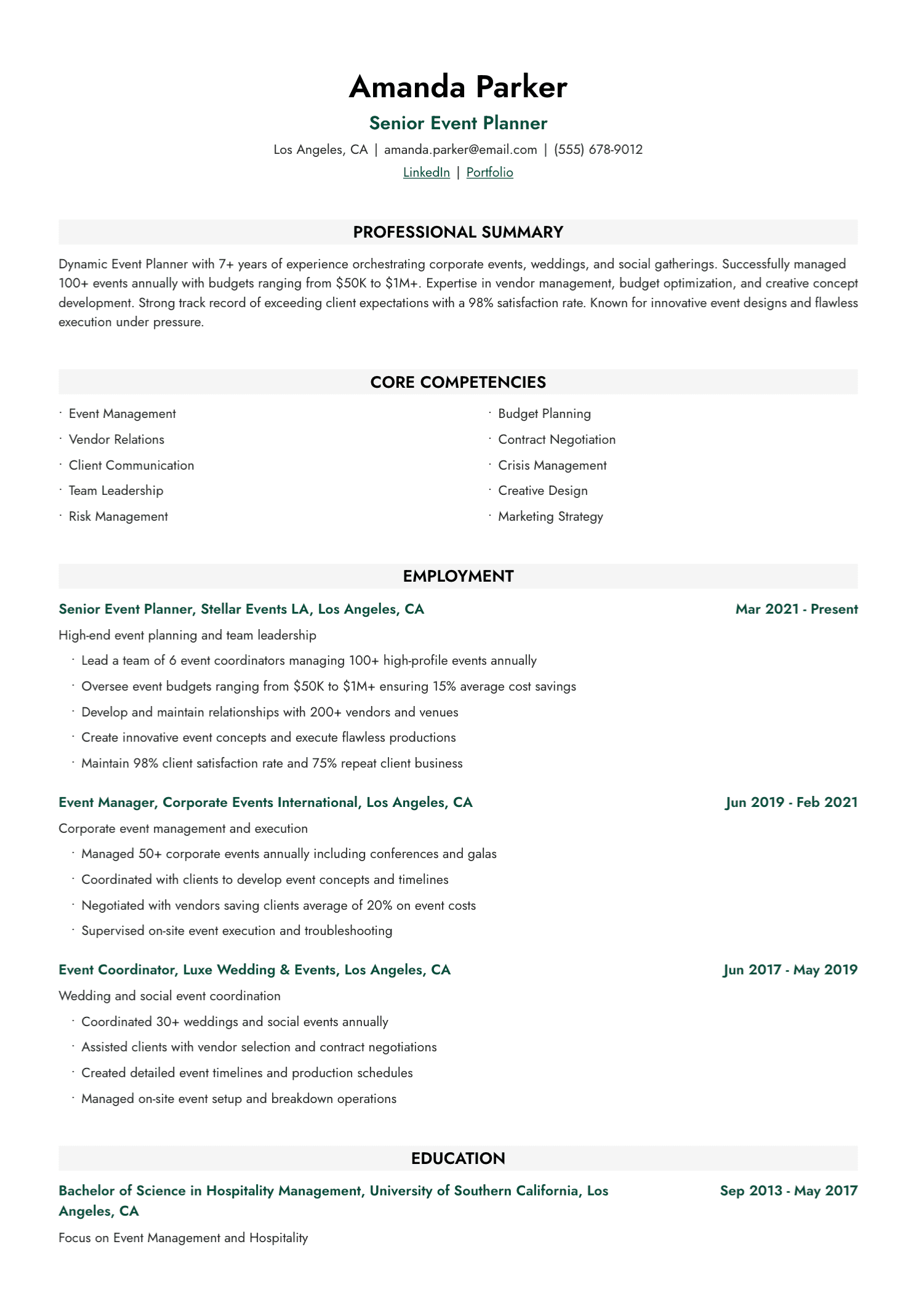
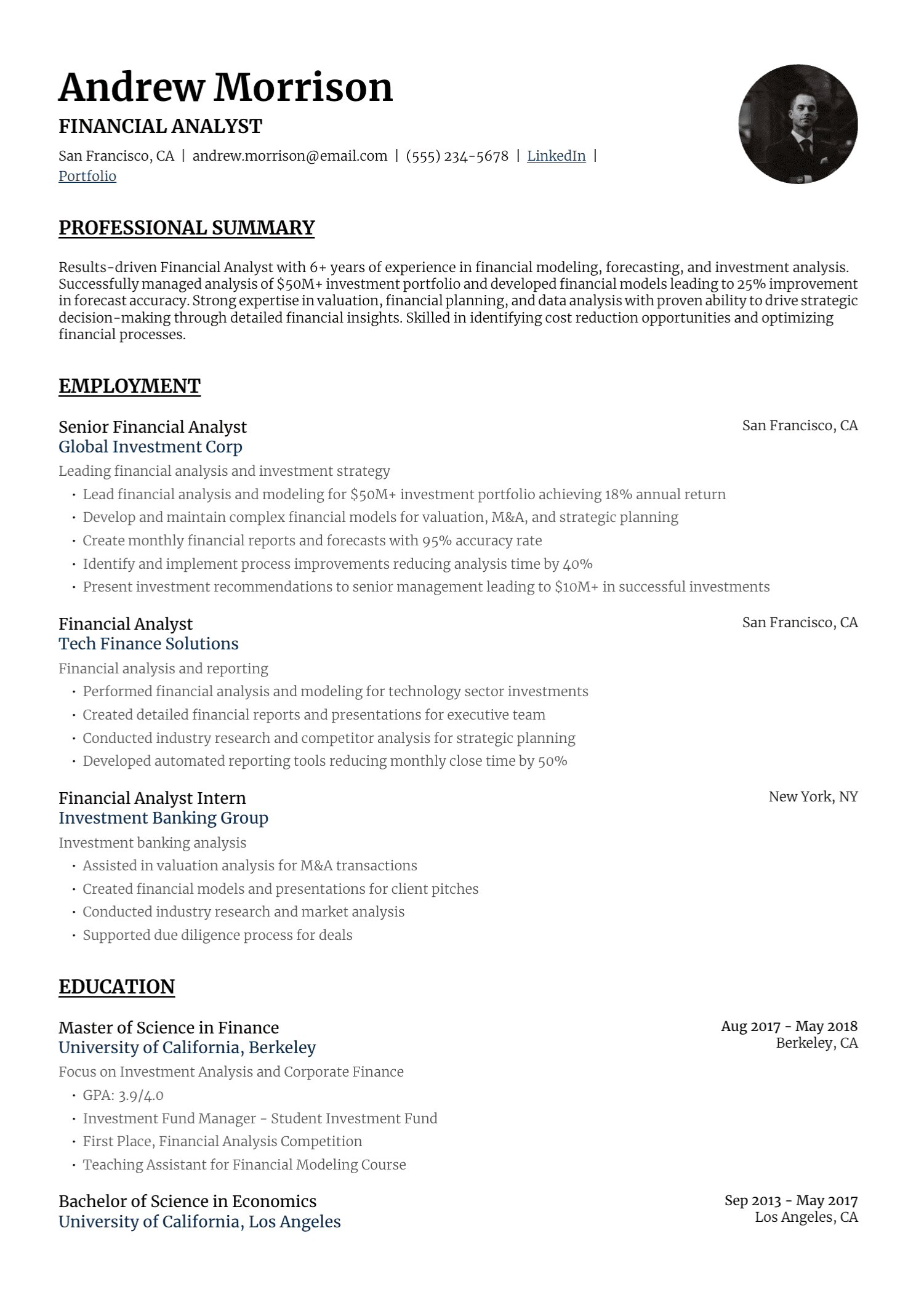
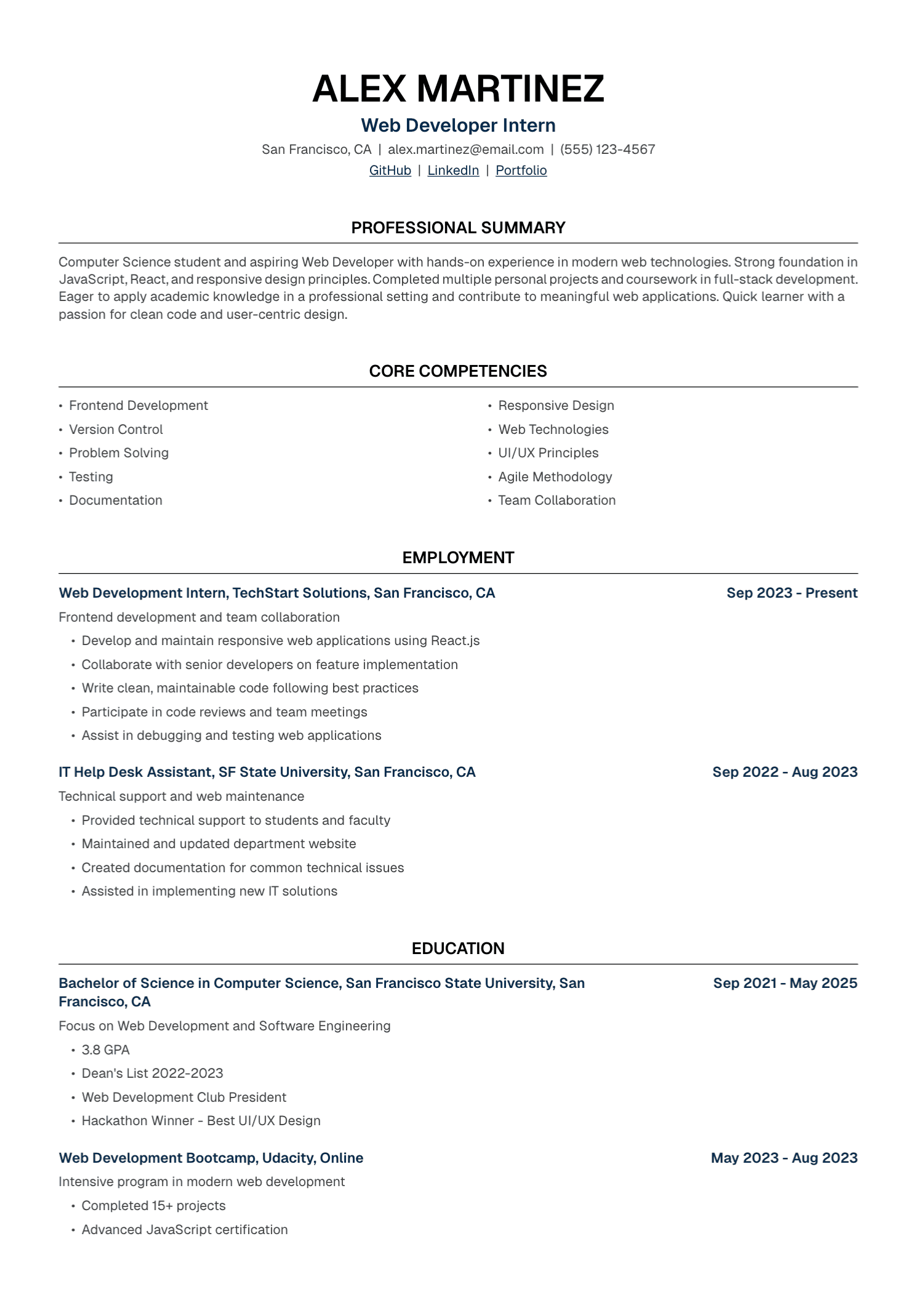
The reverse-chronological format lists the current or most recent role first and moves backward through time. Each entry usually includes title, employer, location when useful, dates, and achievement-focused bullets.
This format answers the reader's basic questions quickly. Where did you work? What level did you hold? How recent is the experience? Which results belong to which role?
A typical order looks like this:
Name and contact details
Professional profile
Experience
Education
Skills
Certifications or other relevant sections
Recent graduates may place Education above Experience. Technical candidates may move a concise Skills section higher. The work history still keeps its full chronology.
When it works especially well
Choose this structure when recent roles connect clearly with the target, your progression strengthens the case, or the employer needs to understand where and when you used each skill.
It also handles career gaps better than many candidates fear. Accurate dates and a short contextual entry, where useful, usually create more trust than a format designed to obscure time.
Where it needs adjustment
A career changer may find that the most relevant evidence sits inside older roles or projects. Bring that evidence into the profile, a focused skills section, or a selected-projects section. Keep the chronology below so the reader still understands the career.
Functional Resume
A functional resume organizes the main content by skill area. Detailed achievements appear under headings such as Project Delivery, Data Analysis, Client Development, or Team Leadership. The employment history is often reduced to titles, employers, and dates.
This structure can bring scattered experience together. It may suit a consultant whose strongest evidence comes from confidential projects across several engagements, an artist or designer whose portfolio carries more weight than employer chronology, or someone presenting a tightly defined body of project work.
The tradeoff is significant. Removing the employer and date from an achievement makes recency, scope, and context harder to assess. Some readers also assume the format is hiding a gap or unstable history, even when that was never the candidate's intention.
A functional section might look like this:
DATA ANALYSIS
[Verified achievement and the context where it occurred]
[Verified project, method, and result]

STAKEHOLDER COMMUNICATION
[Verified achievement and the people involved]
[Verified example of facilitation or reporting]

EMPLOYMENT HISTORY
[Title] | [Employer] | [Dates]
[Title] | [Employer] | [Dates]
If you use this format, preserve a complete and accurate employment history. Add enough context to each achievement for a reviewer to understand where it happened.
Hybrid Resume
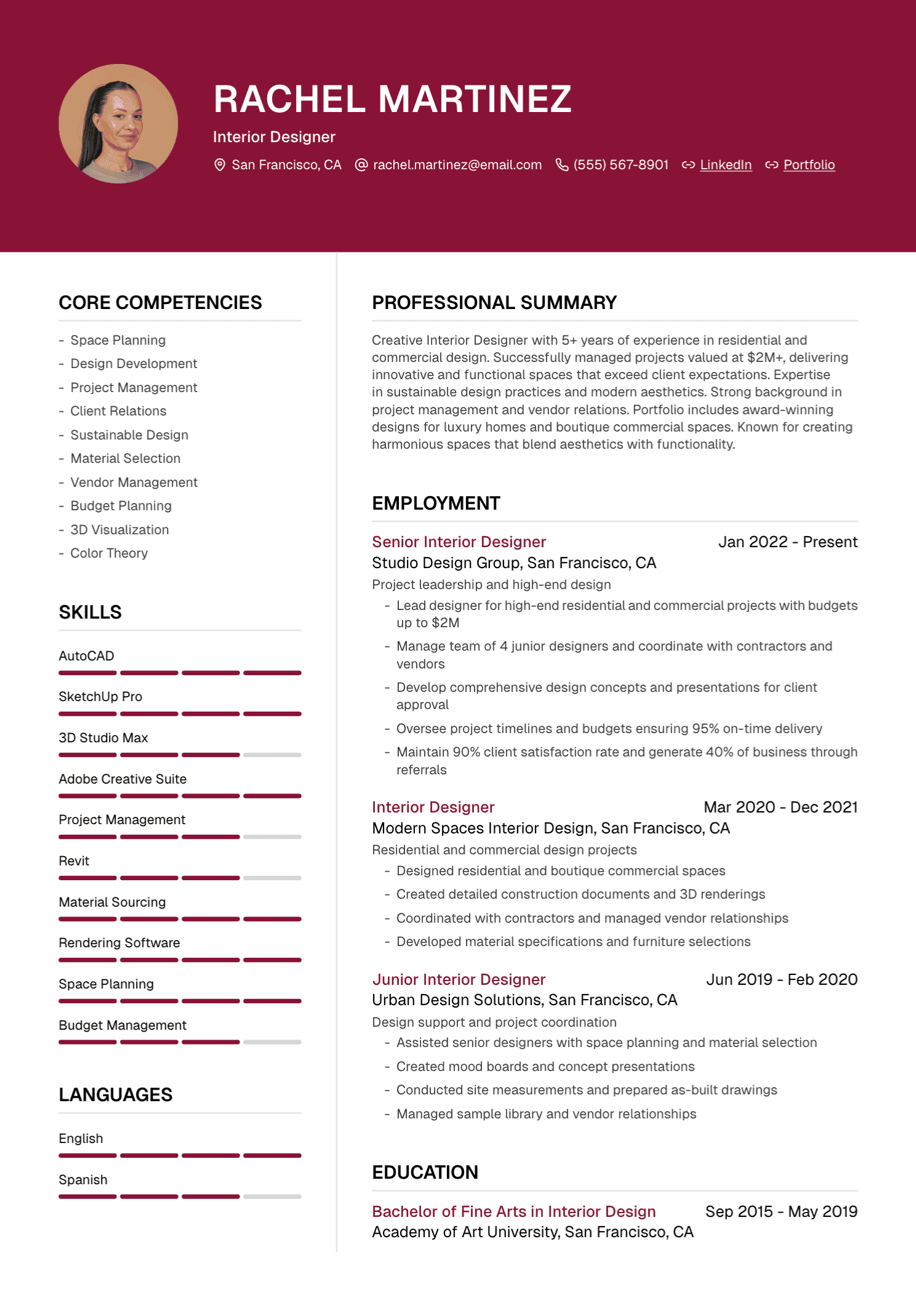
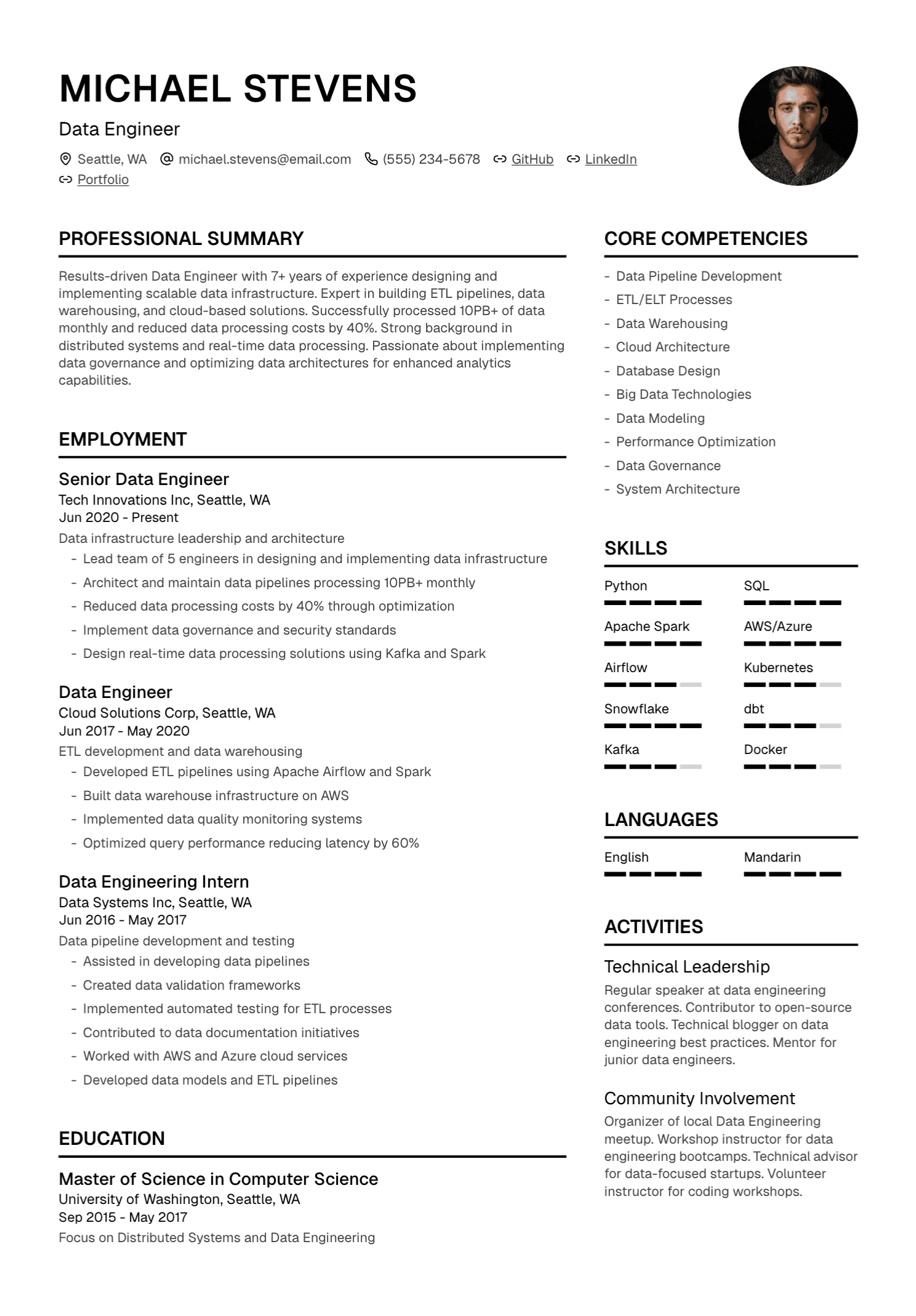
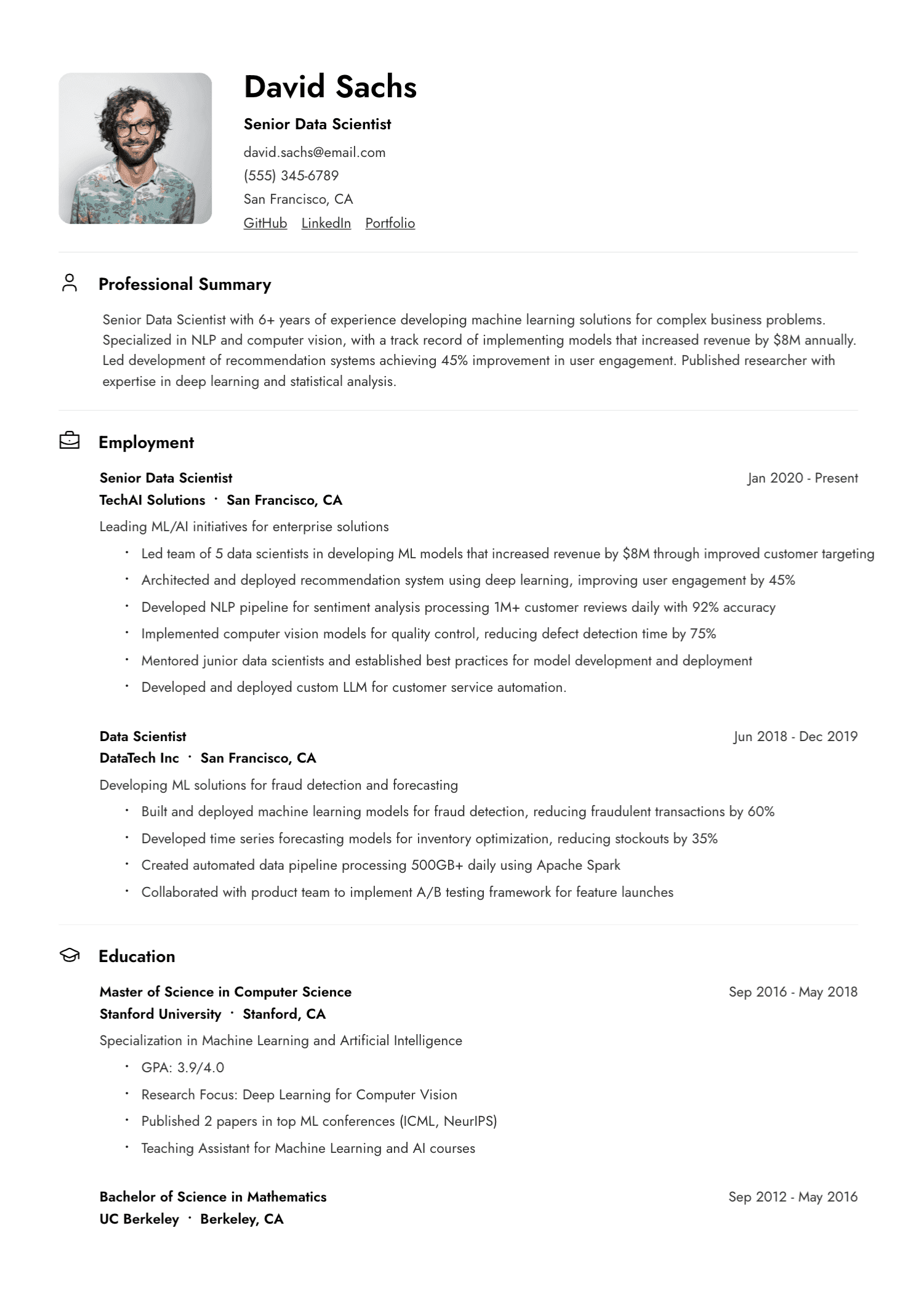
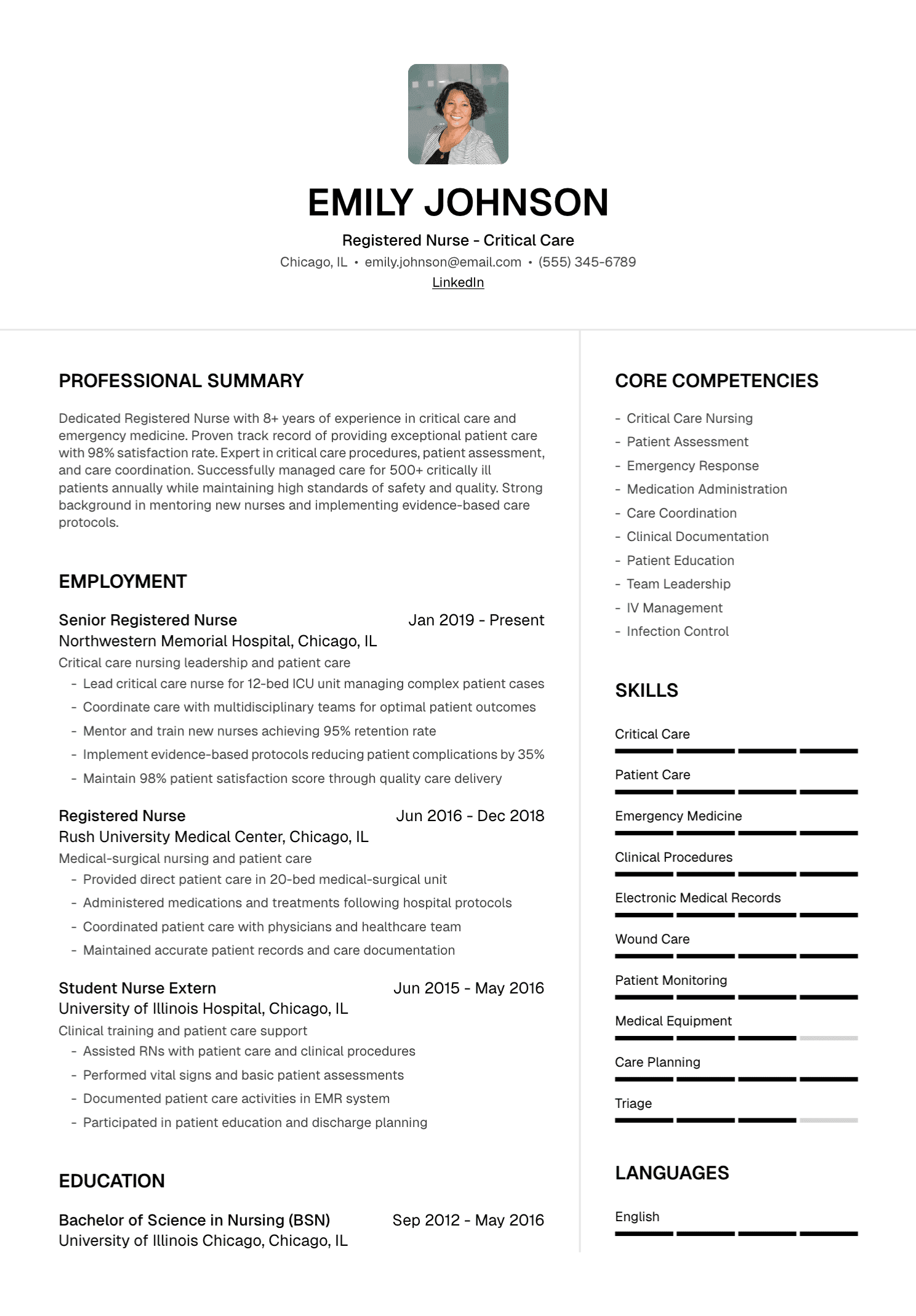
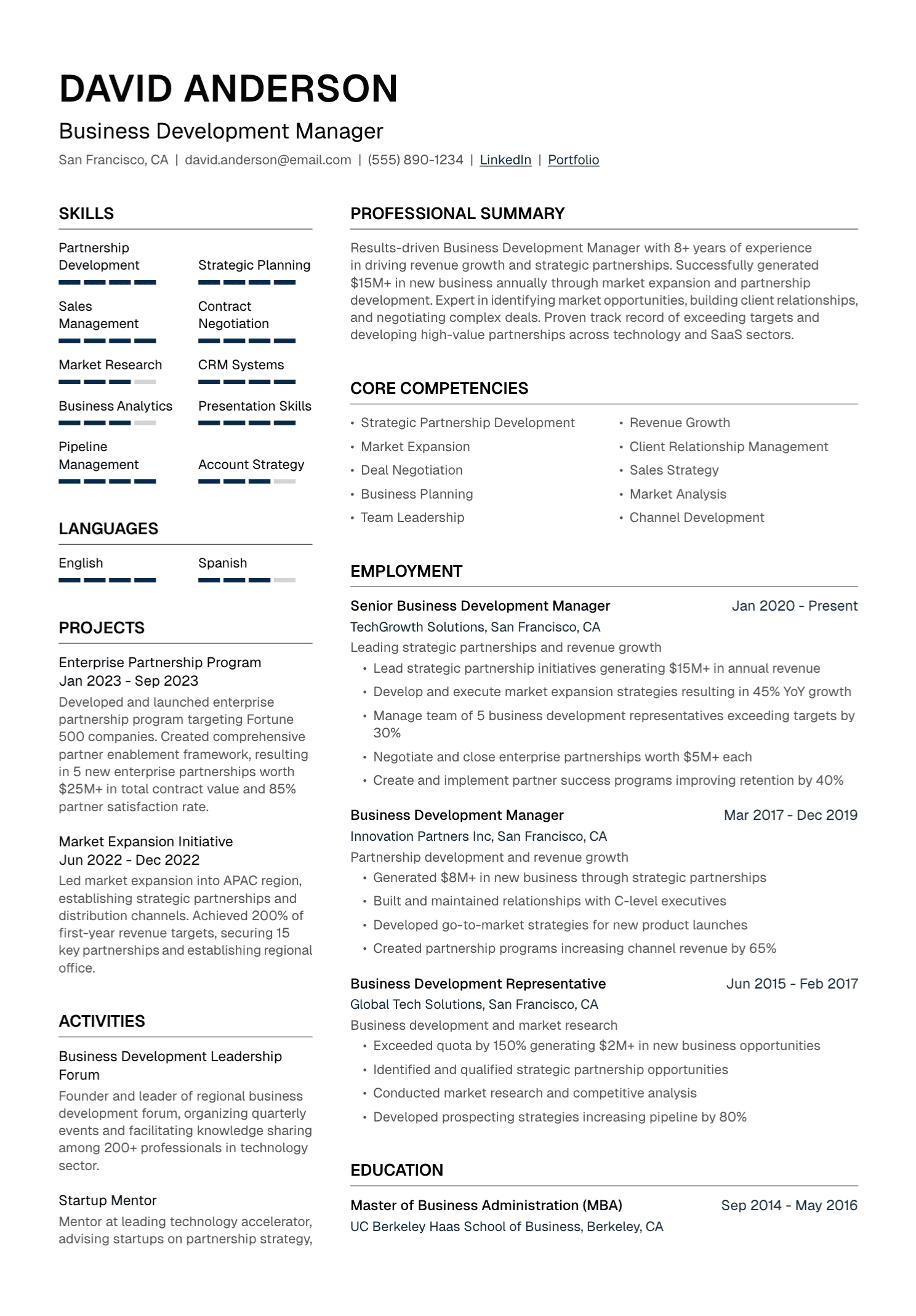
A hybrid resume places a concise skills or career-highlights section before a reverse-chronological work history. It combines early emphasis with full context.
This is often the most practical alternative for a career change. A teacher moving into learning design can introduce curriculum development, facilitation, needs analysis, and digital learning tools near the top. The experience section then shows how those capabilities were used in real roles.
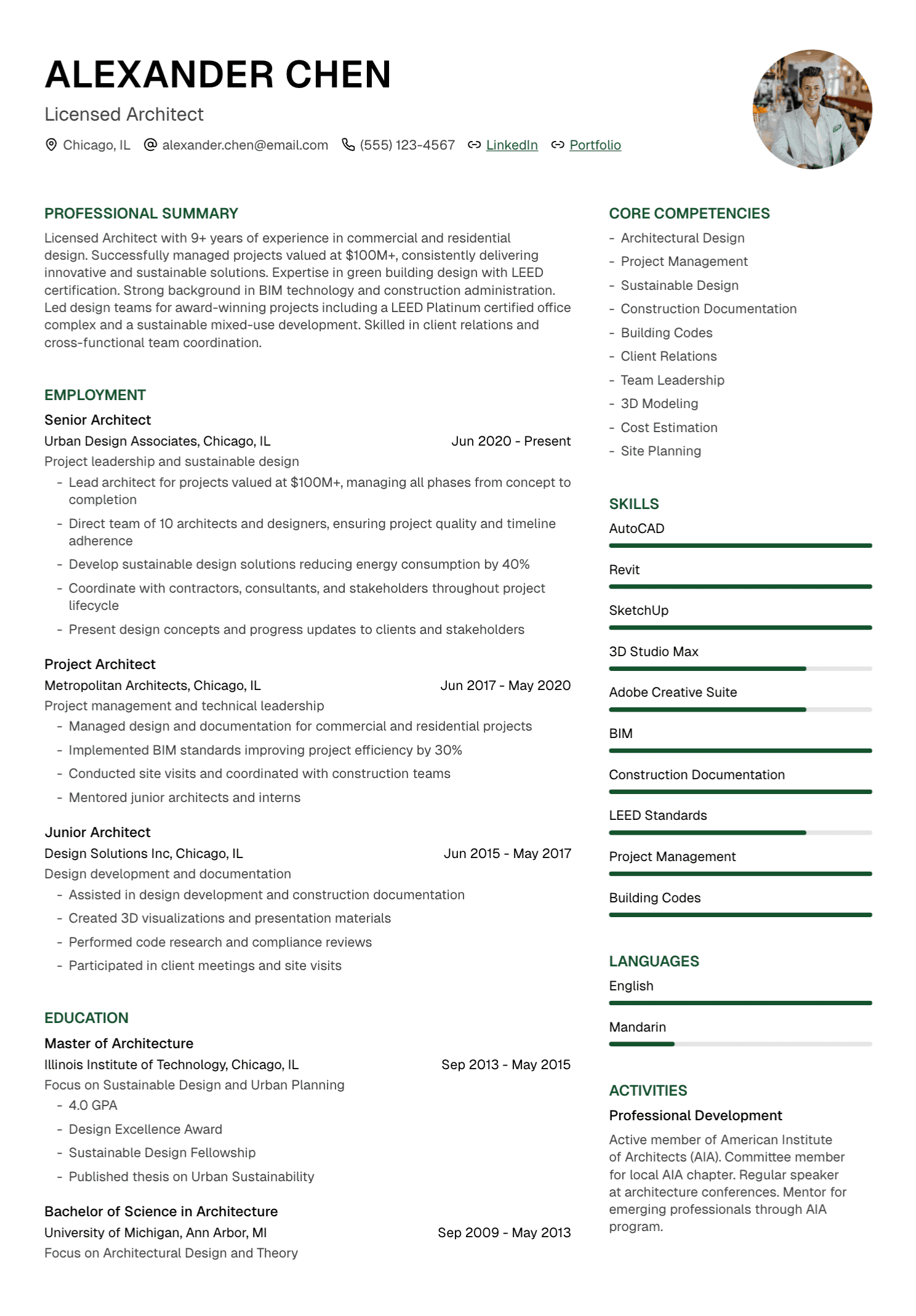
A hybrid order may look like this:
Name and contact details
Targeted professional profile
Technical skills or selected qualifications
Reverse-chronological experience
Projects
Education and certifications
Keep the opening section brief. A half-page block of keywords delays the evidence and makes the resume feel repetitive. Three or four focused categories are usually plenty.
How to Choose for Your Situation
Your recent work already matches the target
Use reverse chronology. Give recent achievements the most space and tailor their order to the posting.
You are changing career direction
Start with a hybrid. Write a clear profile, add a focused skills or projects section, and preserve the complete work history. This helps the reader see the bridge while keeping the timeline accessible.
You have an employment gap
Use accurate dates and decide whether a short entry adds useful context. Caregiving, study, health recovery, relocation, independent work, and travel can be described with the level of detail you feel comfortable sharing.
A format that hides dates may draw more attention to the gap. A hybrid structure can lead with relevant capability while retaining transparent chronology.
You have changed jobs frequently
Group roles only when they genuinely belong together, such as several contracts through one agency or multiple promotions at the same employer. Explain contract work clearly. Focus bullets on the value delivered in each period.
You have a long career
Reverse chronology still works. Give recent and relevant positions more detail, then condense older roles into an Earlier Experience section. Keep dates where they help the reader follow the progression.
Your portfolio or projects carry the strongest evidence
Use a hybrid with Selected Projects or Portfolio near the top. Each project should identify your contribution, tools, context, and result. The employment history follows.
Section Order Matters More Than Labels
The upper third of the first page should establish direction and relevant value. That may come from a profile, current role, technical skills, selected projects, or education for a recent graduate.
Move a section higher when it materially strengthens the application. Keep section names familiar: Experience, Education, Skills, Projects, Certifications, and Publications are easy to understand.
Creative headings often ask the reader to decode the document. Save personality for the writing and design details that preserve clarity.
Formatting for Readability
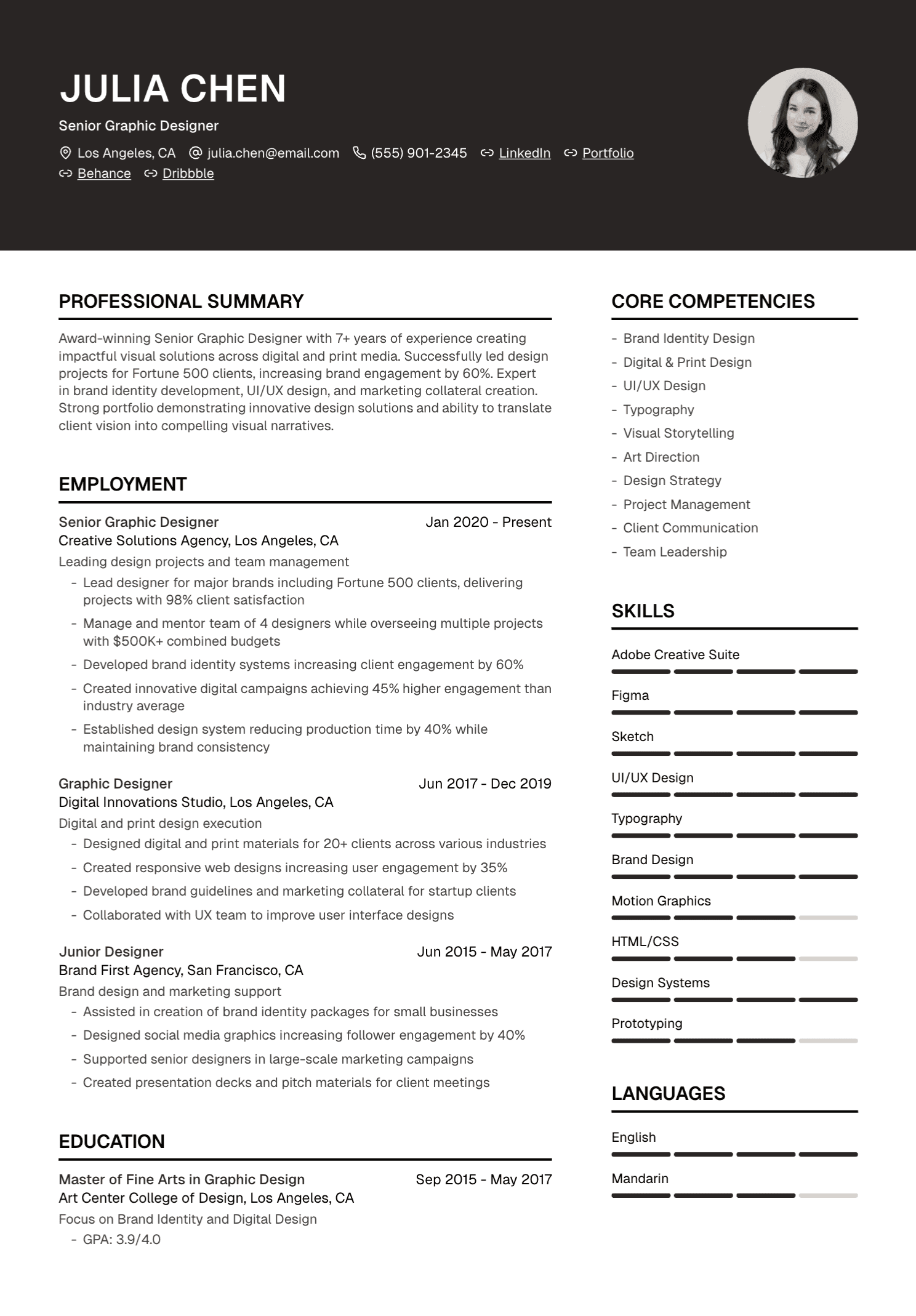
Use a visible hierarchy. Your name, section headings, job titles, employers, and dates should have consistent treatment. Body text needs enough size and line spacing to read comfortably.
White space helps the reader separate ideas. It also gives the strongest achievements room to stand out. A crowded one-page resume can feel harder to process than a clean two-page document.
Choose one date format and use it throughout. Align dates consistently. Keep bullet indentation, punctuation, and spacing uniform. These small decisions create a sense of control.
ATS Considerations
Applicant tracking systems vary across employers and vendors. Many store applications, extract resume data, support search, and help recruiting teams manage workflow. Parsing quality depends on the system, configuration, and document.
Use selectable text, familiar section headings, and a logical reading order. Place essential information in the main document flow. Tables, columns, text boxes, icons, and headers can behave differently across parsers, so inspect the extracted text whenever possible.
Follow the employer's requested file type. A standard PDF often preserves visual formatting well, while some application portals request DOCX. Open the final file and copy its text into a plain document to check order and completeness.
Relevant terminology should appear in context. A keyword list with no supporting experience creates a weak application, even if the software extracts every word correctly.
What to Avoid in Any Format
A hidden or incomplete timeline raises questions. Decorative proficiency bars communicate little. Dense blocks of skills delay the evidence. Tiny text trades readability for an arbitrary page limit. Elaborate graphics can distract from the career story.
The strongest format helps a reader verify your claims. It connects achievements with the roles, projects, or education where they happened.
Use AI to Test the Structure
AI can help compare your background with a target role and propose a section order. Give it a bounded instruction:
Review my resume and this job description. Recommend a reverse-chronological or hybrid section order that brings verified, relevant evidence forward. Preserve every employer, title, date, qualification, and career gap. Explain why each section moves. Use only information from my resume.
Treat the recommendation as an editorial opinion. Check whether the first page now makes the application easier to understand.
Where UseResume Fits
UseResume lets you upload or create a resume, tailor it to a job description, edit the content, choose a template, and export a PDF. Templates can help maintain consistent typography, spacing, and section treatment while you revise.
Guaranteed ATS scoring and universal format decisions sit outside the platform. Choose the structure based on your career evidence, target role, and local conventions.
If you already have a resume, use the resume checker to review vague content and layout issues before rebuilding the whole document.
Choose Clarity
For most candidates, reverse chronology is the safest foundation. A focused hybrid works well when relevant skills or projects need earlier attention. A functional resume deserves a specific reason and enough context to preserve trust.
Whichever format you choose, make the career easy to follow and the strongest evidence easy to find.
Create your account and build a resume in a clean, editable template.
Continue with our guides to one-page resumes and PDF resumes versus personal websites.