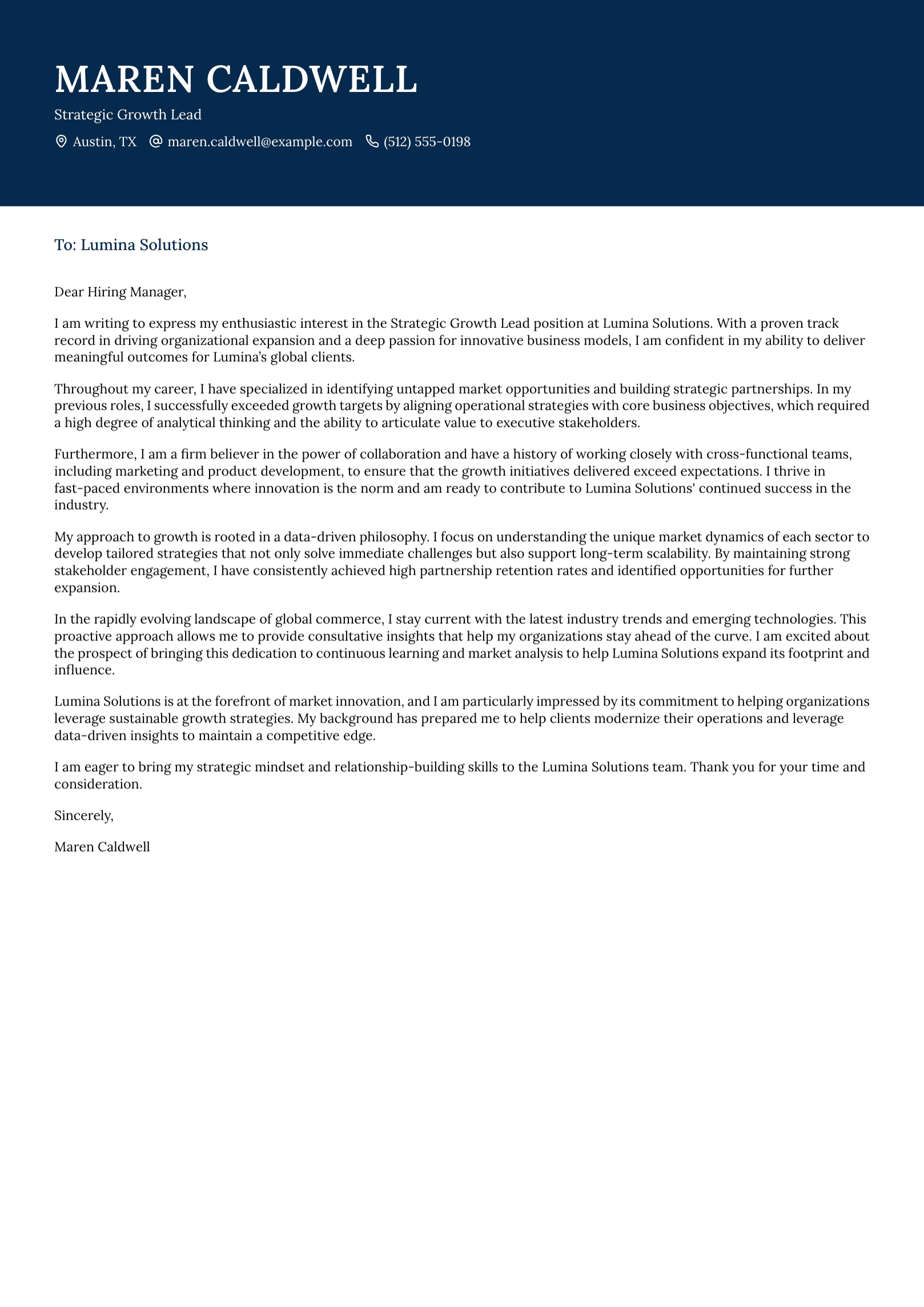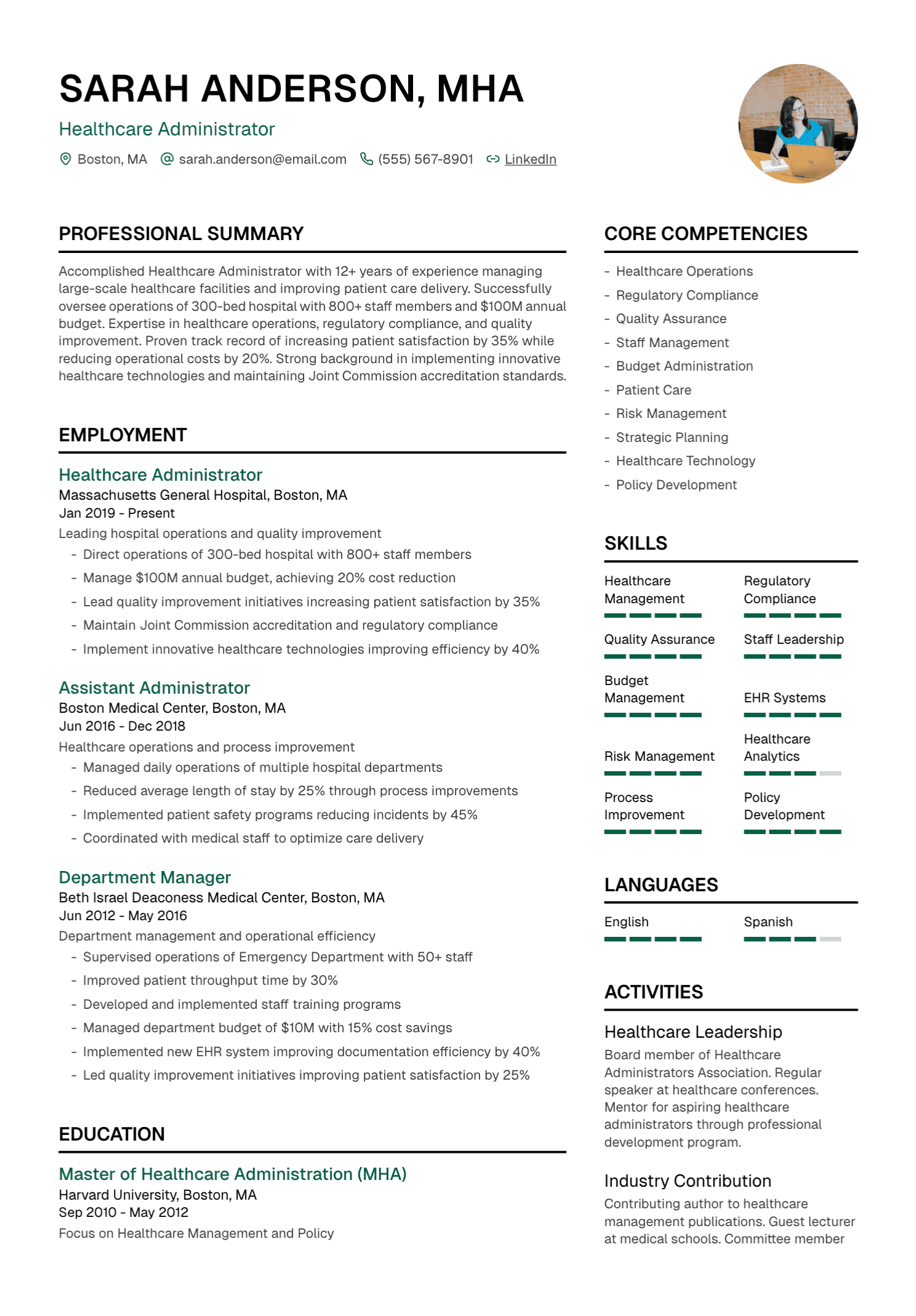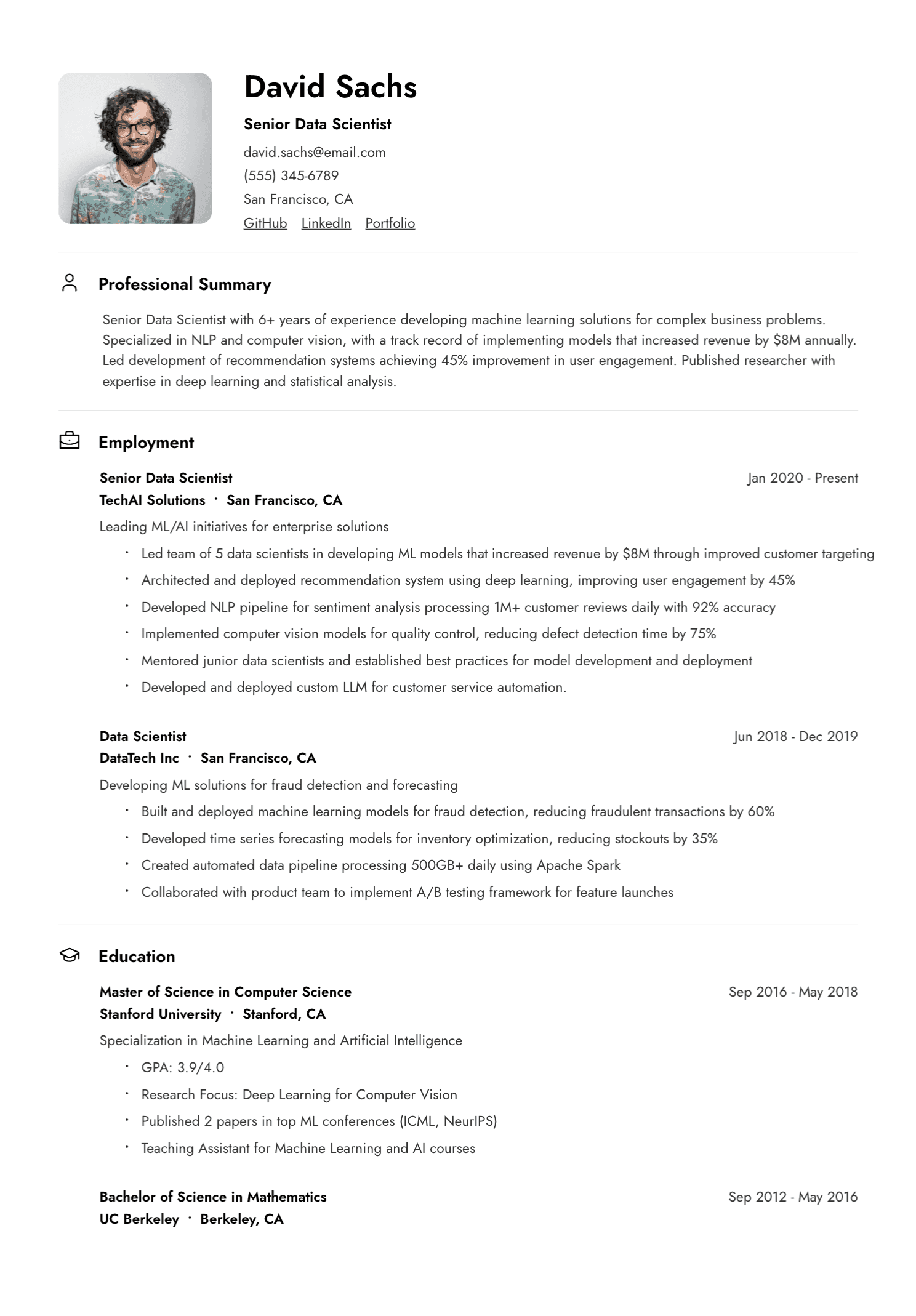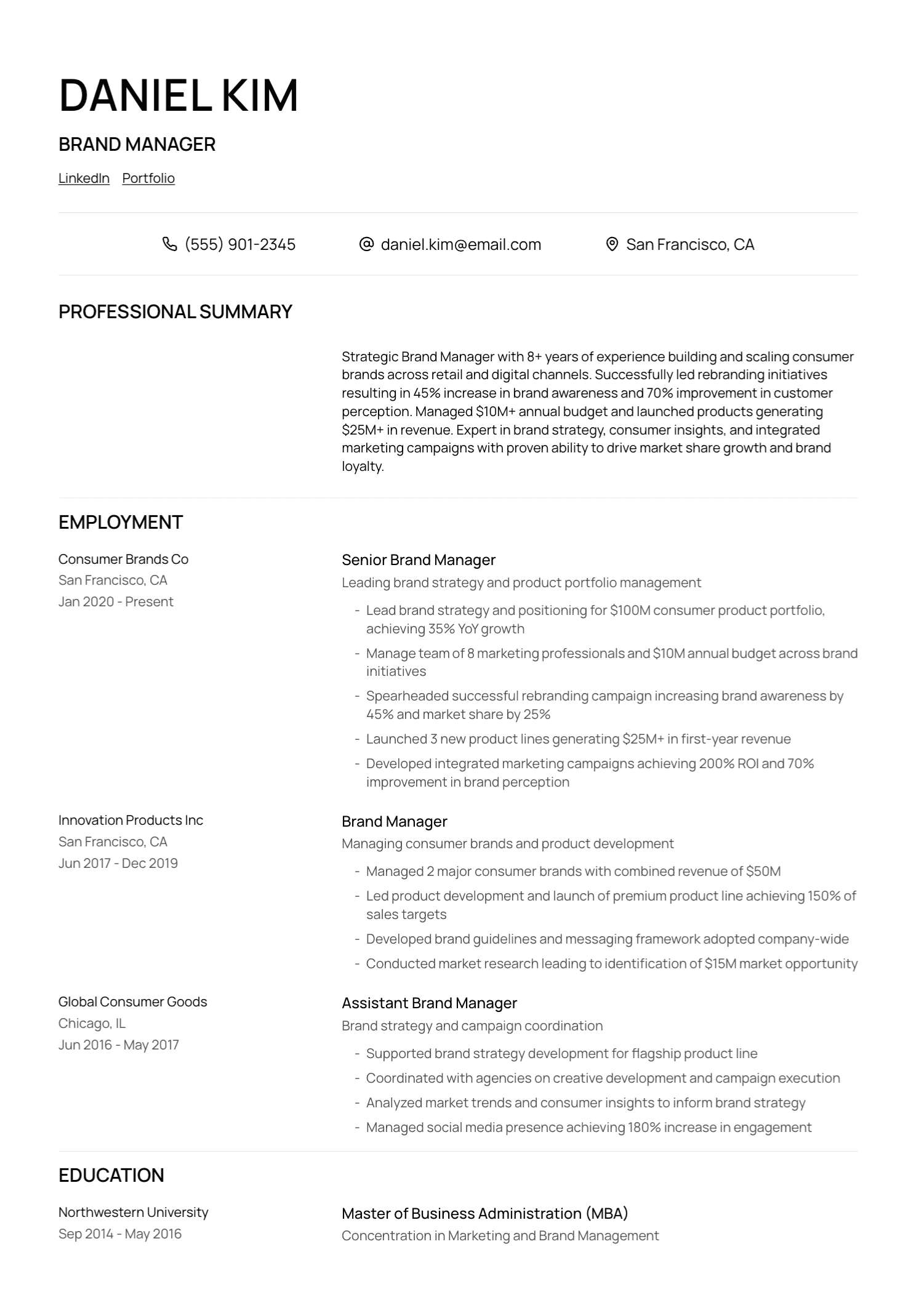
Begin With Evidence, Then Write
A resume looks like a writing task. In practice, the hardest work happens before the first polished sentence. You need to remember what you did, decide what matters for the target role, and separate facts from impressions gathered over several years.
Start with a long career record. Include official titles, employers, dates, responsibilities, projects, tools, customers, team or budget scope, promotions, awards, and results. Add metrics with their source where possible.
This record can be messy and several pages long. The final resume will be selective. Keeping the source material separate gives you the freedom to tailor without losing facts.
Step 1: Choose a Target
A resume written for “anything” usually gives the reader little direction. Choose a role family, level, industry, and location before deciding what to include.
Read several realistic job descriptions. Look for repeated responsibilities, tools, qualifications, stakeholders, and outcomes. Pay attention to the daily work behind the title.
Your target can stay broad enough for a group of related roles. A base resume for senior customer-success positions may work across several companies, with careful changes for enterprise accounts, renewals, implementation, or team leadership.
Step 2: Choose the Format
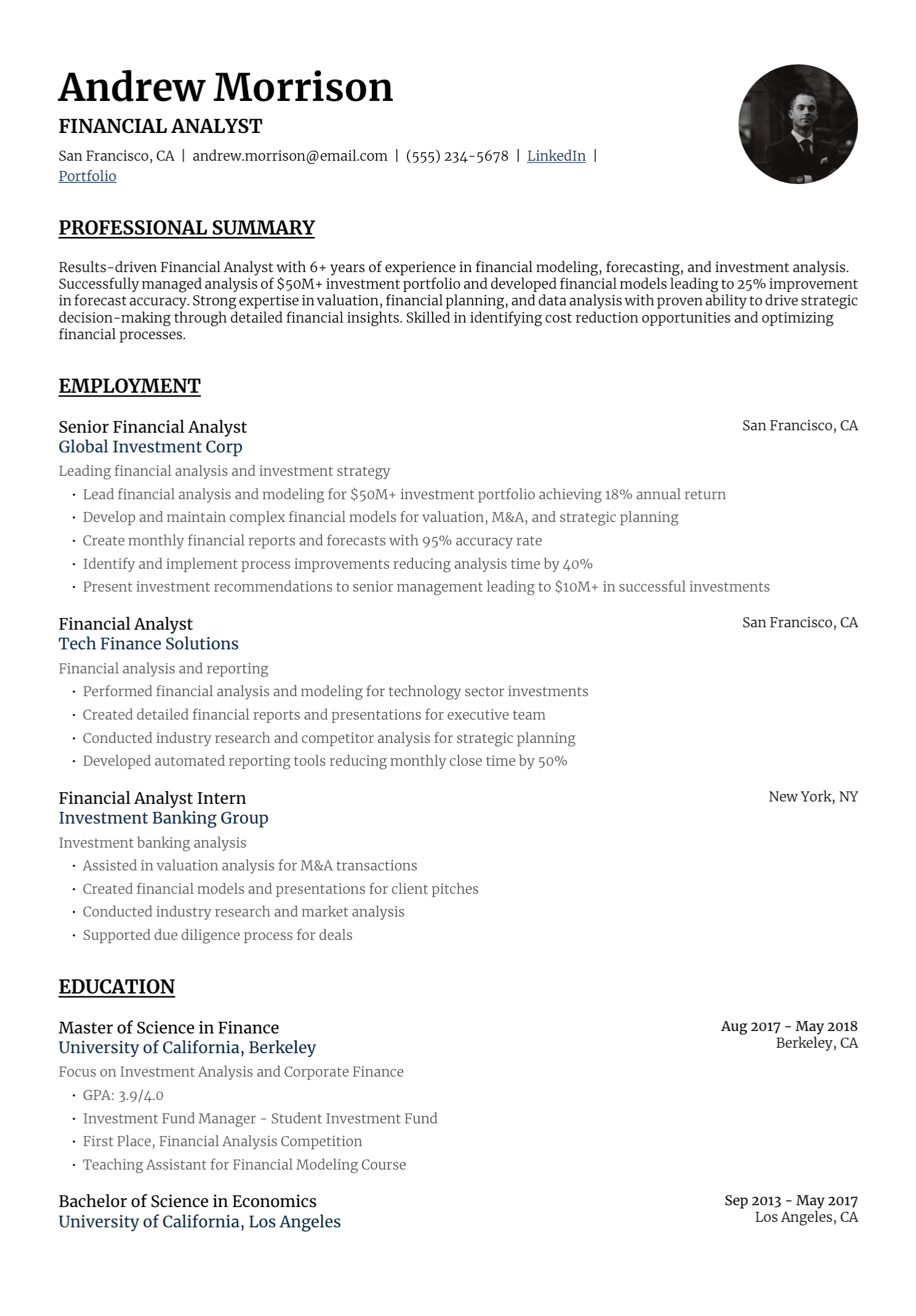
Reverse chronology works for most candidates. List the current or most recent role first and move backward. This helps the reader connect each achievement with a title, employer, and period.
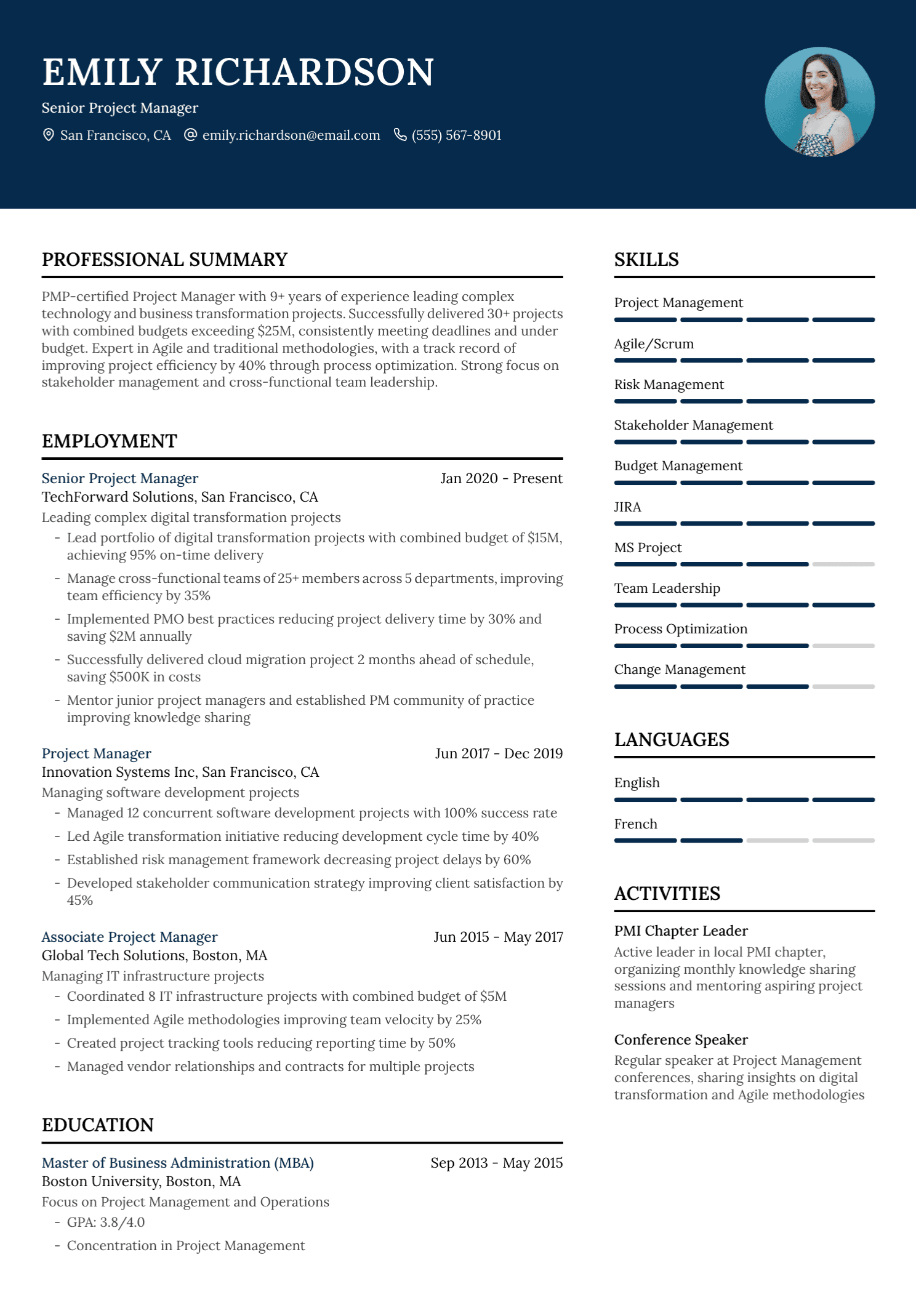
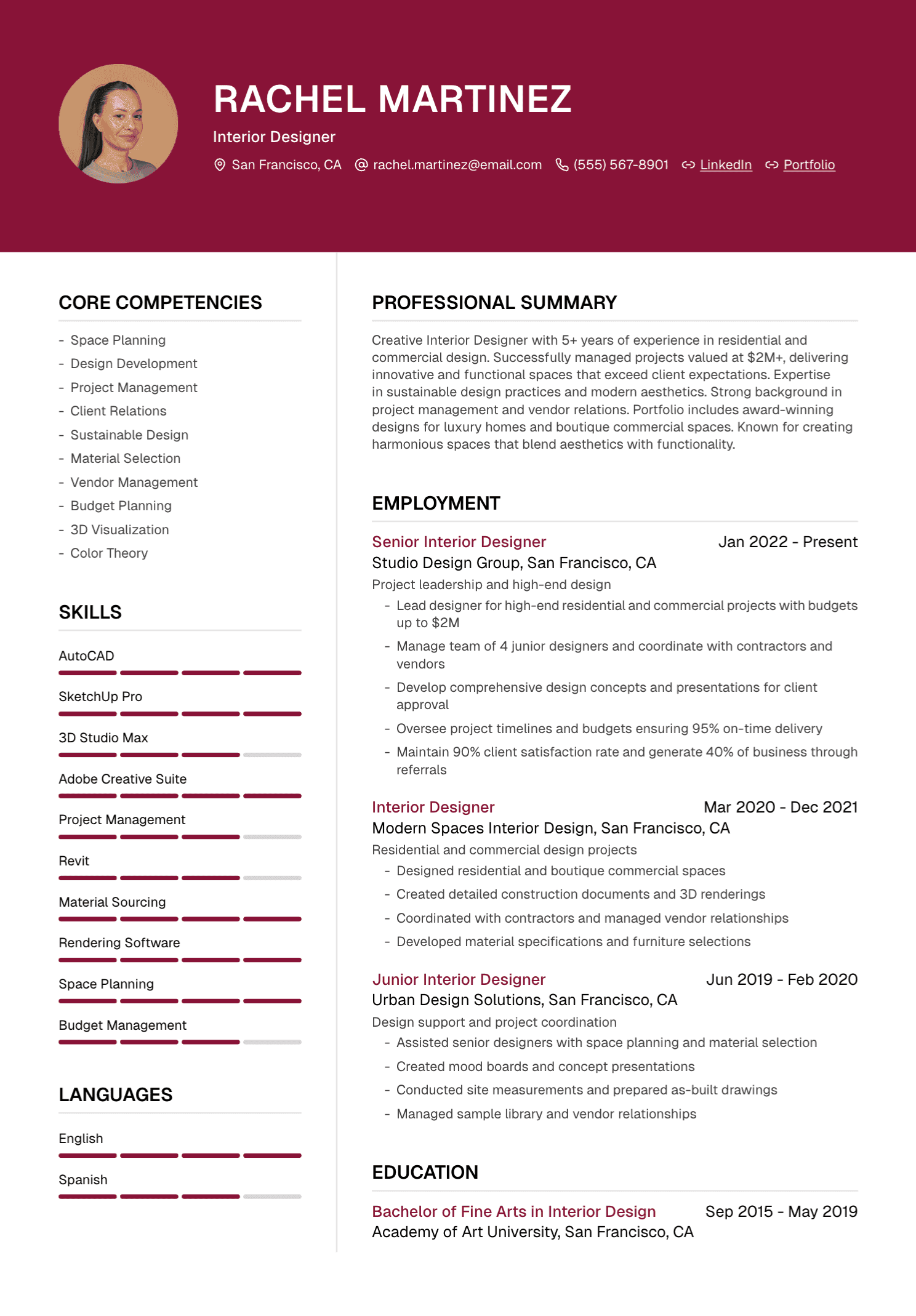
A skills-first hybrid can support a career change or technical profile. It adds a concise qualifications, skills, or projects section near the top, followed by the complete chronological work history.
A functional resume organizes achievements by skill and minimizes context. It has narrower uses because the reader may struggle to see where and when the work occurred.
Read our complete guide to resume formats for a detailed comparison.
Step 3: Build the Core Sections
Contact information
Place your name, phone number, professional email, and location at the top. A city and region are often enough. Add LinkedIn, a portfolio, GitHub, publications, or another professional link when it helps the application.
Test every link and use personal contact details. Follow local conventions for photographs, addresses, and personal information, since expectations vary by country.
Professional profile
A profile gives the reader your direction and strongest relevant evidence in two or three sentences. It should identify your field or function, level, domain, and two or three capabilities supported below.
A hypothetical example:
Operations manager with seven years of experience coordinating multi-site service teams, vendor performance, workforce planning, and process improvement. Strongest in complex handovers, service recovery, and clear reporting for senior stakeholders.
Remove the profile when it only repeats the title or relies on generic adjectives.
Skills
Use a focused skills section for tools, methods, languages, systems, clinical techniques, regulations, or other learned capabilities relevant to the role. Group related items when that improves scanning.
Important skills should also appear in the experience or projects section. The list tells the reader what you know; the surrounding evidence shows how you used it.
Experience
For each role, include the official title, employer, location when useful, and consistent dates. Add a short scope line when the organization or position needs context.
Give recent and relevant roles the most detail. Older positions can be condensed while preserving the timeline. Keep promotions visible and separate when responsibilities changed meaningfully.
Education and credentials
List the qualification, institution, and completion status accurately. Recent graduates can include relevant coursework, projects, grades, or honors. Experienced professionals usually need less detail.
Professional licenses and certifications may deserve a separate section, especially when the employer treats them as essential.
Optional sections
Projects, publications, volunteering, awards, languages, speaking, patents, professional memberships, and portfolios belong when they strengthen the target application. A section earns its space through relevance.
Step 4: Write Experience Bullets That Show Work
A useful bullet answers some combination of five questions: what did you do, why did it matter, who or what was involved, how did you do it, and what happened?
Imagine these source notes:
Prepared a weekly operations report for six regional managers. Combined data from three spreadsheets in Power Query. The old process took about six hours and the new process took two. Verified through my weekly time log.
A resume bullet could read:
Automated weekly operations reporting for six regional managers in Power Query, combining three source files and reducing preparation time from six hours to two.
The sentence works because every detail comes from the notes. It shows tool, audience, process, and measured result.
Use Strong Verbs With Precision
Led, created, managed, advised, coordinated, analyzed, delivered, and supported each describe different work. Choose the verb that matches your responsibility.
Grand verbs such as spearheaded, revolutionized, or transformed can sound inflated when the evidence is ordinary. Clear language often carries more authority.
Use present tense for ongoing responsibilities in a current role and past tense for completed work. A current role can contain both when some projects have ended.
Add Metrics You Can Defend
Metrics help the reader understand scale and change. Useful measures include time, money, volume, quality, errors, customers, users, team size, locations, budget, delivery dates, satisfaction, retention, or another outcome the organization genuinely tracked.
Give context. “Improved conversion by 20%” becomes stronger when the reader knows which conversion, the baseline or period, and your contribution.
When an exact metric is unavailable, describe scope and result in words. “Standardized the handover process across four clinics” is useful evidence. A fictional percentage would weaken it.
Step 5: Tailor the Selection
Build a requirement-to-evidence map for the job description. Identify strong matches, partial matches, and gaps.
Move the most relevant bullets higher within each role. Expand evidence that speaks directly to the employer's priorities. Shorten work that contributes less to this application.
Use the employer's terminology when it accurately describes your experience. Preserve official titles, dates, tools, metrics, qualifications, and responsibility level.
Our step-by-step tailoring guide walks through the full process.
Step 6: Format for Comfortable Reading
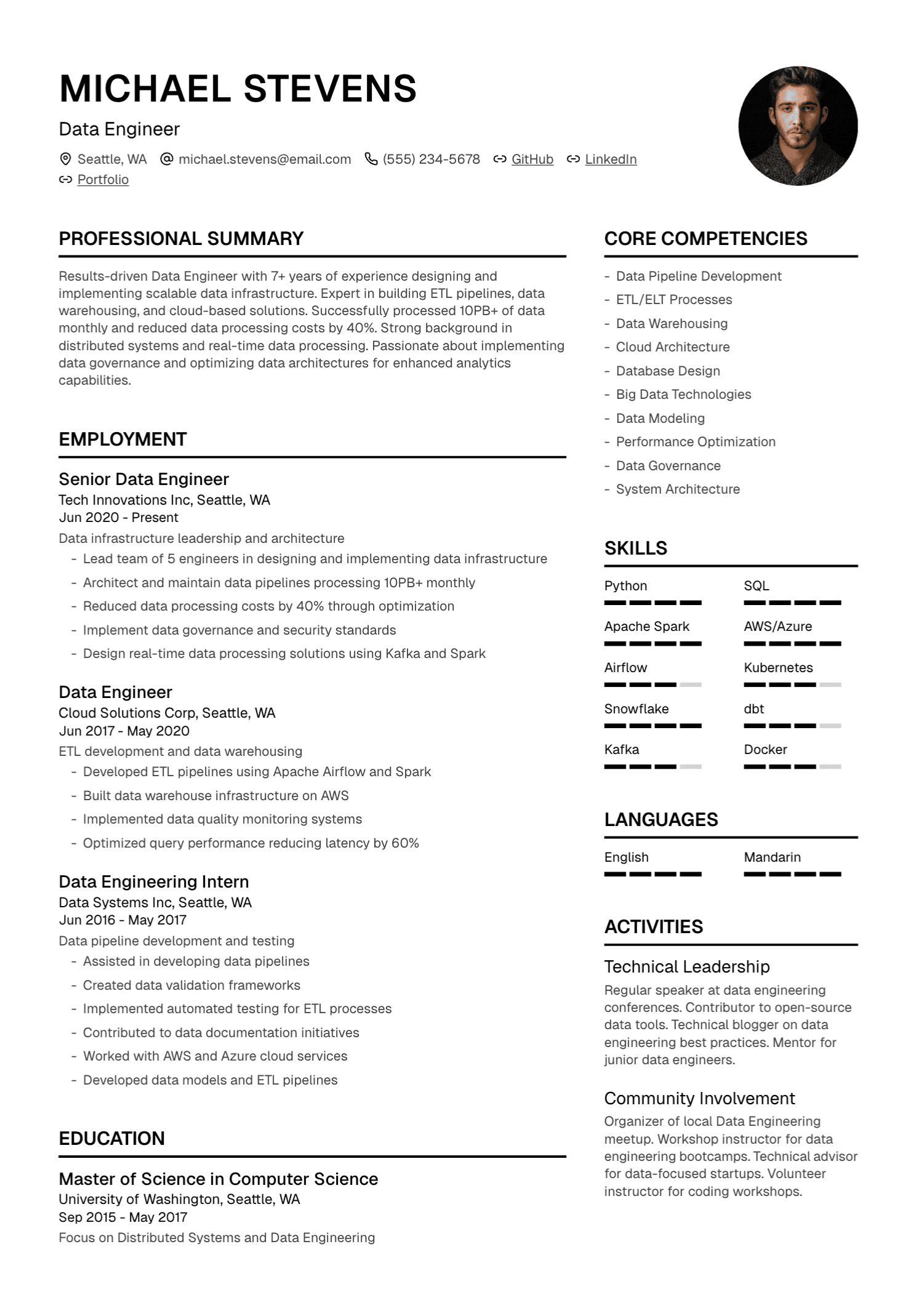
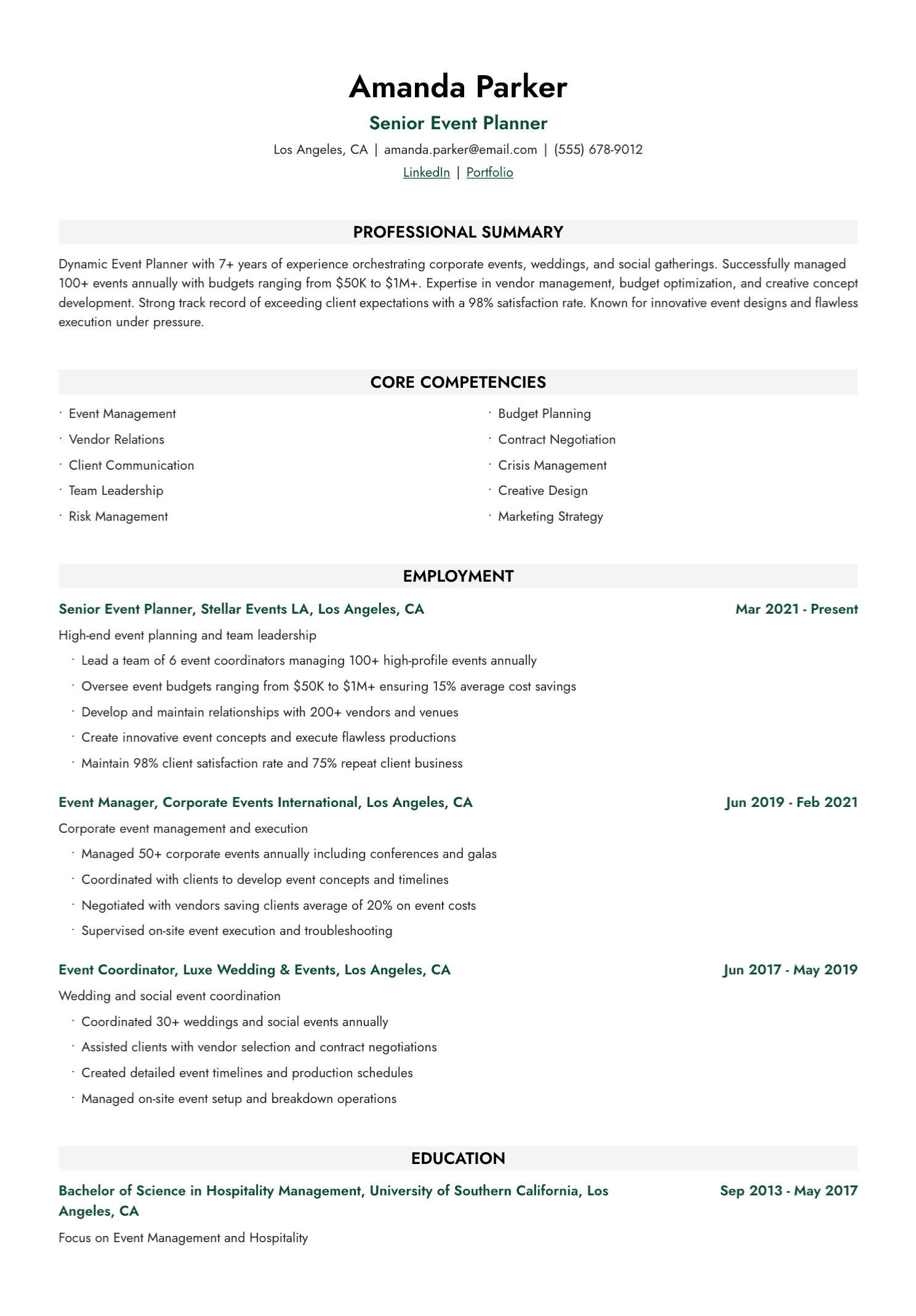
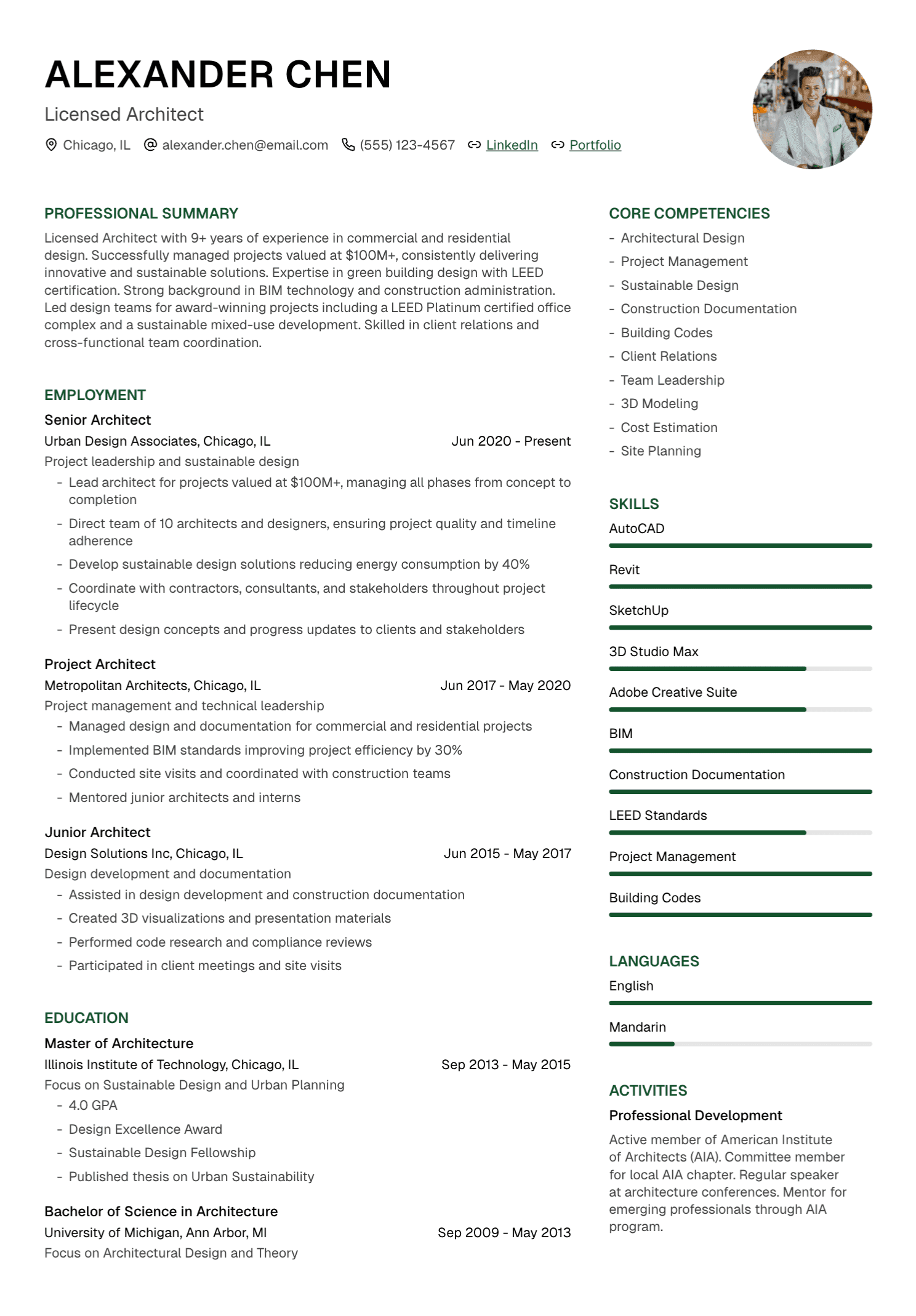
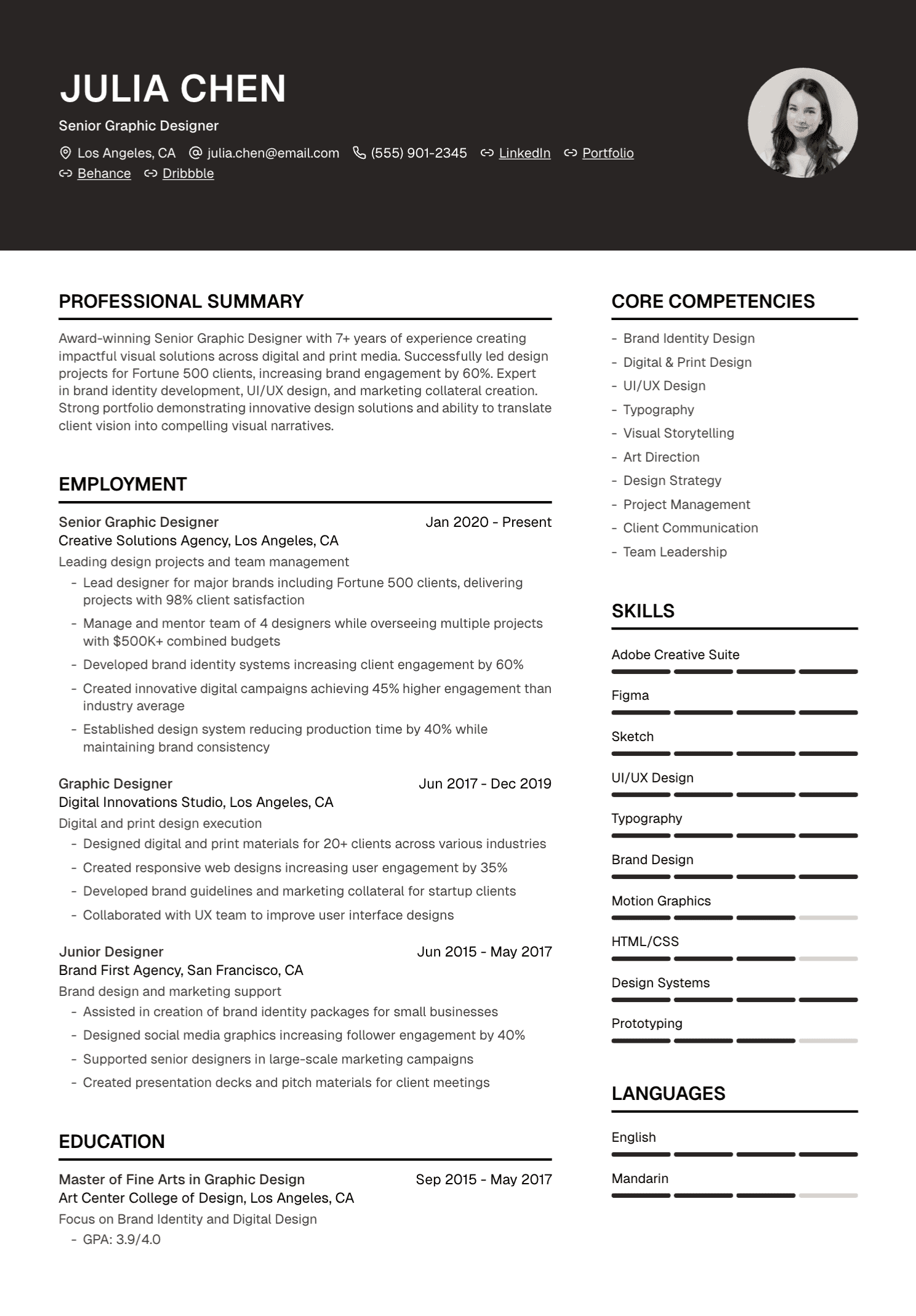
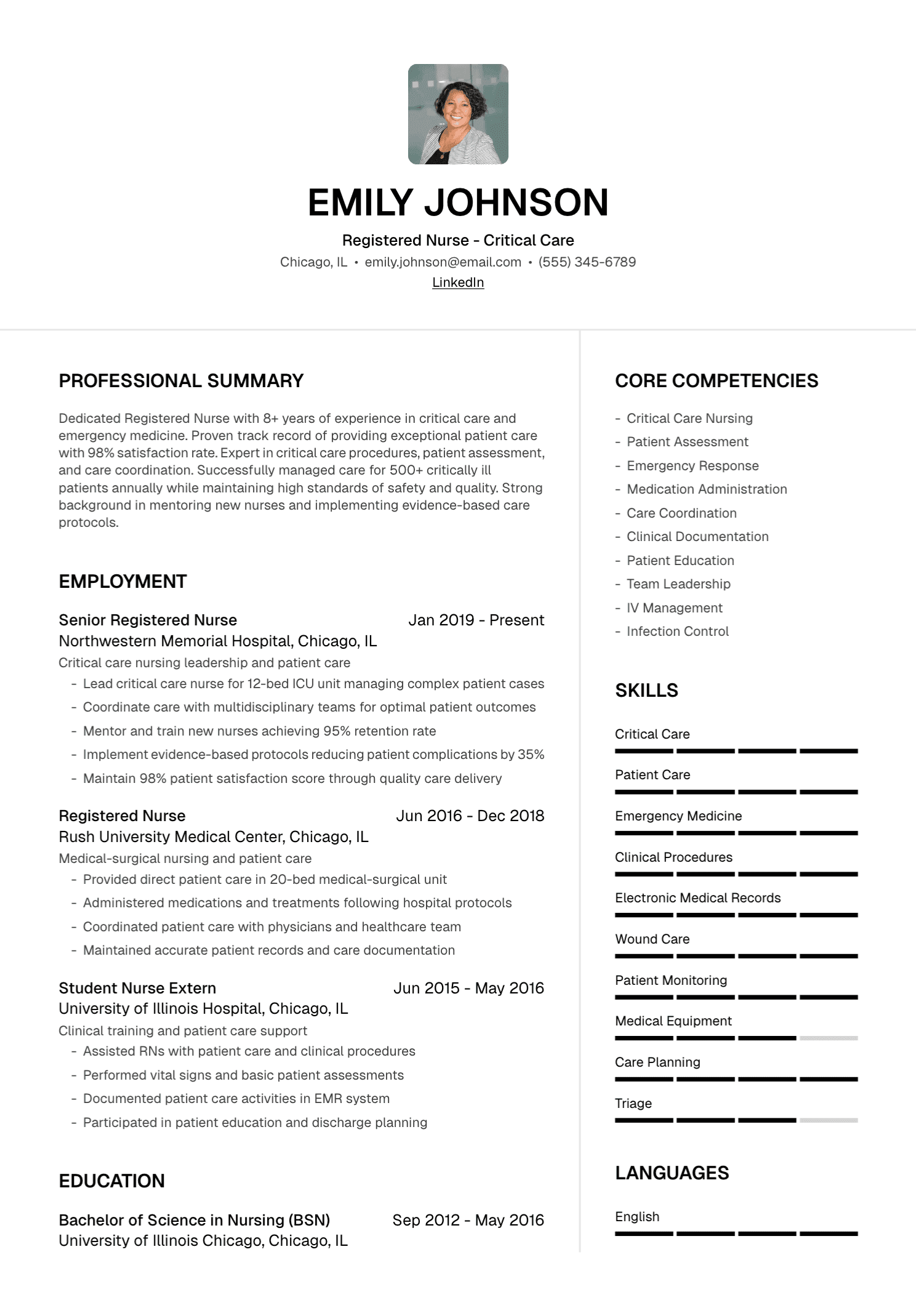
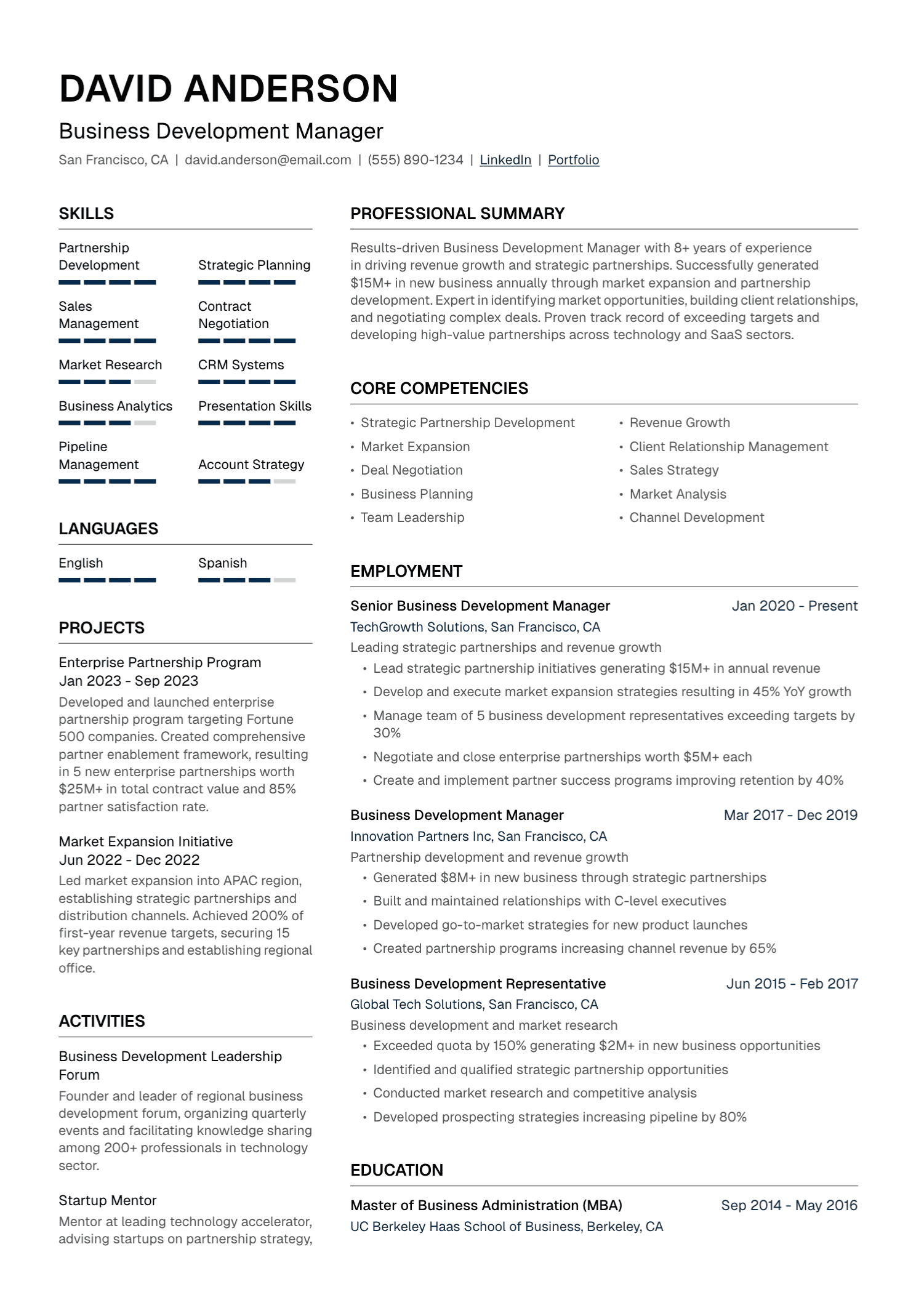
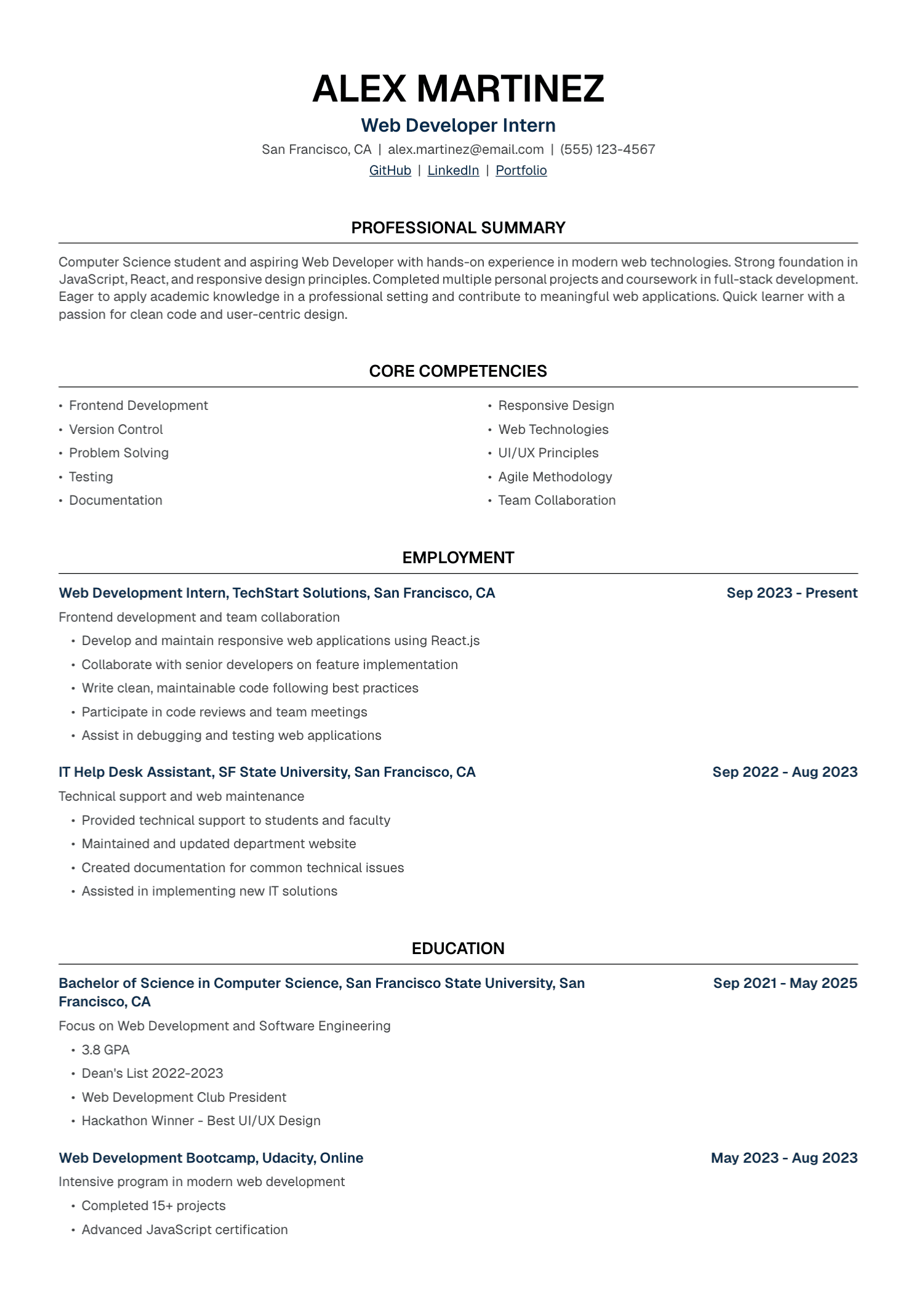
Use a visible hierarchy, consistent spacing, and a readable font size. The name, section headings, titles, employers, dates, and body text should each have a clear and consistent treatment.
White space helps the reader separate ideas. A crowded one-page resume may be harder to use than a clean two-page document.
One page is often enough for an early-career candidate. Two pages may serve an experienced professional better. Academic, scientific, federal, medical, and other specialized applications can follow different conventions. Let relevance and the employer's instructions guide length.
Avoid shrinking type or margins to force an arbitrary page count. Remove weak content first.
Step 7: Check ATS Readability
Applicant tracking systems vary. Some parse resumes into fields, some support recruiter keyword searches, and some offer optional matching features. Universal ATS pass scoring is a myth.
Use selectable text, familiar section headings, consistent dates, and a logical reading order. Follow the requested file type. Copy the final resume into a plain-text document to see whether sections and columns extract sensibly.
Keywords need context and evidence. Accurate product names, certifications, methods, and industry terms help searchability. A copied job description creates a poor human application and may introduce claims you cannot support.
Read our source-based ATS guide for more detail.
Step 8: Edit in Separate Passes
Review content first. Does the resume establish a target and present the strongest relevant evidence?
Review facts next. Verify names, dates, titles, metrics, tools, degrees, licenses, links, and locations against your records.
Then review language. Check spelling, tense, punctuation, capitalization, repetition, and terminology. Read the profile and every bullet aloud.
Finish with presentation. Inspect page breaks, spacing, alignment, filename, contact details, and the exported file on another device.
Adjust for Your Career Stage
Early career
Education, projects, part-time work, internships, volunteering, and student leadership can all provide relevant evidence. Keep each context labeled accurately and describe your personal contribution.
Career change
Use a focused profile and hybrid structure to make the bridge visible. Keep official titles and full chronology. Bring projects, recent training, and transferable achievements forward.
Senior leadership
Show the scale of responsibility, decisions, organizational change, team development, and business outcomes. A senior resume needs selectivity. Routine early-career detail can move into an abbreviated Earlier Experience section.
International applications
Research local expectations for document name, photograph, personal details, length, degree presentation, and language. Use the institution's official qualification and grading scale. Add a translation when it improves understanding.
Use AI Without Giving Up Editorial Control
AI can ask questions, organize source notes, compare a resume with a posting, draft bullets, and suggest a clearer structure. It can also invent numbers, titles, tools, qualifications, and outcomes.
Give it firm boundaries:
Draft a resume for this role using only the facts in my source notes. Preserve employers, titles, dates, tools, metrics, qualifications, and responsibility level. Quote the source for every achievement. Use brackets for missing information and flag requirements with no supporting evidence.
Treat every output as a draft. Restore your natural language and verify each claim before submission.
Where UseResume Fits
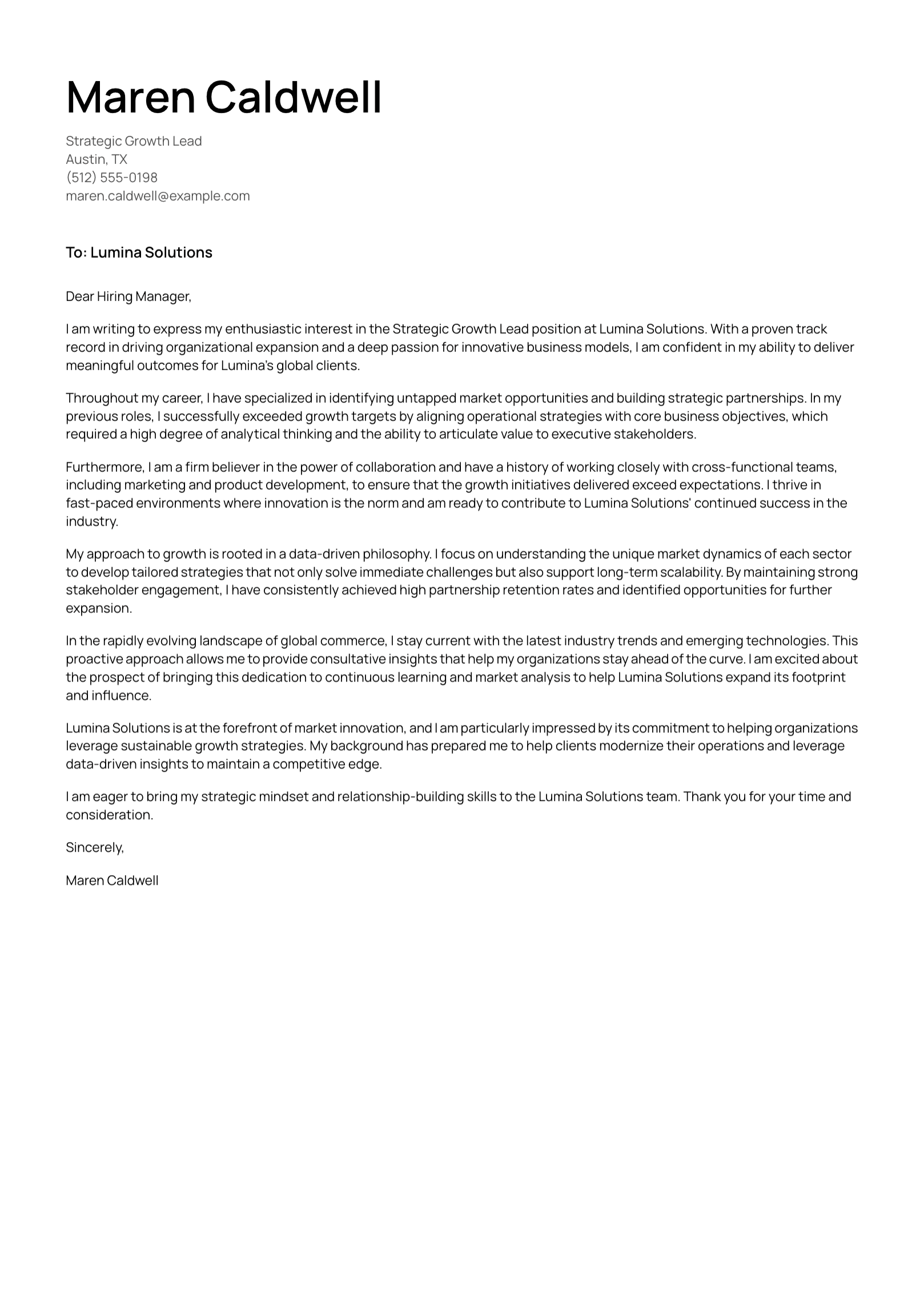
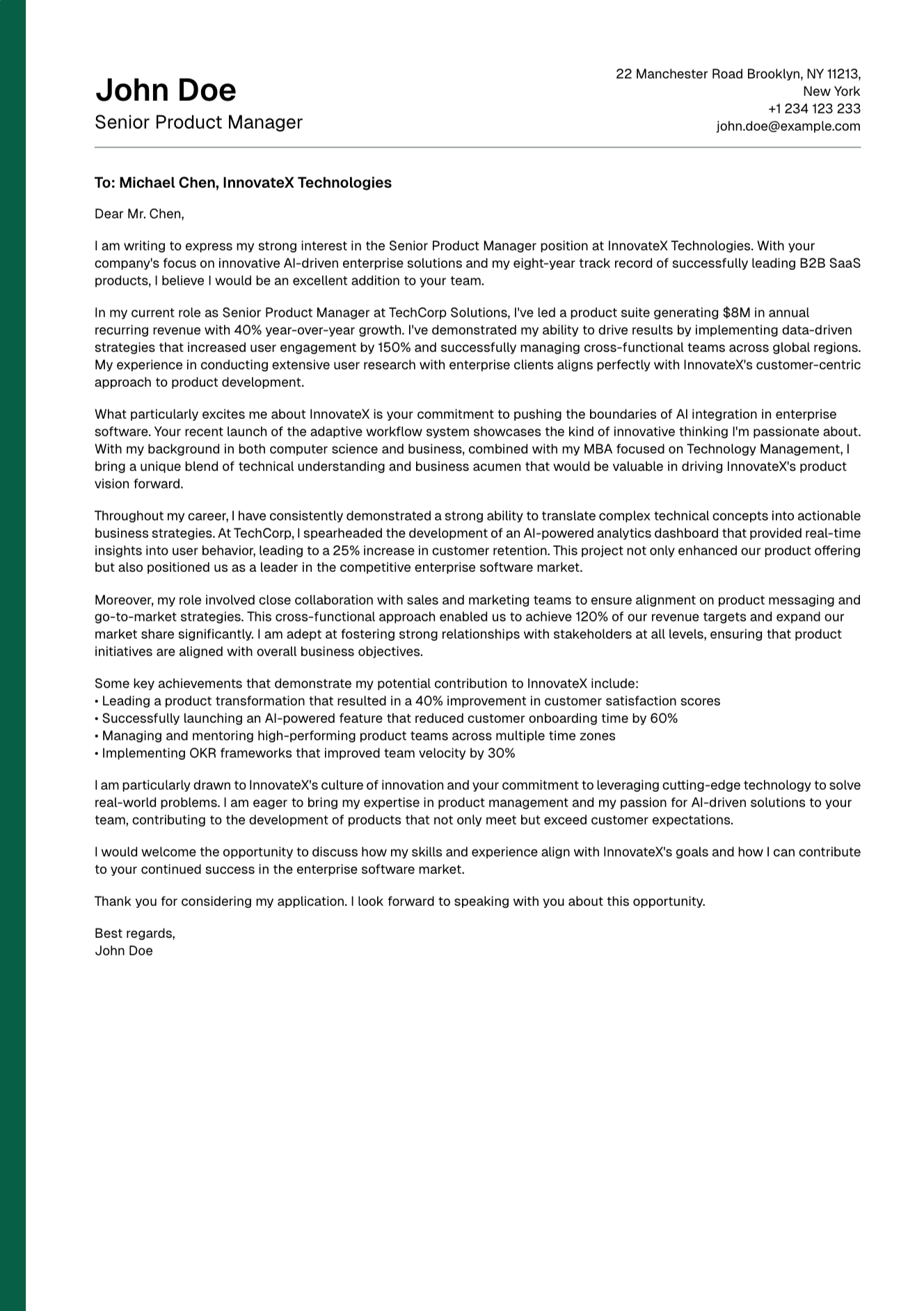
UseResume lets you upload or create a resume, add a job description, generate a tailored version, edit the content, choose a template, and export a PDF. It also supports cover-letter creation.
Use the platform to reduce repeated document work. You remain the source of truth and the final editor.
Write a Resume You Can Stand Behind
A strong resume gives another person a clear, trustworthy view of the work you have done and the value you could bring to this role.
Collect the evidence. Choose with discipline. Write with precision. Then submit a document that still sounds like the professional whose name appears at the top.
Create your account and build a resume from your verified experience.
Continue with our guides to resume profiles, resume formats, and common resume mistakes.