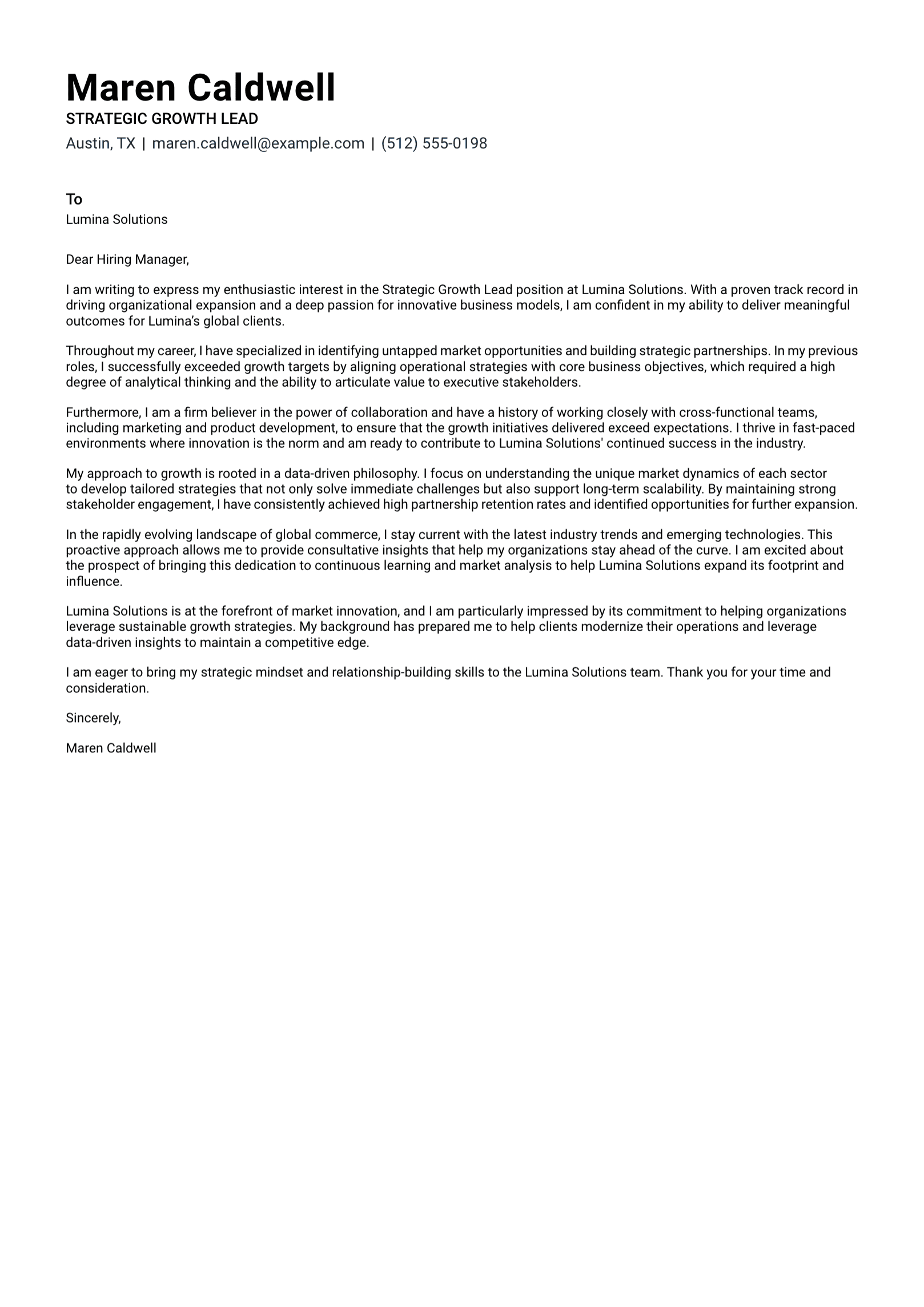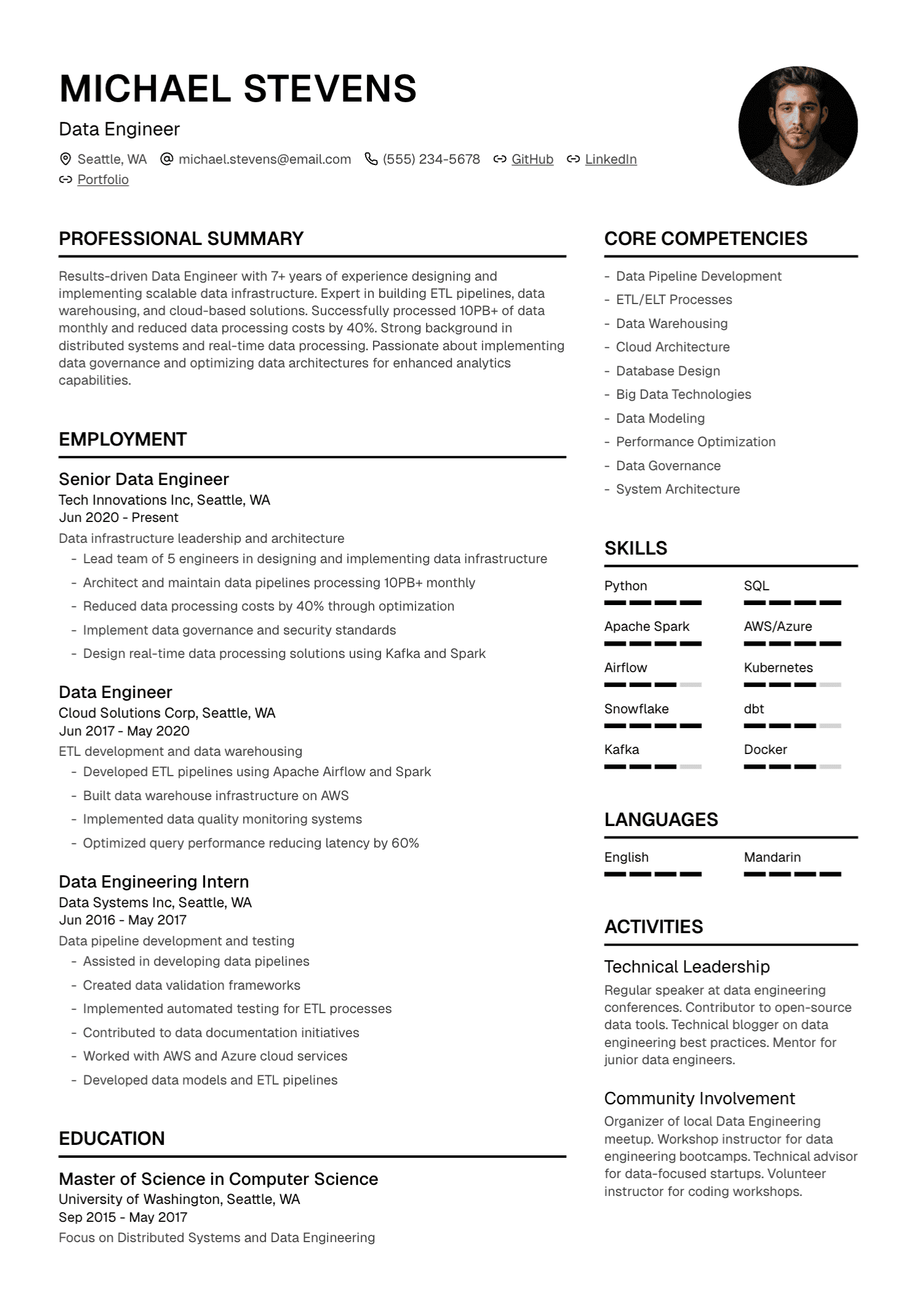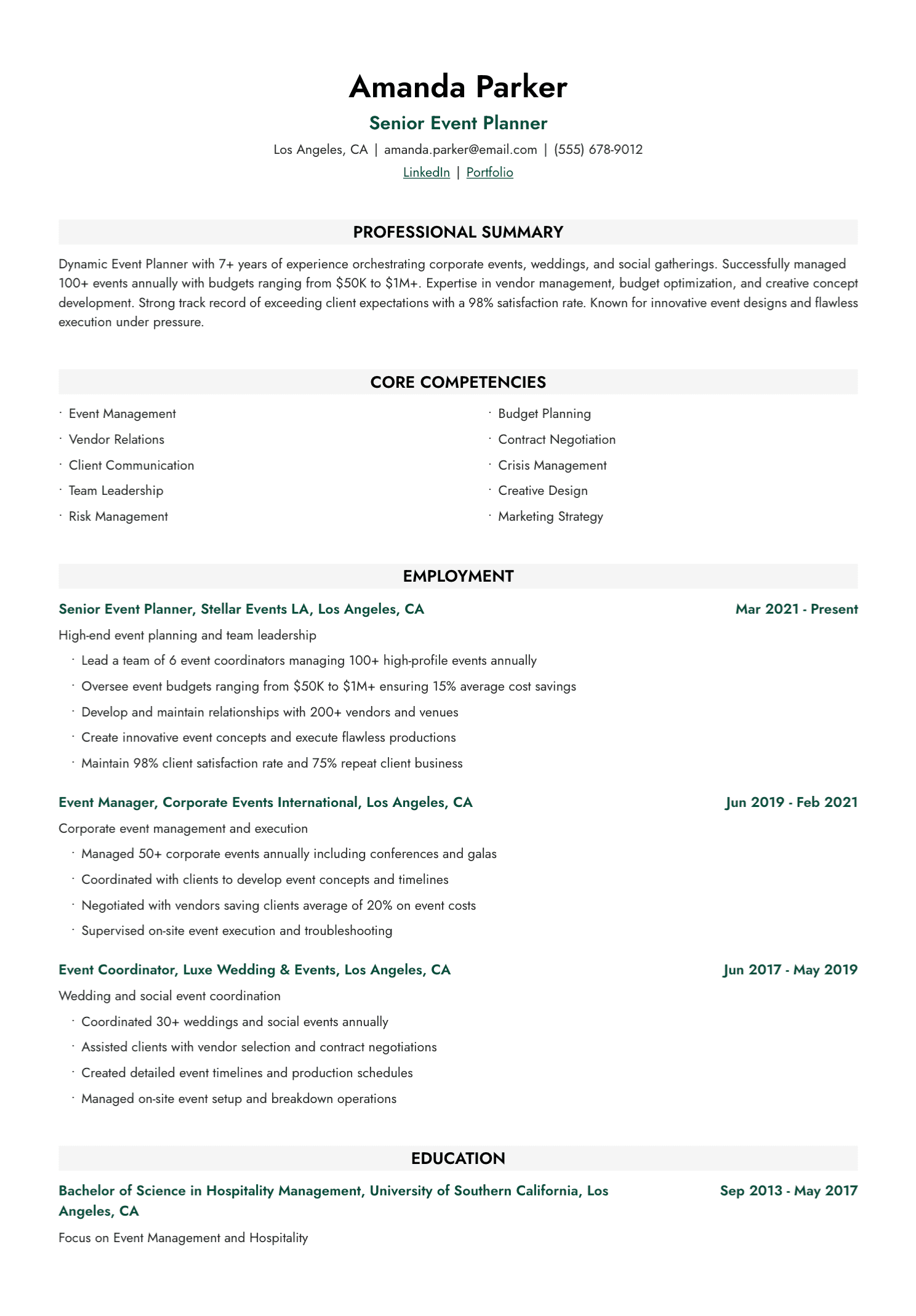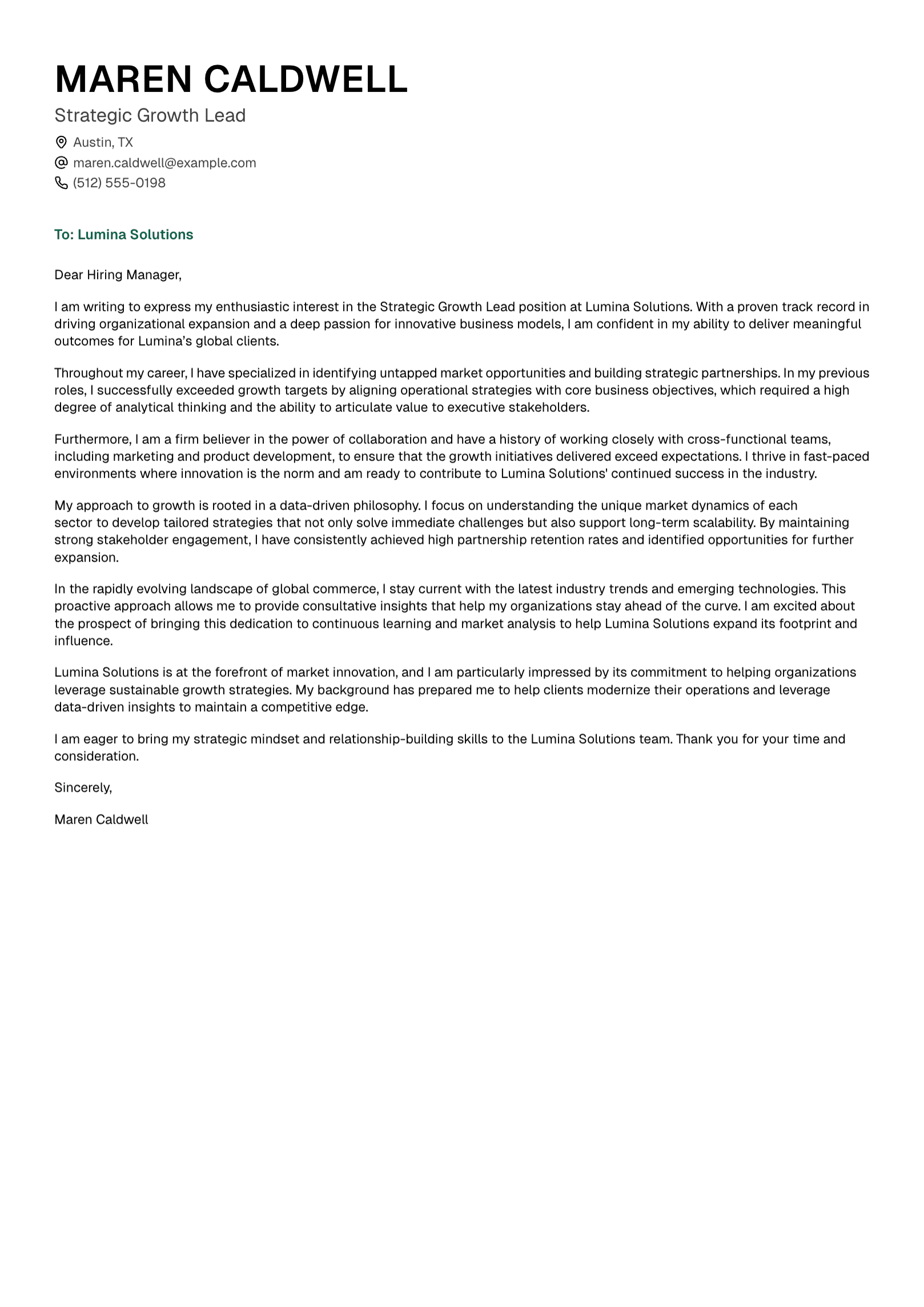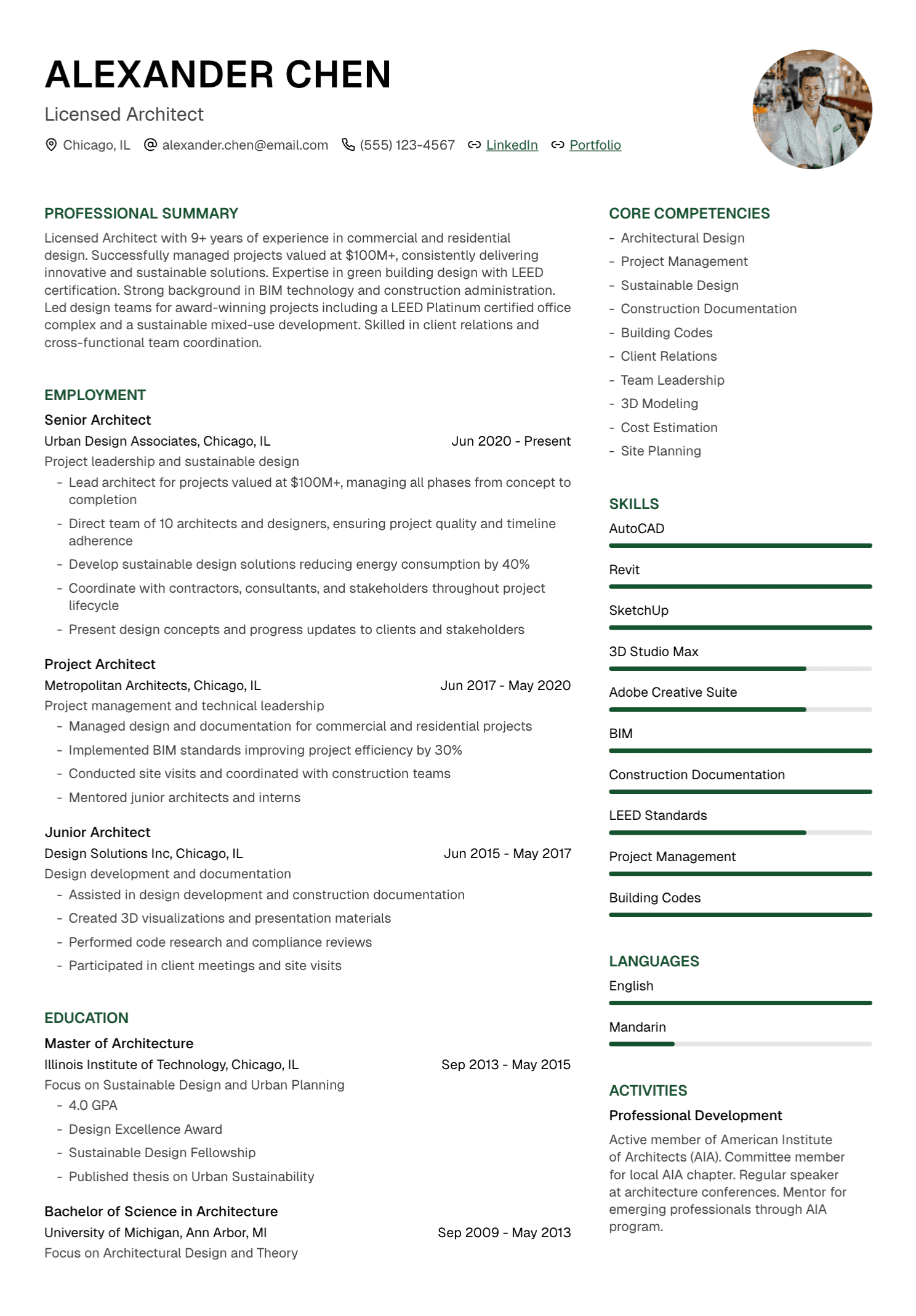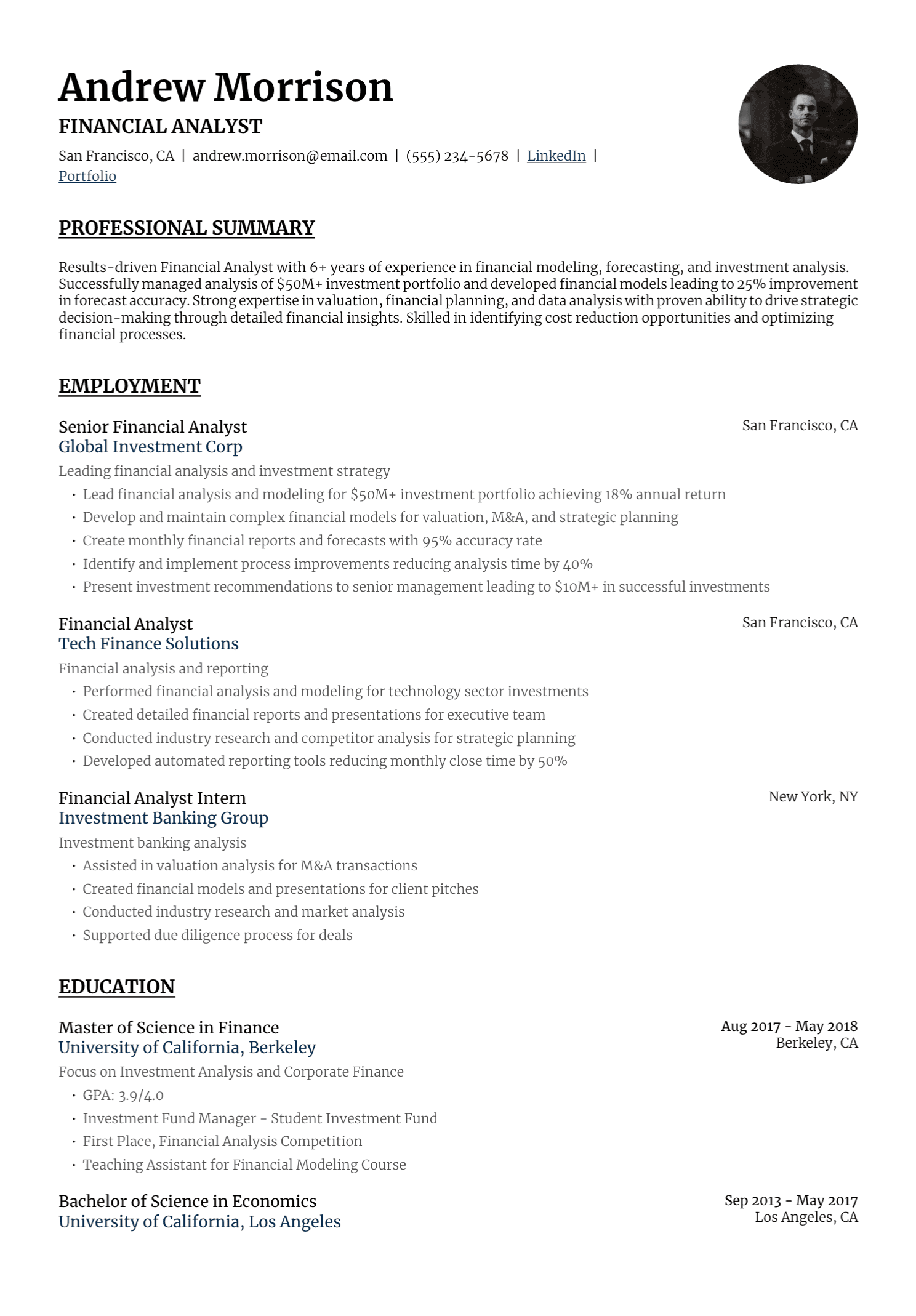
The Application Usually Decides the First Format
If an employer asks for a PDF, send a PDF. If the portal requests DOCX, use DOCX. When the instructions ask you to complete profile fields, complete them even when you also upload a document.
That simple rule settles much of the PDF-versus-website debate. A personal website can deepen an application, while the requested resume file handles the formal submission.
You can still choose whether a website deserves your time. For a designer, developer, writer, photographer, architect, researcher, marketer, or consultant, the answer may be easy. For many other professionals, a clear resume and strong LinkedIn profile may already cover what the search needs.
What a PDF Resume Does Well
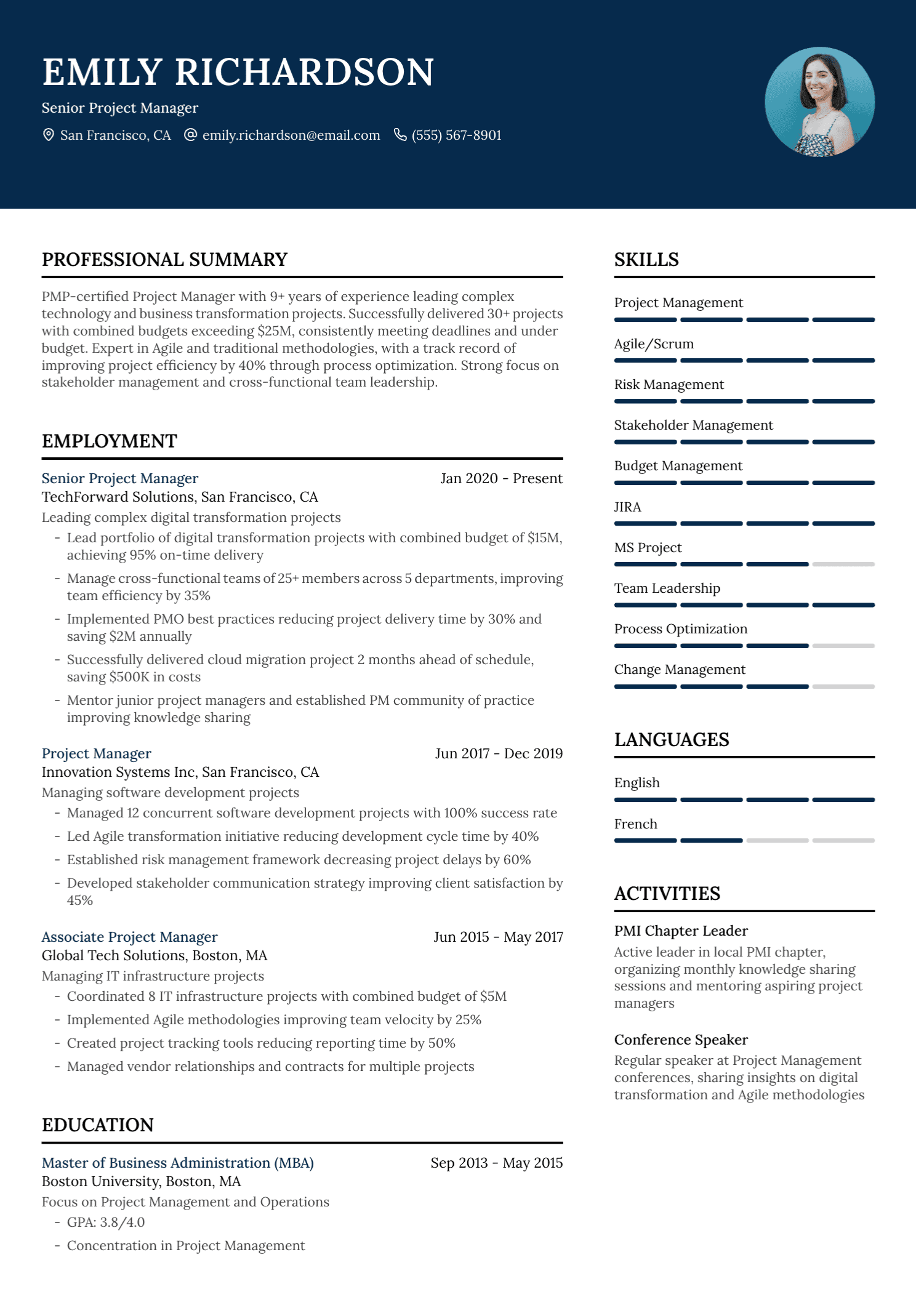
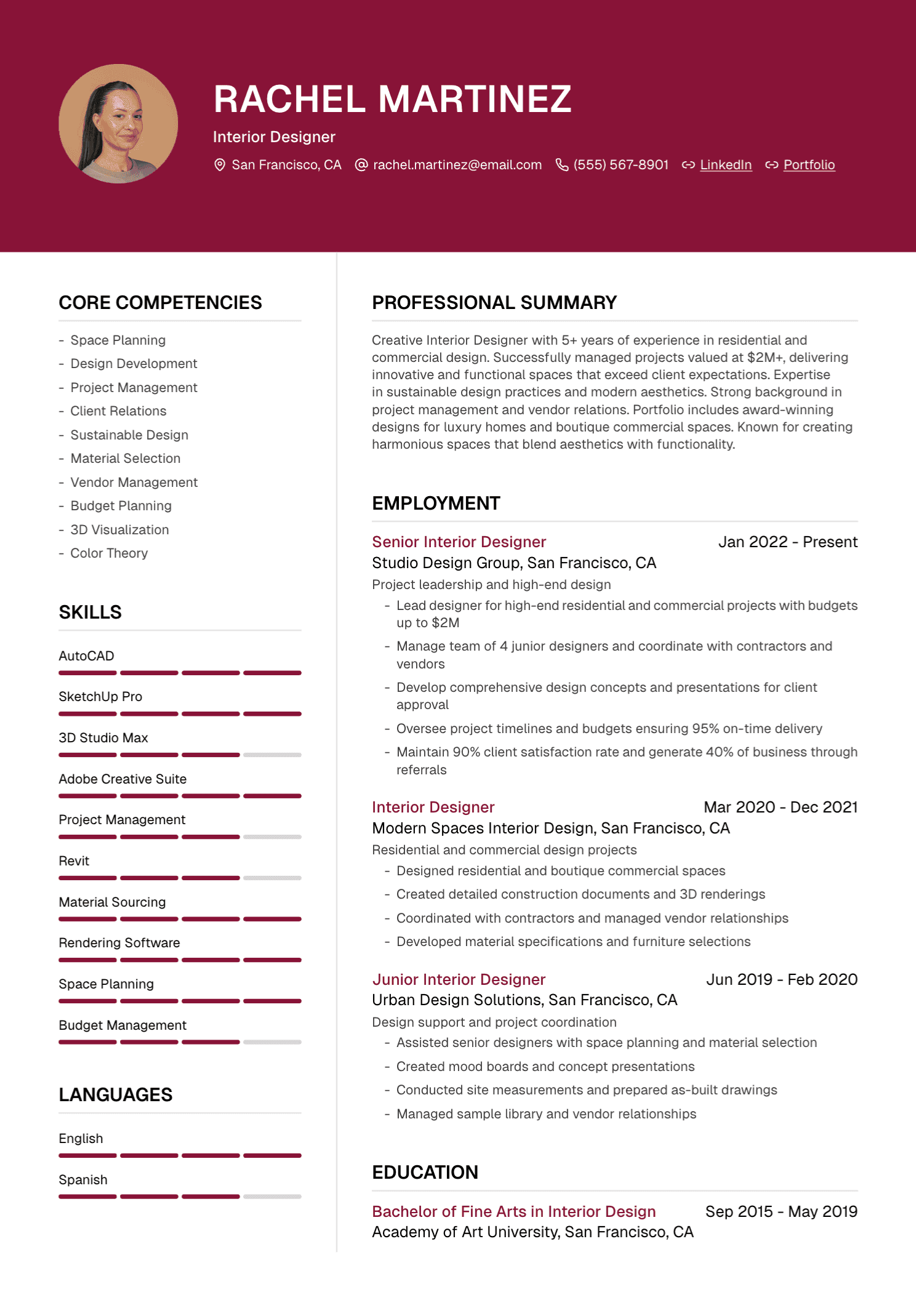
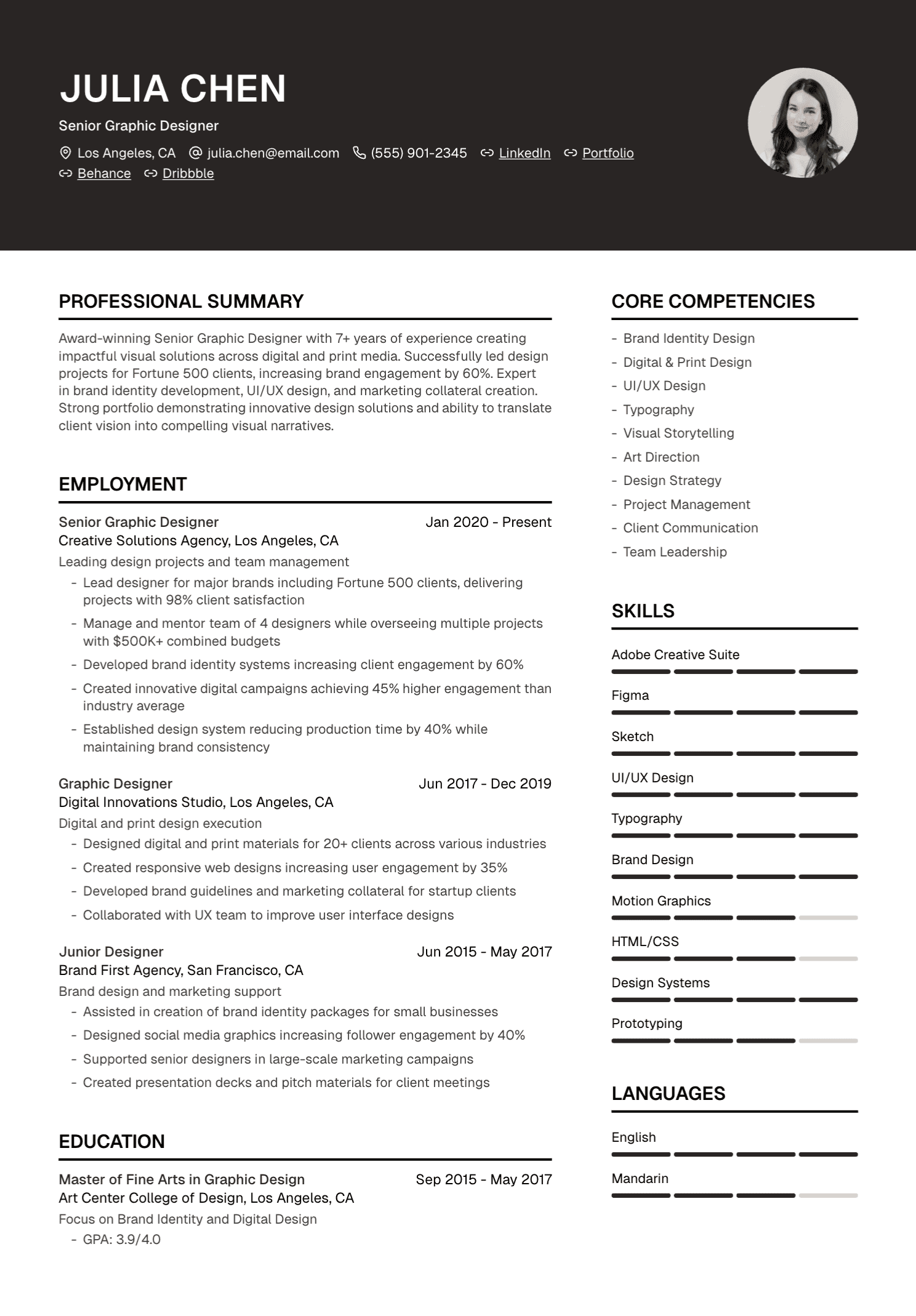
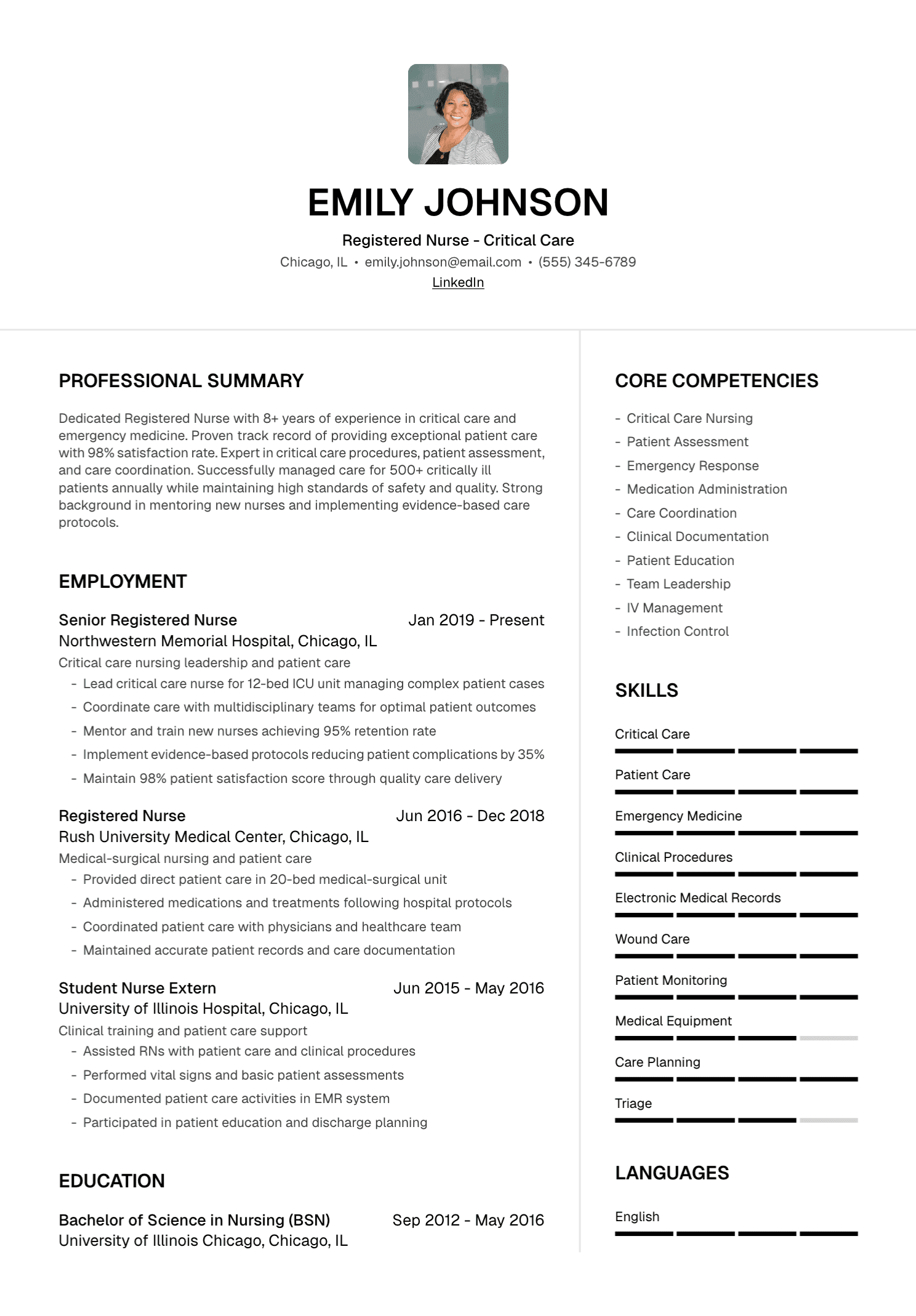
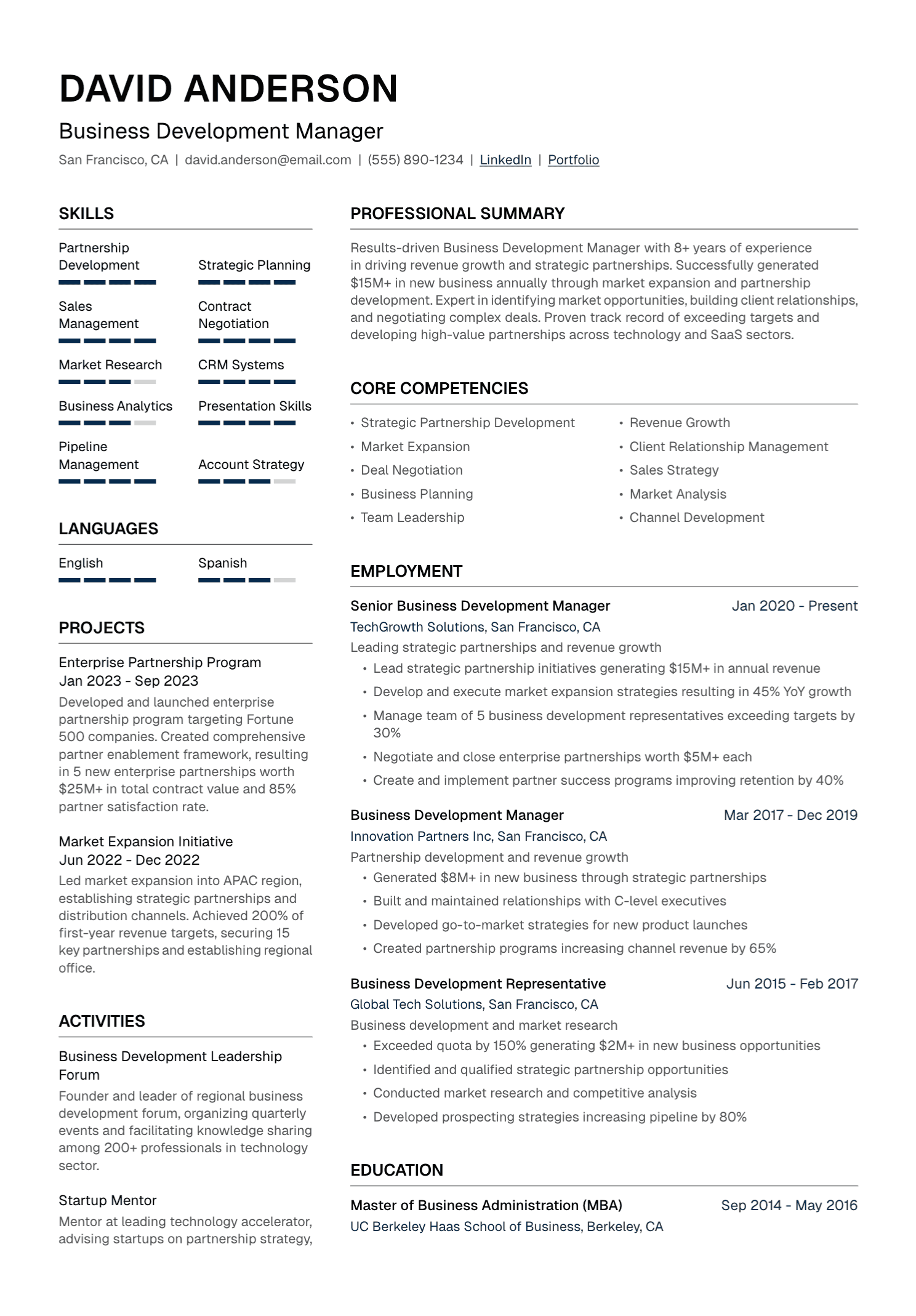
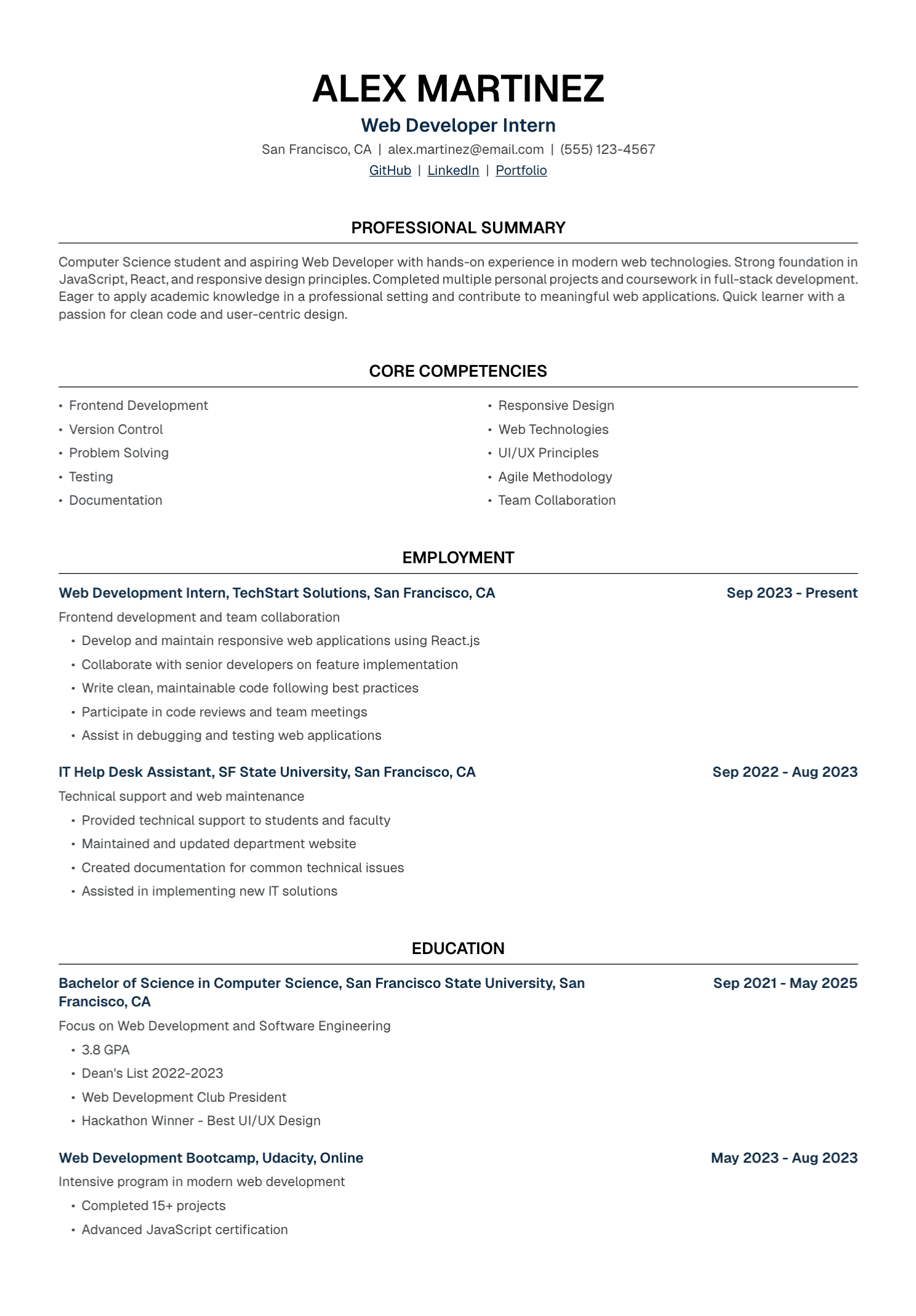
A PDF preserves the page layout across many devices and is easy to attach, save, print, and review. It gives the employer a concise record of your experience, skills, education, and contact details.
The format also lets you tailor the content for a specific role and keep a copy of exactly what you submitted. That matters when an interview arrives several weeks later.
PDFs still need care. A document built from images, complex text boxes, or unusual fonts can be difficult for resume software and people to read. Some application systems prefer another format. The employer's instruction always takes priority over a general recommendation.
Open the exported file before sending it. Check every page, select a line of text, click the links, and confirm that no content was clipped during export.
What a Personal Website Adds
A website gives your work room to breathe. It can hold case studies, code, writing samples, image galleries, talks, publications, project documentation, video, and a longer account of your process.
It can also show professional judgment. A well-curated design portfolio demonstrates selection and presentation. A clear developer site can reveal documentation habits. A research site can bring publications, methods, and public materials into one place.
The website creates ongoing work. Domains expire, links break, projects age, platform policies change, and personal details can remain public long after your search ends. Build one when the content helps the target employer evaluate you.
A Practical Comparison
| Question | Resume file | Personal website |
|---|---|---|
| Main purpose | Formal application summary | Deeper evidence and work samples |
| Length | Focused and selective | Flexible, with clear navigation |
| After submission | The submitted copy stays fixed | Updates appear at the same URL |
| Application software | Uploaded and often parsed | Usually stored as a link or reviewed separately |
| Ongoing effort | Tailoring, export, and version control | Hosting, updates, access, and maintenance |
A Website Should Add Something New
Repeating the complete resume online gives the reviewer another version to keep straight. A stronger website expands selected evidence.
A product designer can show how she moved from research to interaction decisions. A software engineer can document architecture, testing, and trade-offs in a public project. A writer can organize clips by subject and format. A marketing specialist can explain her role in a campaign and the verified result. A researcher can collect publications, posters, code, and public data.
Keep the resume's central facts consistent across both places. Titles, employers, dates, credentials, scope, and results should agree. Natural differences in emphasis are fine; contradictions create doubt.
Use Both When the Website Supports the Role
Add the site to the contact line of the resume with a clear label:
Portfolio: mayachen.design
GitHub: github.com/mayachen
Writing: mayachen.com/articles
Choose one primary destination when possible. Several loosely maintained links can scatter the reader's attention. A single site may then guide her to code, writing, or case studies.
You can also link a specific project beside a relevant resume entry. Use this sparingly and make sure the bullet remains meaningful for someone who never opens the page.
When a Resume Alone Is Enough
A website may add little when the role relies mainly on confidential work, the profession has no useful public samples, or the employer already requests every relevant detail through a structured application.
It may also be the wrong priority during an urgent search. A neglected website with broken links can weaken an otherwise careful application. Spend the available time tailoring the resume, preparing work samples the employer specifically requests, and getting ready for interviews.
You can create a simple portfolio later. There is no professional rule requiring every candidate to own a domain.
Applicant Tracking Systems and Links
Applicant tracking systems vary. Many can parse ordinary text-based resume files and store links, though the review experience depends on the employer's setup.
Use a written URL with a recognizable label. Avoid placing the only link inside a logo, icon, image, or QR code. Keep essential qualifications in the resume because recruiters may search the candidate database before visiting external pages.
PDF is a common choice, yet “common” is different from “universally accepted.” Follow the listed file types and check whether the portal produced an accurate preview after upload.
Privacy and Confidentiality
A public site can reveal your location, email address, work history, interests, client relationships, and activity patterns. Decide how much information the search genuinely requires. A contact form or dedicated job-search email can reduce exposure.
Keep government identifiers, home addresses, personal phone details you wish to protect, and private family information away from the site. Review domain-registration privacy and platform settings.
Work samples need permission. Respect nondisclosure agreements, employment terms, customer privacy, patient confidentiality, security rules, and unpublished intellectual property. An anonymized screenshot can still expose sensitive design, data, or strategy.
When original work must stay private, create a clearly labeled concept project from your own material or prepare a high-level account of the process for an interview.
Accessibility and Performance
Your site should work on a phone and laptop, load at a reasonable speed, and remain usable with keyboard navigation. Give images useful alternative text, caption relevant media, use readable type, and keep color contrast strong.
Avoid opening every project in a new tab or forcing visitors through animation before they can reach the work. Clear navigation feels more professional than a complicated entrance.
PDF resumes also benefit from accessible structure, selectable text, readable contrast, and meaningful link labels. A visually quiet document is often easier to review.
Keep Control of Versions
Save each tailored resume with the job description and submission date. Use a clear filename such as Maya-Chen-UX-Designer-Resume.pdf.
The website can continue evolving, so record which projects were live when you applied. This helps if an interviewer asks about a piece you later revised or removed.
Test the website link in a private browser window before every important submission. Check cloud permissions, embedded files, media, contact forms, and the mobile layout.
Where UseResume Fits
UseResume helps you upload or create a resume, tailor it to a job description, edit the draft, choose a template, and export a PDF. Website building and hosting fall outside its features.
Use it for the application document, then add your portfolio URL in the resume editor. Your website remains a separate, carefully curated home for the work behind the claims.
Choose the Smallest Setup That Shows Your Value
The PDF is often the formal document. The website is optional supporting evidence. Your profession, work samples, time, privacy needs, and the employer's instructions determine the right combination.
A beautiful website cannot rescue an unclear application, and a modest site can still be excellent when the work is easy to understand. Give each format one clear job and keep both honest, current, and unmistakably yours.
Create your UseResume account and prepare a focused PDF resume.
Continue with our guides to adding a portfolio link and choosing a resume format.