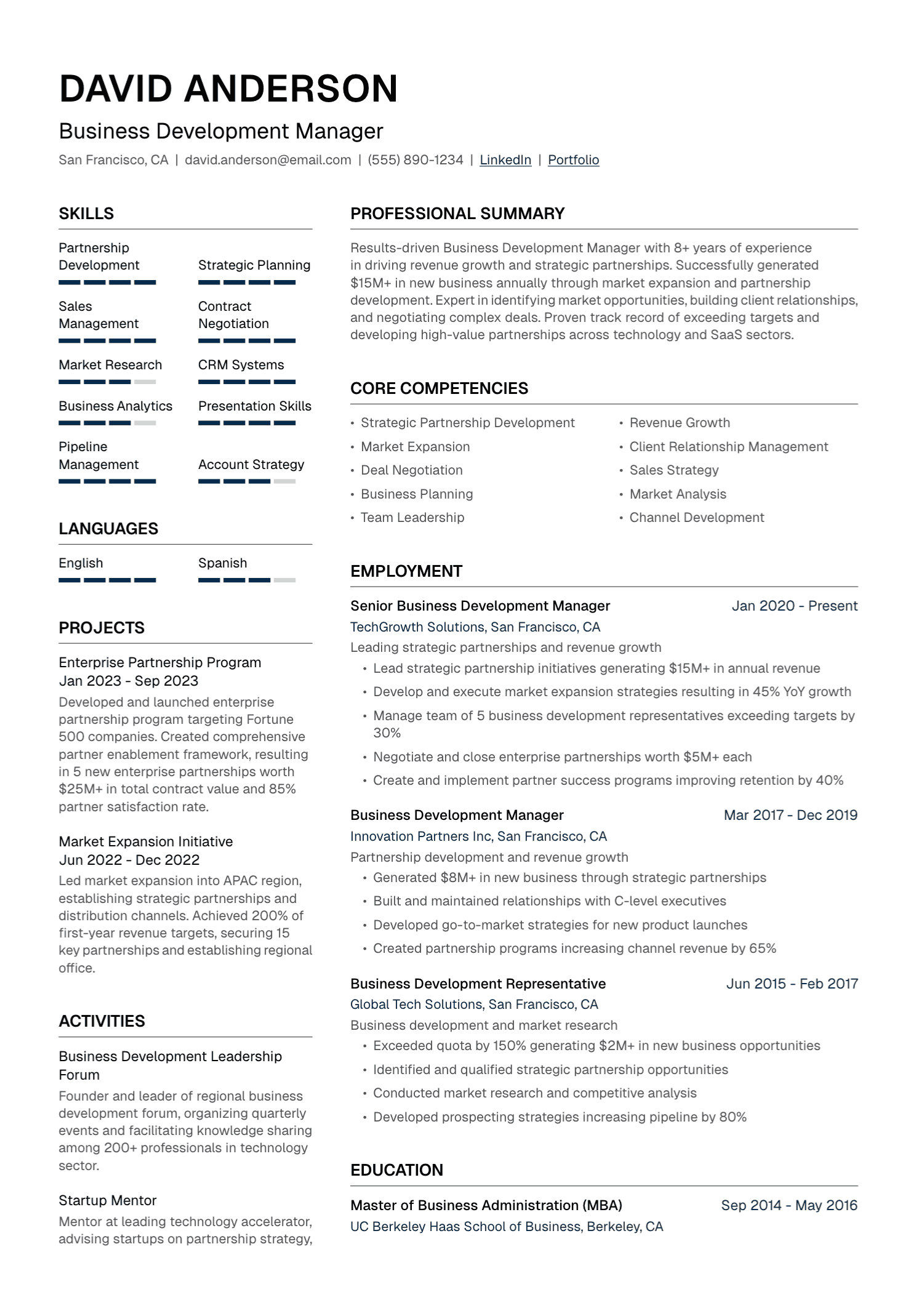
Near the end of an online job application there is usually an upload box, and under it a line of small print listing the files it will take. The resume was probably written in Word or Google Docs, and either program will save it as a Word file or as a PDF in a few seconds. The form accepts both and does not say which it would rather have.
Advice on the choice is easy to find and hard to reconcile. One side says a PDF is the only way to be sure the page arrives looking as it did when it left. The other says that applicant tracking systems (ATS), the software employers use to collect and sort applications, cannot be trusted to read a PDF, so a Word file is the safe choice.
The second claim was in print by 2012. Every system whose documentation was read for this article now accepts PDF, and the federal jobs site recommends it. What follows traces the warning back to that year, sets out what the makers of these systems say about file types, and identifies the one kind of PDF that does fail and the situations in which Word is still the right file. The short answer: if the posting or the recruiter names a format, send that. Otherwise send a PDF saved directly from the program the resume was written in, and keep the Word version for the recruiter who asks for it.
Where the fear of PDF comes from
One early version of the warning can be dated. On March 1, 2012, the trade magazine CIO published five tips for getting a resume through an ATS. They were supplied by Jon Ciampi, the chief executive of Preptel, a start-up that sold a service for tuning resumes to these systems. The first tip was “Never send your resume as a PDF”, and the reason given was one sentence long: “Because applicant tracking systems lack a standard way to structure PDF documents, they’re easily misread, says Ciampi.” The same article carried the figure, repeated ever since, that these systems cost 75% of candidates their chance of an interview, a number the article gave without a sample or a method.
On file types, though, the tip was close to what one vendor told candidates two years later. Workable, which makes an ATS, published a guide in January 2014, still online, that said: “Submit your CV in a text format preferably .doc or .docx.” A PDF was acceptable on one condition, that the candidate “export it from your word processor” and not scan a printed page.
The warning survives as a hedge, and the guides no longer agree on which format it applies to. Of three guides opened for this article, each published by a company that sells resume or job-search software, one grants that most current systems can read a PDF but calls Word files “a safer bet”, one says its own tests found that most systems parsed PDFs more accurately, and the third says that employers with older systems “may struggle with Word files”. None names a system that fails, and the one that cites tests does not publish them.
What ATS vendors say about PDF and Word
The organizations that receive resumes publish the list of files they accept, and PDF is on every list opened for this article.
| System | Resume files accepted | Size limit |
|---|---|---|
| Greenhouse | .doc, .docx, .pdf, .rtf, .txt | 100 MB to upload, 2.5 MB to parse |
| Workable | .pdf, .doc, .docx, .rtf, .html, .odt | 5 MB |
| LinkedIn Easy Apply | Word or PDF | Under 2 MB recommended |
| USAJOBS | PDF recommended; Word, ODT, RTF, TXT and image files also taken | 5 MB |
Textkernel, which sells resume-parsing software for other companies to build into their products, likewise lists both Word and PDF among the formats its parser takes.
The federal government goes further than accepting PDF. Guidance issued in 2025 by the Office of Personnel Management gives the wording that USAJOBS, the federal jobs site, shows to applicants: “We recommend saving and uploading your resume as a PDF to maintain formatting and number of pages.”
One vendor still advises against the format. Textkernel’s documentation for developers says: “If you want to minimize conversion problems, don’t use PDF documents.” The complaint then narrows. “Many PDFs convert/parse fine”, the page goes on, and most of the bug reports the company receives about documents that did not parse correctly turn out to involve “a corrupt PDF file”. The objection is to files whose underlying text is damaged, and the check described later in this article is a way of finding out whether a file is one of them.
Adobe, which invented the PDF and so has an interest in the matter, puts the same point more flatly: “No source demonstrates that extension determines parse success. The real variable is whether a text layer exists.” A career office with nothing to sell agrees. MIT’s advice to its students is that, unless the posting says otherwise, “it is usually fairly safe to use either a .doc/.docx or .pdf file type”.
The PDF that is really a picture
The text layer is where the old warning still has some force. A PDF can hold a page in two ways. In one, Adobe explains, “every character is encoded as actual data” that software can select, search and copy. In the other, “the page is simply a picture of text, with pixels arranged to look like letters”. The two, it adds, “look identical on screen”.
A resume becomes the second kind when it is turned into an image at any point on its way to becoming a PDF. Adobe’s list of the ways this happens includes scanning a printout, taking a screenshot, photographing a page, flattening a PDF and converting type to outlines in a design program. Word’s own export can do it in one case, when a font cannot be embedded in the file, which is covered in the article on resume fonts.
What happens to such a file depends on how the employer’s software has been set up. Reading letters out of an image takes optical character recognition (OCR). Textkernel’s documentation treats OCR as an option that its customers switch on, at a small extra cost per document and with a limit of 10 pages. “On average, approximately 5% of documents require OCR”, the company says. For an account that has not switched it on, the result code is explained in one line: “The document is just an image file.” Greenhouse lists resumes “uploaded as an image, rather than a document (such as a .docx or .pdf)” among the causes of a failed parse. Workable, by contrast, says that the resumes its customers upload are parsed, “including image-based CVs”. Even where OCR runs, Adobe cautions that it “can introduce errors”.
An applicant cannot see from outside which of these arrangements an employer has. In Greenhouse, a failed parse does not remove the candidate: the recruiter sees a message that the resume “has only been attached to the candidate” and has to type in the details. The likely cost is a record with empty fields.
A locked file fails more simply. Word’s PDF export offers an option to “Encrypt the document with a password”. Textkernel’s documentation describes what its software makes of the result: “The document is encrypted and cannot be opened except using a password, which we obviously do not have!”
What a PDF protects
The case for PDF rests on what happens when a person opens the file. A PDF normally carries its fonts and fixes the position of every line. A Word file is laid out afresh by whatever program opens it. People with Energy, a British recruitment agency that prefers to receive Word files, describes the result candidly: “Word documents can appear differently on different versions of Microsoft Office, leading to overlapping text boxes, bullet points not displaying and making your CV hard to read.”
A shift in layout can also change the number of pages, and in one place that is more than a matter of looks. Since September 27, 2025, USAJOBS has limited resumes to two pages, and the same federal guidance says that an applicant whose only resume is longer “is ineligible for further consideration”. That explains the wording of its recommendation, which favors PDF “to maintain formatting and number of pages”.
A Word file can also carry more than the page shows. Microsoft’s list of what a document may contain begins: “Comments, revision marks from tracked changes, versions, and ink annotations”. A resume that a friend or a paid resume writer has marked up may arrive with the markup still inside it.
As for what recruiters prefer, one survey with a stated sample was found. In June 2024 Adobe published the results of a survey of 502 hiring professionals in the United States: “3 in 4 hiring professionals say a PDF is their top preferred format for receiving resumes.” The chart in the same post says “Nearly 3 in 4”, and no exact percentage appears. The caveats are plain enough. Adobe sells PDF software, the post promotes its conversion tools, and it gives neither the wording of the question nor what the rest chose. The figure is an indication, from an interested party, that most people who read resumes would sooner receive a PDF.
Greenhouse’s help page on file formats adds a small detail. It notes in passing that the system “does not load externally linked images when converting a resume to PDF for preview”. In that system, at least, the preview of a resume is a PDF that the software makes from the uploaded file.
Where a Word resume still wins
The first case needs no argument. If the posting or the form asks for Word, send Word. MIT’s career office tells students to “pay close attention to the requested file type listed in the ATS and avoid using other types even if the platform does not prevent you from uploading it”.
The second case is the agency recruiter, and it is the one that worries people. On Workplace Stack Exchange, a question-and-answer site, a candidate asked in 2021 whether to be concerned that a recruiter had requested a resume in any format except PDF. The most upvoted answer ended with two words: “Perfectly normal”. Another, from a hiring manager, called the request “a red flag”.
Both have a point. Dave Fecak, who has more than 20 years of experience in recruiting, mostly for technology start-ups, and who runs a resume-writing firm, listed the reasons agency recruiters ask for Word in a 2018 post. Agencies add their logo, because they “want to make sure that the client is fully aware which agency sent the resume”. They sometimes strip out names and contact details. They import the text into their own database. And sometimes the client requires it. People with Energy says much the same of itself: “We prefer Word, primarily so that we can make any minor changes to your document - for instance, correct any typos, remove personal details for privacy reasons and add our logo to the header.”
The risk is that the changes are not minor. Fecak notes that “some recruiters have been known to change the content in substantive ways”, sometimes without the candidate’s consent. Withholding the Word file is not much of a defense, because Word will open a PDF and “convert its contents into a format that Word can display”, ready for editing. His advice is to set terms instead: “always ask recruiters to ask permission before editing your resume’s content in any way”. A reply along these lines does that.
The Word version is attached. Before it goes to the client, please send me the copy you plan to submit, and check with me before changing any of the content.
A Word file that is going to be sent deserves a minute of preparation. Accept or reject every tracked change and delete the comments; Word’s Inspect Document command, under File and then Info, finds what is left. Keep the name and contact details in the body of the page, since Greenhouse’s list of parsing failures includes resumes that put them “in the header, footer, or text box”. And use a font the recipient’s computer is likely to have.
How to check a PDF and what to name it
Making the right kind of PDF means saving the document as one, not printing and scanning it. In Word, Microsoft’s instructions are to choose Save As or Save a Copy and select PDF from the list of file types. In Google Docs it is File, then Download. Two of Word’s export options need a look. The one labeled Publish what should read Document, not Document showing markup, or tracked changes go into the PDF. The password option should stay off.
The check takes a minute. Open the PDF and drag the cursor across a line. Adobe’s rule is short: “If the text is selectable, it has a text layer.” Then select everything, copy it, paste it into a plain-text editor and read it from the top. The words should appear once, whole and in the order of the page. Workable’s guide shows what a candidate’s name can look like when they do not:
J O H N D O E
JJoohhnn DDooee
Joh nDoe
Examples from Workable’s guide to how an ATS reads a resume.
MIT suggests a similar test, saving the resume as a plain text file, and names the two things to look for: missing text and text in the wrong order. A longer version of the check, with examples of a pass and a fail, is in the article on two-column resumes.
Size rarely needs attention: a file under 2 MB satisfies every limit in the table above. That leaves the name. Workable’s guide ends its list of formatting rules with “Put your name in the filename of your CV”, and People with Energy gives the reason: it “makes it easy for recruiters to find the correct file”.
Resume_final_v3 (2).pdf
Dana-Whitfield-Resume.pdf
So, back to the upload box. If the small print or the posting asks for one format, that is the one to send. If it lists both, the file to upload is a PDF saved straight from the word processor, with text that can be selected and copied out in order. The Word file stays on the computer for the agency that wants to add its logo, on the understanding that nothing else changes without permission.
How UseResume helps
Word and Google Docs are general-purpose tools, and so are ChatGPT and Claude: each can produce a resume, and none was built to. UseResume is an AI resume builder made for that one document, and the file is part of the job. Resumes are built in ATS-friendly templates with standard section headings and adjustable fonts, colors, layout and section order, and they download as a PDF.
A resume that exists only as an old Word file or PDF can be imported, so nothing needs retyping. The resume checker then scores it from 0 to 100 across 37 checks in 8 categories and lists what to fix first, and a separate version can be saved for each job.
Create your account and start from the resume you already have.