Include a Profile When It Helps Explain Your Work
A social or professional profile belongs on your resume when it gives the employer useful, relevant evidence. LinkedIn may add career context. GitHub may show code and documentation. Behance may hold design work. YouTube, Instagram, TikTok, or another platform may demonstrate content, performance, teaching, production, or community expertise for the right role.
You are under no obligation to link a personal account. A quiet contact line with an email address and phone number can be entirely professional.
I use a simple test: What will the employer understand after opening this link that the resume alone leaves unexplained? If the answer is unclear, leave the link out.
LinkedIn Is Useful, Still Optional
A current LinkedIn profile can expand on your experience, display recommendations, show professional activity, and give recruiters another way to contact you. It can be especially helpful for networking-led searches and roles where an online professional presence is common.
The profile needs to agree with the resume on central facts. Check employer names, titles, dates, credentials, and location. The wording can vary naturally because the two formats have different purposes.
LinkedIn also makes career information public or semi-public, depending on your settings. Candidates with privacy, safety, discrimination, or unwanted-contact concerns may choose a limited profile or omit the link. That choice is valid.
Work Platforms Can Carry Strong Evidence
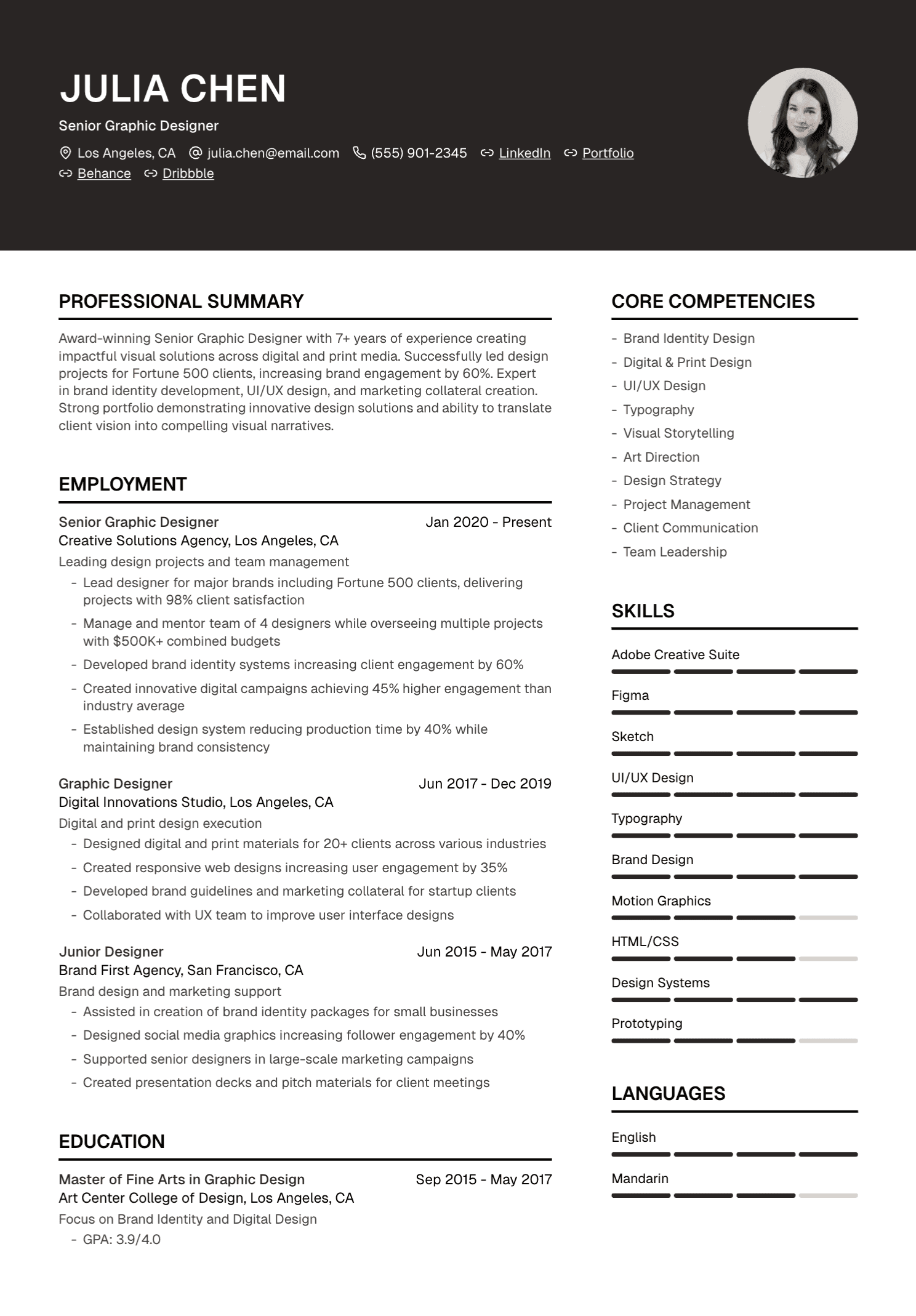
Developers may share GitHub or another code-hosting profile. Designers and illustrators may use Behance, Dribbble, ArtStation, or a personal portfolio. Writers may link to publication pages or a curated clips site. Researchers may share an institutional profile, ORCID record, public code, or publications page.
Choose the profile that contains your best relevant work. Curate pinned projects, featured pieces, biographies, and contact details. A long trail of unrelated experiments can make the reviewer work too hard to find the evidence.
Explain collaborative credit clearly. A repository, campaign, video, or design may represent a large team. State what you owned and avoid presenting the whole result as individual work.
Platform Choice Depends on the Role
X, Bluesky, Mastodon, Threads, Instagram, TikTok, YouTube, Twitch, and other platforms can be valuable for journalists, researchers, community professionals, creators, educators, marketers, developers, or public-facing specialists. The platform name matters less than the relevance and quality of the work shown there.
A social-media manager may want to share a professional account, campaign portfolio, or case study with verified performance data. A scientist may use a public account to discuss research and conferences. A chef, stylist, photographer, or fitness professional may use a visual platform as the main portfolio.
For an unrelated role, the same profile may add no useful evidence. Keep the personal account for the people you chose to share it with.
Personal Life Is Allowed to Look Personal
Career advice sometimes tells candidates to erase holidays, opinions, family life, humour, and every sign of personality. That advice can become invasive very quickly.
You can have a personal life online. Use privacy settings, audience controls, separate professional accounts, or a different public display name where appropriate. Decide what feels safe and aligned with your values.
Review public content for information you genuinely want to protect: home address, daily location patterns, personal phone numbers, identity documents, children's details, security answers, and private workplace material. Privacy is a practical concern, far beyond a performance of corporate perfection.
Harassment, threats, hate speech, disclosure of confidential material, or false professional claims can create serious concerns. Ordinary human interests and a life beyond work belong in a different category.
Search for Your Own Name
Use a private browser window and search the name, profession, employer, email address, or username that appears on your application. This shows what a stranger can find without access to your accounts.
Check old biographies, forgotten platform profiles, public comments, cached portfolio pages, and namesakes who might be confused with you. Update inaccurate details where you control them. Report impersonation through the platform's official process.
Review privacy and discoverability settings on each service. Platforms change these settings over time, so an occasional check is sensible during an active search.
Put Relevant Links in the Contact Line
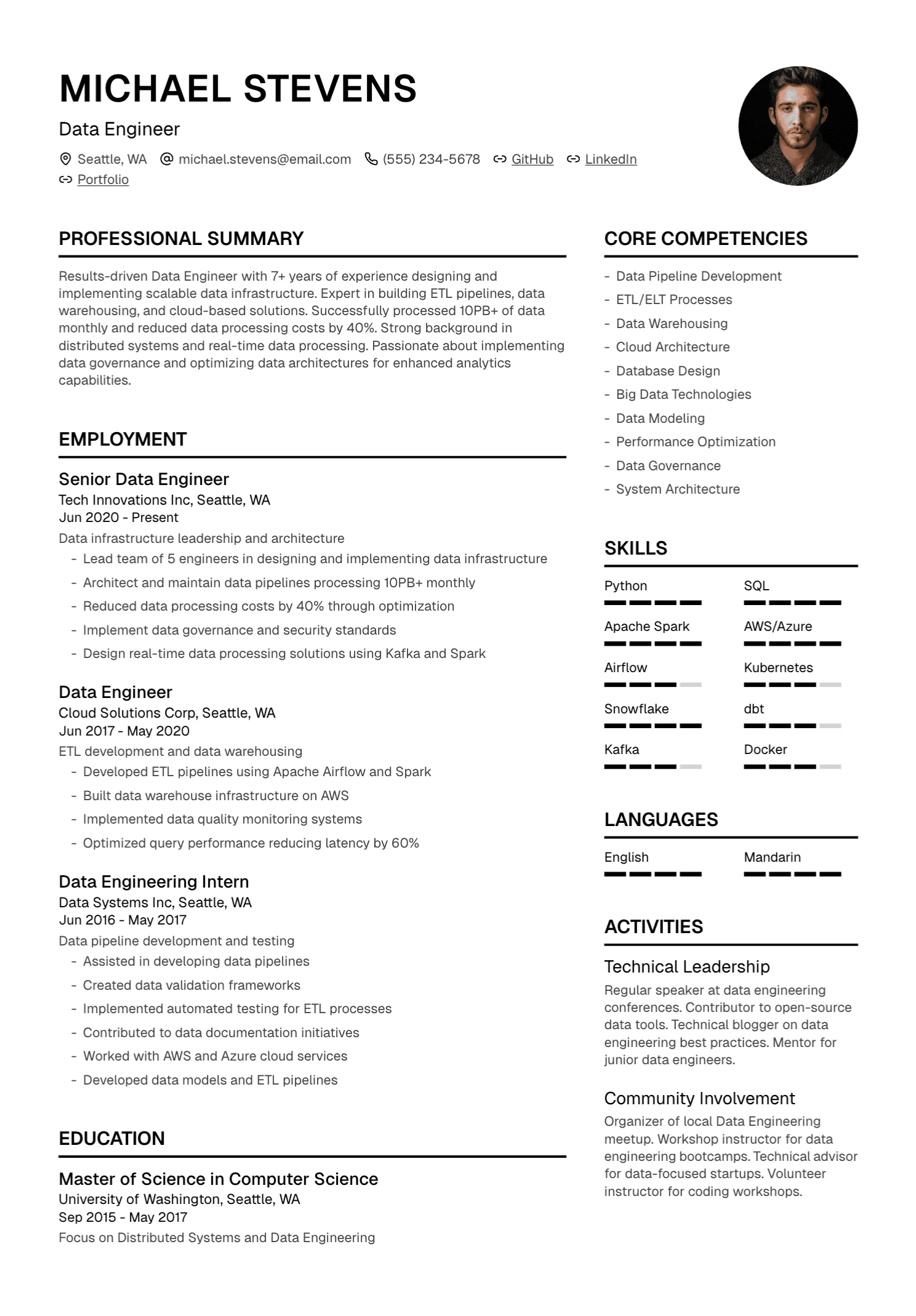
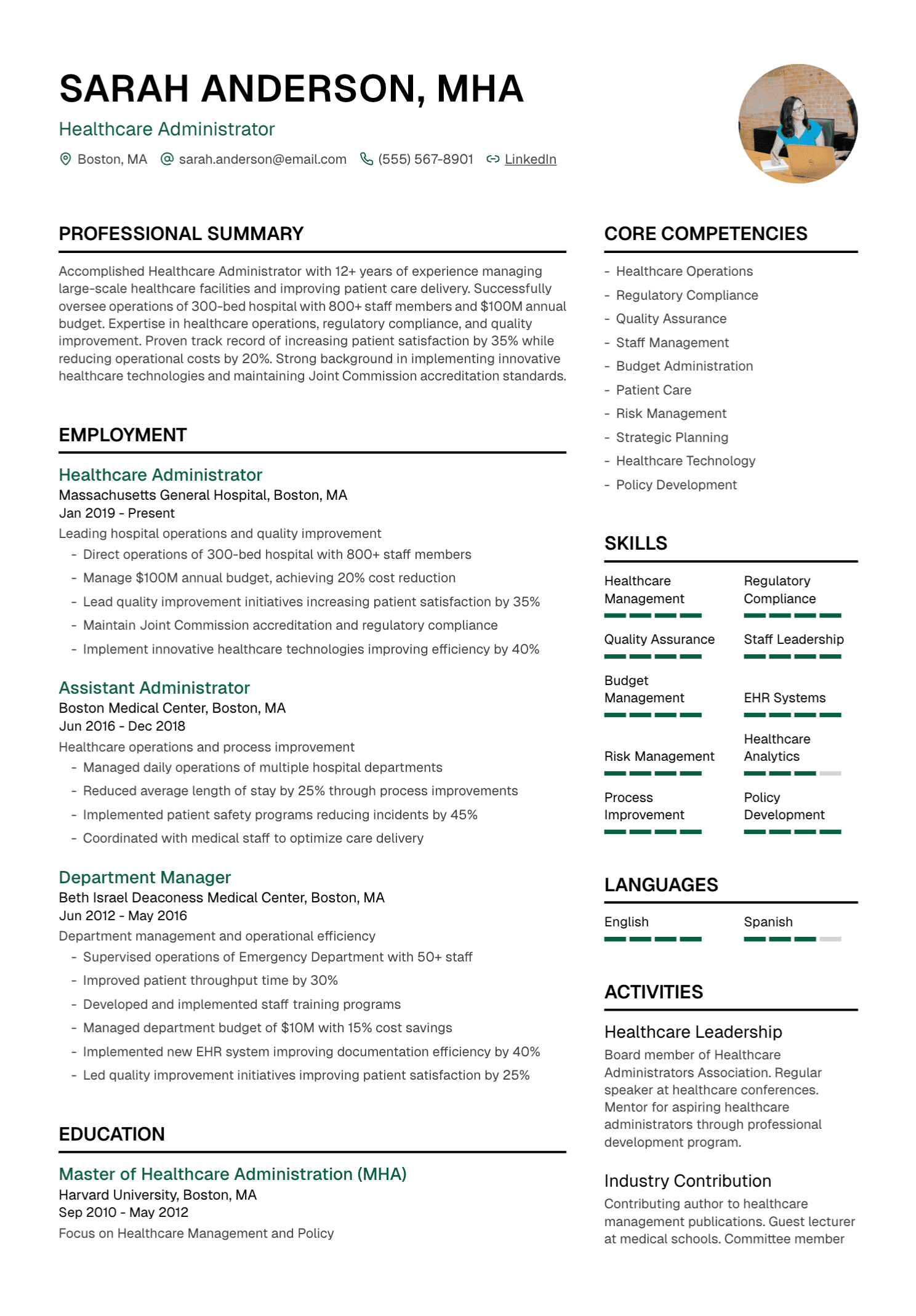
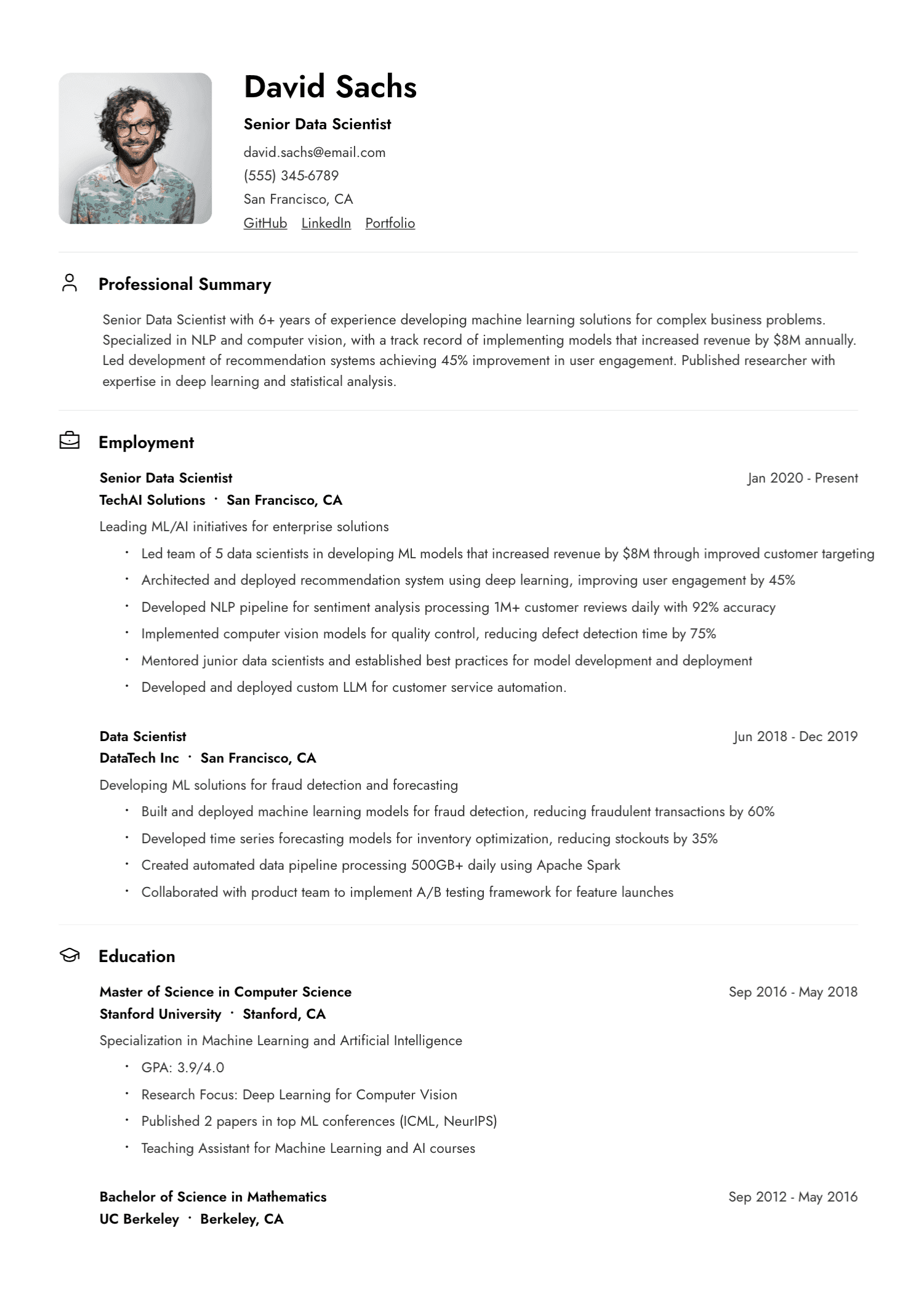
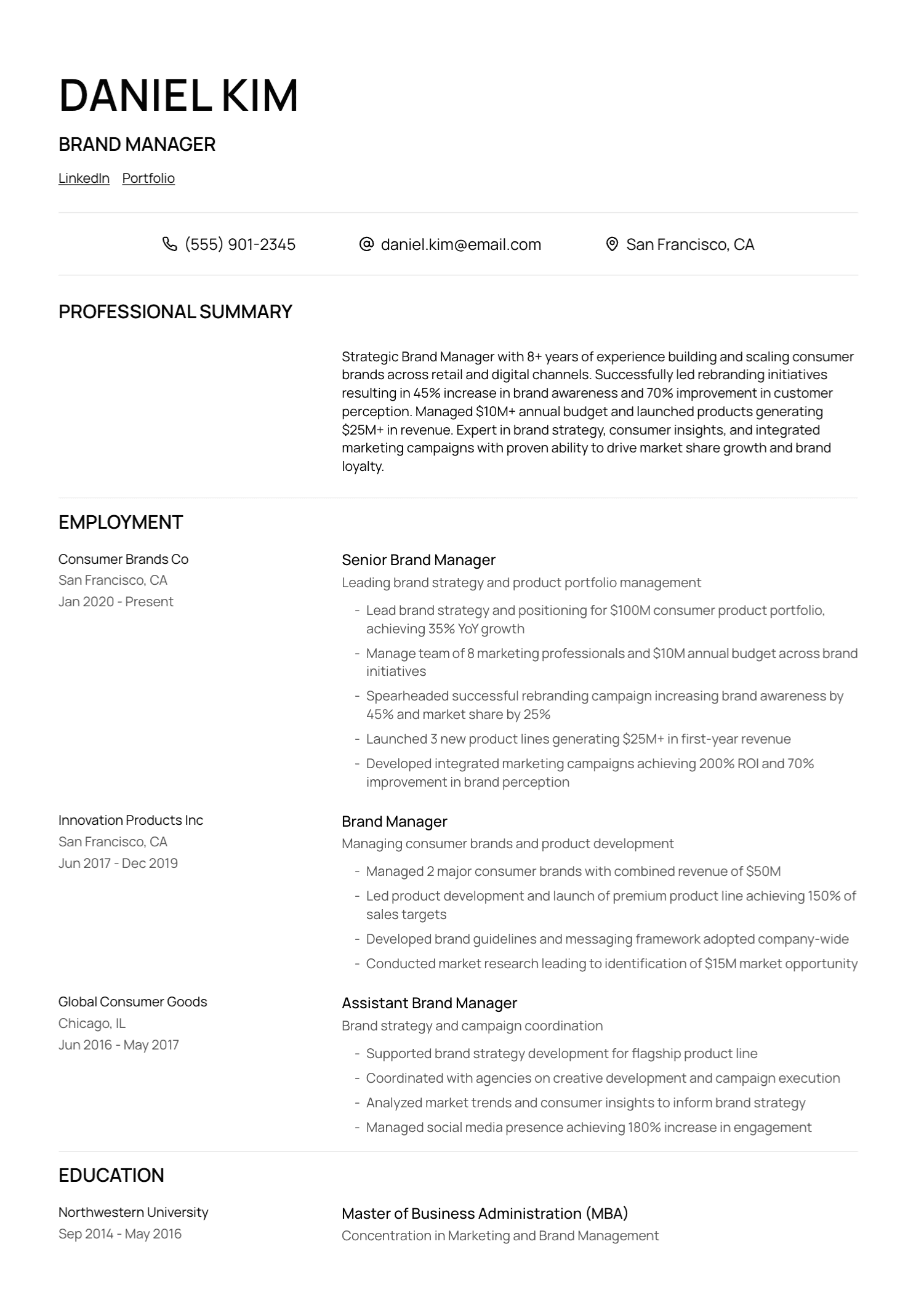
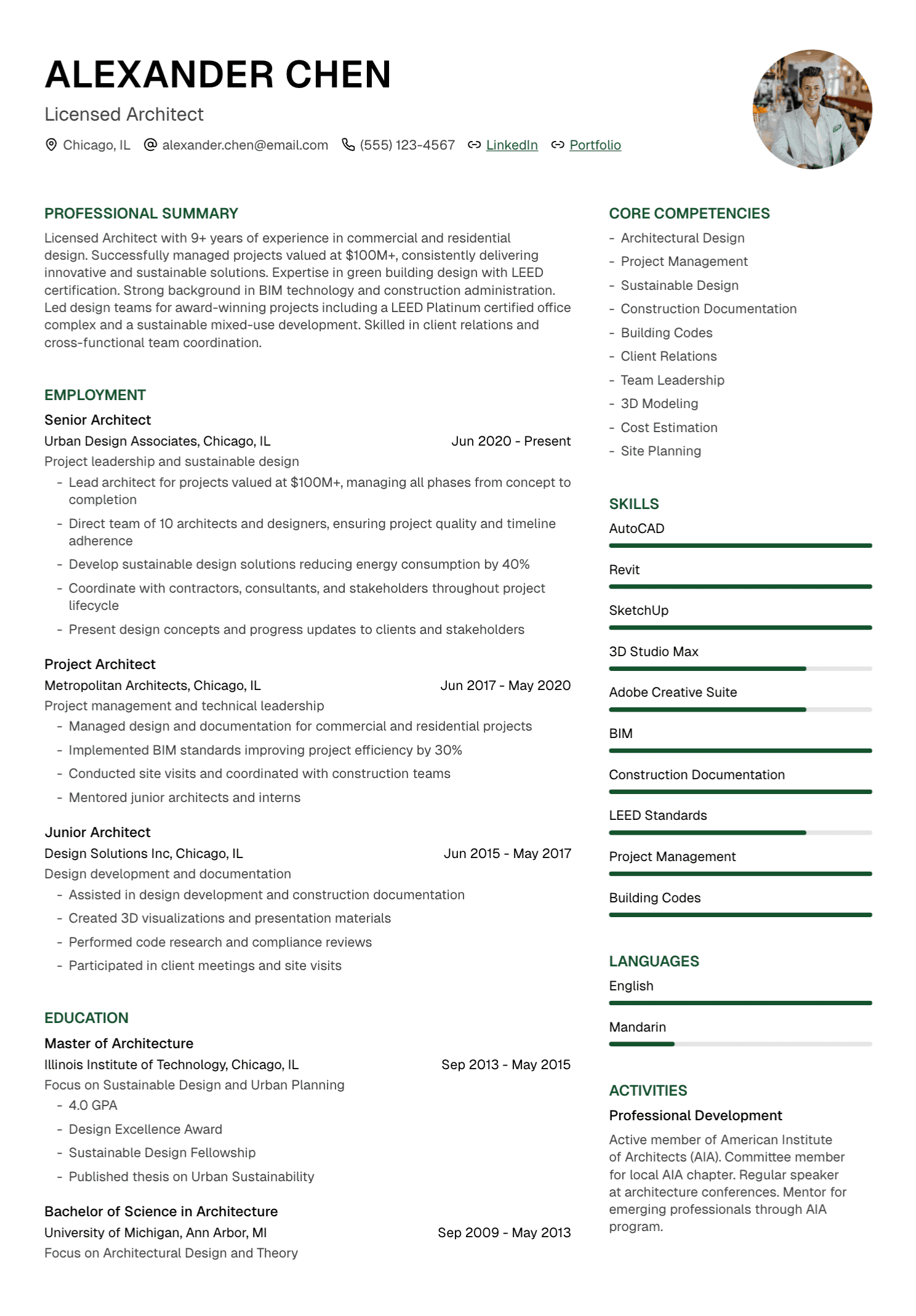
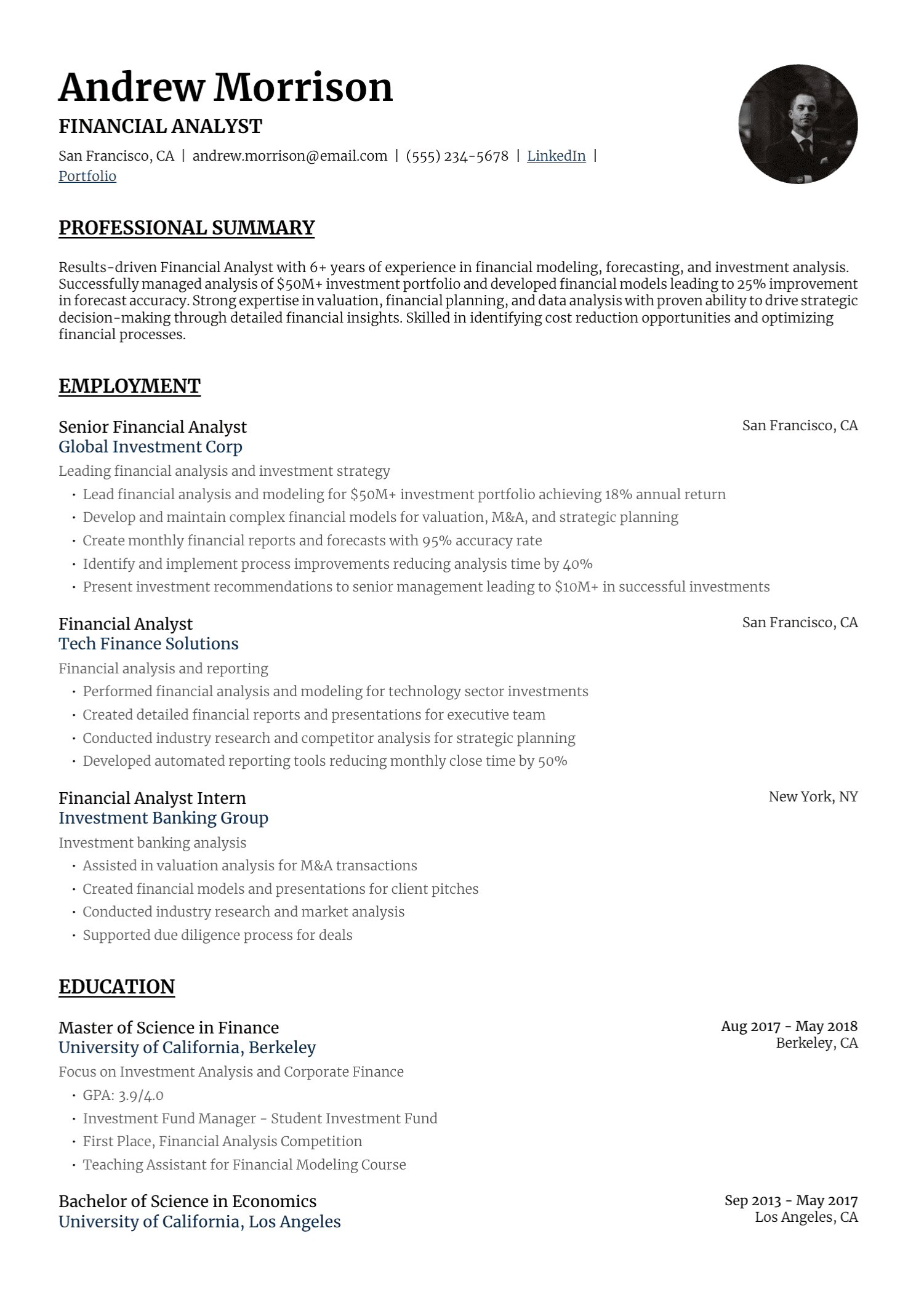
Use a clear label and readable URL near your email and phone number:
LinkedIn: linkedin.com/in/maya-chen
GitHub: github.com/mayachen
Portfolio: mayachen.design
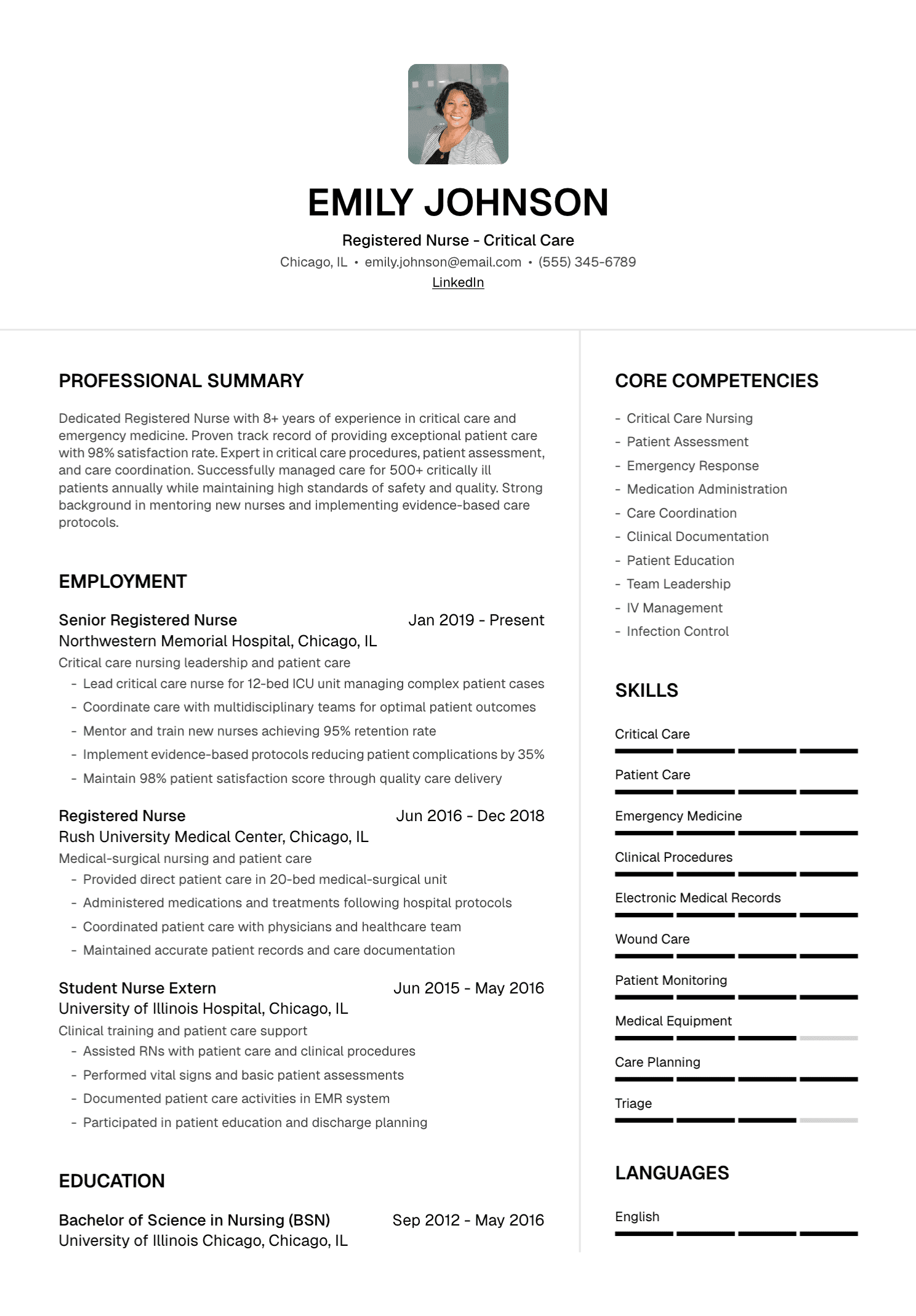
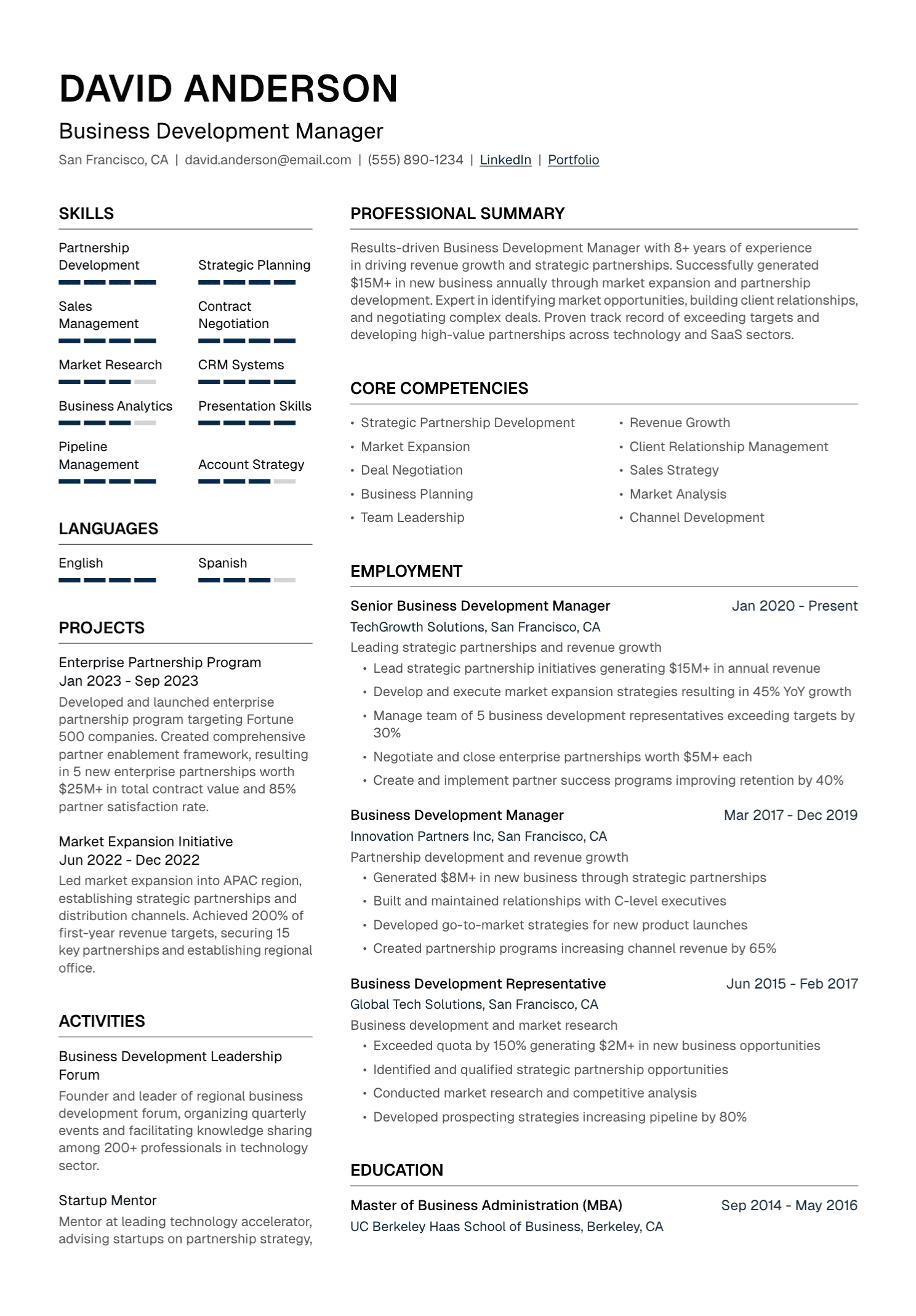
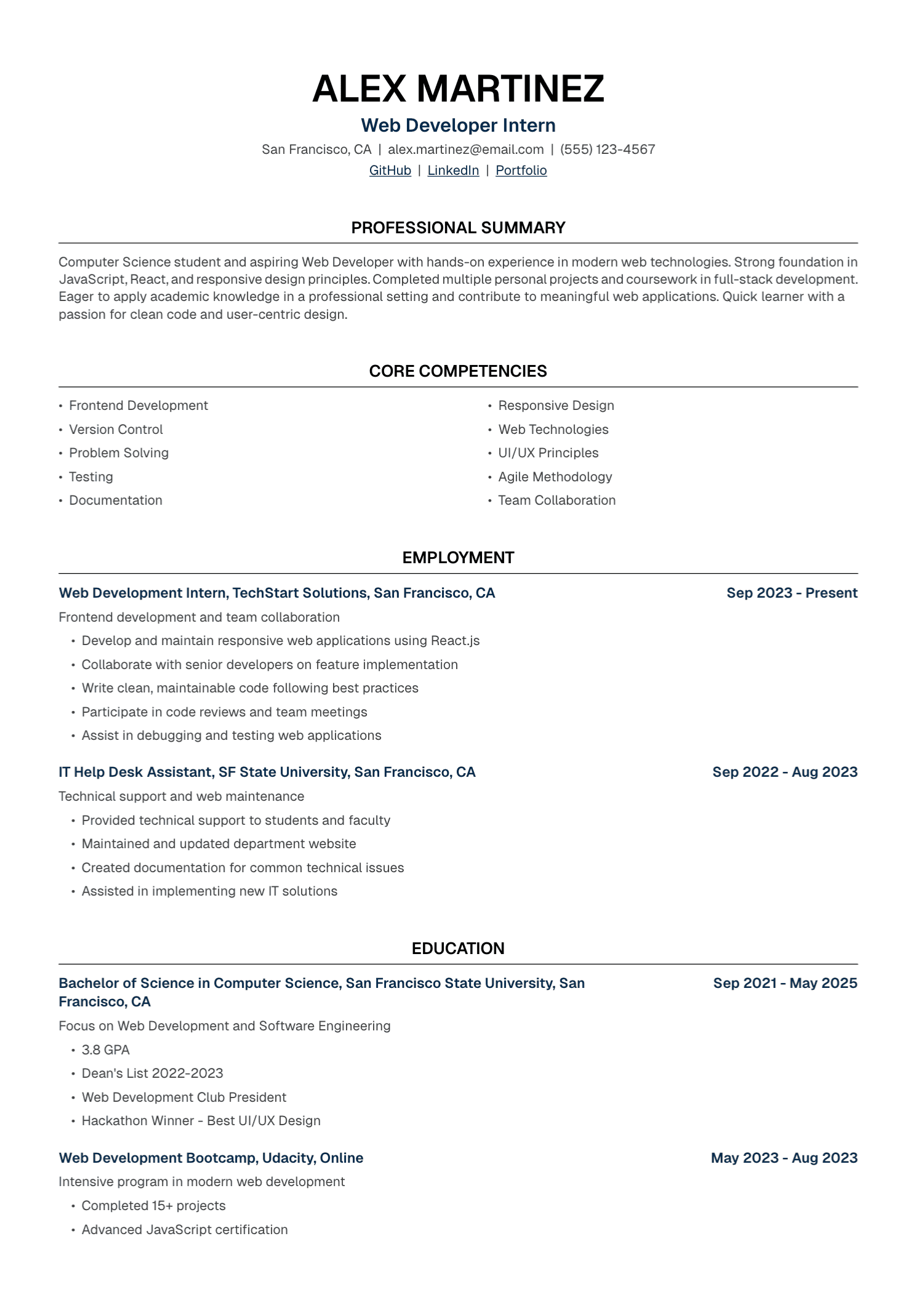
One or two strong links are usually enough. A long row of icons can become difficult to interpret, especially when the resume is printed or parsed into plain text.
Customize the public URL when the platform allows it. Remove tracking parameters and test every link before submitting. Open the PDF after export to confirm that the displayed text and hyperlink both work.
Keep Essential Evidence on the Resume
A recruiter may skip the link, company security may block a platform, or the hiring system may store the URL without previewing its content. The resume should still show your relevant qualifications.
Use the external profile for depth: work samples, documentation, recommendations, longer project explanations, talks, publications, or professional activity. A crucial certification, job, or skill still belongs in the application itself.
When a job posting asks for a portfolio or profile, follow the specified field and format. Some employers request a direct project link, repository, follower metric, campaign sample, or writing clip.
Applicant Tracking Systems and Social Links
Applicant tracking systems vary. Many can extract ordinary URLs from resume text, though the result depends on the file, layout, and employer configuration.
Use recognizable labels and place links where a human can find them easily. Avoid relying on an icon or QR code as the only version. Keep the text selectable in the final PDF and follow the requested file type.
There is no universal ATS advantage from adding LinkedIn or repeating a social URL several times. The link should exist for the reader.
Check Confidentiality Before Sharing Work
Public profiles can expose customer names, internal screens, source code, sales figures, workplace conversations, patient information, or unpublished strategy. Respect employment agreements, platform policies, professional obligations, and applicable privacy rules.
Permission matters even when you created the work. Your employer or client may own the material, and colleagues may have rights or reasonable privacy expectations.
When the original piece cannot be shared, describe the contribution at a safe level or build a separate, clearly labeled sample from your own brief and assets.
Treat Metrics With Care
Social platforms display followers, views, likes, watch time, shares, and engagement. A large number can add context for a growth or content role, though it needs a date, platform, period, and your actual contribution.
If a campaign had several creators, paid distribution, agency support, and an established audience, give fair credit. Avoid implying that you personally caused every result.
A smaller account can still show excellent strategy, voice, production quality, community care, or experimentation. Choose the evidence that matches the job.
AI Can Help With Consistency
AI can compare public profile text with a resume and identify possible conflicts. Keep personal and confidential data out of tools that lack appropriate approval or protection.
Use a narrow prompt:
Compare these two professional summaries and list factual differences in employer names, job titles, dates, credentials, location, and project ownership. Quote both versions. Suggest no new facts.
Review the output yourself. Some differences are harmless, such as month-level dates on one profile and year-level dates on another.
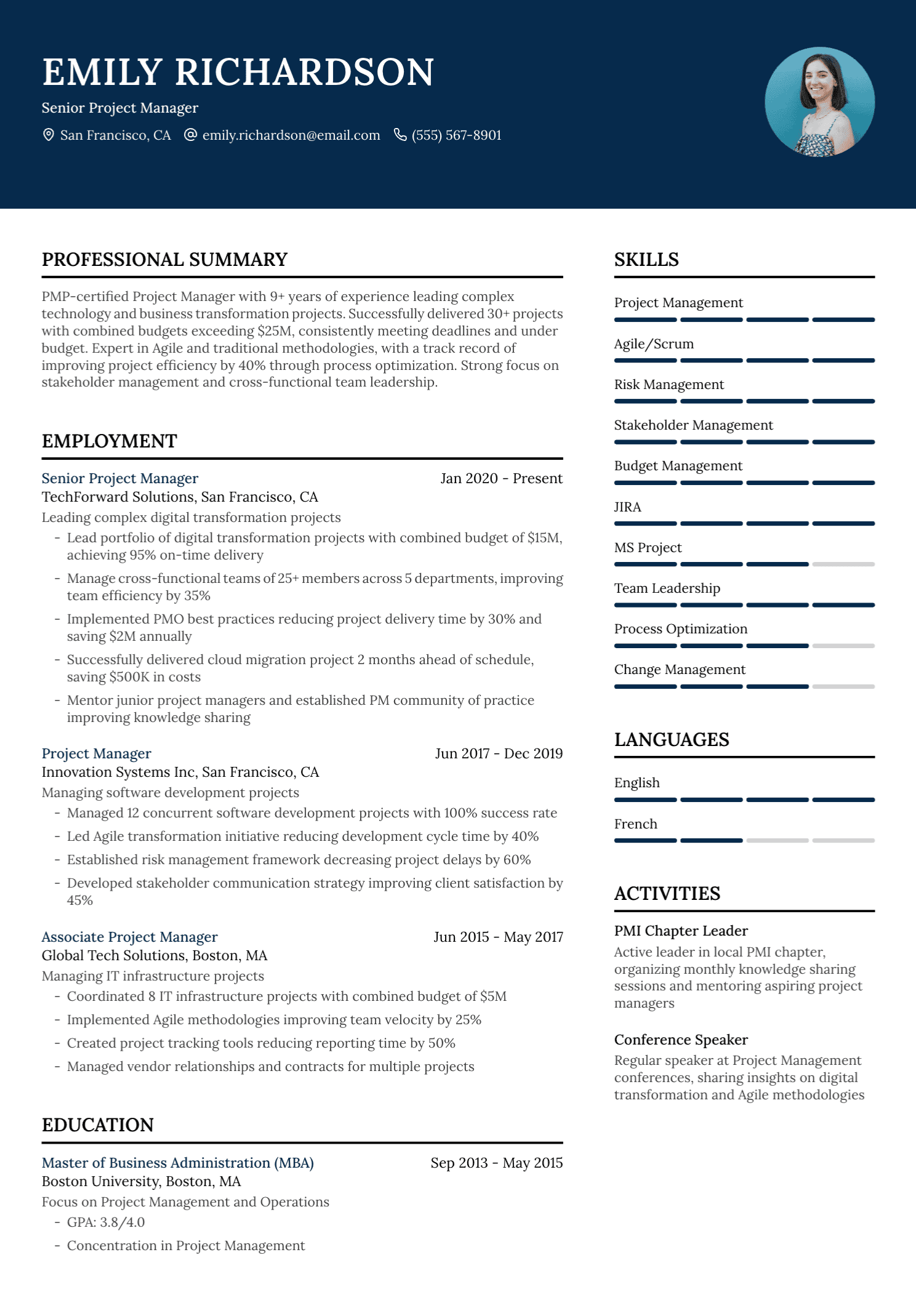
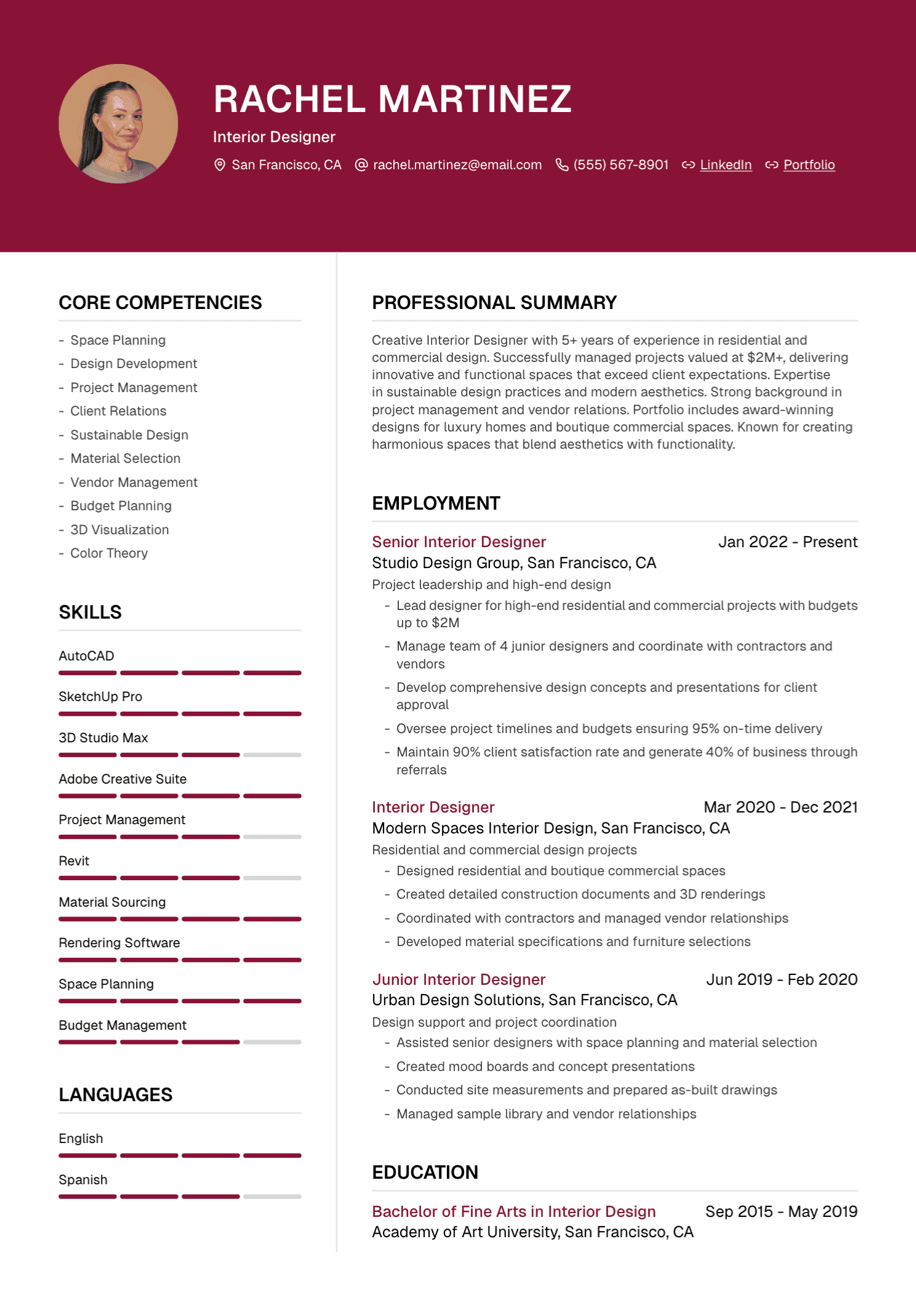
UseResume lets you add professional links to your contact details, tailor the rest of the resume to a job description, choose a template, and export a PDF.
Share With Intention
The right profile can make your work easier to understand. The wrong link creates another place for the reader to search for relevance.
Choose the profile that supports your candidacy and feels safe to share. Keep the central facts consistent, test the link, and allow your private life to remain yours.
Create your UseResume account and build a resume with clear professional links.
Continue with our guides to adding a portfolio and comparing a PDF resume with a personal website.