The 11 PM Resume Problem
You find a role you genuinely want at 11 PM. The responsibilities fit. The company interests you. The closing date is close. Then you open your resume and realize the strongest evidence for this role sits halfway down the second page.
I have been there. I have also sent the same resume to too many roles because another round of editing felt exhausting.
AI resume builders can reduce that friction. They can compare your experience with a job description, draft focused language, and keep the document formatting stable while you edit.
They can also introduce details you never supplied. The quality of the final resume depends on the source information, the tool, and the review you give its suggestions.
What an AI Resume Builder Can Do
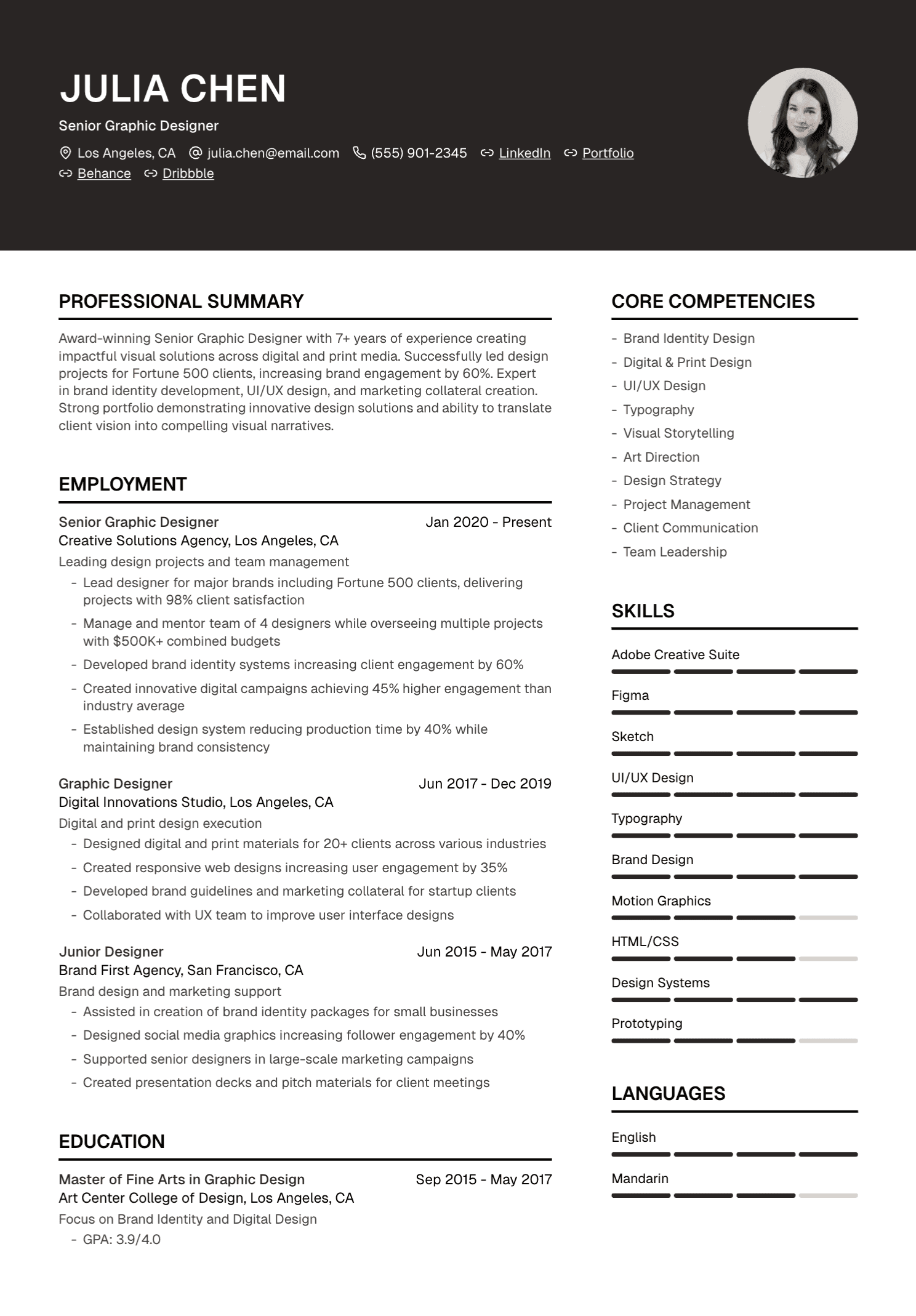
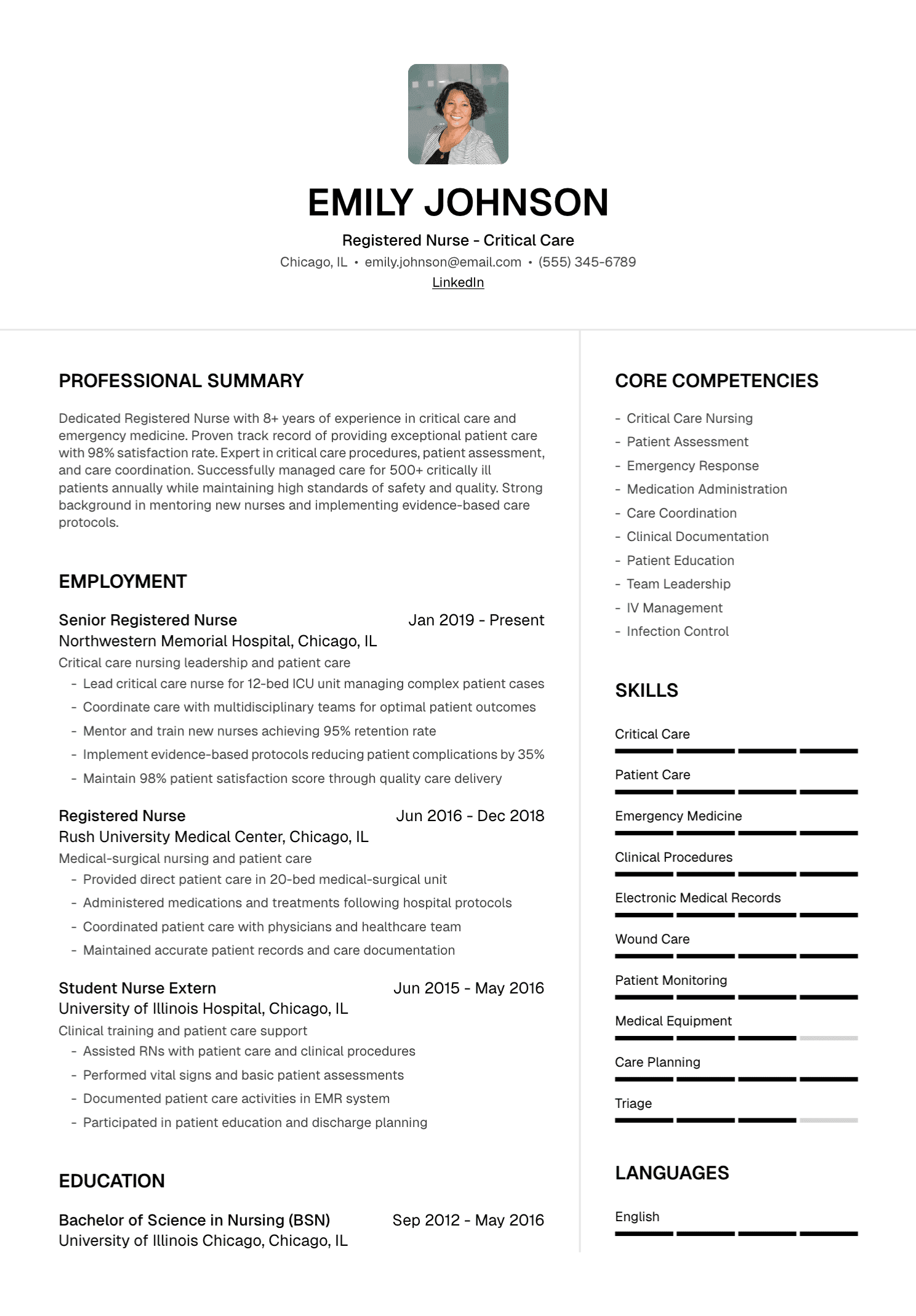
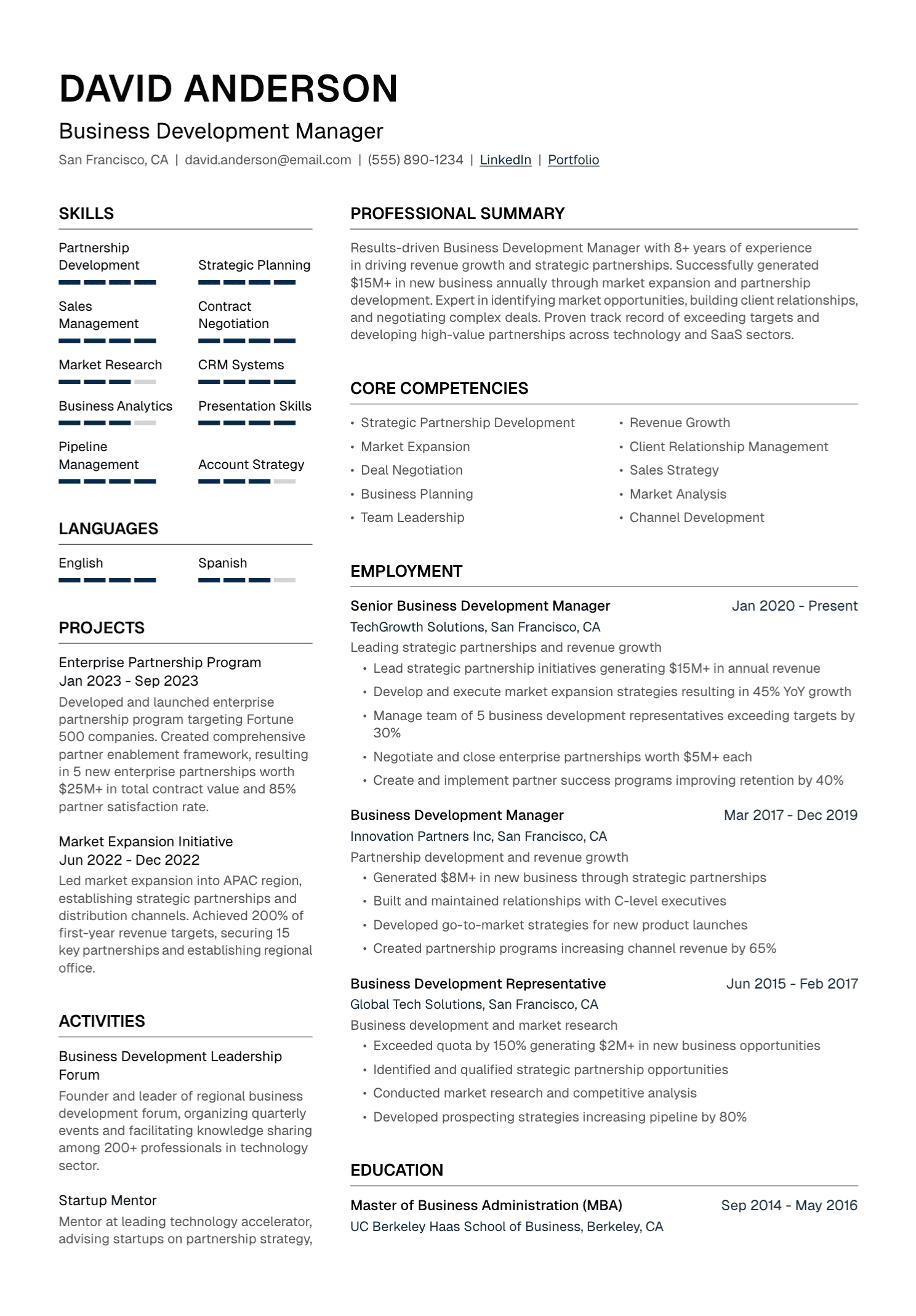
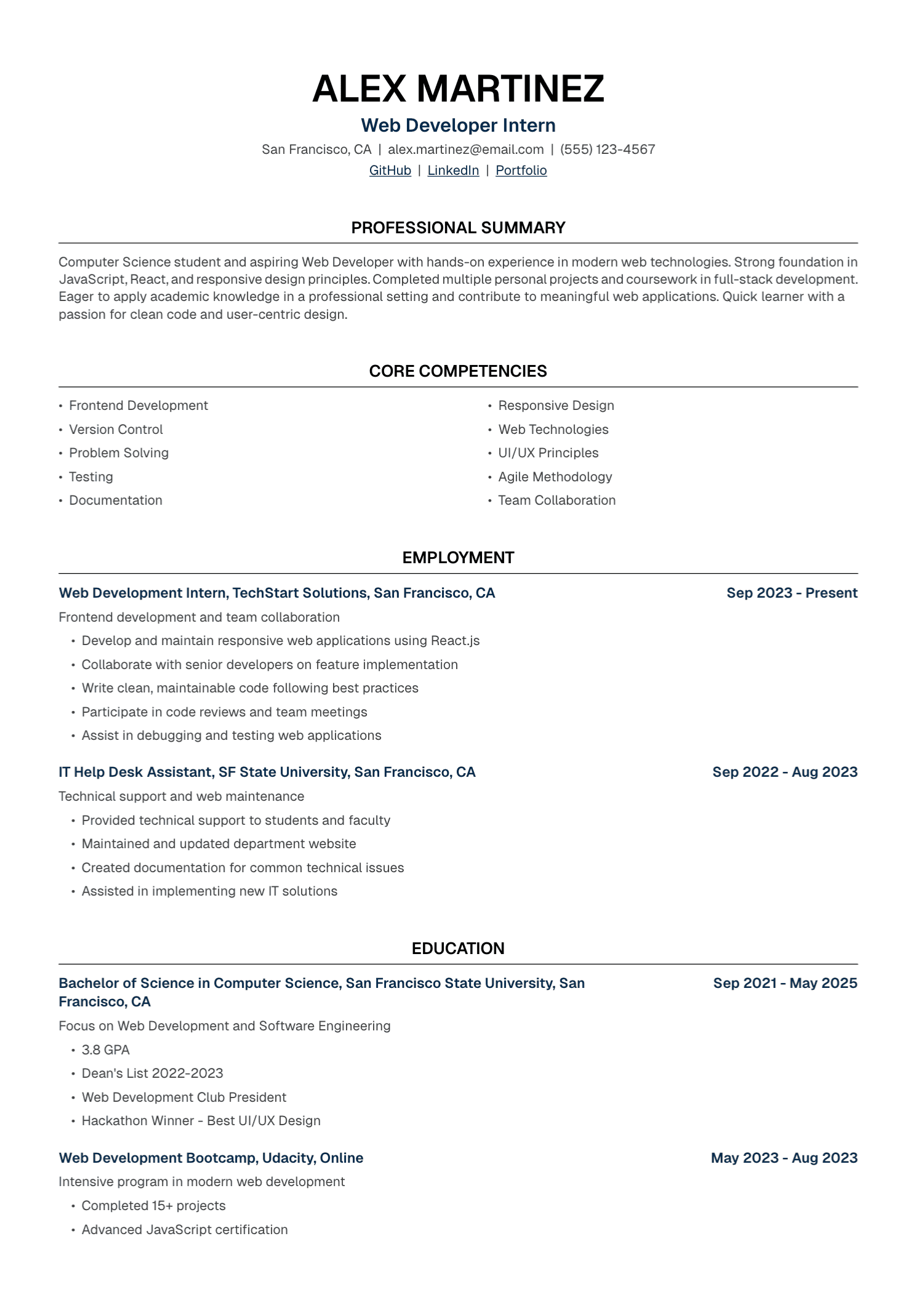
Depending on the product, an AI resume builder may import an existing resume, extract requirements from a job description, and identify relevant experience already in your background. It may also rewrite bullets, draft a profile or cover letter, apply a template, export a PDF, and save different versions.
These features solve practical problems. They keep career information in one place and reduce repeated formatting work.
Outcome guarantees belong nowhere in the decision. A resume tool cannot control the applicant pool, hiring budget, internal candidates, recruiter judgment, interviews, or final selection.
The Most Important Risk: Plausible Invention
Imagine this source sentence:
Managed client relationships and supported sales growth.
An AI tool might return:
Cultivated long-term client relationships that increased revenue by 40%.
The result sounds stronger because it contains a number. The source provided no percentage and gave no evidence that relationship management caused the growth. The new bullet is unusable until the candidate supplies proof.
A safe draft would look like this:
Managed relationships with [number/type of clients] and supported [verified sales activity or result].
The brackets expose the missing information. They preserve the candidate’s control.
Start With a Career Evidence File
Give the tool detailed, verified material. Record official titles, employers, dates, responsibilities, projects, tools, methods, results, and the source behind each metric. Add team, budget, customer, or user scope where you know it. Promotions, awards, and expanded duties can help the tool understand progression.
Your source file can be longer than the resume. Its purpose is completeness.
The job description then helps the tool select and emphasize relevant evidence. It should never become a source of new career facts.
A Safe AI Resume Workflow
1. Add your existing resume
Review the imported text. PDF extraction can merge lines, lose symbols, or place sections in the wrong order.
2. Complete missing evidence
Add the scope and results that your old resume omitted. Check records where possible.
3. Add the target job description
Read it yourself first. Mark essential requirements, preferred qualifications, and responsibilities.
4. Set factual boundaries
Use a direct instruction:
Use only the facts in my resume and notes. Preserve titles, employers, dates, tools, metrics, and responsibility level. Place questions in brackets where more detail would improve the draft. Flag every target requirement that lacks supporting evidence.
5. Review the tailored version
Check every line for changed titles, new metrics, expanded ownership, added tools, borrowed responsibilities, unfamiliar jargon, and repetition. Replace language you would never use in conversation.
6. Check the layout
Review page breaks, dates, headings, contact details, links, and text order.
7. Save the version clearly
Connect the resume to the company and role:
Firstname-Lastname-Resume-Company.pdf
Keep a copy of the posting with it.
Use AI for Selection and Clarity
The strongest use of AI often involves deciding what deserves emphasis.
Suppose a program-management posting asks for cross-functional leadership, risk management, data analysis, and regional delivery.
Your master resume may contain genuine examples of all four. The tailored version can move those examples higher, use the standard terminology accurately, and reduce less relevant detail.
This process creates a clearer application without rewriting your history.
Treat ATS Claims Carefully
Applicant tracking systems vary across employers. Many store applications, parse documents, support recruiter searches, and help manage workflow. Some employers use additional matching or screening tools.
A clean, text-based resume with clear headings and relevant terminology supports parsing and searchability. No builder can promise an ATS pass, a universal score, or an interview.
Ask what the product means when it uses “ATS-friendly” or “ATS-optimized.” Useful answers should refer to readable structure, selectable text, common headings, consistent dates, and role-relevant language.
How to Evaluate an AI Resume Builder
Factual control
Can you review and edit every suggestion? Does the product encourage verification? Can it preserve official titles and supplied metrics?
Source transparency
Can you see which resume details and job requirements influenced the draft?
Editing experience
Can you revise the text easily, reorder sections, and recover an earlier version?
Import quality
Does the tool handle your existing file accurately? Check dates, bullets, symbols, and section order.
Export quality
Open the final PDF on a computer and phone. Copy the text into a plain document to inspect reading order.
Privacy
Read how the service stores, processes, shares, and deletes career data. Resumes contain contact details, employment history, education, and other personal information.
Pricing
Check the current plan page for credits, download limits, renewal terms, cancellation, and one-time options. Prices and plan structures change.
Real user support
Look for clear help information and a way to contact the company when an import, payment, or export goes wrong.
General Chatbot or Resume-Specific Builder?
A general chatbot offers flexibility. You control the prompt and can ask detailed follow-up questions. You also manage document formatting, versioning, and transfer between tools.
A resume-specific builder brings the source resume, job description, tailored draft, editing, template, and export into one workflow.
Choose based on your preferred level of control and the amount of document work you want the tool to handle.
Where UseResume Fits
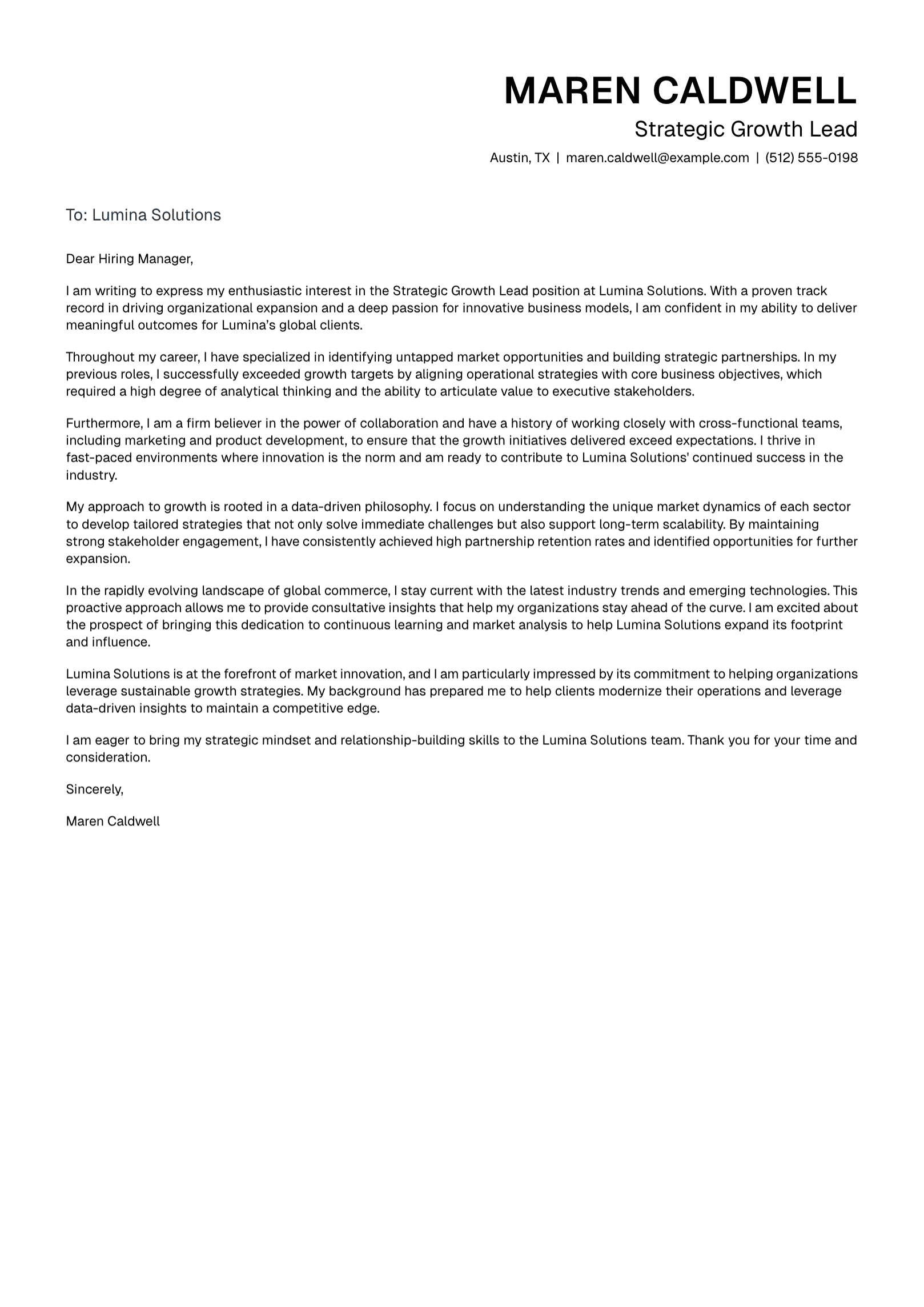
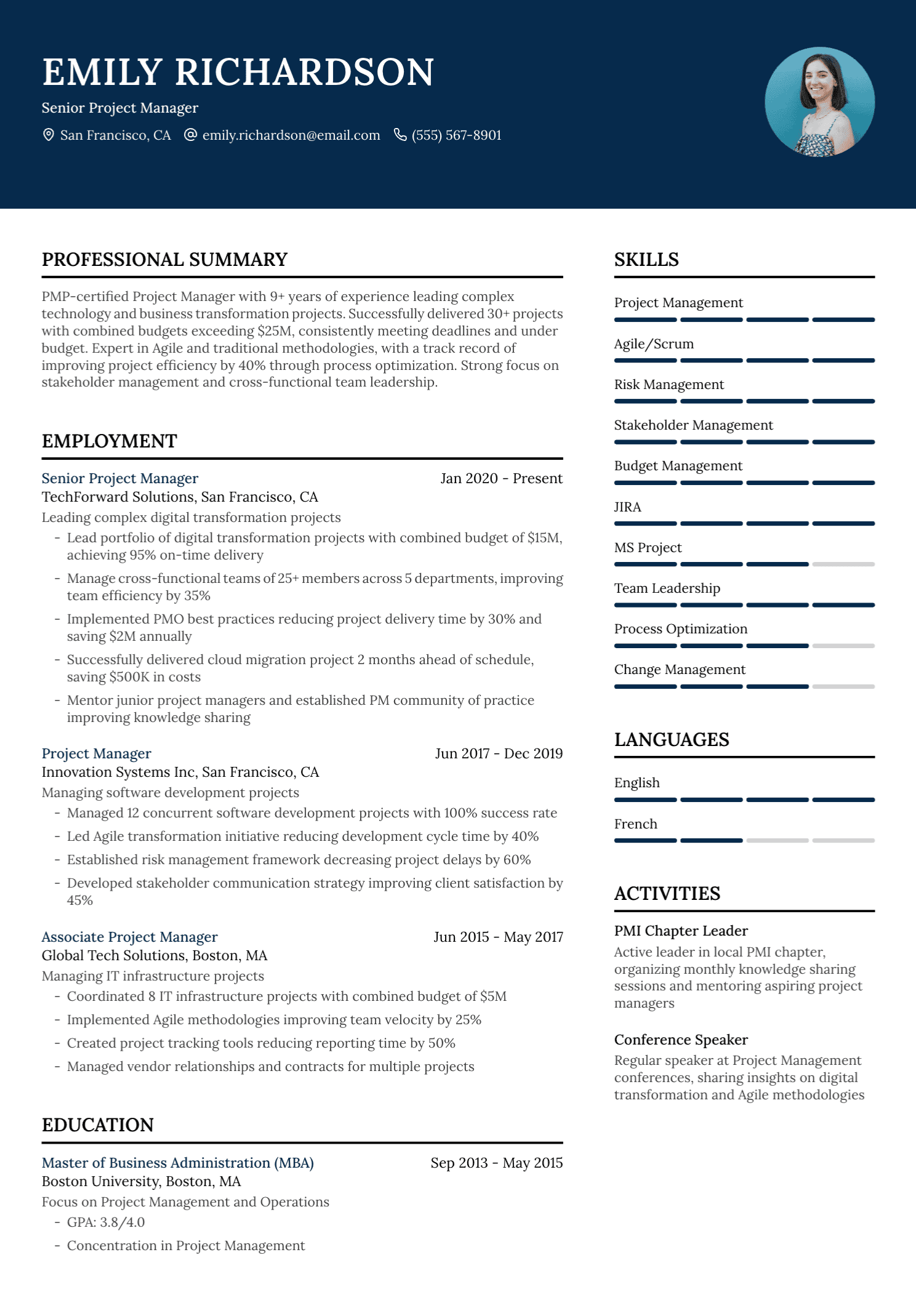
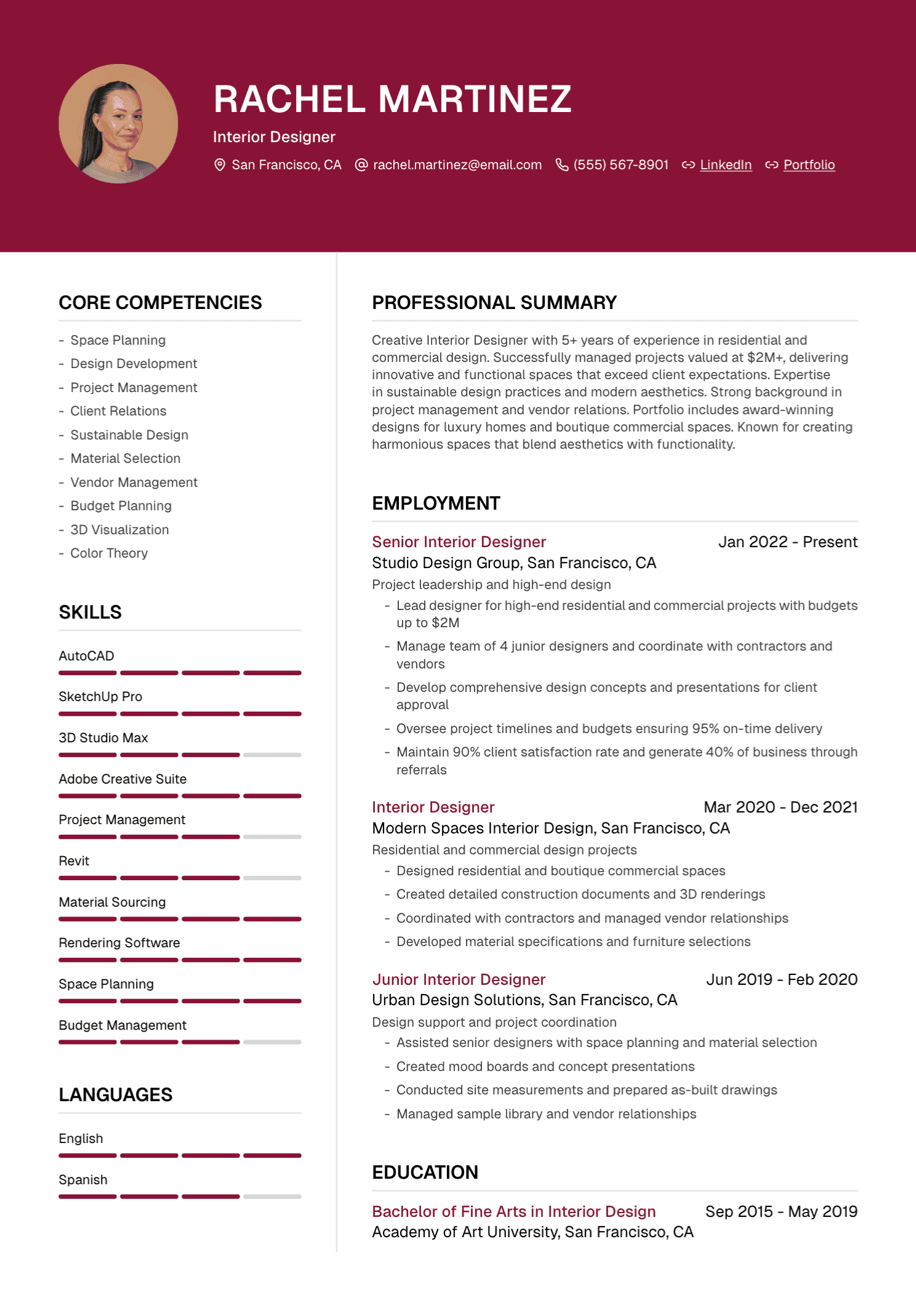
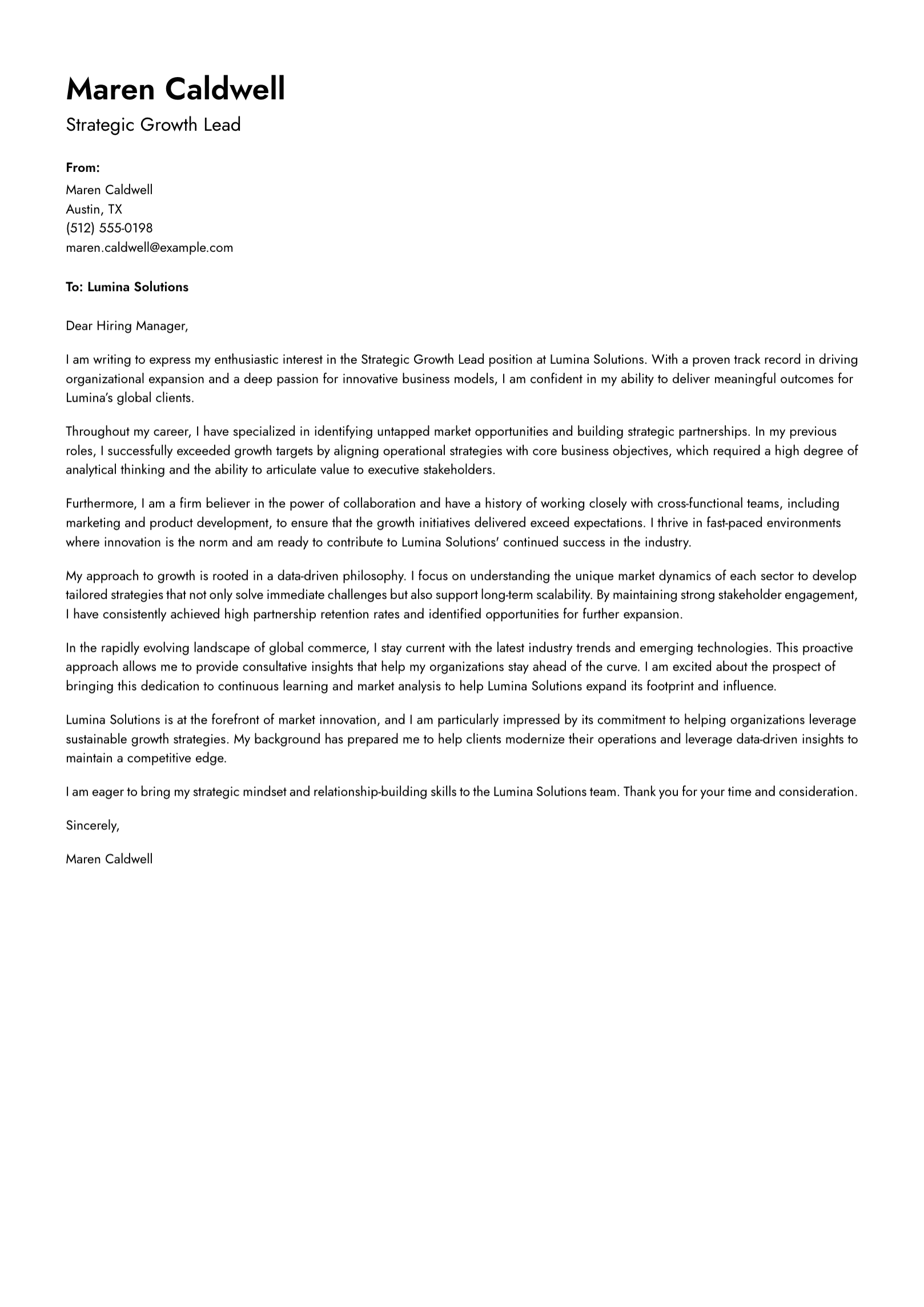
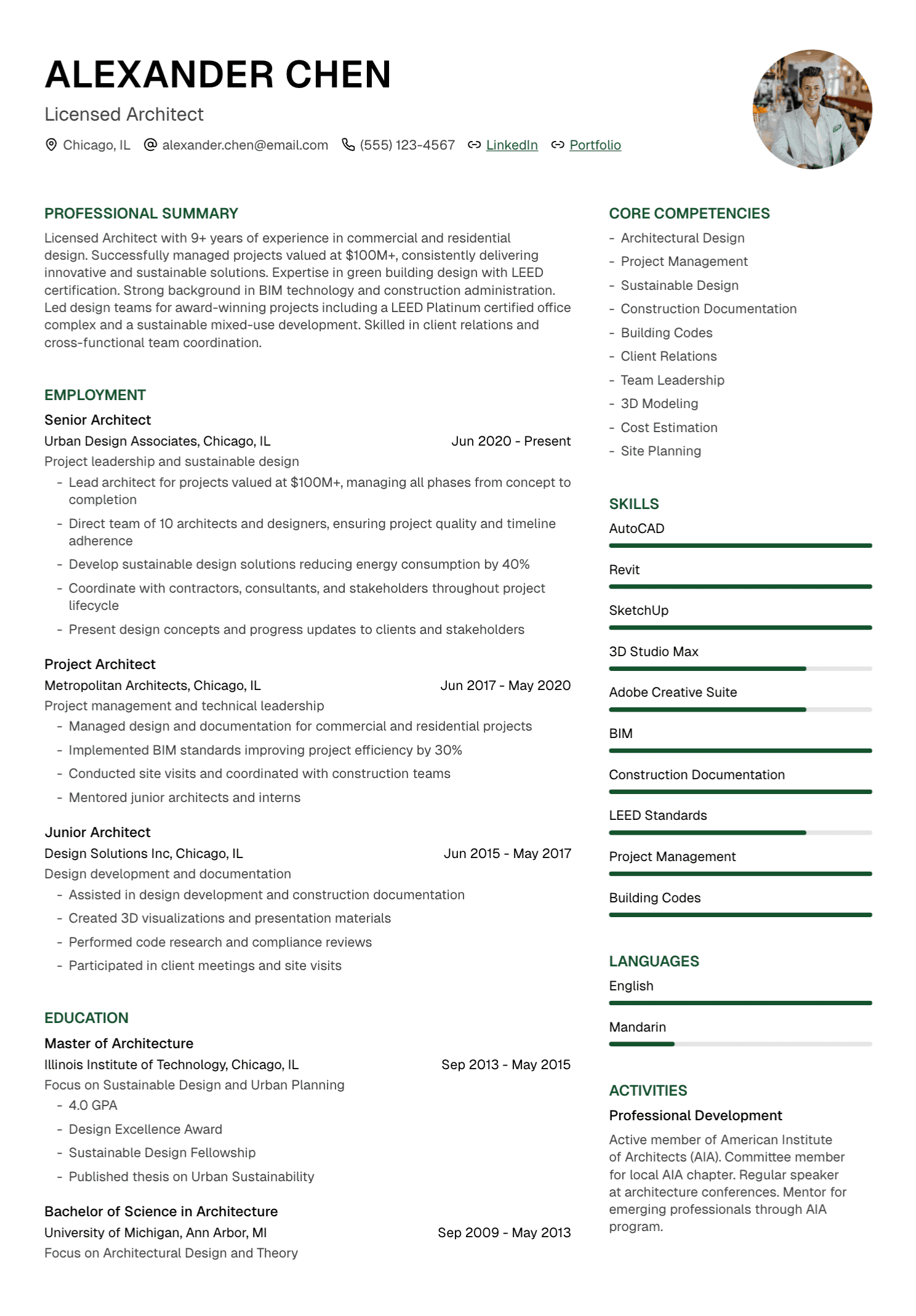
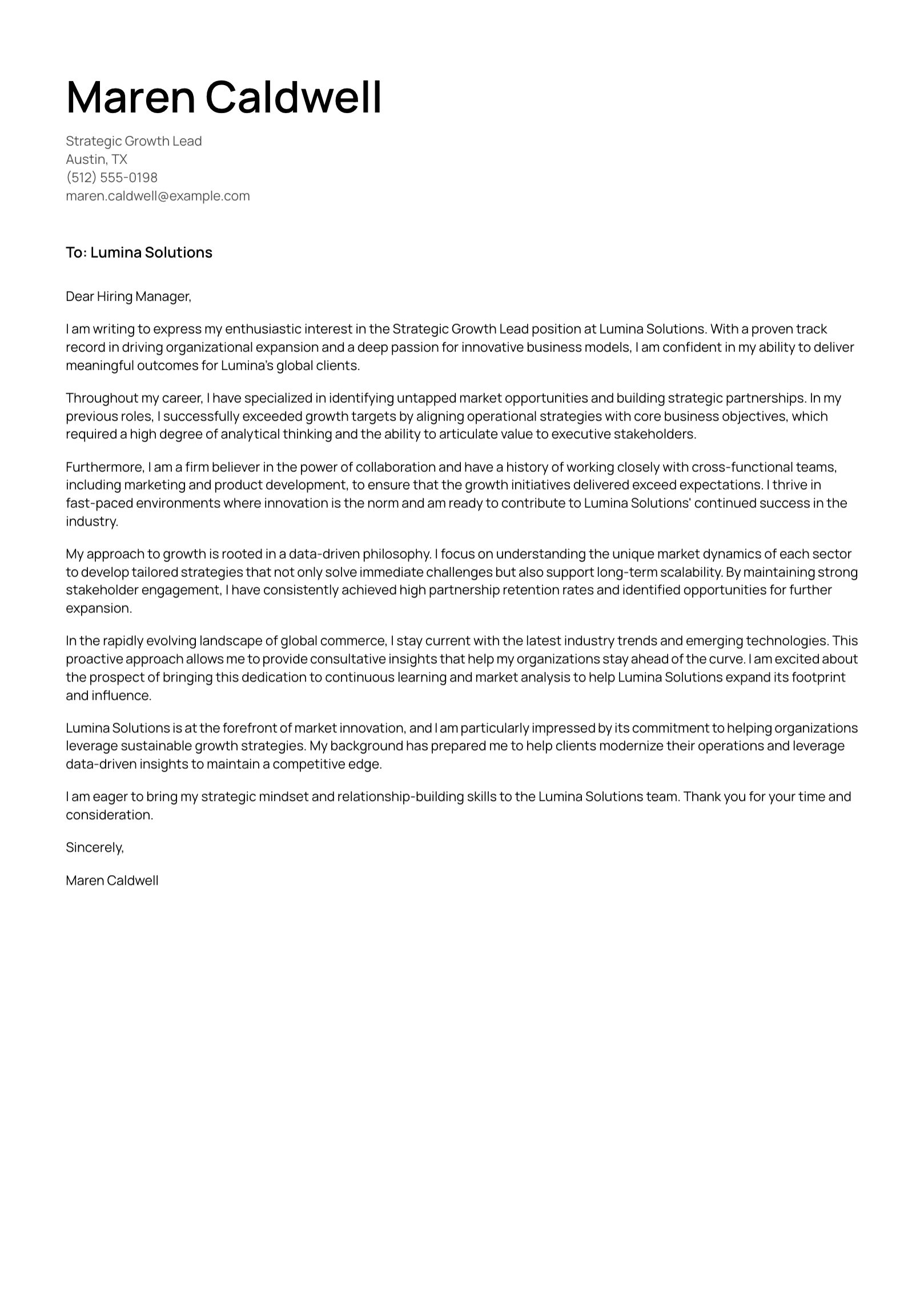
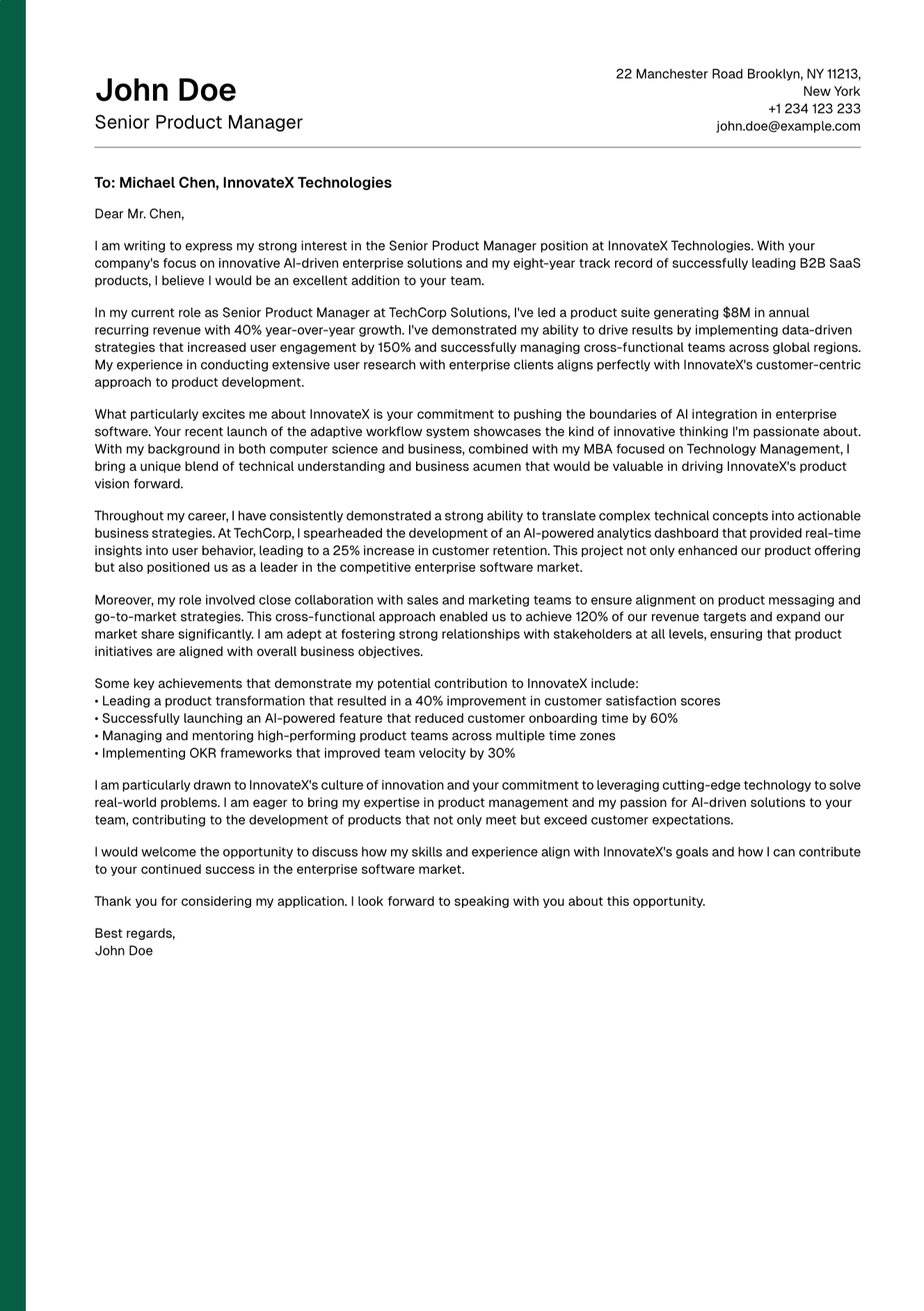
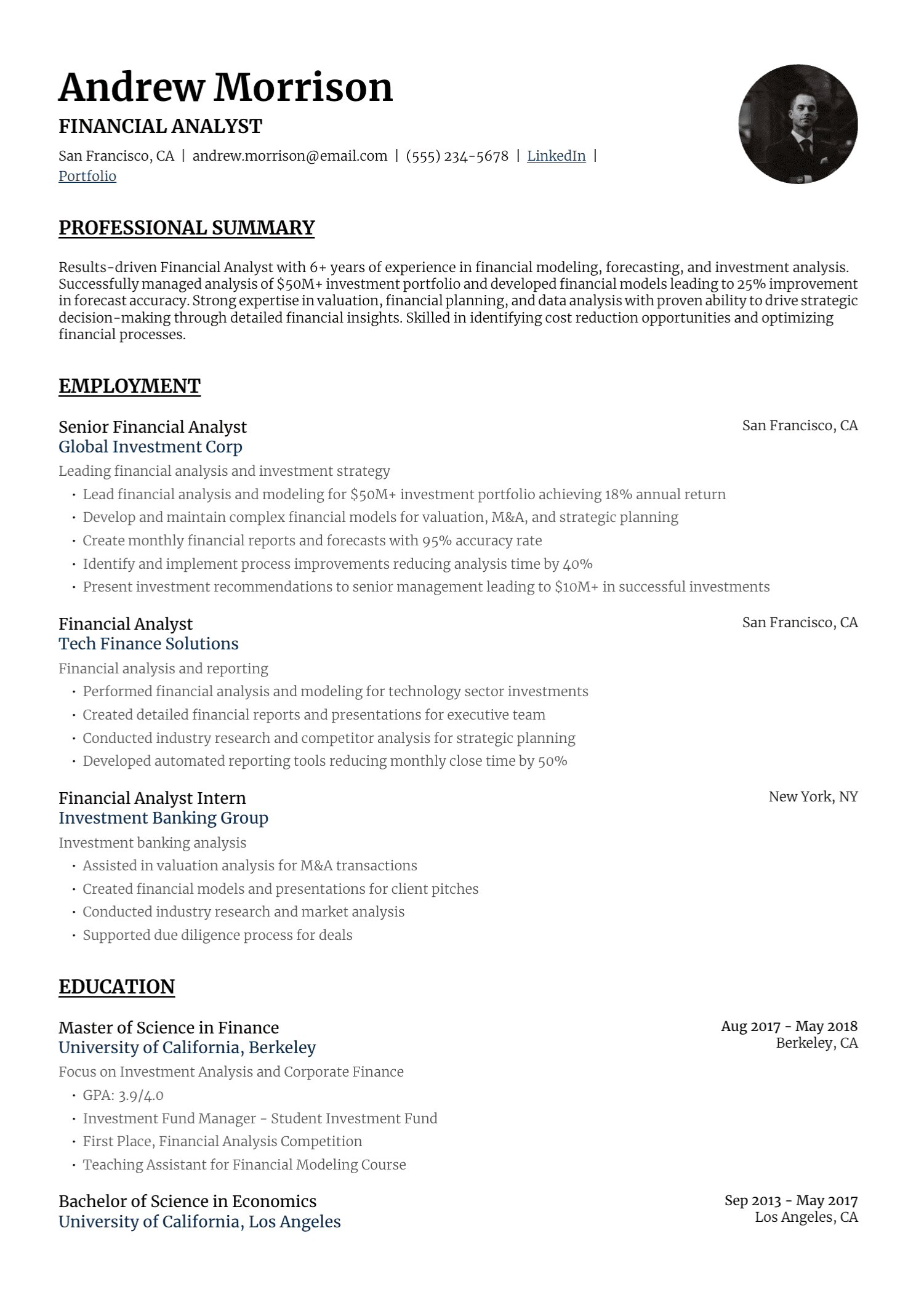
UseResume lets you upload or create a resume, tailor it to a job description, edit the draft, choose a template, and export a PDF. The platform also supports cover-letter creation.
The generated version remains a draft. Verify each claim, restore your natural voice, and keep the final document aligned with the experience you can discuss in an interview.
AI Should Make You More Prepared
A useful resume tool gives you time back and helps you see your own experience more clearly. The final document should leave you feeling ready for the interview, because every line belongs to your career.
Create your account and build a tailored resume you can review, refine, and stand behind.
Continue with our guide to AI resume bullet points and our 2026 AI resume-builder comparison.