Start With the Truth: ATS Software Varies
“Beat the ATS” has become one of the most profitable phrases in resume marketing. It gives candidates the impression that one hidden robot stands between them and a recruiter, assigning a universal score and rejecting anyone who chose the wrong font.
Applicant tracking systems are hiring-workflow platforms. Employers use them to receive applications, store candidate records, coordinate interviews, collect feedback, search past applicants, communicate with candidates, and report on hiring activity. Features, integrations, subscription tiers, and employer configurations vary widely.
Some systems parse resumes into fields. Some support exact keyword search. Some offer optional AI matching. Recruiters can also open the resume itself and review the application directly. A useful strategy begins with this variety.
What May Happen After You Apply
A simplified application flow looks like this:
- You complete the employer's form and upload a resume.
- The system creates a candidate record and stores the submitted materials.
- A parser may extract details such as name, contact information, employment, education, and skills.
- Recruiters may review, search, filter, or use matching features available in their system.
- The hiring team moves candidates through its configured stages and records decisions.
The details change by employer. Even the same ATS can behave differently across organizations because administrators choose fields, workflows, filters, integrations, and add-ons.
Resume Parsing
Parsing converts resume content into structured data. The result may prefill an application or populate a candidate profile.
Lever's official documentation says its parser can extract readable information into profile fields such as name, work history, and contact details. It accepts several document types, including Word and PDF, and advises users that image files such as JPG and PNG cannot be parsed.
Oracle Taleo documentation likewise describes extracting personal information, education, and work experience from a resume. Oracle also makes clear that parsing behavior and accepted formats can depend on administrator settings.
This is why a resume can look perfect as a page and still populate an application form incorrectly. The parser is interpreting content, while the visual document remains an attachment.
Search, Filters, and Matching
After an application enters the system, recruiters may use searches or filters to manage volume.
For example, Greenhouse Talent Filtering allows recruiters to search application text for exact keywords and apply preferred or required terms. This is a recruiter-controlled workflow. The recruiter chooses the search.
Greenhouse also offers an optional Talent Matching feature on certain product tiers. It compares resumes with employer-defined criteria and presents match categories. Greenhouse explicitly describes the feature as assistive AI and leaves hiring decisions with recruiters and hiring managers.
These two features inside one platform show why broad ATS claims fail. Exact search and AI matching are different processes. Another employer may use neither.
Automatic Decisions Can Come From Application Questions
Applications often ask about work authorization, location, licenses, schedule, salary expectations, required experience, or willingness to travel. Employers can configure some answers as essential criteria and route candidates accordingly.
Read each question carefully and answer truthfully. A resume rewrite cannot compensate for a required license you lack or a location condition you cannot meet.
If a question seems ambiguous, use any available explanation field or contact the employer when appropriate. Guessing can create an inconsistency between the form and resume.
Make the Document Easy to Extract
Use a file type the employer requests. A text-based PDF or standard DOCX works in many systems. A scanned PDF may behave like an image unless optical character recognition has created a usable text layer.
Try selecting a sentence with your cursor. Lever recommends this as a simple indication that the document contains readable text. Then copy the full resume into a plain-text editor and inspect the order.
Your name, email, phone number, titles, employers, dates, and education should appear in a logical sequence. Missing characters, merged columns, or scrambled sections signal a document problem worth fixing.
Use Familiar Section Headings
Headings such as Experience, Education, Skills, Projects, Certifications, and Professional Profile are clear to people and software. Creative alternatives can create unnecessary ambiguity.
Keep the hierarchy simple. Place each title near its employer and dates. Use one consistent date format. Make links readable and test them before submission.
Important information deserves a place in the main content flow. Header, footer, text-box, and sidebar behavior varies. Greenhouse troubleshooting guidance lists contact information in headers, footers, or text boxes among potential parsing problems, while Oracle Taleo documentation says its parser can detect header and footer text. This vendor difference is exactly why conservative placement helps.
Columns, Tables, Icons, and Graphics
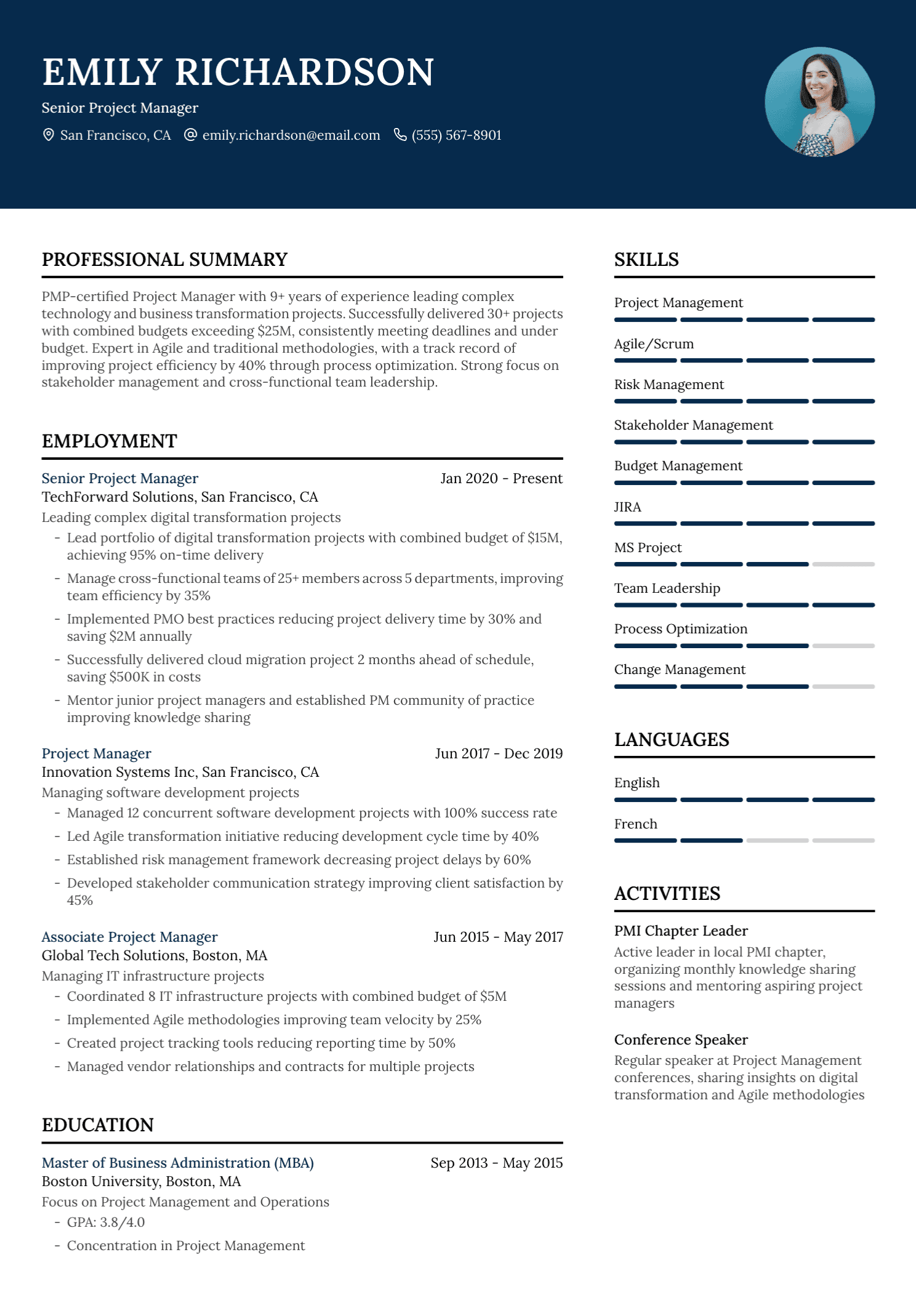
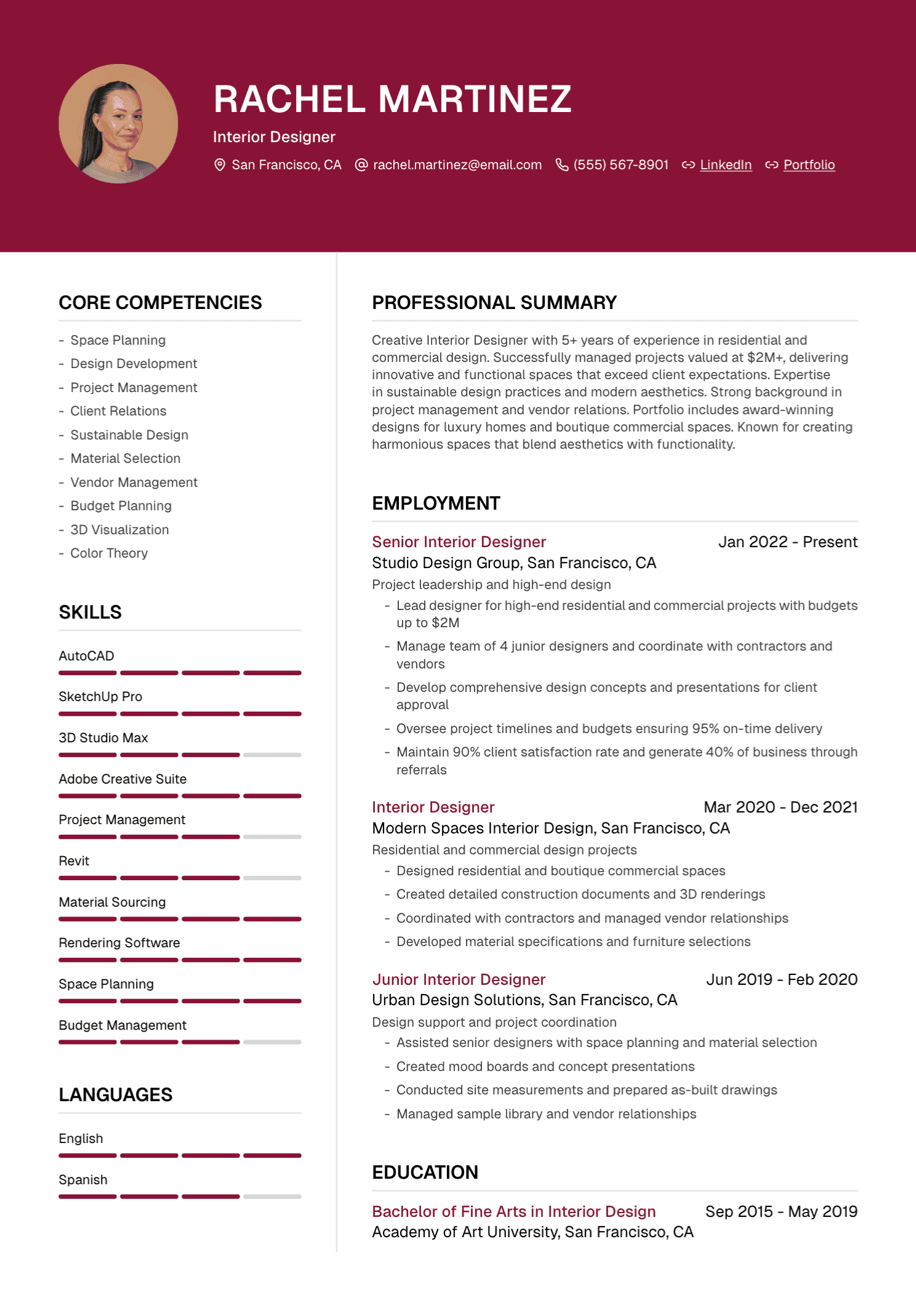
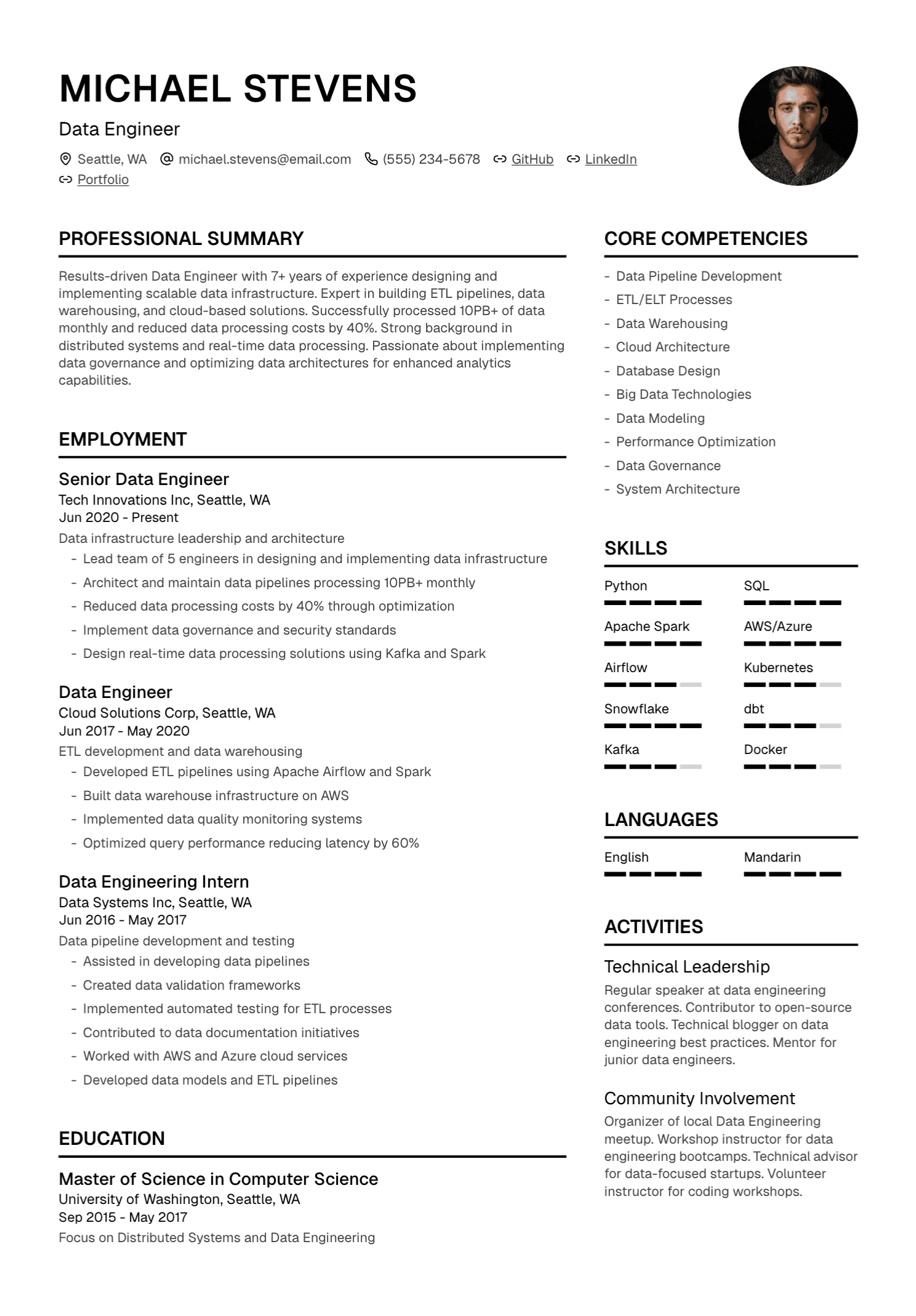
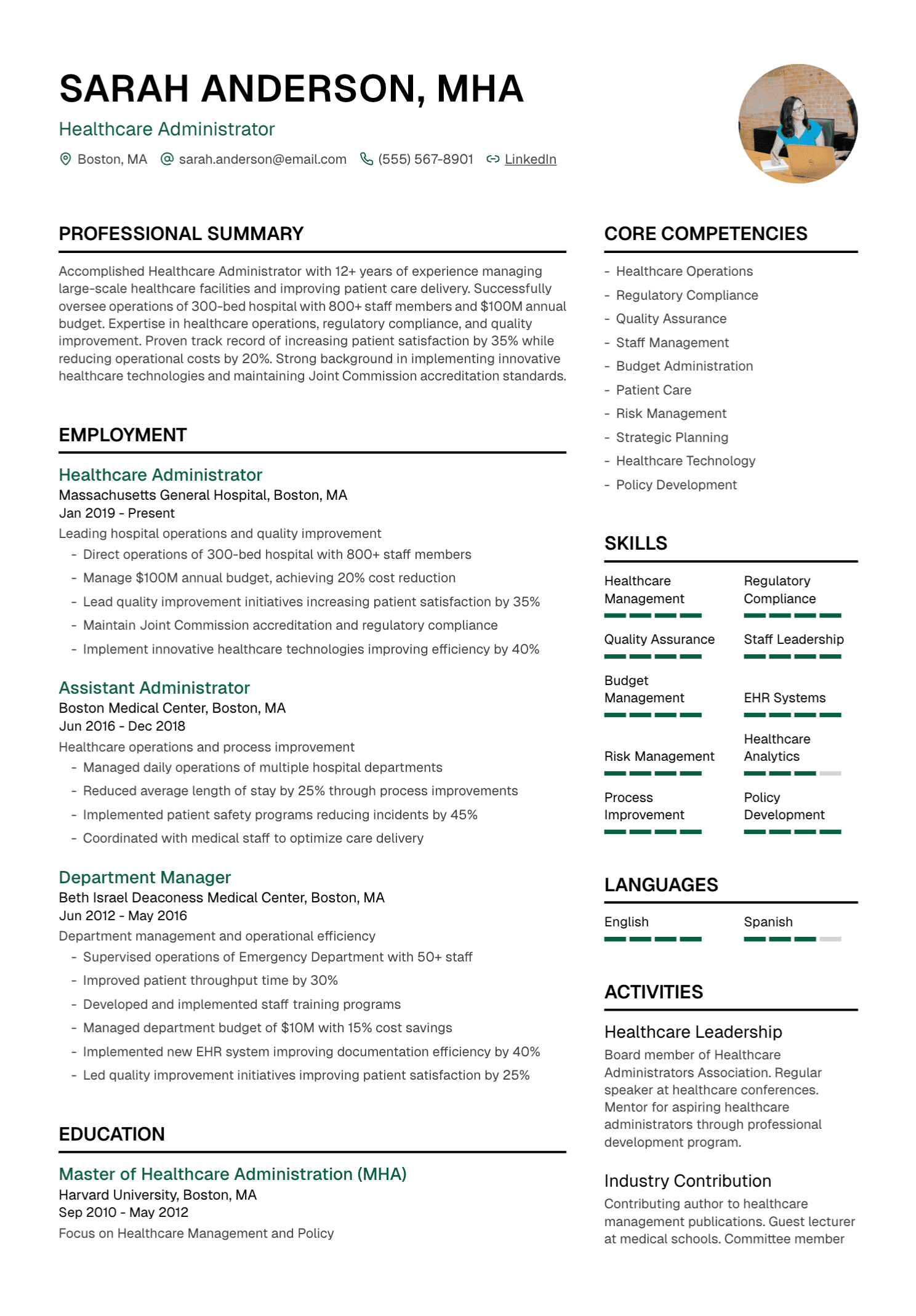
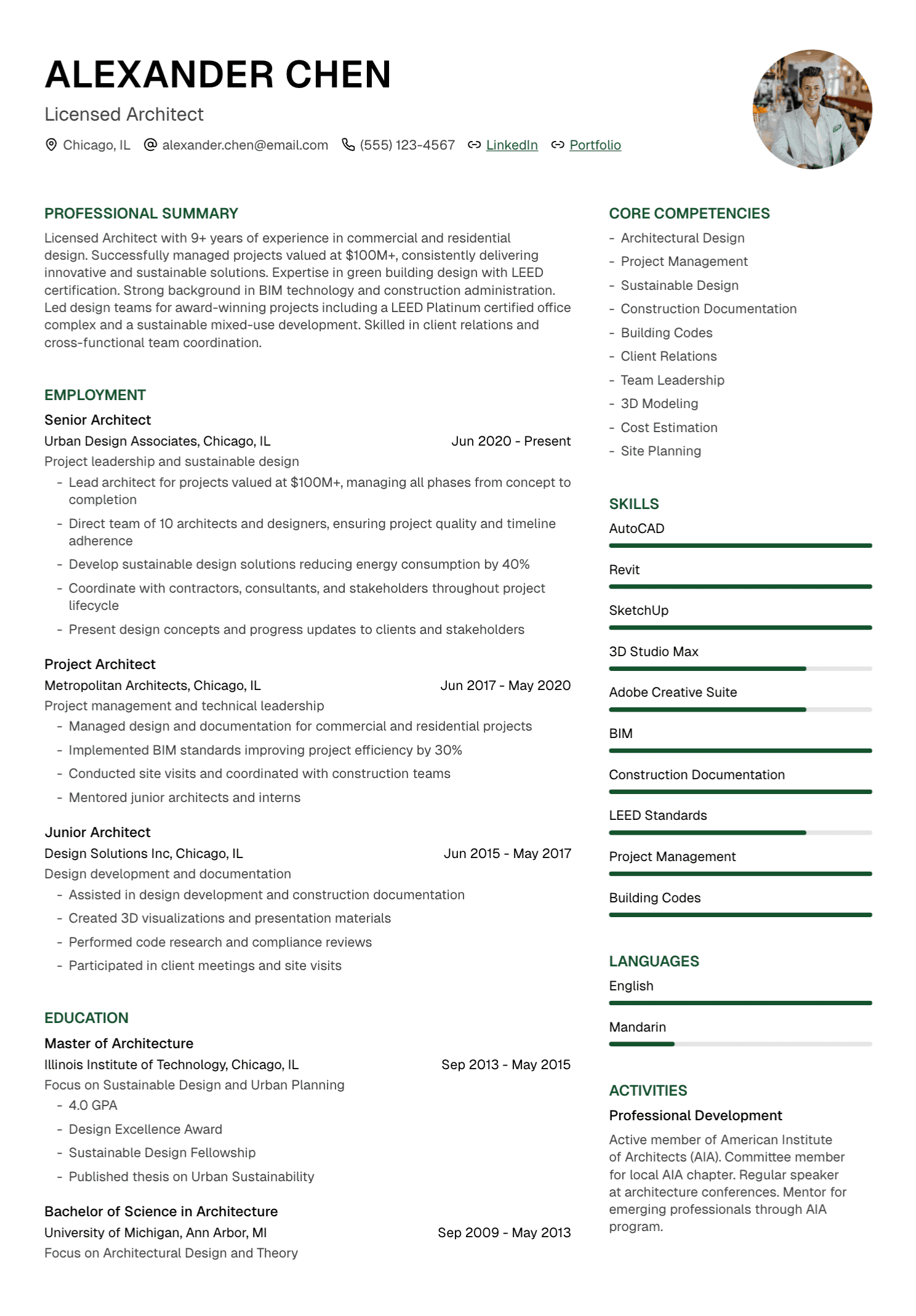
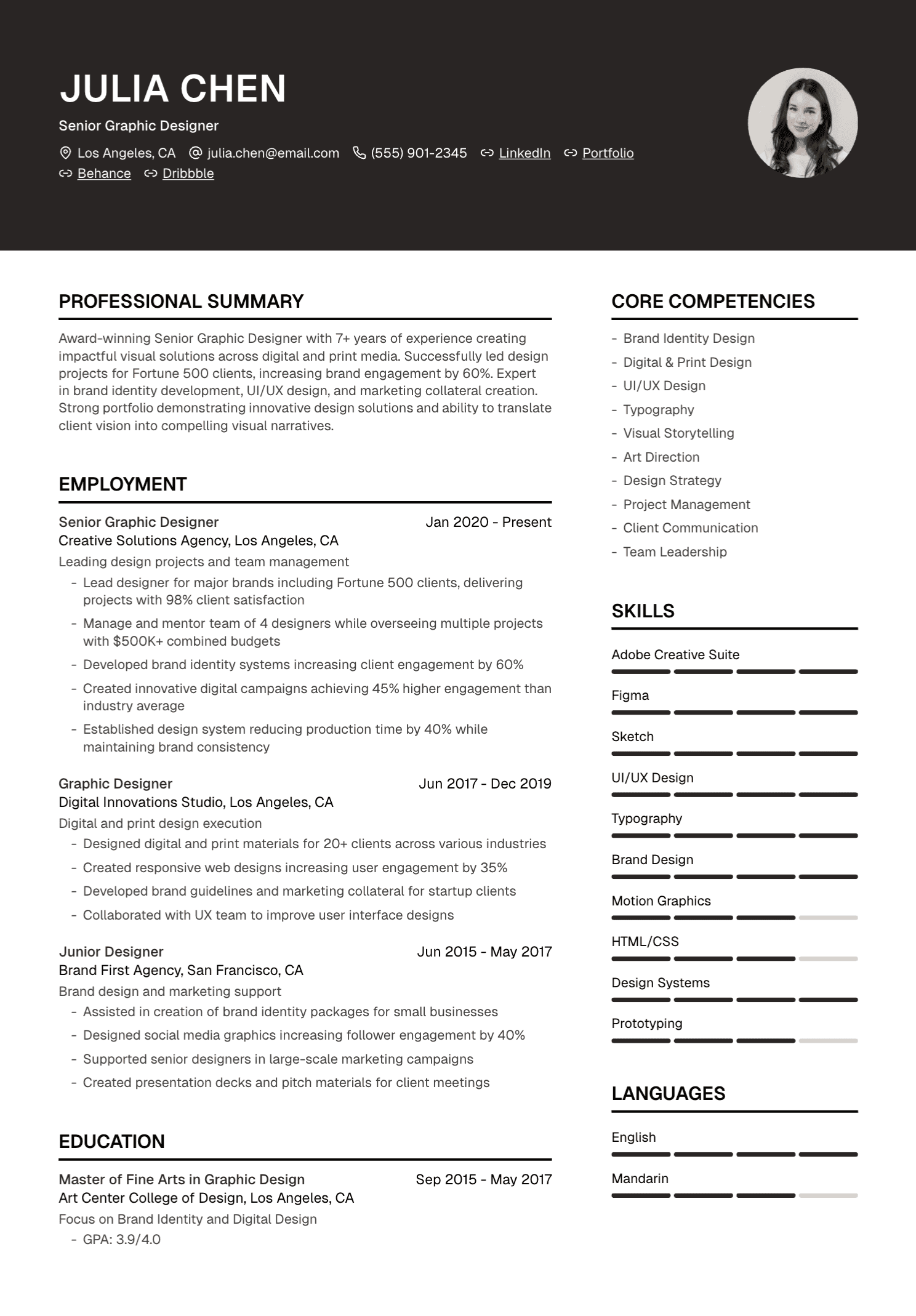
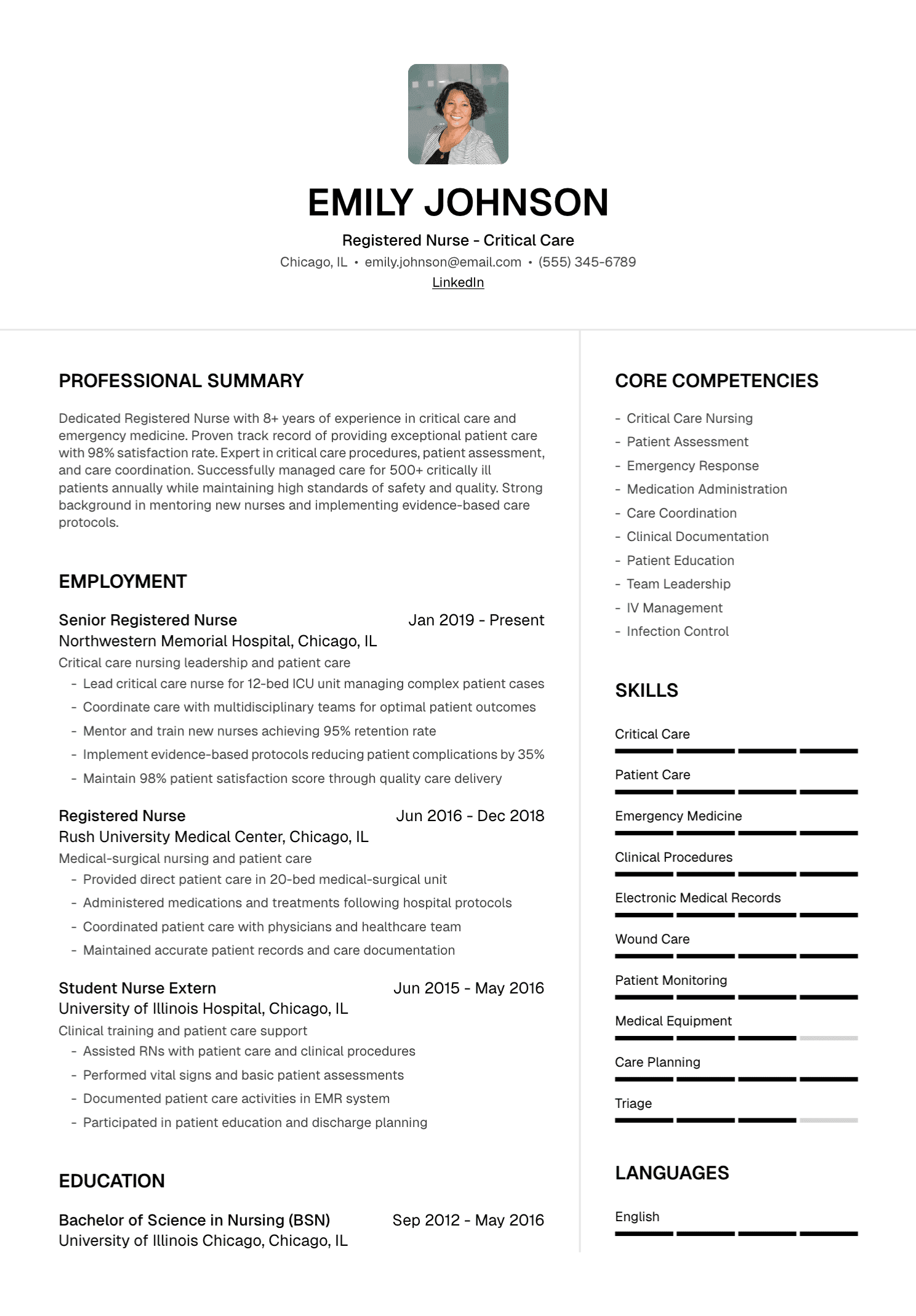
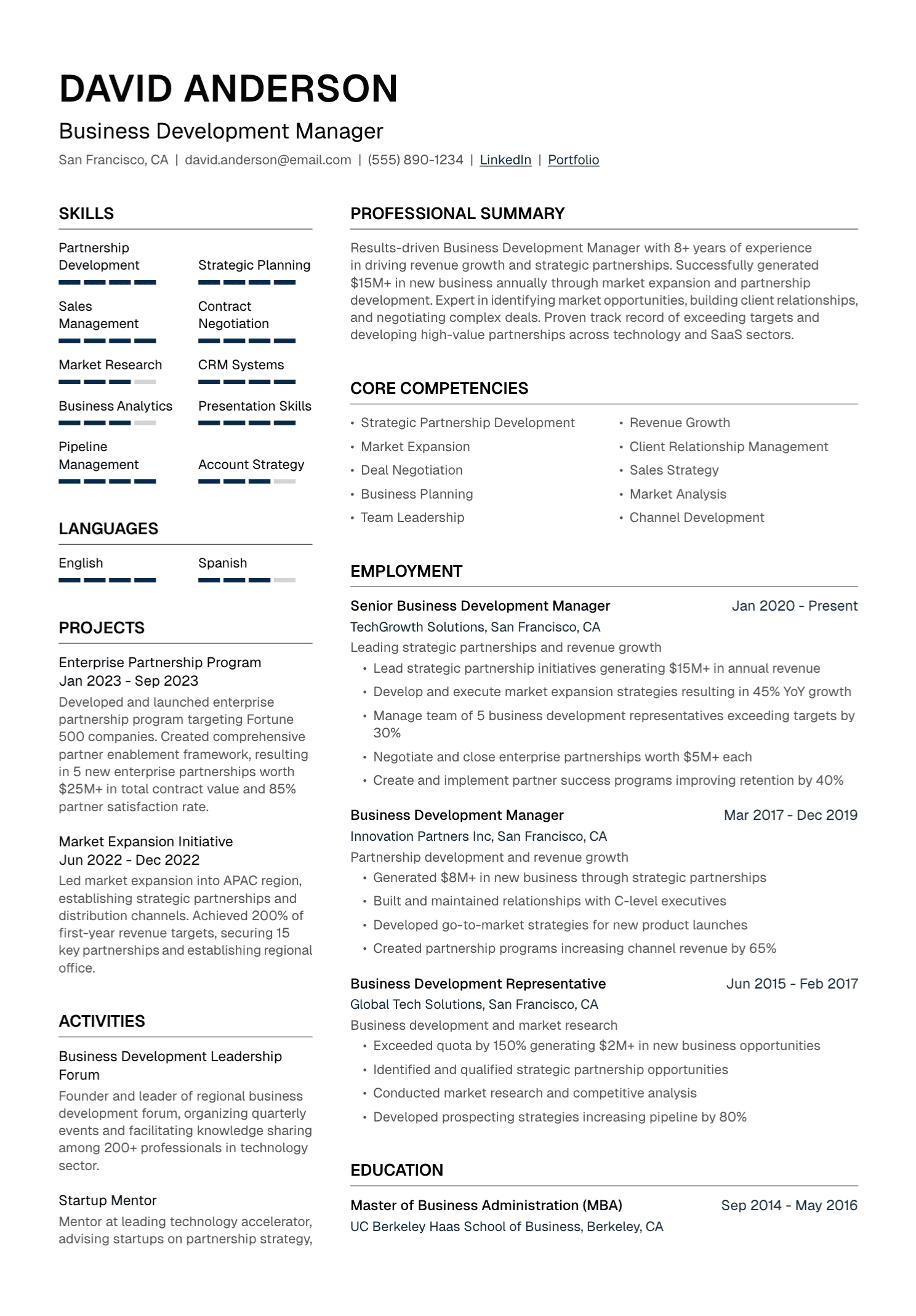
A complex layout adds uncertainty because the visual reading order may differ from the extracted order. Two columns can work in one parser and merge badly in another. Tables can be interpreted as rows, cells, or a surprising text sequence.
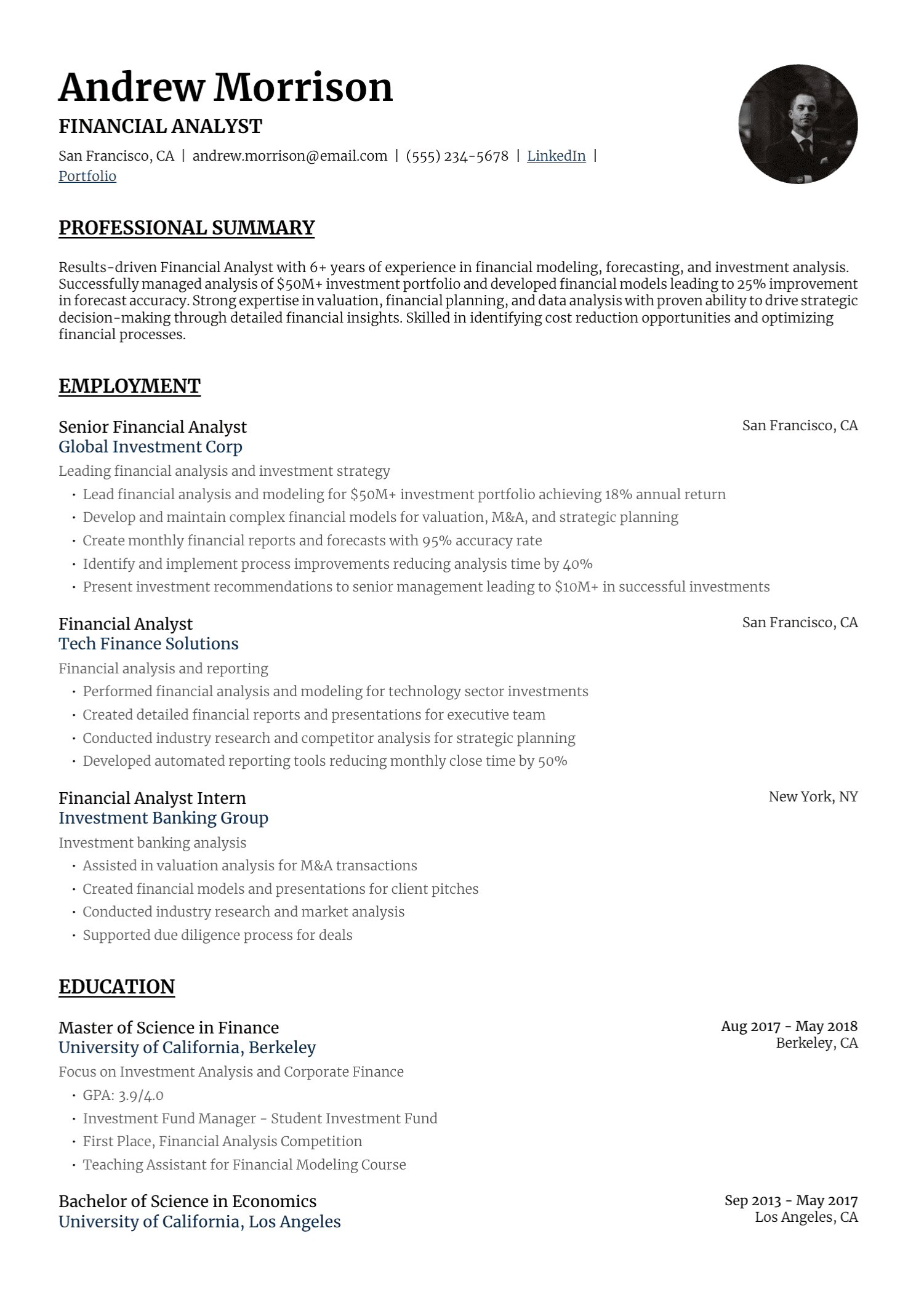
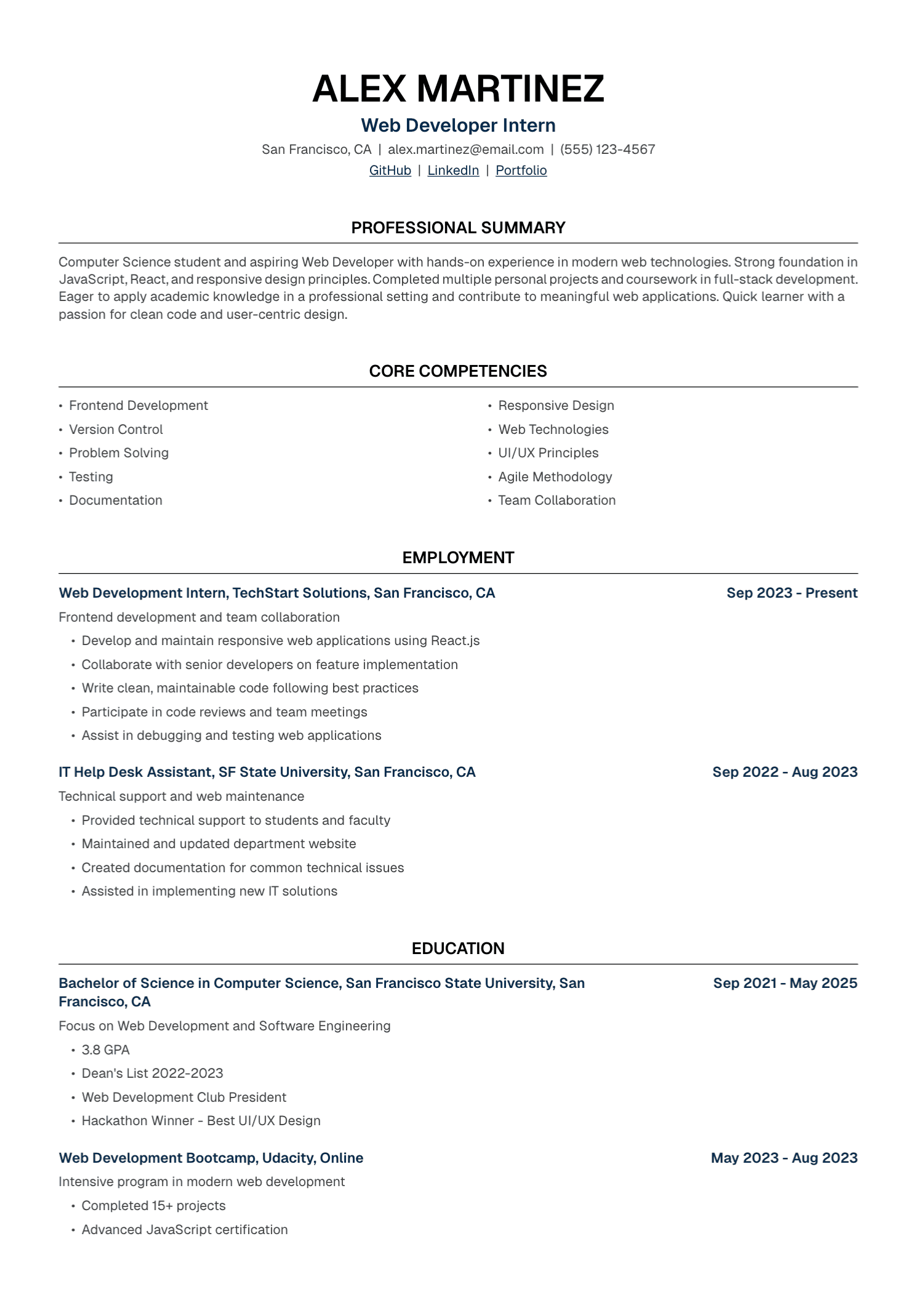
Use design with purpose. A restrained second column for secondary information may be acceptable when the copy-paste test remains clear. A single-column layout reduces variables for applications where parsing matters.
Icons and skill bars should never carry essential meaning alone. Write the email address beside the email icon. Name the skill and show evidence in the experience section. A visual proficiency bar has no shared standard anyway.
Keywords Need Evidence
Exact terminology can matter when a recruiter performs an exact search. Greenhouse's filtering documentation is a concrete example. If the posting says “stakeholder management” and that phrase accurately describes your work, use it in a sentence that shows the stakeholders and outcome.
Match official product names, certifications, licenses, methods, and industry terms carefully. Include both an acronym and full term when the audience may search either version, such as “Search Engine Optimization (SEO).”
Every keyword should belong to your experience. Repeating a term without evidence makes the resume harder for a human to trust. Hidden text and copied job descriptions also create accessibility, ethics, and credibility problems.
Preserve Official Titles
Changing a title to match the vacancy can create a discrepancy during background checks. Keep the official title. A short clarification in parentheses can help when an internal title is unfamiliar:
Client Partner (Customer Success)
The clarification should describe the function accurately. The bullets can then use the employer's familiar terminology where it matches the work.
A Universal ATS Score Is Fiction
Third-party resume checkers can compare a resume with a posting using their own rules. That score belongs to the checker. It cannot reveal every employer's ATS configuration, recruiter search, screening questions, candidate pool, or decision process.
Use a score as an editing prompt. Inspect which terms are missing, decide whether you have evidence for them, and improve clarity where needed. Treating a percentage as an interview probability gives it power it never earned.
Common ATS Myths
“Every ATS automatically ranks and rejects resumes”
Some platforms offer matching or ranking features. Others focus on storage, workflow, search, and human review. Even when matching exists, the employer may leave it disabled or use it as one input.
“PDF files always fail”
Lever and Oracle both document support for PDF parsing. The file still needs readable text, and the employer's instructions take priority.
“One template works perfectly everywhere”
Parsers, configurations, and application forms vary. Clear structure and readable text reduce risk across systems, while guarantees remain empty marketing.
“Every word in the posting belongs on the resume”
The posting describes the employer's ideal and the work ahead. Your resume describes the experience you already have. Use shared terminology where the two genuinely meet.
Test the Whole Application
Review the parsed fields after upload when the portal shows them. Correct titles, dates, employers, education, and contact information before submission.
Check the attached filename and open the final file. Confirm that your application answers align with the resume. Save a copy of the posting and the submitted version for interview preparation.
If the portal offers an accessibility route or accommodation process that you need, use the employer's instructions. A parsing problem should never prevent you from requesting support.
Where UseResume Fits
UseResume lets you upload or create a resume, tailor it to a job description, edit the generated content, choose a template, and export a PDF. You can also use the free resume checker to review clarity and common document issues, and the resume keyword generator to inspect terminology from a posting.
Those tools provide guidance. They cannot see the private configuration of an employer's ATS or guarantee a pass, ranking, or interview.
Write for a Real Hiring Process
The practical goal is simple: submit a document the system can store, the parser can read reasonably well, the recruiter can search when needed, and a person can understand quickly.
Use clean structure. Use accurate terminology. Show real evidence. Then let the resume do its proper job inside a process controlled by people.
Create your resume or check an existing document.
Continue with our step-by-step guide to tailoring a resume to a job description.